
Books and Audiobooks PC
Sanity Audio Apps
Download Books and Audiobooks on PC With GameLoop Emulator
Books and Audiobooks on PC
Books and Audiobooks, coming from the developer Sanity Audio Apps, is running on Android systerm in the past.
Now, You can play Books and Audiobooks on PC with GameLoop smoothly.
Download it in the GameLoop library or search results. No more eyeing the battery or frustrating calls at the wrong time any more.
Just enjoy Books and Audiobooks PC on the large screen for free!
Books and Audiobooks Introduction
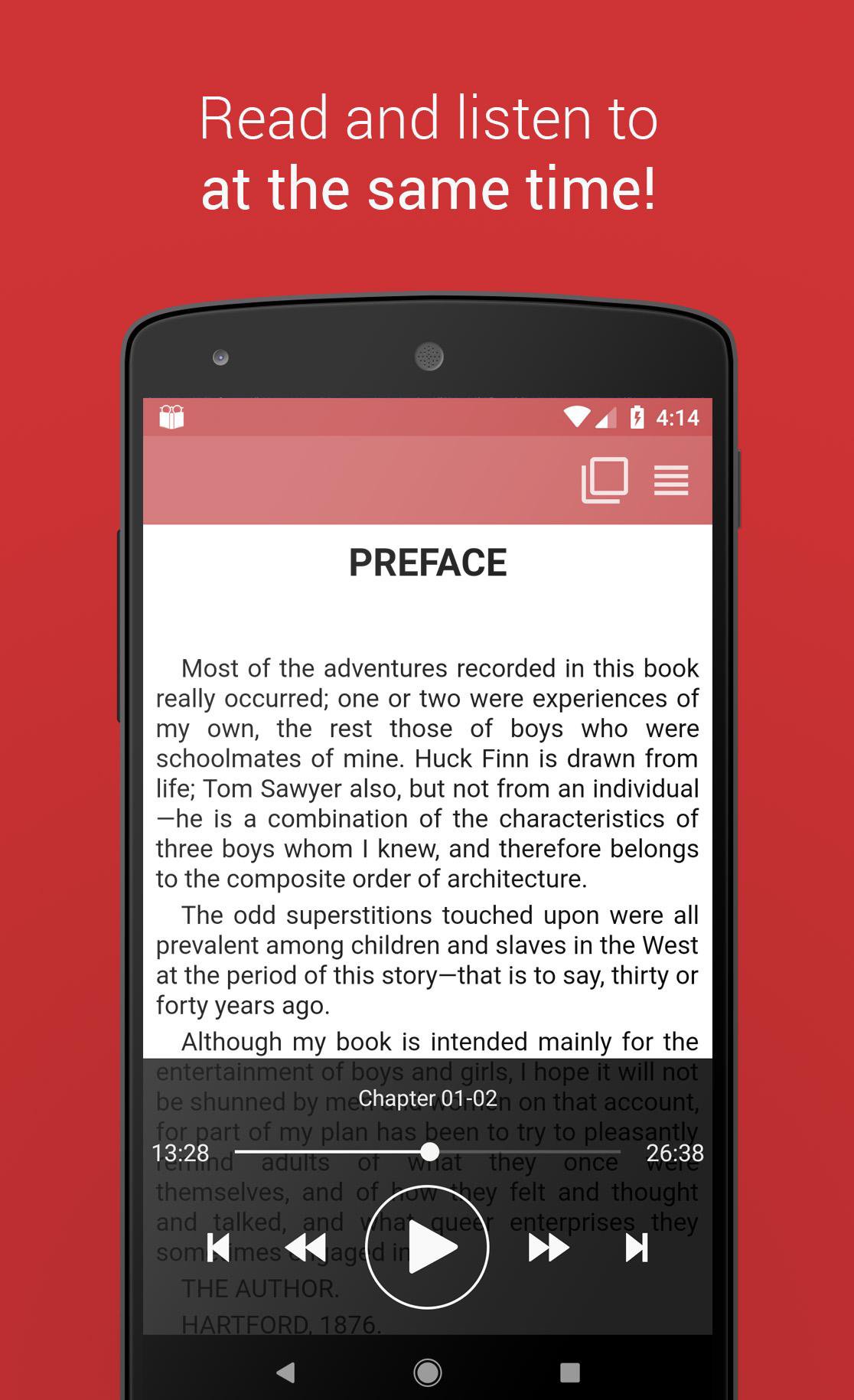
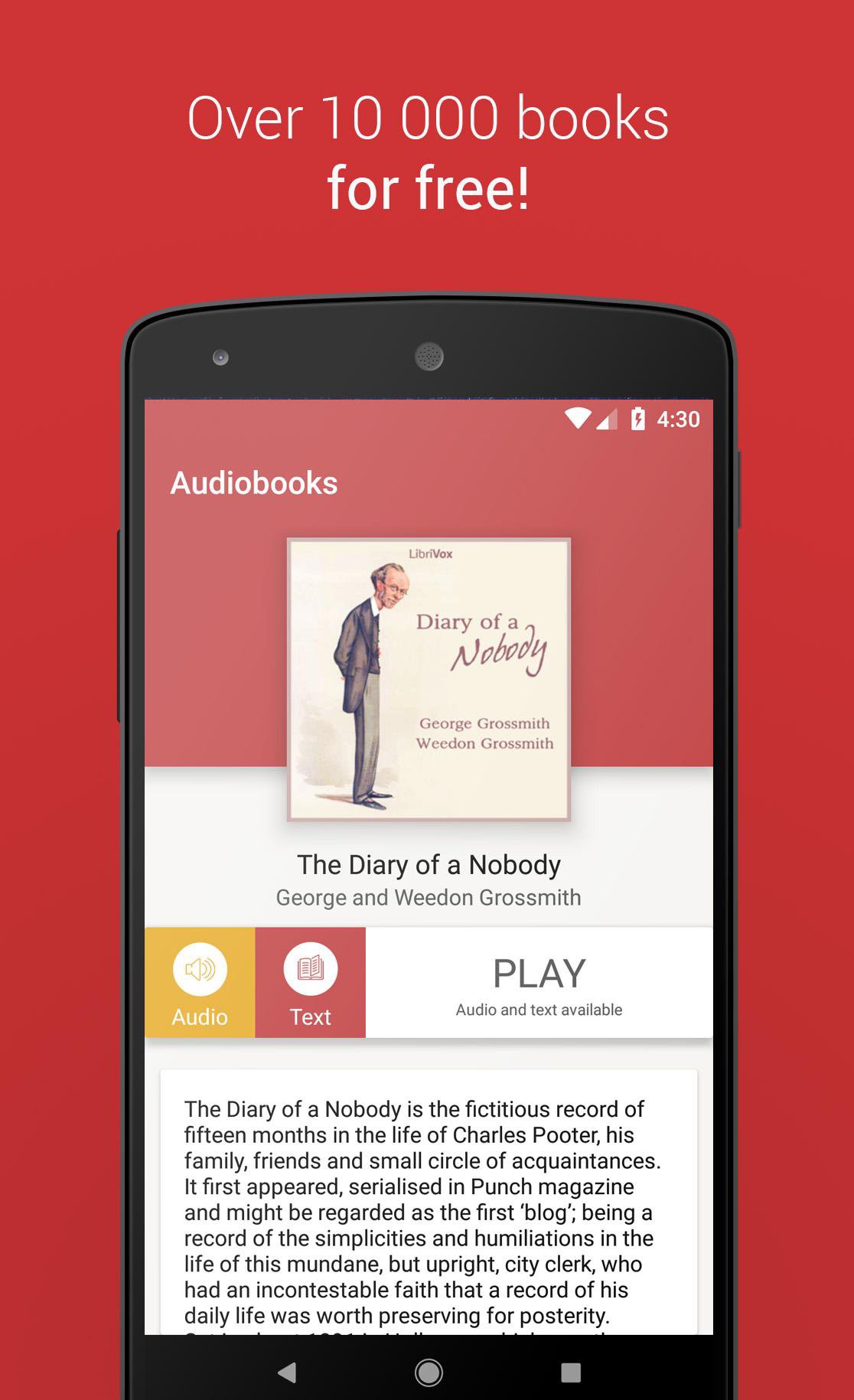
📚 English Audiobooks and E-books: Dive into an extensive collection of over 12,000 free audiobooks and e-books. Perfect for fans of Audible and other top audiobook platforms, our app lets you listen 🎧 and read 📖 simultaneously, enhancing your English language learning journey!
Experience a vast array of audiobooks and e-books, including content from esteemed sources like Librivox and Gutenberg. Whether you're searching for timeless classics 📜 or contemporary bestsellers 📈, we've got you covered.
Top Features:
1️⃣ Seamlessly listen to audible books while reading e-books for a comprehensive experience.
2️⃣ Explore a curated collection of both classic and popular audiobooks and e-books.
3️⃣ Resume your reading 📖 or listening 🎧 session at any moment.
4️⃣ Enjoy a user-friendly and straightforward interface 🔧.
Our audiobooks can be streamed anytime, anywhere 🌍, offering you endless hours of literary enjoyment. Since every audiobook is in the public domain, you get to indulge in timeless classics 💎 without spending a penny. Discover iconic works such as Sherlock Holmes 🔍, Pride and Prejudice ❤️📜, Dracula 🧛♂️, War of the Worlds 🌎💥, Romeo and Juliet 💑, and more. With our easy-to-navigate categories, you can swiftly find audiobooks and e-books in genres like romance 💘, sci-fi 🚀, poetry ✒️, and beyond.
Preview
Tags
Books-&Information
Developer
Sanity Audio Apps
Latest Version
1.2.41
Last Updated
2025-09-25
Category
Books-reference
Available on
Google Play
Show More
How to play Books and Audiobooks with GameLoop on PC
1. Download GameLoop from the official website, then run the exe file to install GameLoop
2. Open GameLoop and search for “Books and Audiobooks” , find Books and Audiobooks in the search results and click “Install”
3. Enjoy playing Books and Audiobooks on GameLoop
Minimum requirements
OS
Windows 8.1 64-bit or Windows 10 64-bit
GPU
GTX 1050
CPU
i3-8300
Memory
8GB RAM
Storage
1GB available space
Recommended requirements
OS
Windows 8.1 64-bit or Windows 10 64-bit
GPU
GTX 1050
CPU
i3-9320
Memory
16GB RAM
Storage
1GB available space