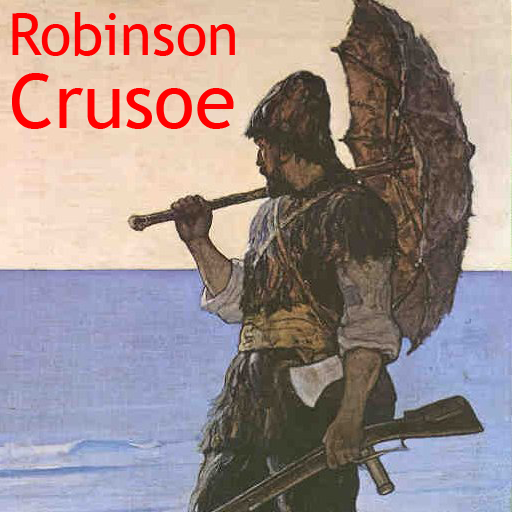
Robinson Crusoe PC
Virtual Entertainment
Download Robinson Crusoe on PC With GameLoop Emulator
Robinson Crusoe on PC
Robinson Crusoe, coming from the developer Virtual Entertainment, is running on Android systerm in the past.
Now, You can play Robinson Crusoe on PC with GameLoop smoothly.
Download it in the GameLoop library or search results. No more eyeing the battery or frustrating calls at the wrong time any more.
Just enjoy Robinson Crusoe PC on the large screen for free!
Robinson Crusoe Introduction
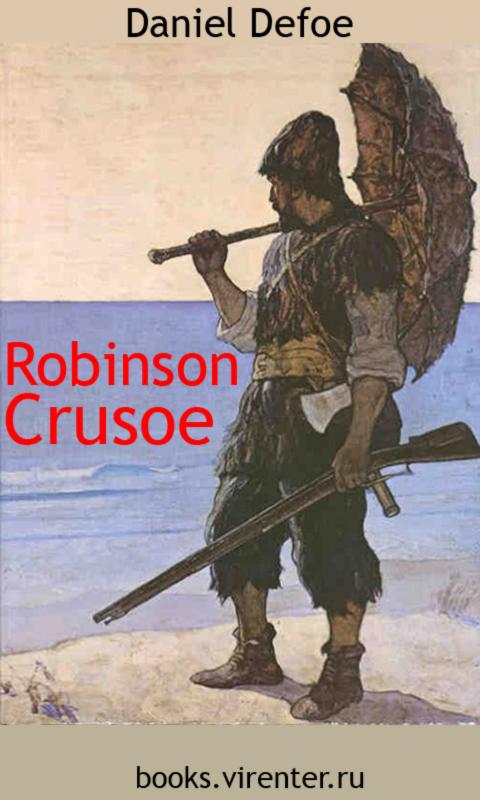
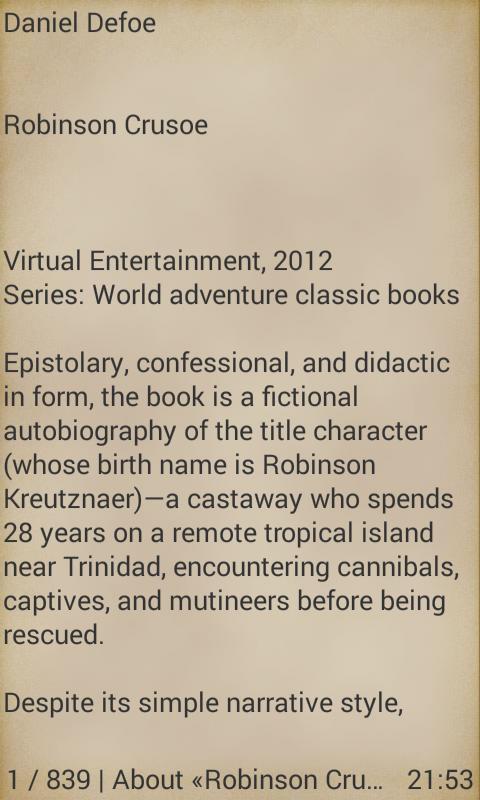
Robinson Crusoe by Daniel Defoe
Virtual Entertainment, 2012
Series: World adventure classic books
Look for other books on our site http://books.virenter.com
Epistolary, confessional, and didactic in form, the book is a fictional autobiography of the title character (whose birth name is Robinson Kreutznaer)—a castaway who spends 28 years on a remote tropical island near Trinidad, encountering cannibals, captives, and mutineers before being rescued.
Despite its simple narrative style, Robinson Crusoe was well received in the literary world and is often credited as marking the beginning of realistic fiction as a literary genre. Before the end of 1719 the book had already run through four editions, and it has gone on to become one of the most widely published books in history, spawning numerous sequels and adaptations for stage, film, and television.
— Excerpted from Wikipedia, the free encyclopedia.
Preview
Tags
Books-&Information
Developer
Virtual Entertainment
Latest Version
8.0
Last Updated
2023-07-19
Category
Books-reference
Available on
Google Play
Show More
How to play Robinson Crusoe with GameLoop on PC
1. Download GameLoop from the official website, then run the exe file to install GameLoop
2. Open GameLoop and search for “Robinson Crusoe” , find Robinson Crusoe in the search results and click “Install”
3. Enjoy playing Robinson Crusoe on GameLoop
Minimum requirements
OS
Windows 8.1 64-bit or Windows 10 64-bit
GPU
GTX 1050
CPU
i3-8300
Memory
8GB RAM
Storage
1GB available space
Recommended requirements
OS
Windows 8.1 64-bit or Windows 10 64-bit
GPU
GTX 1050
CPU
i3-9320
Memory
16GB RAM
Storage
1GB available space