
Personal NoteBook PC
S.M. SHAHi
Download Personal NoteBook on PC With GameLoop Emulator
Personal NoteBook on PC
Personal NoteBook, coming from the developer S.M. SHAHi, is running on Android systerm in the past.
Now, You can play Personal NoteBook on PC with GameLoop smoothly.
Download it in the GameLoop library or search results. No more eyeing the battery or frustrating calls at the wrong time any more.
Just enjoy Personal NoteBook PC on the large screen for free!
Personal NoteBook Introduction
Personal NoteBook is a powerful, privacy-first note-taking app that keeps
all your data stored locally on your device — nothing leaves without your
explicit permission.
📝 RICH NOTES
• Create notes with text, images, audio recordings, and file attachments
• Attach contacts from your phone book directly to a note
• Pin important notes to the top
• Customize fonts, colors, and text size
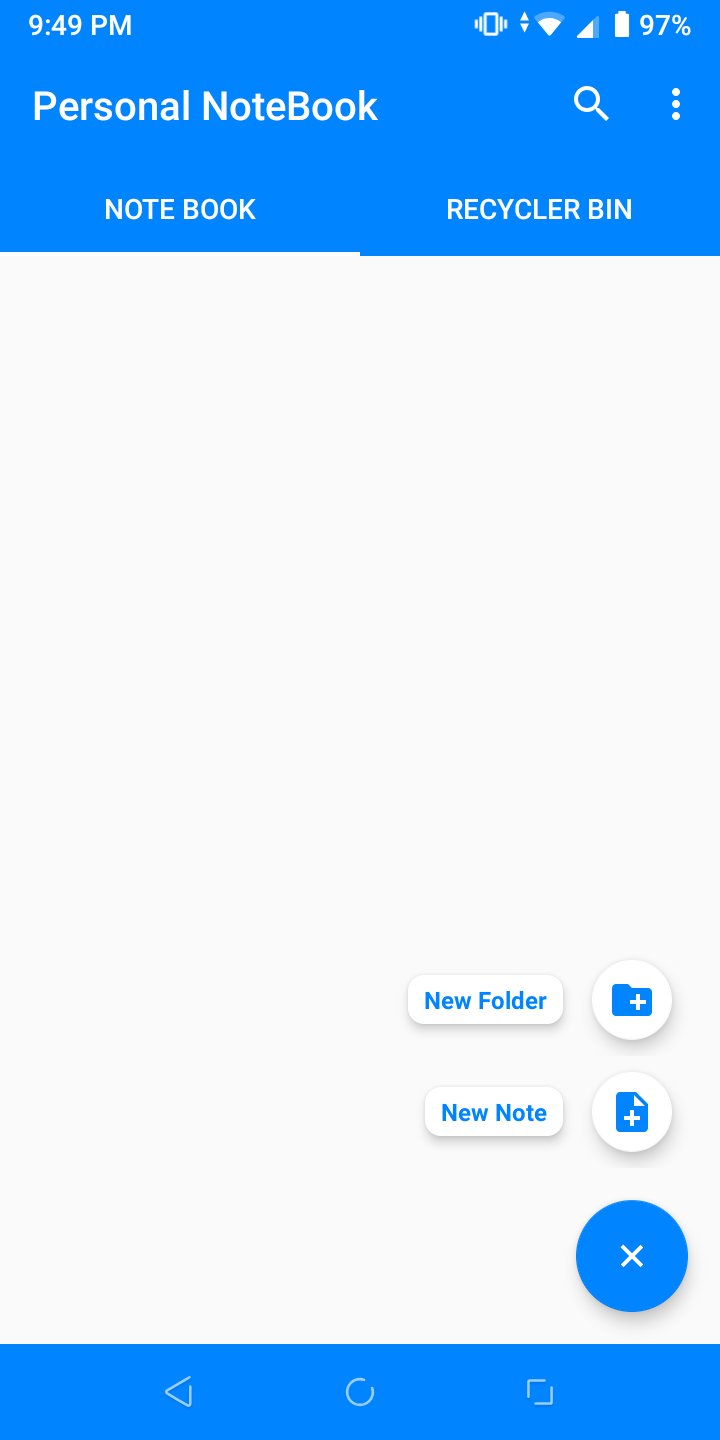
• Organize notes into folders and categories
✅ TODO & REMINDERS
• Create todo lists with checkboxes
• Set alarms and reminders for individual tasks
• Home screen widget for quick access to your todos
• Mark all complete with one tap
🔒 SECURITY & PRIVACY
• Lock individual notes with a password
• Biometric / fingerprint unlock support
• Passwords protected with SHA-256 + random salt hashing
• Security question recovery for forgotten passwords
• All data stored on-device — never sent to our servers
🗑 RECYCLER BIN
• Deleted notes go to a bin, not gone forever
• Restore or permanently delete at your own pace
☁️ BACKUP & RESTORE
• Automatic daily backup to internal storage at 2 AM
• Optional Google Drive backup — only accesses files created by this app
• Export / import ZIP backup files
• Transfer a note to another device instantly via QR code scan
📂 ORGANIZATION
• Multiple notebooks: main notes, archived notes, and todos
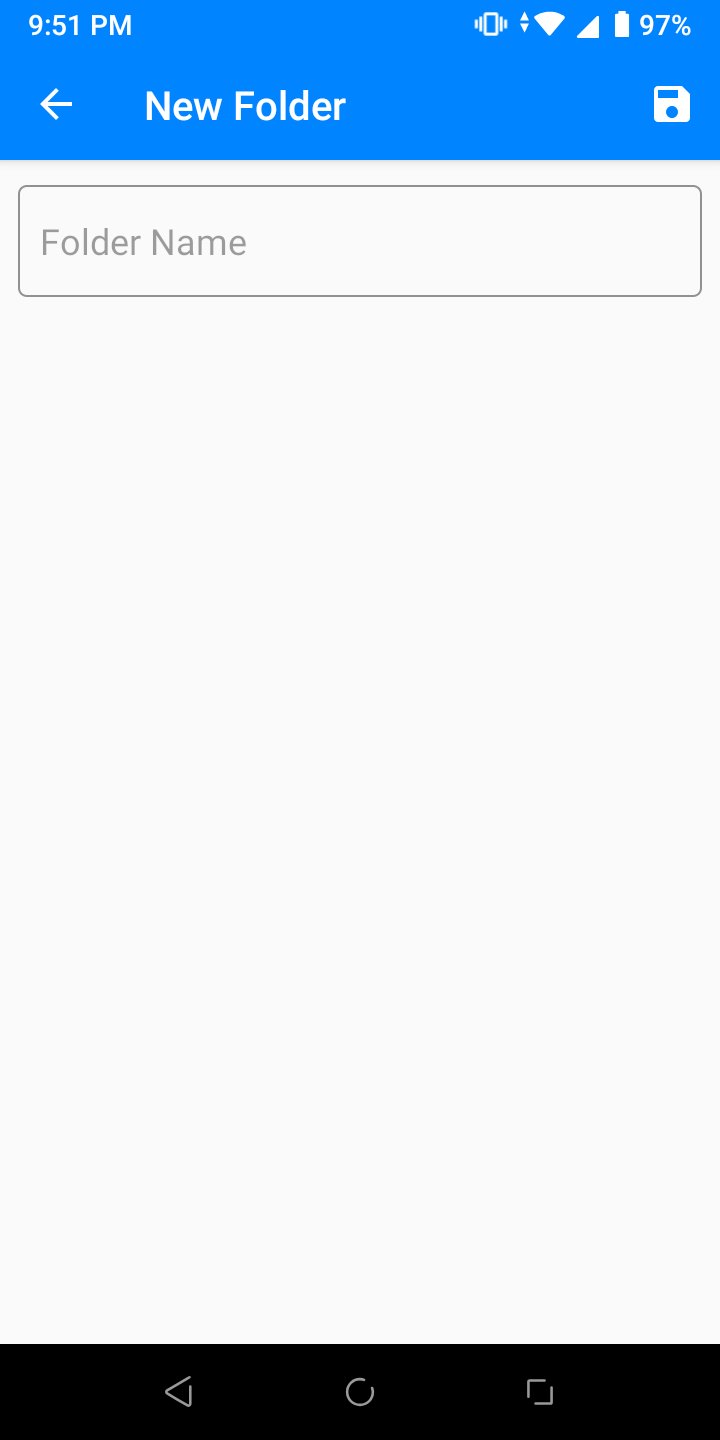
• Folder management for a tidy structure
• Color-coded notes for quick scanning
📱 EXTRA
• Dark mode and light mode
• Home screen todo widget
• Cross-device note transfer via QR code (Firebase-powered)
• Supports large text and accessibility settings
Personal NoteBook is free to use and supported by ads.
Questions or feedback? Contact us at s.m.kamalhussain@gmail.com
Preview
Tags
Books-&Information
Developer
S.M. SHAHi
Latest Version
2.8.6
Last Updated
2026-07-06
Category
Books-reference
Available on
Google Play
Show More
How to play Personal NoteBook with GameLoop on PC
1. Download GameLoop from the official website, then run the exe file to install GameLoop
2. Open GameLoop and search for “Personal NoteBook” , find Personal NoteBook in the search results and click “Install”
3. Enjoy playing Personal NoteBook on GameLoop
Minimum requirements
OS
Windows 8.1 64-bit or Windows 10 64-bit
GPU
GTX 1050
CPU
i3-8300
Memory
8GB RAM
Storage
1GB available space
Recommended requirements
OS
Windows 8.1 64-bit or Windows 10 64-bit
GPU
GTX 1050
CPU
i3-9320
Memory
16GB RAM
Storage
1GB available space