Mini Pdf Reader & Viewer PC
Android Tools (ru)
Download Mini Pdf Reader & Viewer on PC With GameLoop Emulator
Mini Pdf Reader & Viewer on PC
Mini Pdf Reader & Viewer, coming from the developer Android Tools (ru), is running on Android systerm in the past.
Now, You can play Mini Pdf Reader & Viewer on PC with GameLoop smoothly.
Download it in the GameLoop library or search results. No more eyeing the battery or frustrating calls at the wrong time any more.
Just enjoy Mini Pdf Reader & Viewer PC on the large screen for free!
Mini Pdf Reader & Viewer Introduction
📄 Meet Mini PDF Reader - a lightweight and fast PDF viewer with apk size of only 3 Mb!
The app takes minimal space on your device and downloads instantly even on slow connections.
Benefits of Mini PDF Reader:
🪶 lightweight pdf reader and pdf viewer (apk size only 3 Mb);
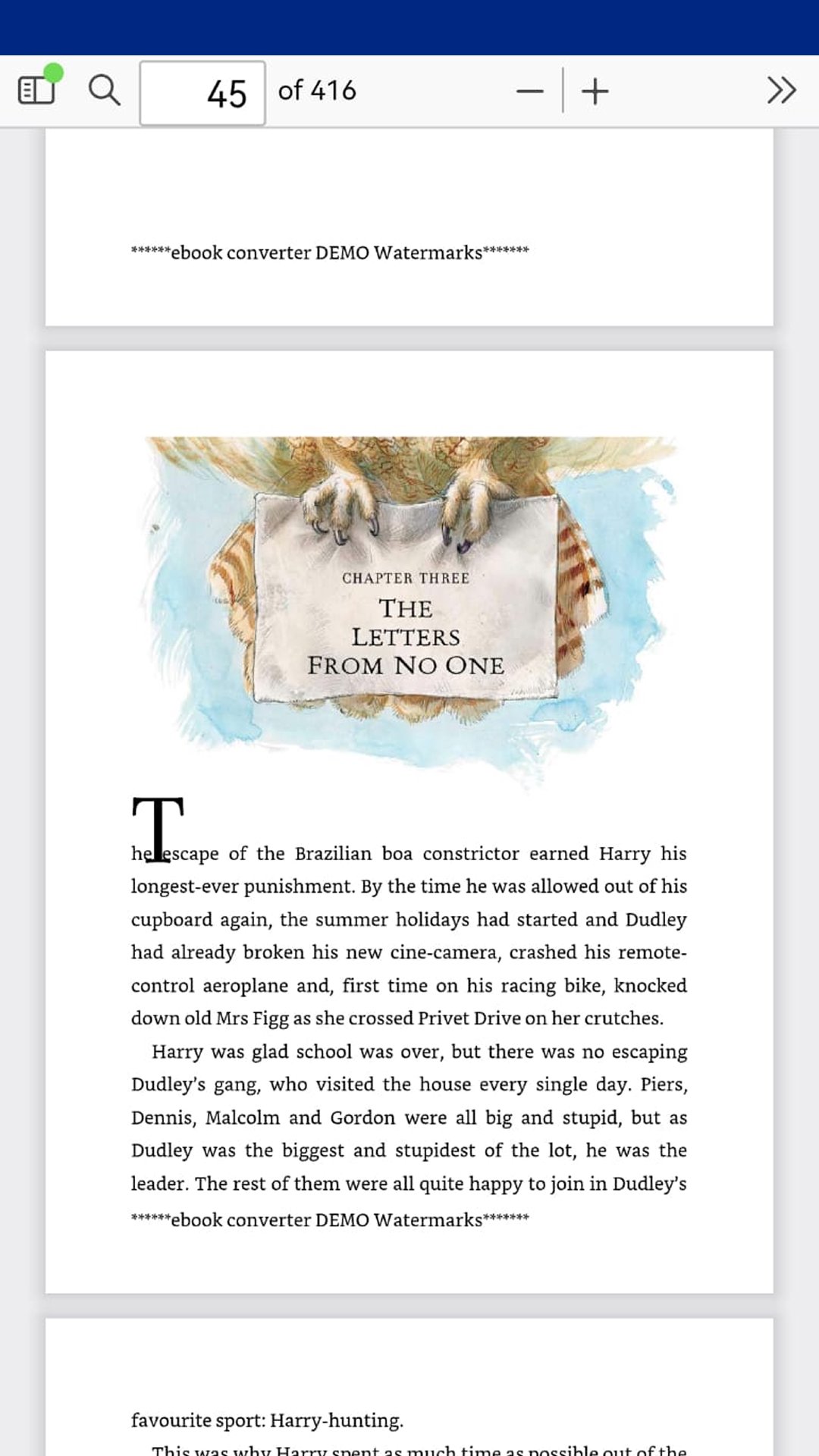
📂 open pdf files, read pdf documents offline - no internet needed;
🎨 easy and convenient interface and navigation;
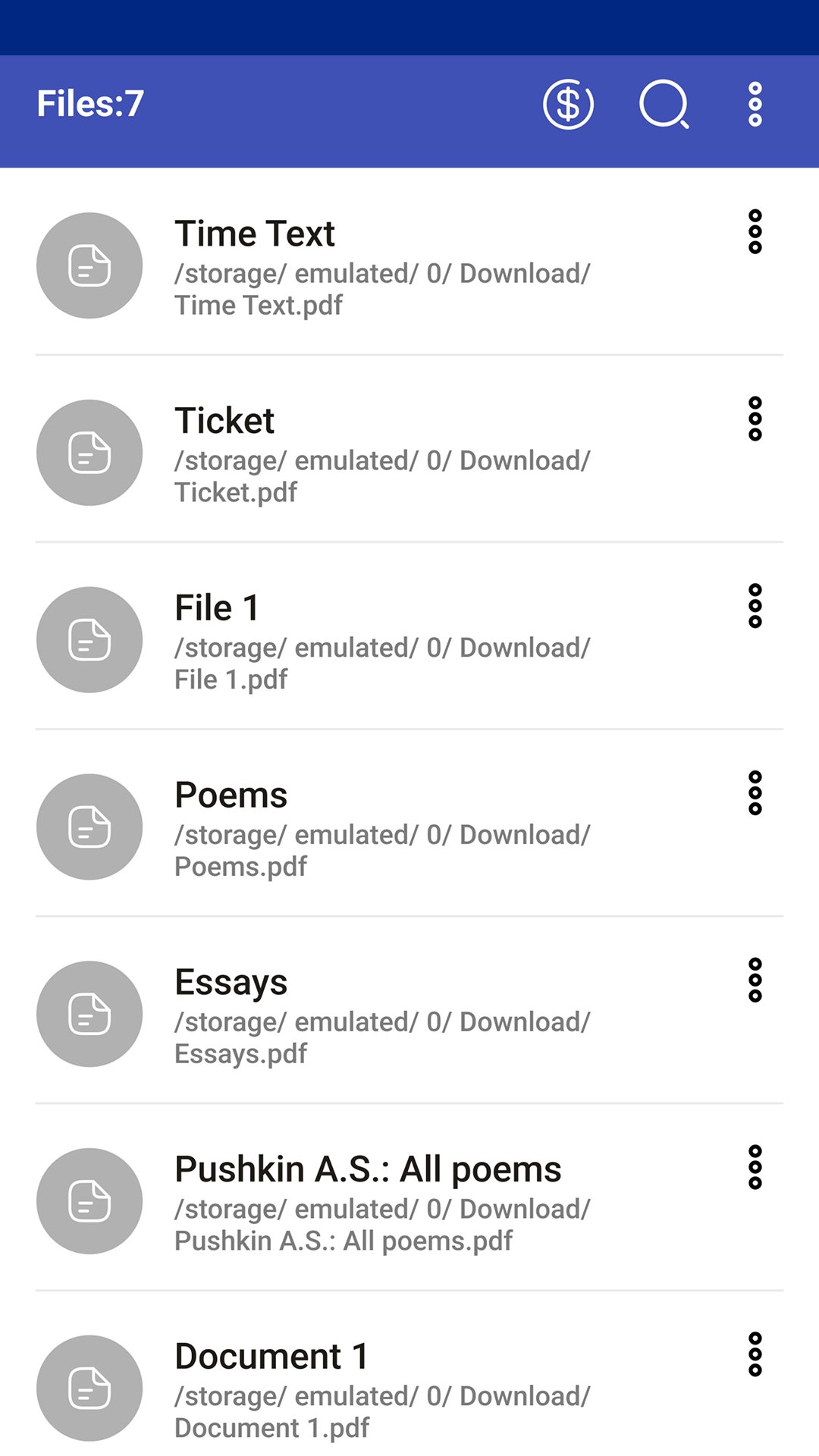
📥 extract all pdf files from device storage automatically;
🔍 search files in the list by keywords and search text in pdf document;
🤏 pinch-to-zoom and tap-to-zoom scaling;
📑 table of contents, bookmarks and document outline support;
🔄 rotate pages clockwise or counterclockwise;
⏭️ jump to the first or last page instantly;
📜 vertical, horizontal and page-by-page scrolling modes;
ℹ️ document properties and pdf file info;
🔢 fast page number navigation;
🌙 night mode and dark mode for comfortable reading at night;
🖥️ full screen mode for distraction-free reading;
🔊 scroll pages with volume buttons;
🏠 home screen widget with recent pdf files;
⏩ open last viewed file on app startup;
🔒 password-protected pdf support;
📤 share pdf files via email, messengers and cloud storage;
Multiple tabs:
📑 open up to 5 pdf files simultaneously in tabs;
🔀 instant switching between documents;
📌 reading position is preserved when switching tabs;
❌ close individual tabs;
⚙️ feature can be enabled/disabled in settings;
Recent & Favorites:
🕐 list of recently opened files;
⭐ add files to favorites for quick access;
🗑️ clear the recent files list;
📊 sort files by name, format, size, modified date and last opened date;
PDF annotation and markup tools:
📝 add text annotations and notes to pdf pages;
🖍️ draw, highlight and mark up pdf documents with a pen tool;
💾 save annotations and drawings directly into the pdf file;
↩️ undo and redo editing actions;
✅ save button in the editing toolbar;
⚠️ prompt to save unsaved changes when closing the document;
✏️ edit pdf - add text and freehand drawings;
Mini PDF Reader is the best free pdf viewer and pdf annotator for Android. Open, read, annotate and mark up your documents - all in one lightweight app. Use it as a simple pdf editor to add notes and drawings directly to any pdf file.
Perfect for students reading textbooks and scientific papers, office workers reviewing invoices and forms, and anyone who needs a fast offline pdf reader for books, manuals and articles.
PDF Reader is the best choice for working with PDF files anytime and anywhere!
Preview
Tags
Books-&Information
Developer
Android Tools (ru)
Latest Version
1.23.82
Last Updated
2026-07-20
Category
Books-reference
Available on
Google Play
Show More
How to play Mini Pdf Reader & Viewer with GameLoop on PC
1. Download GameLoop from the official website, then run the exe file to install GameLoop
2. Open GameLoop and search for “Mini Pdf Reader & Viewer” , find Mini Pdf Reader & Viewer in the search results and click “Install”
3. Enjoy playing Mini Pdf Reader & Viewer on GameLoop
Minimum requirements
OS
Windows 8.1 64-bit or Windows 10 64-bit
GPU
GTX 1050
CPU
i3-8300
Memory
8GB RAM
Storage
1GB available space
Recommended requirements
OS
Windows 8.1 64-bit or Windows 10 64-bit
GPU
GTX 1050
CPU
i3-9320
Memory
16GB RAM
Storage
1GB available space