
Common English Bible (CEB) PC
bleisy
Download Common English Bible (CEB) on PC With GameLoop Emulator
Common English Bible (CEB) on PC
Common English Bible (CEB), coming from the developer bleisy, is running on Android systerm in the past.
Now, You can play Common English Bible (CEB) on PC with GameLoop smoothly.
Download it in the GameLoop library or search results. No more eyeing the battery or frustrating calls at the wrong time any more.
Just enjoy Common English Bible (CEB) PC on the large screen for free!
Common English Bible (CEB) Introduction
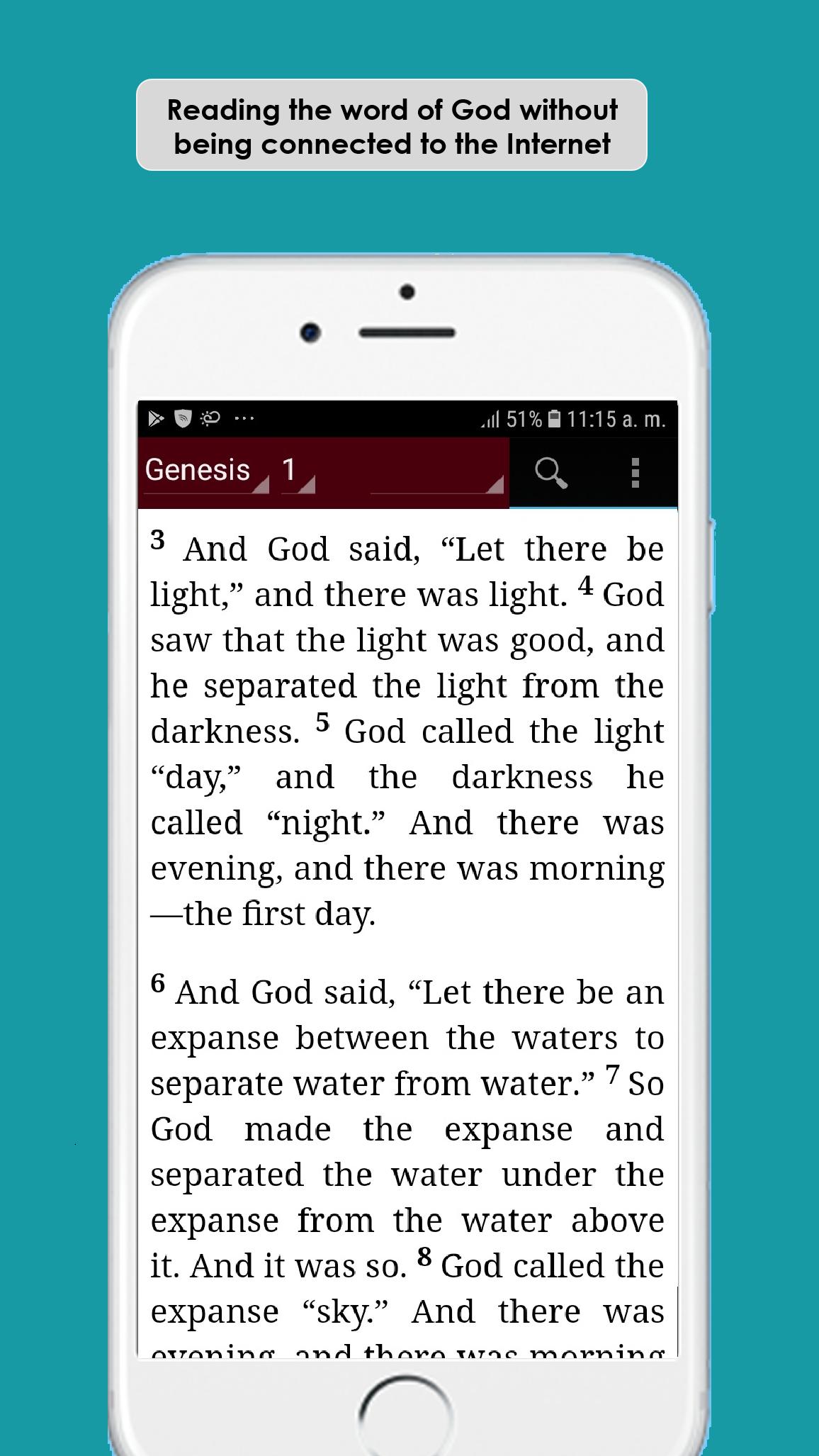
The Common English Bible (CEB) is more than a revision or update of an existing translation. It's an ambitious new translation designed to read smoothly and naturally without compromising the accuracy of the Bible text.
FUNCTIONS:
- Does not need Internet connection for its operation
- User friendly interface and quick access to books, chapters and verses.
- Save your favorite verses and include notes.
- You can download favorite versions of the Holy Bible that you want and in the language that interests you.
- Share the word of God with your brothers in faith.
- Advanced Search of Verses.
- Compatibility with Tablets.
We hope this application is a blessing in your lives ...!
Preview

Tags
Books-&Information
Developer
bleisy
Latest Version
1.0
Last Updated
2020-09-18
Category
Books-reference
Available on
Google Play
Show More
How to play Common English Bible (CEB) with GameLoop on PC
1. Download GameLoop from the official website, then run the exe file to install GameLoop
2. Open GameLoop and search for “Common English Bible (CEB)” , find Common English Bible (CEB) in the search results and click “Install”
3. Enjoy playing Common English Bible (CEB) on GameLoop
Minimum requirements
OS
Windows 8.1 64-bit or Windows 10 64-bit
GPU
GTX 1050
CPU
i3-8300
Memory
8GB RAM
Storage
1GB available space
Recommended requirements
OS
Windows 8.1 64-bit or Windows 10 64-bit
GPU
GTX 1050
CPU
i3-9320
Memory
16GB RAM
Storage
1GB available space