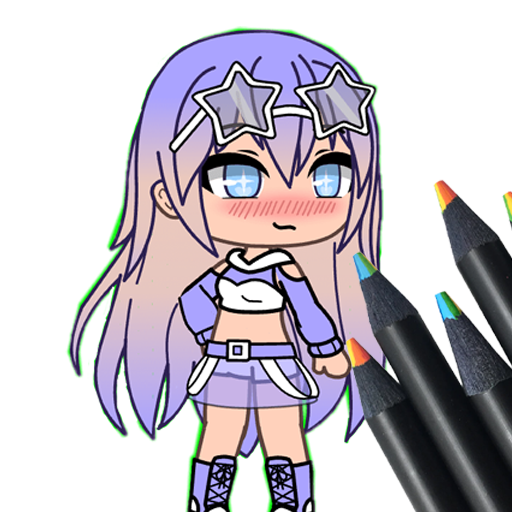
How to Draw Gasha PC
Portlandev
Download How to Draw Gasha on PC With GameLoop Emulator
How to Draw Gasha on PC
How to Draw Gasha, coming from the developer Portlandev, is running on Android systerm in the past.
Now, You can play How to Draw Gasha on PC with GameLoop smoothly.
Download it in the GameLoop library or search results. No more eyeing the battery or frustrating calls at the wrong time any more.
Just enjoy How to Draw Gasha PC on the large screen for free!
How to Draw Gasha Introduction
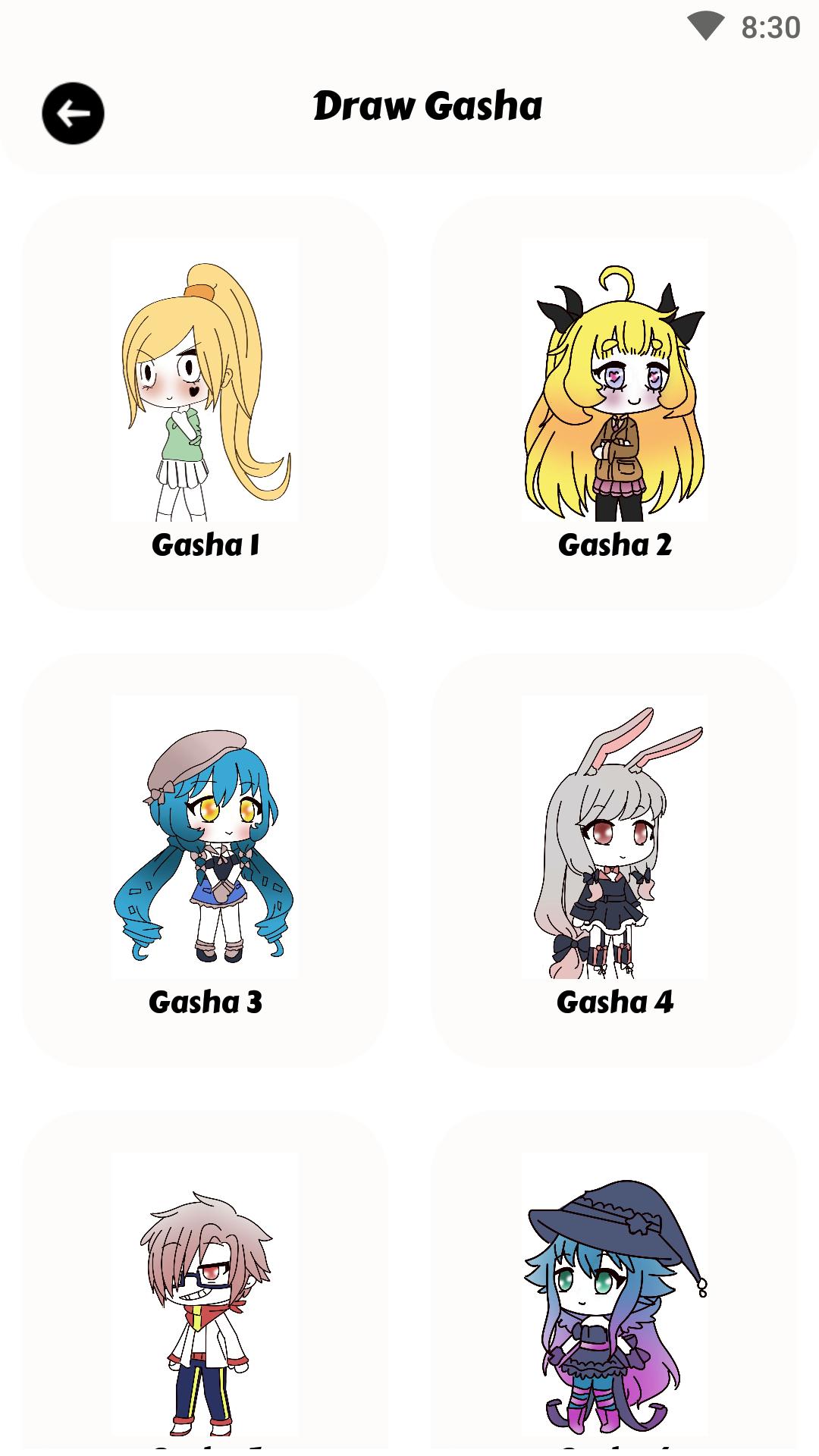
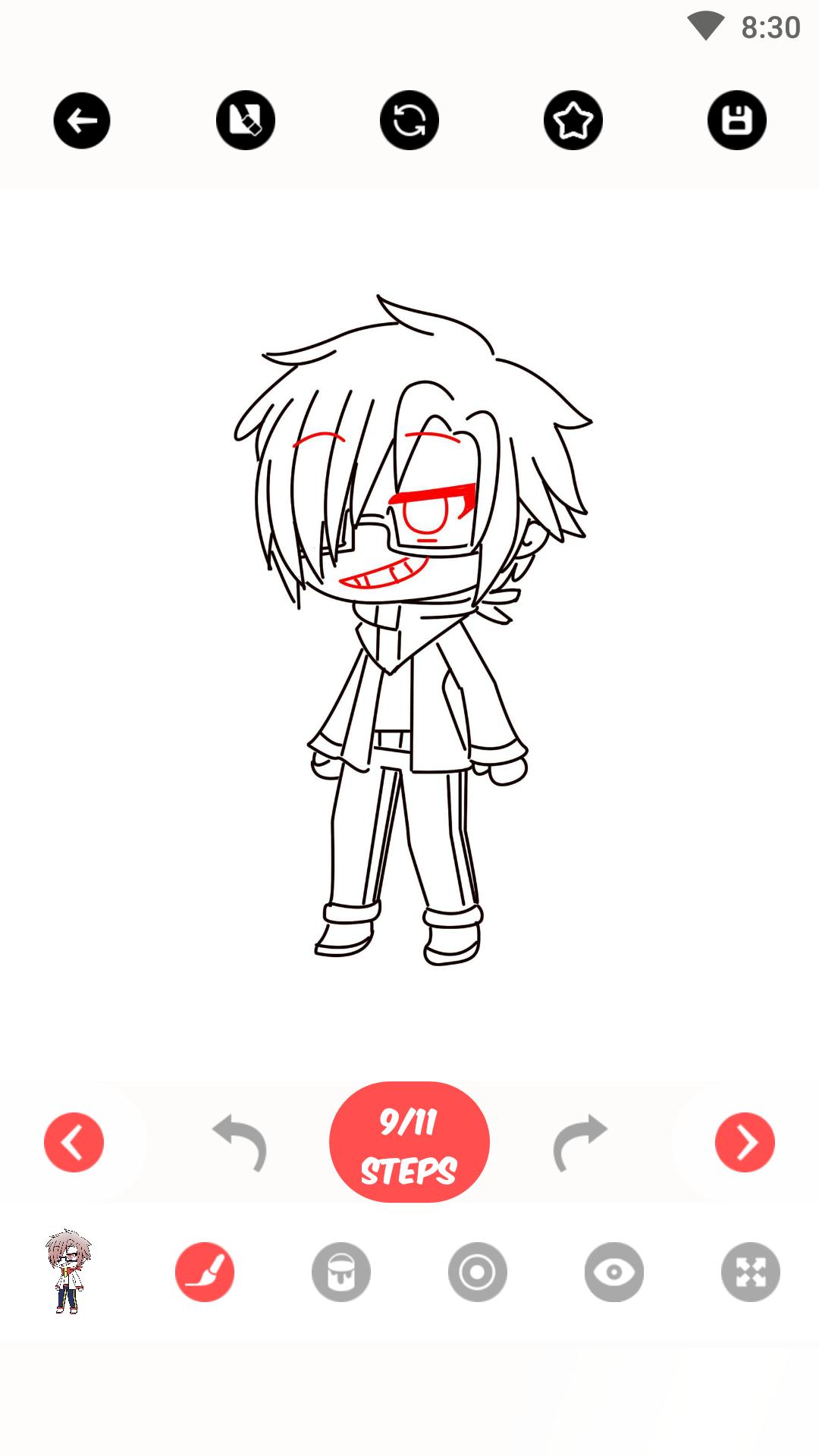
With the help of this fantastic smartphone software, you can unleash your inner artist as you learn how to create Gacha characters step by step! This program is ideal for everyone who wants to make their own endearing Gacha characters, regardless of whether they are a novice or an experienced artist. You will be led through each step of the drawing process and taught the methods and specifics required to bring your favorite Gacha figures to life through simple-to-follow lessons.
Explore a wide range of Gacha character designs, from cute and kawaii to adventurous and heroic. The step-by-step instructions ensure that you progress at your own pace, gaining confidence and honing your artistic skills along the way. The app provides a diverse selection of tools, tips, and tricks to enhance your drawings and add your unique flair.
Preview
Tags
Art-&Information
Developer
Portlandev
Latest Version
1.0
Last Updated
2023-07-15
Category
Books-reference
Available on
Google Play
Show More
How to play How to Draw Gasha with GameLoop on PC
1. Download GameLoop from the official website, then run the exe file to install GameLoop
2. Open GameLoop and search for “How to Draw Gasha” , find How to Draw Gasha in the search results and click “Install”
3. Enjoy playing How to Draw Gasha on GameLoop
Minimum requirements
OS
Windows 8.1 64-bit or Windows 10 64-bit
GPU
GTX 1050
CPU
i3-8300
Memory
8GB RAM
Storage
1GB available space
Recommended requirements
OS
Windows 8.1 64-bit or Windows 10 64-bit
GPU
GTX 1050
CPU
i3-9320
Memory
16GB RAM
Storage
1GB available space