
Witch Spheres PC
GrupoAlamar
Download Witch Spheres on PC With GameLoop Emulator
Witch Spheres on PC
Witch Spheres, coming from the developer GrupoAlamar, is running on Android systerm in the past.
Now, You can play Witch Spheres on PC with GameLoop smoothly.
Download it in the GameLoop library or search results. No more eyeing the battery or frustrating calls at the wrong time any more.
Just enjoy Witch Spheres PC on the large screen for free!
Witch Spheres Introduction
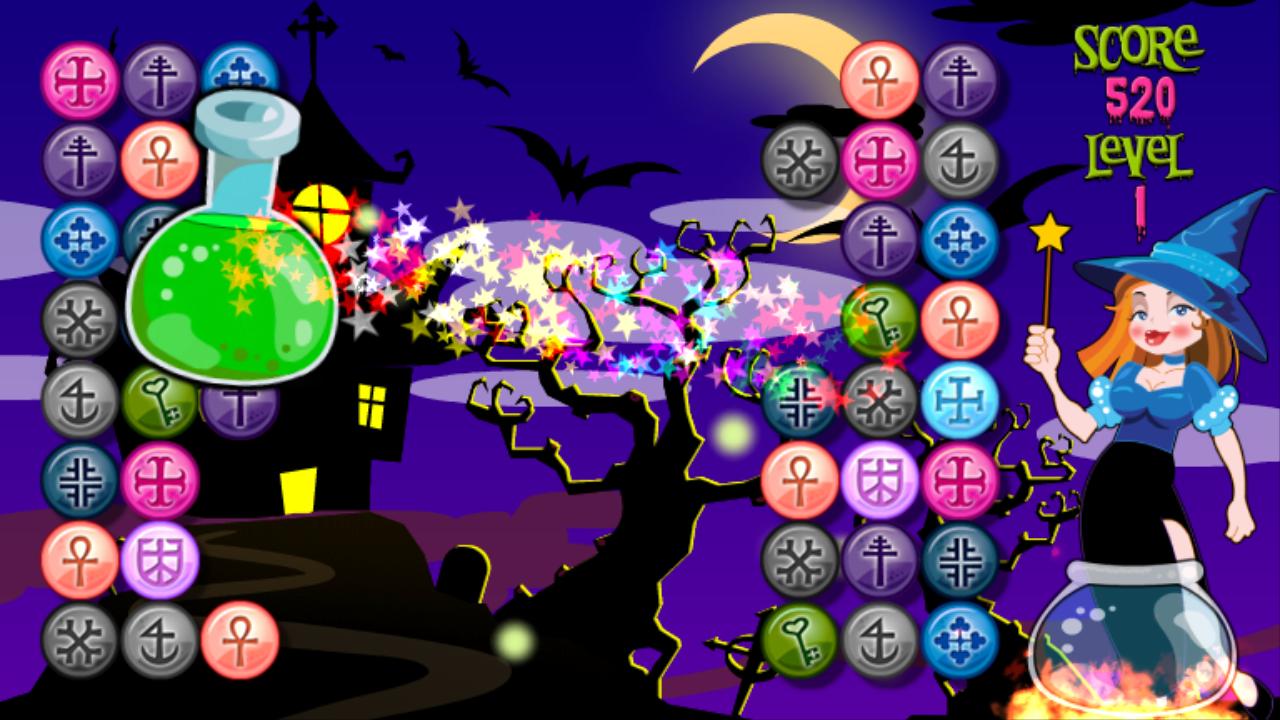
Witch Connect Bubbles - From the makers of Mayan Secret and Pyramid Mystery Solitaire, Grupoalamar comes with another exciting fun-filled game.
Help the witch to get the potion for the spell to remove the dark.
Connect all the magical bubbles in this enchanting game.
You will enjoy, because you will be instantly bewitched by these extraordinary graphics.
If you release the eight magic potions you will overcome each level.
The origins of this game have been lost in the mists of time, but is said to have been inspired by Mahjong.
Throughout the years, it has stood the test of time, and its longevity has made it popular again today, as the game has enjoyed a new resurgence with people of all ages.
It is interesting, fun, and stimulates the cognitive processes of the brain.
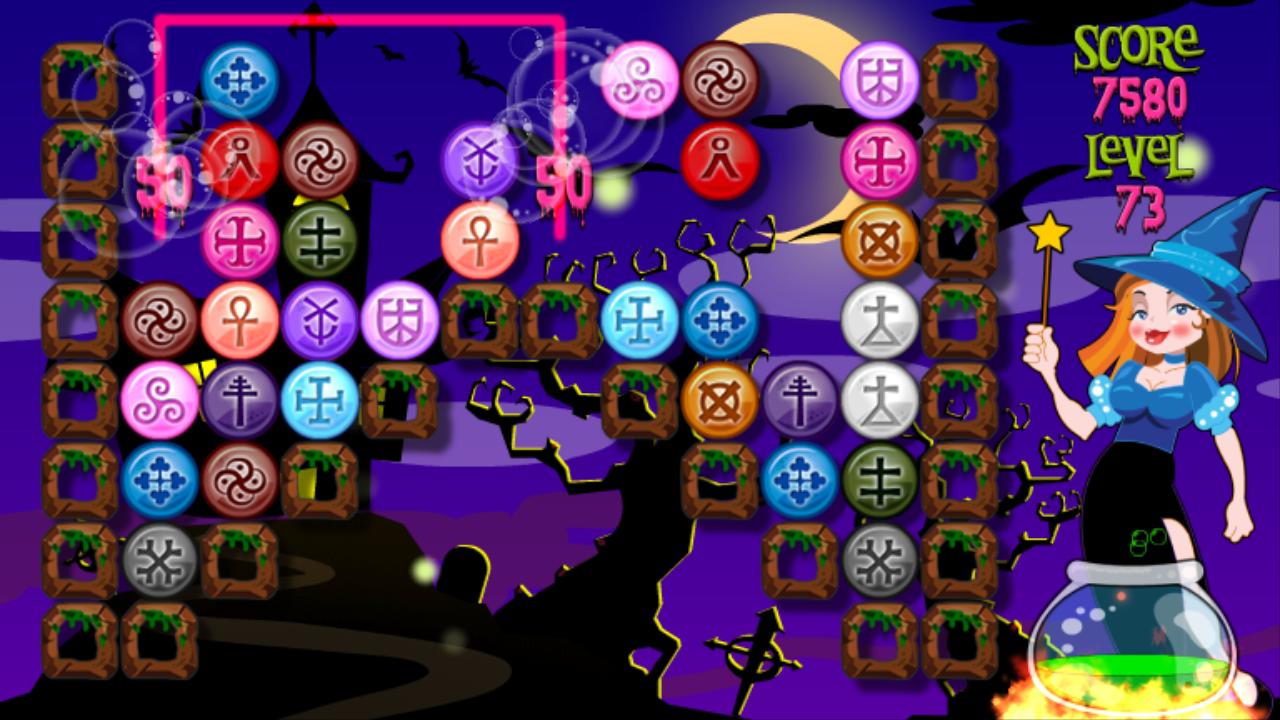
The goal is to help the witch to remove all enchanted spheres on the board. There can not be any bubble witch.
Two bubbles with same picture can be removed at a time.
Two spheres can be removed only if they can be connected with a maximum of three lines.
You can find eight kinds of special items, they will give you more points..
There is no time limit, so you can play this game quietly.
The game is lost if no moves are available and bubbles are left on the board, or is won if the player successfully removes all the amulets.
Preview
Tags
BoardInformation
Developer
GrupoAlamar
Latest Version
1.1.6
Last Updated
2023-09-18
Category
Board
Available on
Google Play
Show More
How to play Witch Spheres with GameLoop on PC
1. Download GameLoop from the official website, then run the exe file to install GameLoop
2. Open GameLoop and search for “Witch Spheres” , find Witch Spheres in the search results and click “Install”
3. Enjoy playing Witch Spheres on GameLoop
Minimum requirements
OS
Windows 8.1 64-bit or Windows 10 64-bit
GPU
GTX 1050
CPU
i3-8300
Memory
8GB RAM
Storage
1GB available space
Recommended requirements
OS
Windows 8.1 64-bit or Windows 10 64-bit
GPU
GTX 1050
CPU
i3-9320
Memory
16GB RAM
Storage
1GB available space