
DGT Chess PC
Digital Game Technology
Download DGT Chess on PC With GameLoop Emulator
DGT Chess on PC
DGT Chess, coming from the developer Digital Game Technology, is running on Android systerm in the past.
Now, You can play DGT Chess on PC with GameLoop smoothly.
Download it in the GameLoop library or search results. No more eyeing the battery or frustrating calls at the wrong time any more.
Just enjoy DGT Chess PC on the large screen for free!
DGT Chess Introduction
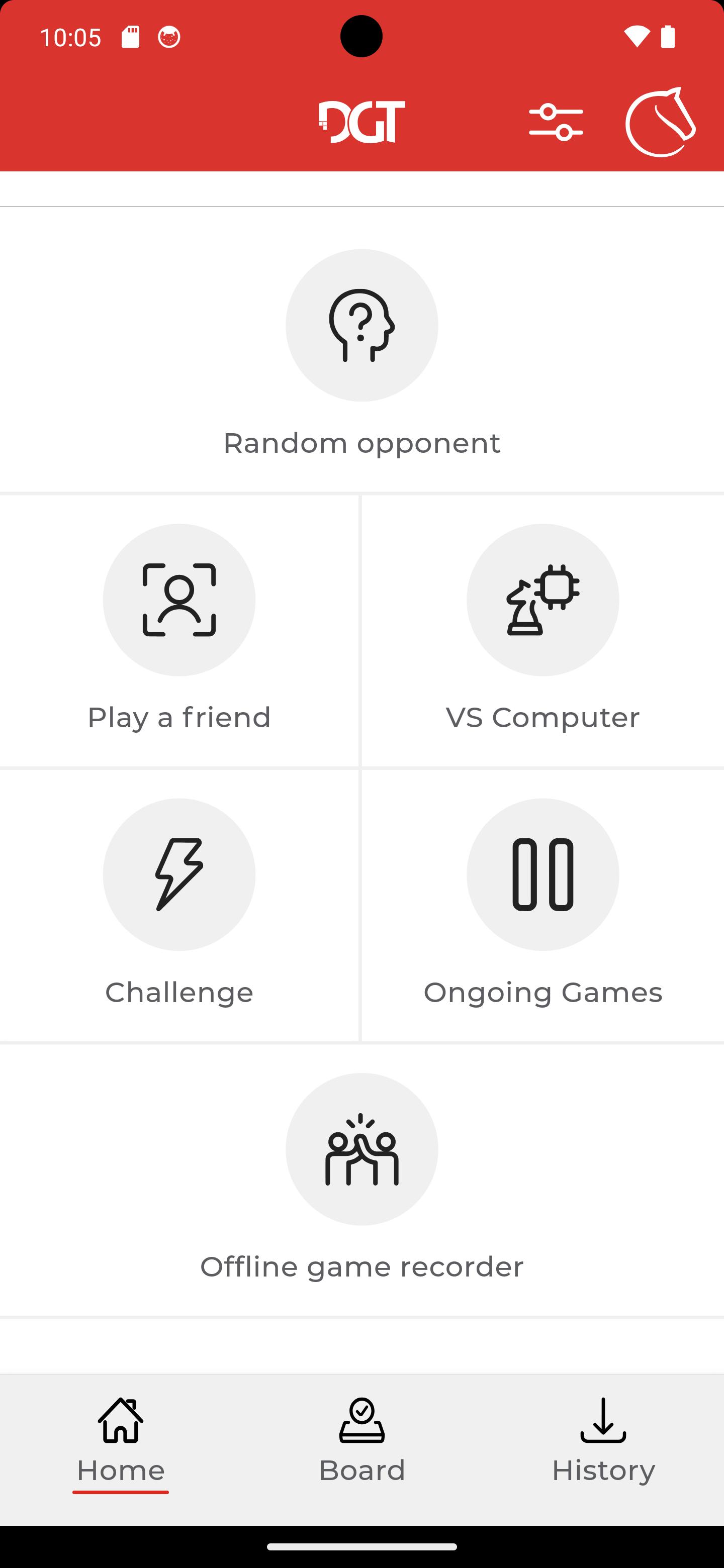
DGT Chess app connects your DGT Pegasus online Chess board to the global chess community Lichess, where you can find 100.000+ real opponents.
After connecting with an opponent, you can put your phone away and concentrate fully on the board. You will see your opponent’s moves via pulsing LED rings on the board.
Features
• Play online against a random opponent
• Play online against a friend
• Play against the Lichess AI
• Choose between rated or unrated games
• Play over the board or on touchscreen
• Play an offline and traditional 2-player game
• PGN creator; save, share your favorite games
DGT Pegasus
The first dedicated board to online play connects also to the following chess apps
• Chess for Android
• White pawn
• Chessconnect
• Chess.com
ABOUT DGT
DGT brings the best and most innovative chess products to players around the world.
We are dedicated to creating unmatched chess experiences at tournaments, chess clubs and at home.
DGT designs, develops, manufactures and distributes a wide range of chess-related products worldwide, such as digital chess clocks and game timers, as well as electronic chess boards, chess computers and chess accessories.
Preview

Tags
BoardInformation
Developer
Digital Game Technology
Latest Version
2.2.17
Last Updated
2024-10-01
Category
Board
Available on
Google Play
Show More
How to play DGT Chess with GameLoop on PC
1. Download GameLoop from the official website, then run the exe file to install GameLoop
2. Open GameLoop and search for “DGT Chess” , find DGT Chess in the search results and click “Install”
3. Enjoy playing DGT Chess on GameLoop
Minimum requirements
OS
Windows 8.1 64-bit or Windows 10 64-bit
GPU
GTX 1050
CPU
i3-8300
Memory
8GB RAM
Storage
1GB available space
Recommended requirements
OS
Windows 8.1 64-bit or Windows 10 64-bit
GPU
GTX 1050
CPU
i3-9320
Memory
16GB RAM
Storage
1GB available space