
Chess Openings PC
Free Chess Apps
Download Chess Openings on PC With GameLoop Emulator
Chess Openings on PC
Chess Openings, coming from the developer Free Chess Apps, is running on Android systerm in the past.
Now, You can play Chess Openings on PC with GameLoop smoothly.
Download it in the GameLoop library or search results. No more eyeing the battery or frustrating calls at the wrong time any more.
Just enjoy Chess Openings PC on the large screen for free!
Chess Openings Introduction
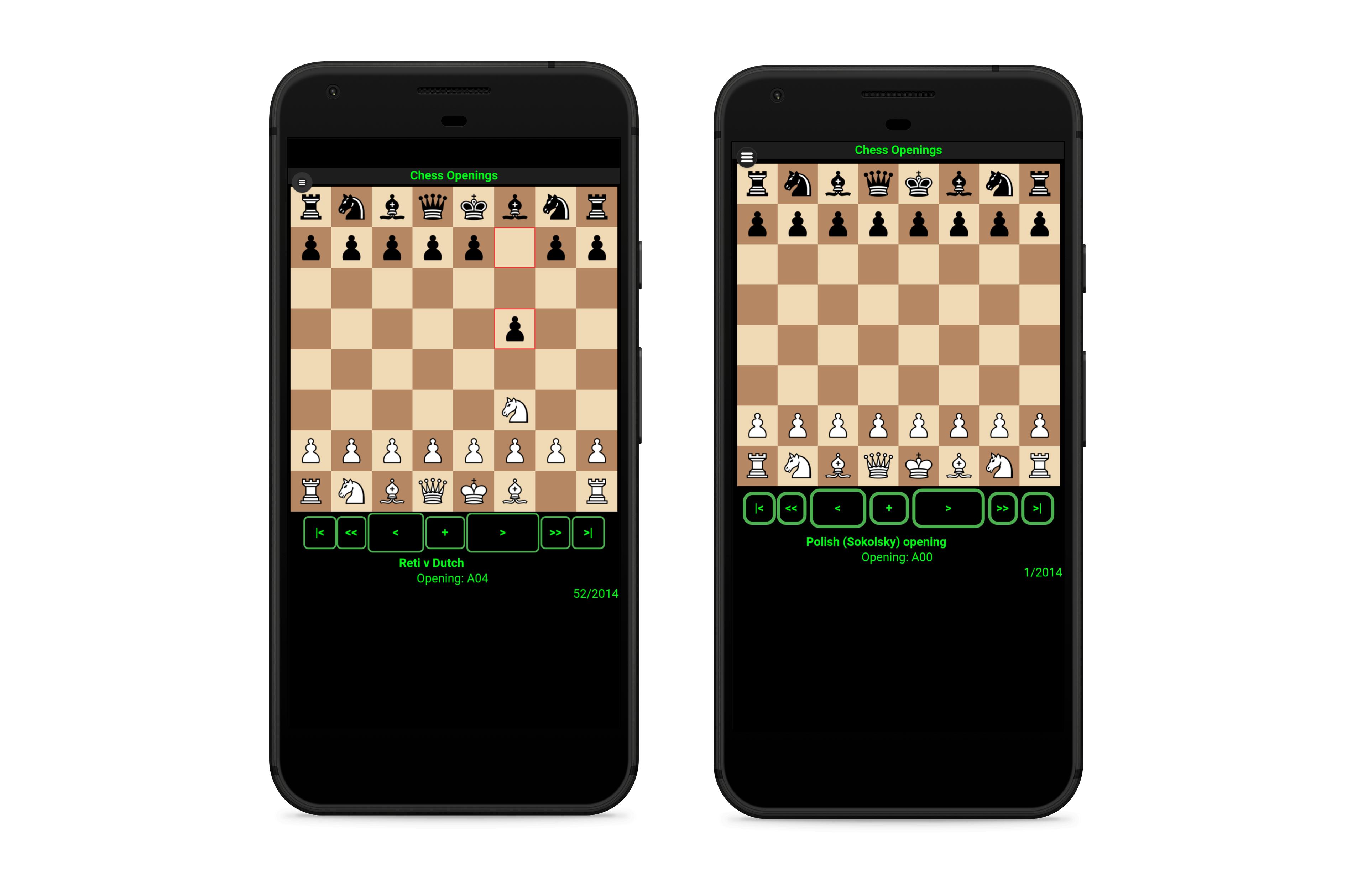
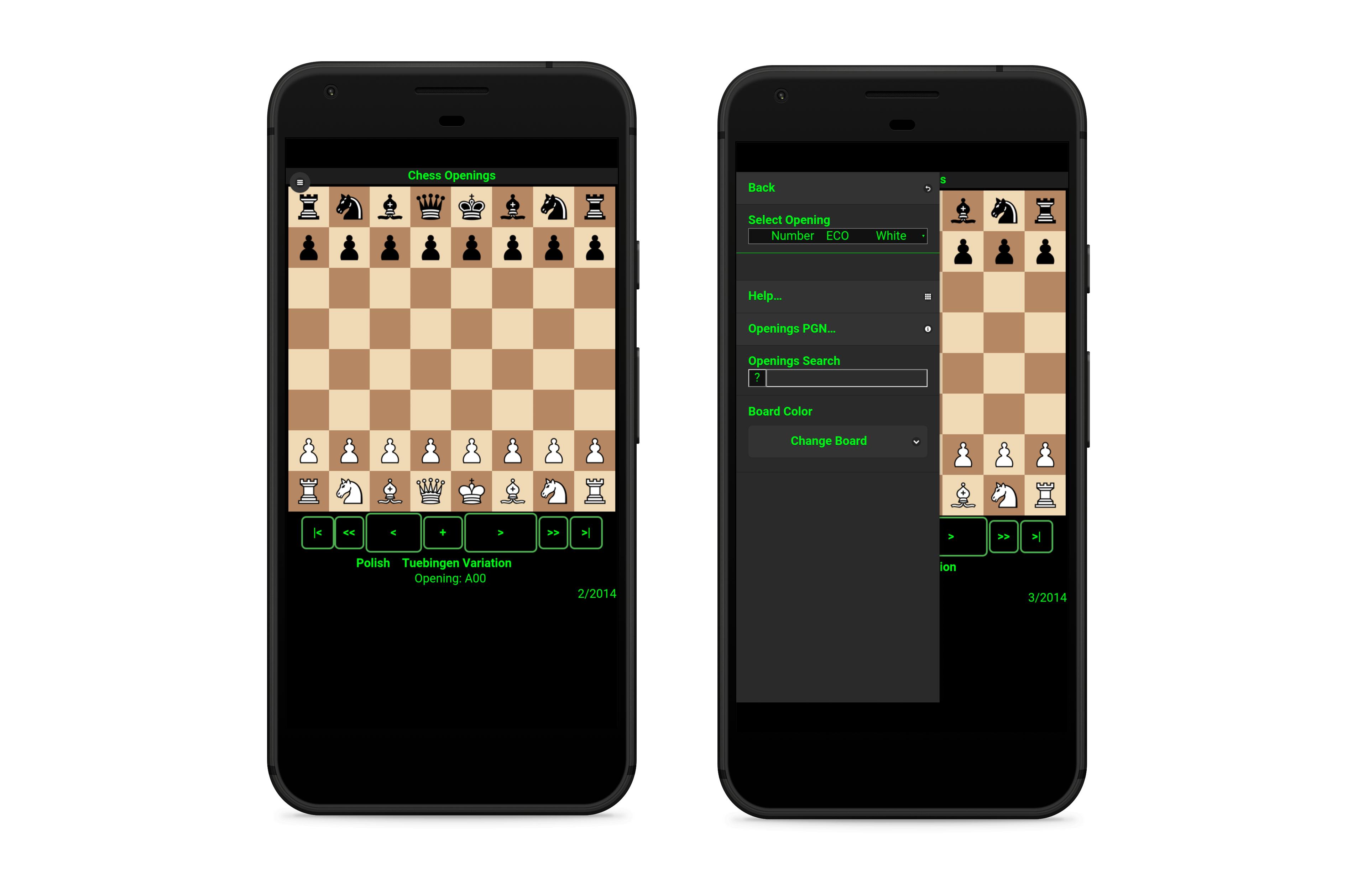
♚ Watch and Learn your favorite chess openings from the extensive database of more than 2.000 chess openings.
♚ Play from more than 1000 chess openings Vs Stockfish Chess Engine with 10 levels (3300 ELO Chess Engine).
♚ Learn the openings watching video tutorials with a custom chess board at your fingertips.
♚ Analize any chess opening from the database. Get a score from a top level chess engine for every opening and a suggested line with the best possible moves.
♚Learn every move, advance, go back or go to the first or final move.
♚Search for your favorite openings with name, ECO or keyword.
♚Undo any move while you play against the stockfish chess engine. Get a evaluation score for the current position while playing.
♚In the learning mode you can play vs a top level chess engine (lozza, 2450 ELO) from any position in the custom board. Play white or flip the board and play with black pieces. Analyze any position and get a evaluation score and suggested lines.
♚In the custom board you can set any position with the pieces. You can move the pieces without restrictions, the board don't follow standard chess rules so you can adjust and reset positions at any time making it simple to follow chess tutorial videos.
Preview
Tags
BoardInformation
Developer
Free Chess Apps
Latest Version
1.2.0
Last Updated
2019-09-09
Category
Board
Available on
Google Play
Show More
How to play Chess Openings with GameLoop on PC
1. Download GameLoop from the official website, then run the exe file to install GameLoop
2. Open GameLoop and search for “Chess Openings” , find Chess Openings in the search results and click “Install”
3. Enjoy playing Chess Openings on GameLoop
Minimum requirements
OS
Windows 8.1 64-bit or Windows 10 64-bit
GPU
GTX 1050
CPU
i3-8300
Memory
8GB RAM
Storage
1GB available space
Recommended requirements
OS
Windows 8.1 64-bit or Windows 10 64-bit
GPU
GTX 1050
CPU
i3-9320
Memory
16GB RAM
Storage
1GB available space