Bluetooth Games: BluetoothOMG PC
OMG Games Studio
Download Bluetooth Games: BluetoothOMG on PC With GameLoop Emulator
Bluetooth Games: BluetoothOMG on PC
Bluetooth Games: BluetoothOMG, coming from the developer OMG Games Studio, is running on Android systerm in the past.
Now, You can play Bluetooth Games: BluetoothOMG on PC with GameLoop smoothly.
Download it in the GameLoop library or search results. No more eyeing the battery or frustrating calls at the wrong time any more.
Just enjoy Bluetooth Games: BluetoothOMG PC on the large screen for free!
Bluetooth Games: BluetoothOMG Introduction
BluetoothOMG is a package of games, where you can play some board and card games (Chess, Hearts, Spades, Backgammon, and Morris), either offline multi-player via bluetooth with your friends and family or single-player with CPU (NO need for Internet).
Chess: Play Chess with a friend or family member, offline via bluetooth. You both just need to install BluetoothOMG, pick Chess, click Multiplayer, and choose a username. Next, someone creates a group and the other joins the group. If you chose to join a group, you would see the name of the Group-Owner on your screen. You can tap on that name and connect to the Group-Owner automatically through bluetooth. After that, the Group-Owner can start the game.
You can also play Chess, single-player, with CPU. BluetoothOMG uses a converted version of Stockfish9 (from C++ into Java) as Chess-Engine.
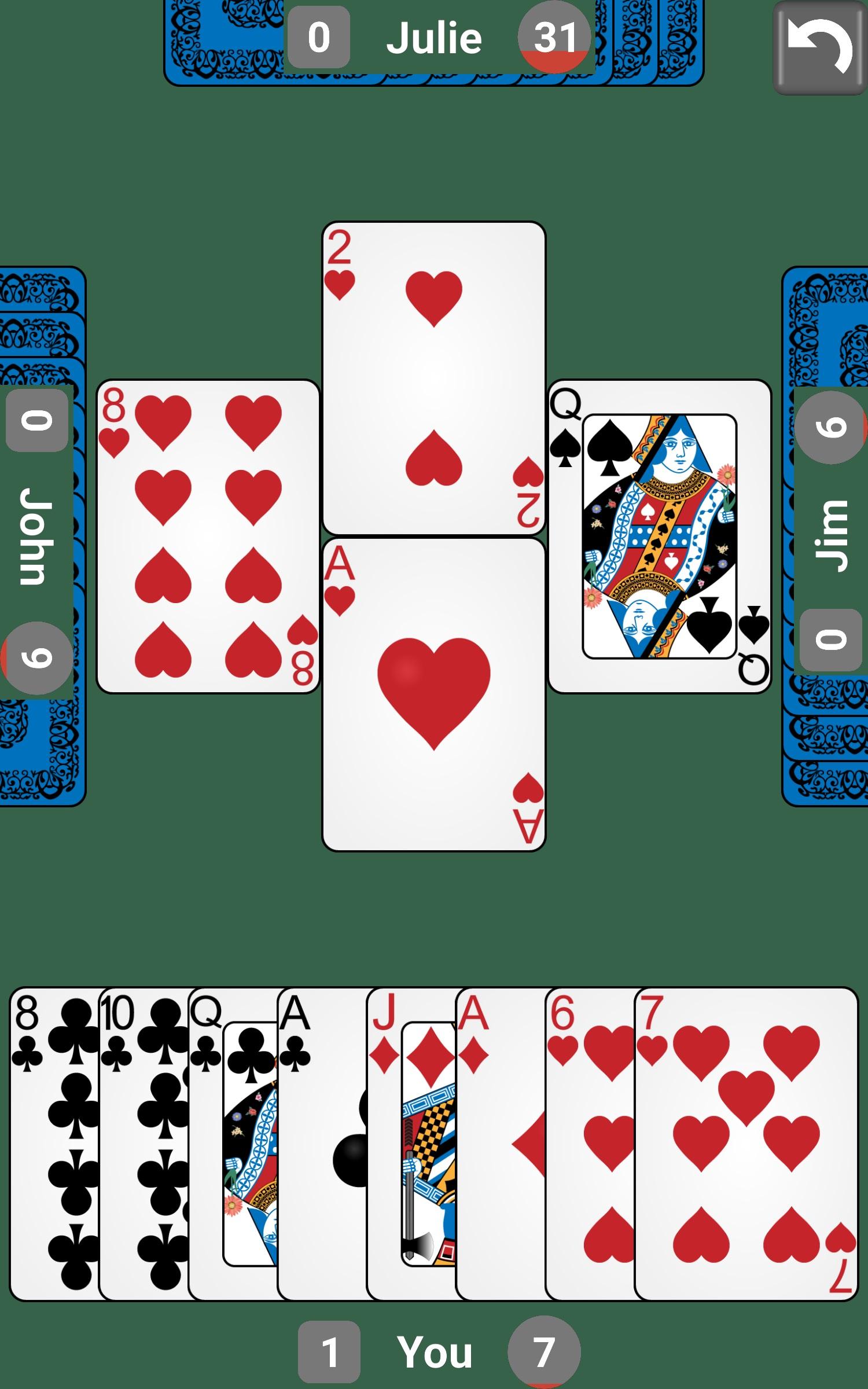
Hearts: Play Hearts (a very popular card game) with friends or family, offline via bluetooth. For this game, there can be 2, 3, or 4 people connected via bluetooth. You all just need to install BluetoothOMG, pick Hearts, click Multiplayer, and choose a username. Next, someone creates a group and the others join the group. If you chose to join a group, you would see the name of the Group-Owner on your screen. You can tap on that name and connect to the Group-Owner automatically through bluetooth. When someone is connected, Group-Owner can start the game. Group-Owner can wait for up to 3 people to join to start the game. If there are fewer than 4 people to play, BluetoothOMG will fill in the remaining positions by CPU.
You can also play Hearts, single-player, with CPU.
Spades: Play Spades (a very popular card game) with friends or family, offline via bluetooth. For this game, there can be 2, 3, or 4 people connected via bluetooth. You all just need to install BluetoothOMG, pick Spades, click Multiplayer, and choose a username. Next, someone creates a group and the others join the group. If you chose to join a group, you would see the name of the Group-Owner on your screen. You can tap on that name and connect to the Group-Owner automatically through bluetooth. When someone is connected, Group-Owner can start the game. Group-Owner can wait for up to 3 people to join to start the game. If there are fewer than 4 people to play, BluetoothOMG will fill in the remaining positions by CPU.
You can also play Spades, single-player, with CPU.
Backgammon: Play Backgammon (a very popular board game with dice and pieces) with a friend or family member, offline via bluetooth. You both just need to install BluetoothOMG, pick Backgammon, click Multiplayer, and choose a username. Next, someone creates a group and the other joins the group. If you chose to join a group, you would see the name of the Group-Owner on your screen. You can tap on that name and connect to the Group-Owner automatically through bluetooth. After that, the Group-Owner can start the game.
You can also play Backgammon, single-player, with CPU.
Morris: Play Morris (a match 3 board game) with a friend or family member, offline via bluetooth. You both just need to install BluetoothOMG, pick Morris, click Multiplayer, and choose a username. Next, someone creates a group and the other joins the group. If you chose to join a group, you would see the name of the Group-Owner on your screen. You can tap on that name and connect to the Group-Owner automatically through bluetooth. After that, the Group-Owner can start the game.
You can also play Morris, single-player, with CPU.
Preview

Tags
BoardInformation
Developer
OMG Games Studio
Latest Version
1.0.6
Last Updated
2021-12-16
Category
Board
Available on
Google Play
Show More
How to play Bluetooth Games: BluetoothOMG with GameLoop on PC
1. Download GameLoop from the official website, then run the exe file to install GameLoop
2. Open GameLoop and search for “Bluetooth Games: BluetoothOMG” , find Bluetooth Games: BluetoothOMG in the search results and click “Install”
3. Enjoy playing Bluetooth Games: BluetoothOMG on GameLoop
Minimum requirements
OS
Windows 8.1 64-bit or Windows 10 64-bit
GPU
GTX 1050
CPU
i3-8300
Memory
8GB RAM
Storage
1GB available space
Recommended requirements
OS
Windows 8.1 64-bit or Windows 10 64-bit
GPU
GTX 1050
CPU
i3-9320
Memory
16GB RAM
Storage
1GB available space