
Bingo League - Offline Bingo PC
Big Win Lab
Download Bingo League - Offline Bingo on PC With GameLoop Emulator
Bingo League - Offline Bingo on PC
Bingo League - Offline Bingo, coming from the developer Big Win Lab, is running on Android systerm in the past.
Now, You can play Bingo League - Offline Bingo on PC with GameLoop smoothly.
Download it in the GameLoop library or search results. No more eyeing the battery or frustrating calls at the wrong time any more.
Just enjoy Bingo League - Offline Bingo PC on the large screen for free!
Bingo League - Offline Bingo Introduction
It's BINGO time! Play one of the best FREE Bingo games offline! This fun bingo game is free to play with lots of bingo bonuses and bingo coins! Best of all, you can play Bingo League at home anytime you want as the game can be played without internet connection.
Bingo League Unique Features
- FREE bingo play - get free bingo chips to play every hour
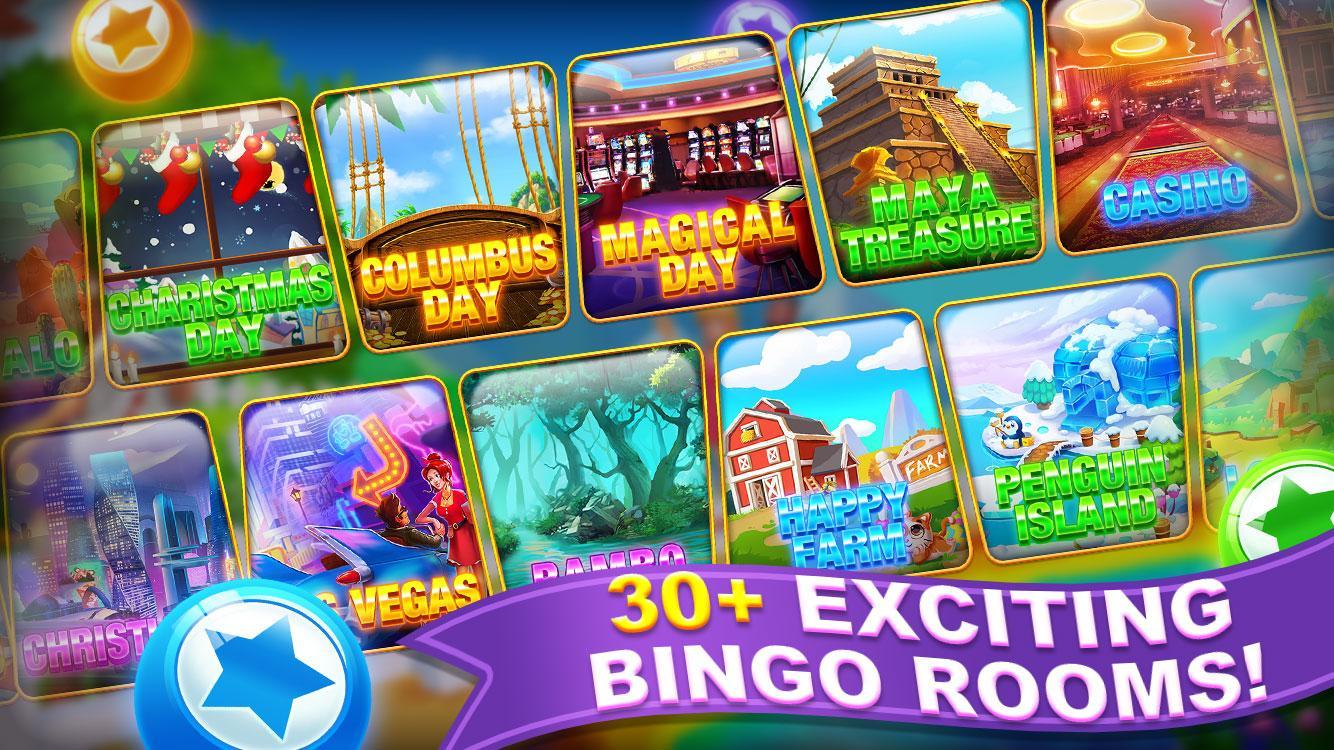
- FUN bingo rooms and mini games
- MULTI bingo - get double, triple, and mega bingos
- CHANGE your game SPEED - play faster or slower as you want
- WIN power-ups in and unlocked at higher levels of fun bingo games!
If you love to play bingo games and are looking for a fun new bingo game, this is the game for you. Try it out!
PLEASE NOTE: This app lets you purchase digital content using real money. You can turn off payments by disabling in-app purchases in your device settings.
Bingo League does not offer "real money gambling" or an opportunity to win real money or prizes.
Practice or success at social casino gaming does not imply future success at "real money gambling."
Preview

Tags
CasinoBingoCasualSingle playerStylizedOfflineInformation
Developer
Big Win Lab
Latest Version
1.1.6
Last Updated
2023-01-23
Category
Board
Available on
Google Play
Show More
How to play Bingo League - Offline Bingo with GameLoop on PC
1. Download GameLoop from the official website, then run the exe file to install GameLoop
2. Open GameLoop and search for “Bingo League - Offline Bingo” , find Bingo League - Offline Bingo in the search results and click “Install”
3. Enjoy playing Bingo League - Offline Bingo on GameLoop
Minimum requirements
OS
Windows 8.1 64-bit or Windows 10 64-bit
GPU
GTX 1050
CPU
i3-8300
Memory
8GB RAM
Storage
1GB available space
Recommended requirements
OS
Windows 8.1 64-bit or Windows 10 64-bit
GPU
GTX 1050
CPU
i3-9320
Memory
16GB RAM
Storage
1GB available space