
Video Background Changer PC
MAA FOR APPS
Download Video Background Changer on PC With GameLoop Emulator
Video Background Changer on PC
Video Background Changer, coming from the developer MAA FOR APPS, is running on Android systerm in the past.
Now, You can play Video Background Changer on PC with GameLoop smoothly.
Download it in the GameLoop library or search results. No more eyeing the battery or frustrating calls at the wrong time any more.
Just enjoy Video Background Changer PC on the large screen for free!
Video Background Changer Introduction
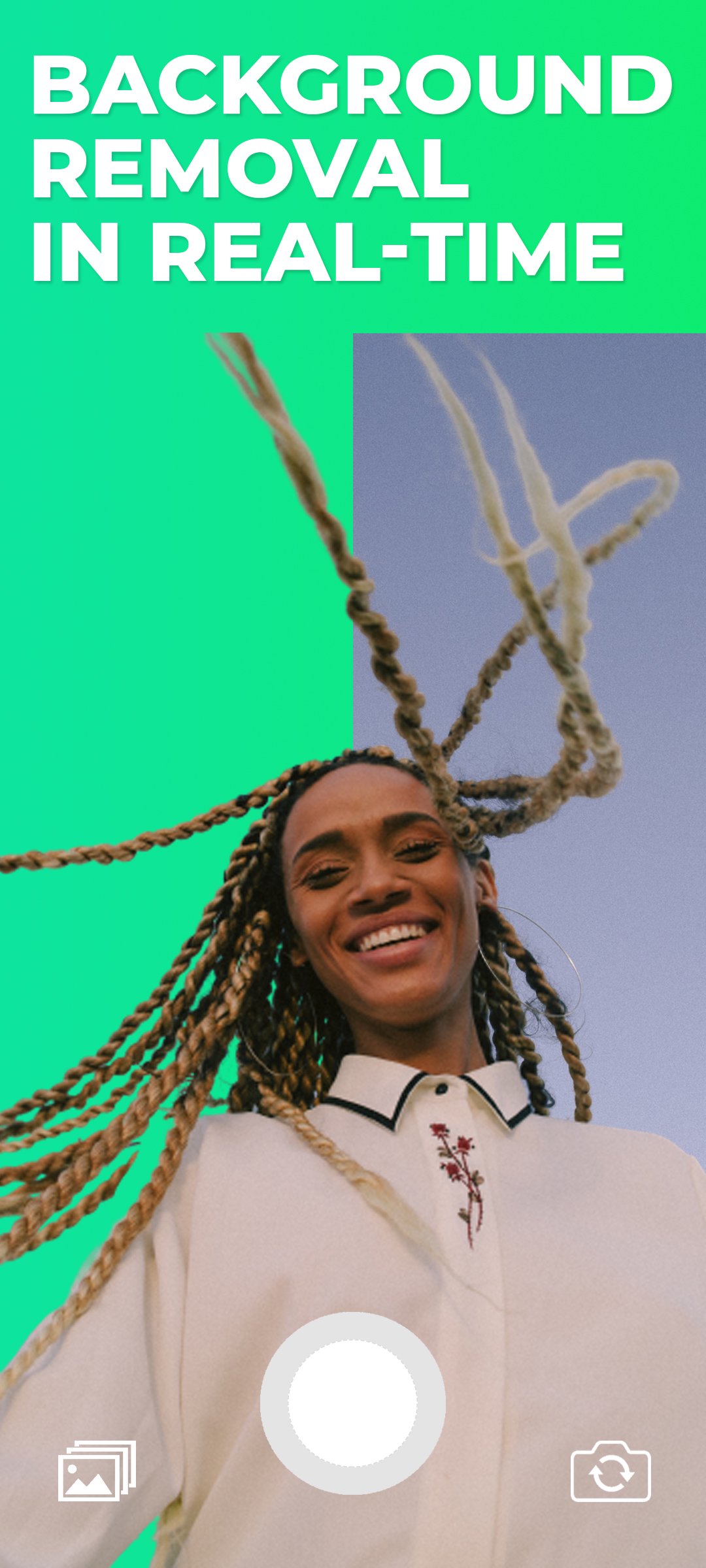
Transform your videos and photos instantly with Video Background Changer, the ultimate AI-powered background editor, video background remover, and photo background remover. Whether you are creating social media content, vlogs, or professional clips, you can easily remove, replace, or customize your backgrounds in real time or from existing media in your gallery.
* Real-Time AI Camera & Chroma Key
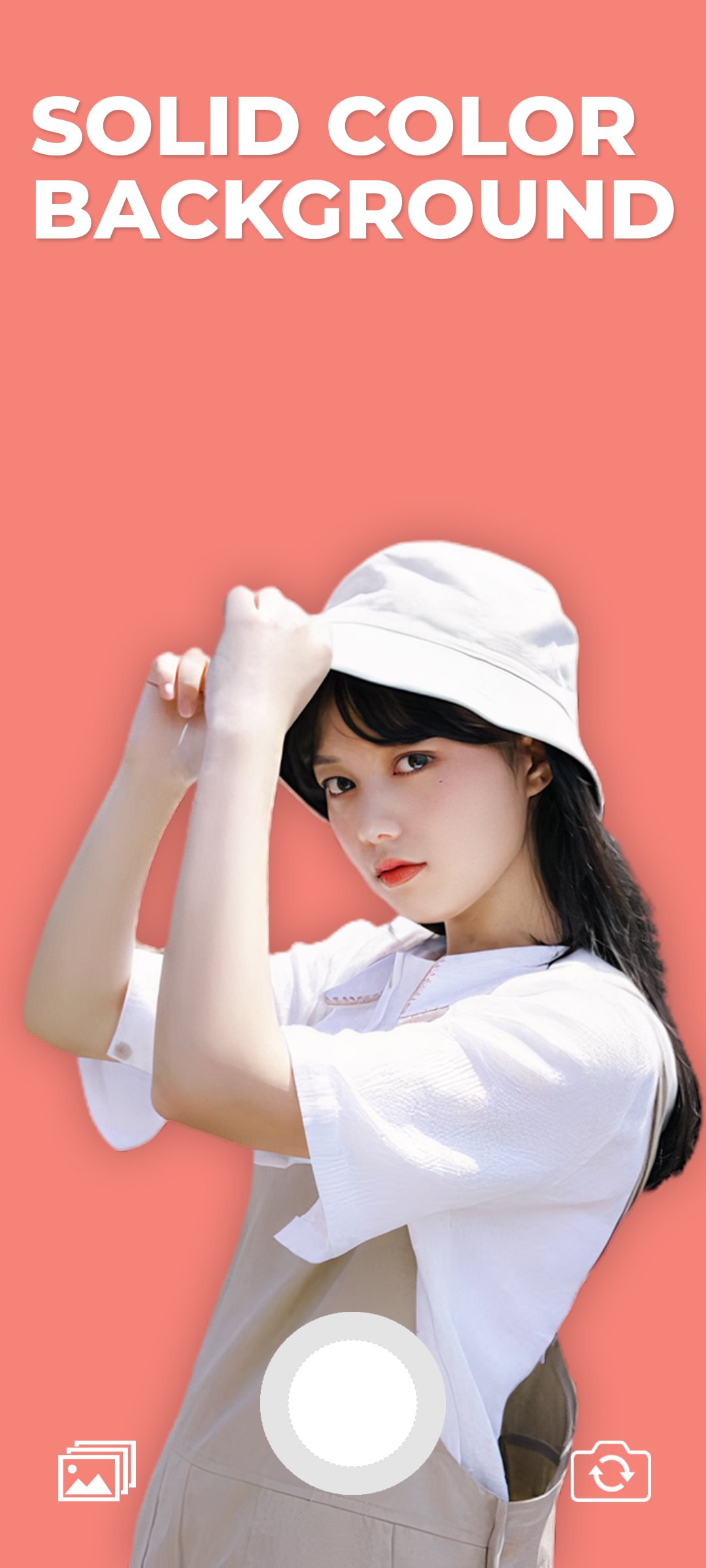
AI Camera (Real-Time Background Replacement): Record yourself live while replacing your background with high-quality in-app backgrounds, stylish gradients, solid colors, or custom images from your gallery.
Chroma Key Camera (Green Screen Effect): Got a green screen or green wall? Use our precise real-time Chroma Key camera to swap green screens with any custom scene while recording.
Custom Body Outline & Border: Add a sleek silhouette outline around your body during recording. Fully customize border colors and stroke width for a professional studio look.
* Advanced Photo & Video Editing Tools
Video Background Remover: Automatically remove and replace the background of pre-recorded videos. Advanced frame-by-frame AI processing cleanly separates the subject from the original background.
Video Chroma Key: Effortlessly extract and replace green screen backgrounds from pre-existing videos with custom backdrops.
Photo Background Remover (People & Pets): Instantly isolate subjects, including people and pets, from any photo.
Manual Precision Editing: Fine-tune photo cutouts using smart brush, erase, and restore tools to touch up every edge with pixel precision.
* Complete Customization & Backdrops
Rich Background Library: Choose from curated HD scene backdrops, aesthetic color gradients, and solid color palettes.
Custom Gallery Import: Import any photo from your phone's gallery to use as a personalized video or photo background.
High-Quality Export: Save and share your high-definition photos and videos directly to social media apps and messaging platforms.
Upgrade your video production without expensive equipment or complicated desktop software. Download Video Background Changer today and elevate your content with seamless AI background editing and green screen tools!
Preview
Tags
BeautyInformation
Developer
MAA FOR APPS
Latest Version
5.2.9
Last Updated
2026-11-01
Category
Beauty
Available on
Google Play
Show More
How to play Video Background Changer with GameLoop on PC
1. Download GameLoop from the official website, then run the exe file to install GameLoop
2. Open GameLoop and search for “Video Background Changer” , find Video Background Changer in the search results and click “Install”
3. Enjoy playing Video Background Changer on GameLoop
Minimum requirements
OS
Windows 8.1 64-bit or Windows 10 64-bit
GPU
GTX 1050
CPU
i3-8300
Memory
8GB RAM
Storage
1GB available space
Recommended requirements
OS
Windows 8.1 64-bit or Windows 10 64-bit
GPU
GTX 1050
CPU
i3-9320
Memory
16GB RAM
Storage
1GB available space