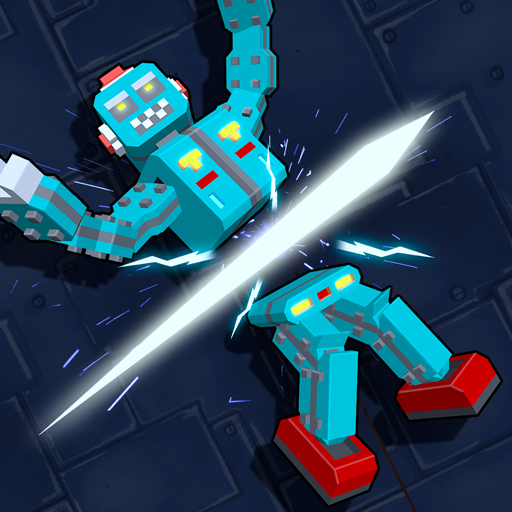
Robot Slicer Ninja Craft PC
Zero Flag
Download Robot Slicer Ninja Craft on PC With GameLoop Emulator
Robot Slicer Ninja Craft on PC
Robot Slicer Ninja Craft, coming from the developer Zero Flag, is running on Android systerm in the past.
Now, You can play Robot Slicer Ninja Craft on PC with GameLoop smoothly.
Download it in the GameLoop library or search results. No more eyeing the battery or frustrating calls at the wrong time any more.
Just enjoy Robot Slicer Ninja Craft PC on the large screen for free!
Robot Slicer Ninja Craft Introduction
Are you tired of slicing the same old fruit?
Do you often think: "These ninja skills of mine are wasted by not using them to slice some more deserving targets!"
Then look no further, this is the game for you!
Apply the trades of your ninja craft to the haywire threat. Make them lose their circuits!
Step out of the sandbox! Stop hiding and start walking from behind the fruit stand!
It's time to start slicing some robots!
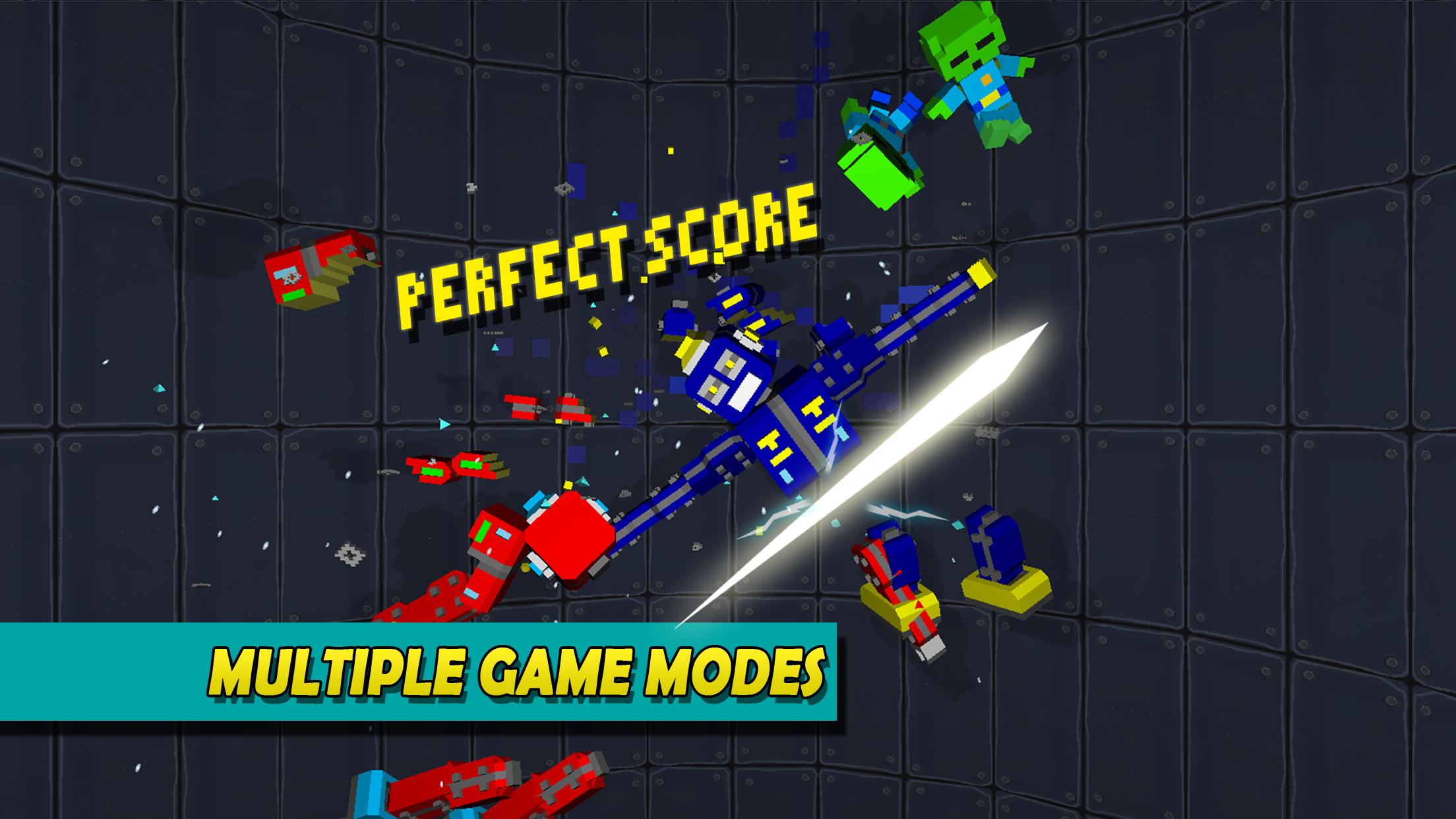
Game modes
CLASSIC
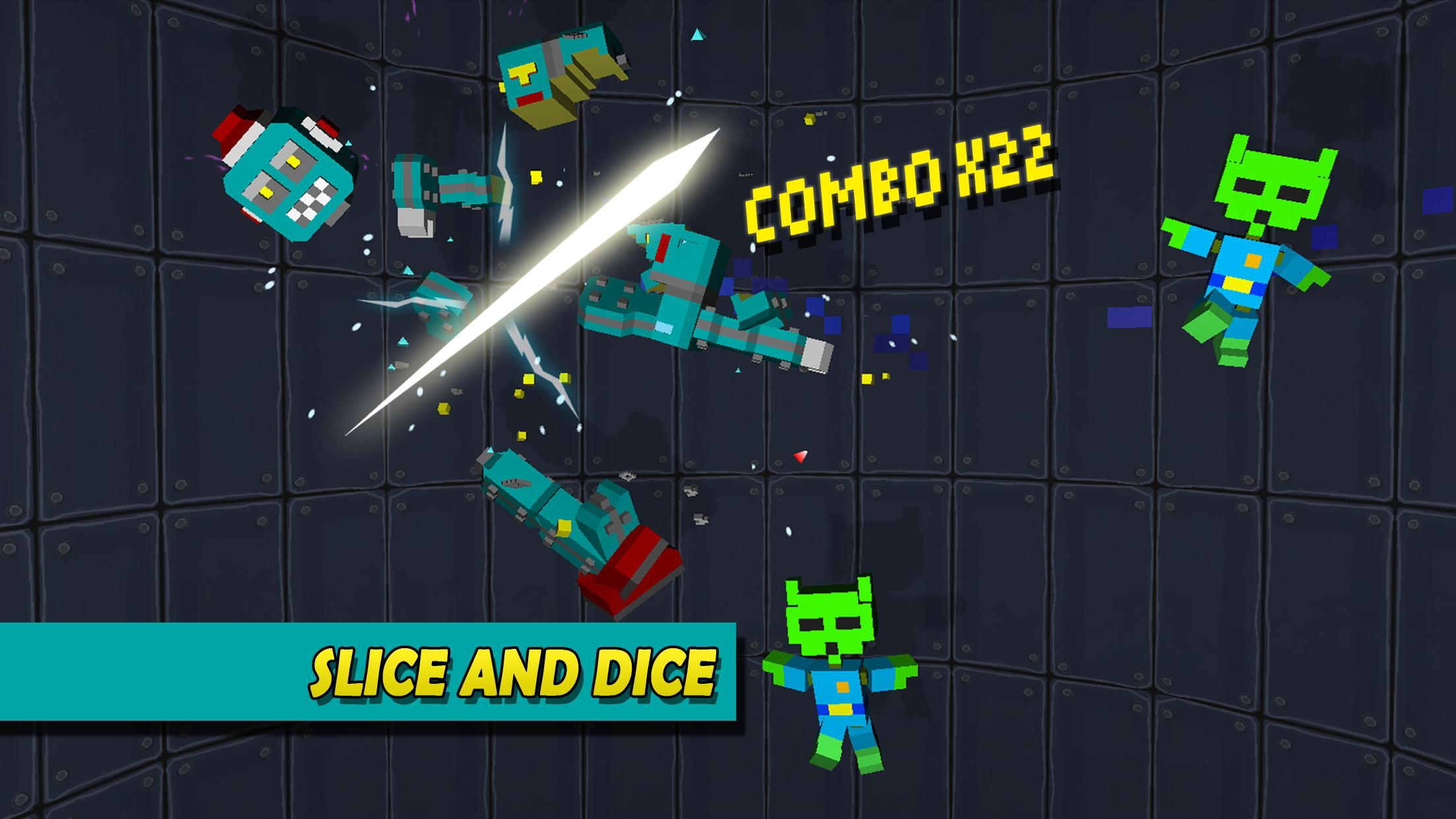
- Robots will pop up, slice them apart! Turn every limb into a phantom limb as the oily pixels stain the floor.
- Start at the head for some bonus point. Continue slicing as you chop up the remaining parts. As long as none of the parts fly off the screen the score multiplier will increase. If you are a true ninja and get them all, you will receive another bonus score.
-If you leave a robot intact or hit one of the cute fluffy aliens, you lose a life.
- Sometimes a golden circuit will appear. If you slice it your score multiplier will double!
QUEST
In this mode you need to slice a certain number of robot parts to progress to the next level.
FEATURES
• Cute plush aliens in blocky craft style, protect them from the robot!
• Pixels will drip down the walls as you slice and dice the craft robots
• Classic toy robot style, terminate them!
Now stop wasting time by reading this description of mine, get to it - chop chop!
Zero Flag brings you the block slicer games that no one else does!
Preview
Tags
ArcadeInformation
Developer
Zero Flag
Latest Version
1.0.7
Last Updated
2023-08-18
Category
Arcade
Available on
Google Play
Show More
How to play Robot Slicer Ninja Craft with GameLoop on PC
1. Download GameLoop from the official website, then run the exe file to install GameLoop
2. Open GameLoop and search for “Robot Slicer Ninja Craft” , find Robot Slicer Ninja Craft in the search results and click “Install”
3. Enjoy playing Robot Slicer Ninja Craft on GameLoop
Minimum requirements
OS
Windows 8.1 64-bit or Windows 10 64-bit
GPU
GTX 1050
CPU
i3-8300
Memory
8GB RAM
Storage
1GB available space
Recommended requirements
OS
Windows 8.1 64-bit or Windows 10 64-bit
GPU
GTX 1050
CPU
i3-9320
Memory
16GB RAM
Storage
1GB available space