CheetahBoo Bubble Shooting - Arcade & Shooting PC
macovill
Download CheetahBoo Bubble Shooting - Arcade & Shooting on PC With GameLoop Emulator
CheetahBoo Bubble Shooting - Arcade & Shooting on PC
CheetahBoo Bubble Shooting - Arcade & Shooting, coming from the developer macovill, is running on Android systerm in the past.
Now, You can play CheetahBoo Bubble Shooting - Arcade & Shooting on PC with GameLoop smoothly.
Download it in the GameLoop library or search results. No more eyeing the battery or frustrating calls at the wrong time any more.
Just enjoy CheetahBoo Bubble Shooting - Arcade & Shooting PC on the large screen for free!
CheetahBoo Bubble Shooting - Arcade & Shooting Introduction
New friends from other galaxies, as well as Armii and Hamdong!
Who will be the friend that will crush the enemies by CheetahBoo's side?
Let's Choose
Features and Game Overview
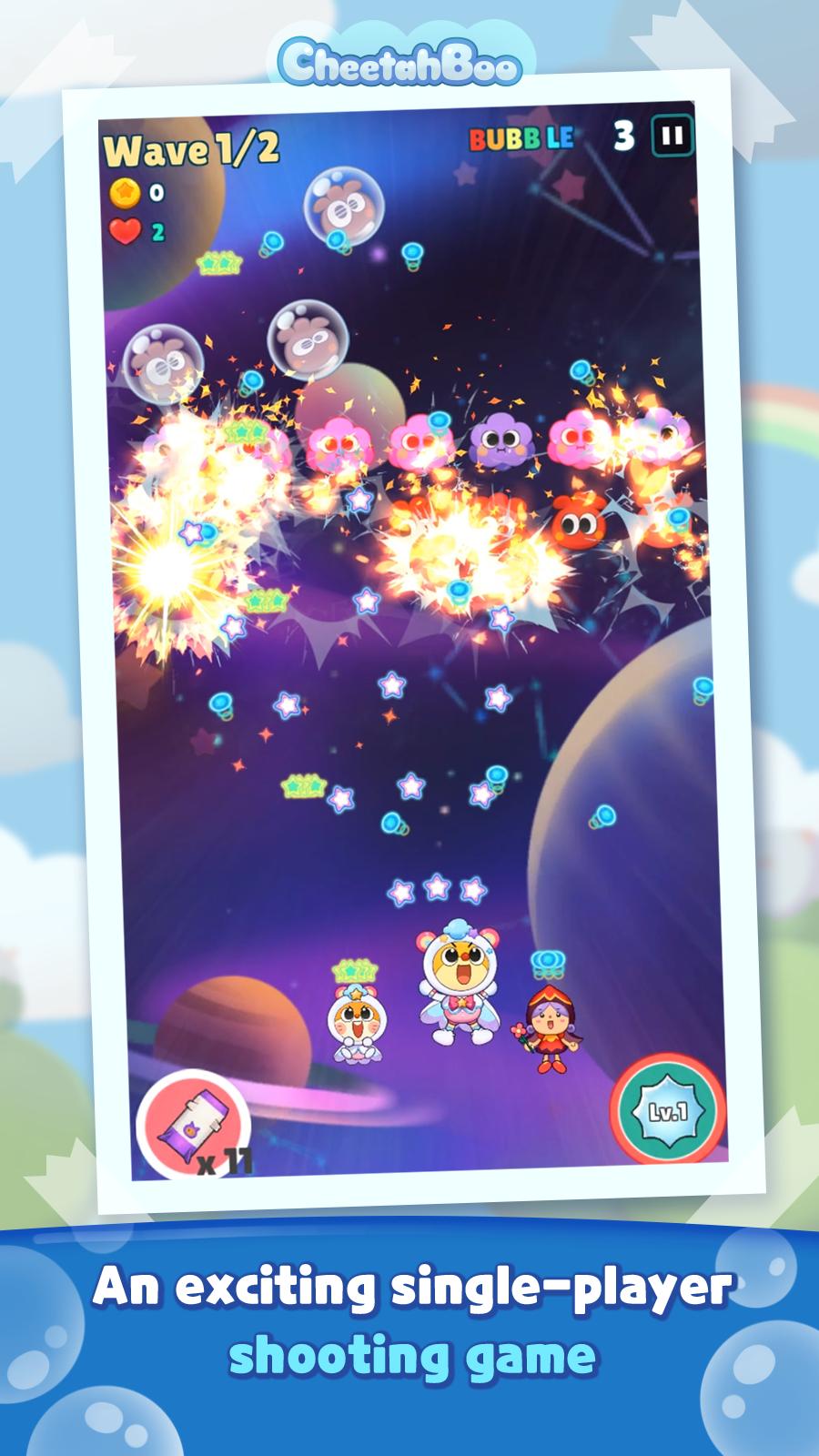
-Arcade Shooting Game:
Plan two sidekicks to join CheetahBoo to defeat the enemies.
- Various cute and cool costumes:
CheetahBoo gets even cuter and stronger if you make a costume for him. (The gun changes, too.)
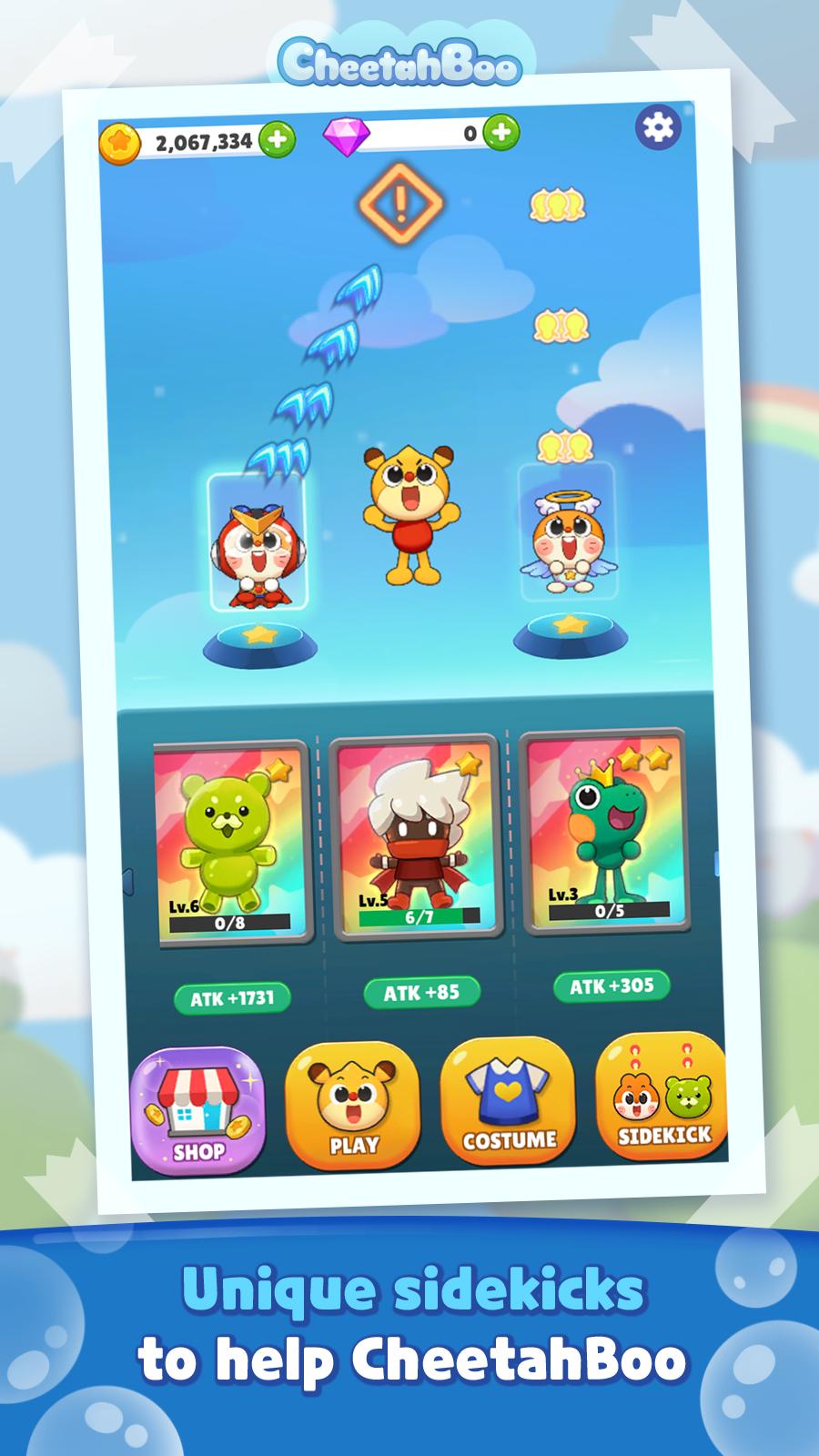
-A Sidekick to help CheetahBoo:
CheetahBoo's friends become CheetahBoo's sidekick to fight on each of his sides.
The strategy varies depending on the kind of friend you choose, so try to place the sidekick you like in a strategic way.
-The Giant, Intimidating Boss:
The bosses will not be as easy as regular enemies to tackle. Show off your skills!
How to play
- Slide CheetahBoo to avoid enemy bullets
- Defeat enemies and collect coins and gems
- Buy a CheetahBoo costume to create your own CheetahBoo
- Recruit and upgrade various and mysterious sidekicks.
- Use the strategy of placing appropriate costumes and sidekicks for each stage boss to attack.
Preview
Information
Developer
macovill
Latest Version
1.0.7
Last Updated
2020-12-15
Category
Arcade
Available on
Google Play
Show More
How to play CheetahBoo Bubble Shooting - Arcade & Shooting with GameLoop on PC
1. Download GameLoop from the official website, then run the exe file to install GameLoop
2. Open GameLoop and search for “CheetahBoo Bubble Shooting - Arcade & Shooting” , find CheetahBoo Bubble Shooting - Arcade & Shooting in the search results and click “Install”
3. Enjoy playing CheetahBoo Bubble Shooting - Arcade & Shooting on GameLoop
Minimum requirements
OS
Windows 8.1 64-bit or Windows 10 64-bit
GPU
GTX 1050
CPU
i3-8300
Memory
8GB RAM
Storage
1GB available space
Recommended requirements
OS
Windows 8.1 64-bit or Windows 10 64-bit
GPU
GTX 1050
CPU
i3-9320
Memory
16GB RAM
Storage
1GB available space