Nekomimi Cafe PC
HyperBeard
Download Nekomimi Cafe on PC With GameLoop Emulator
Nekomimi Cafe on PC
Nekomimi Cafe, coming from the developer HyperBeard, is running on Android systerm in the past.
Now, You can play Nekomimi Cafe on PC with GameLoop smoothly.
Download it in the GameLoop library or search results. No more eyeing the battery or frustrating calls at the wrong time any more.
Just enjoy Nekomimi Cafe PC on the large screen for free!
Nekomimi Cafe Introduction
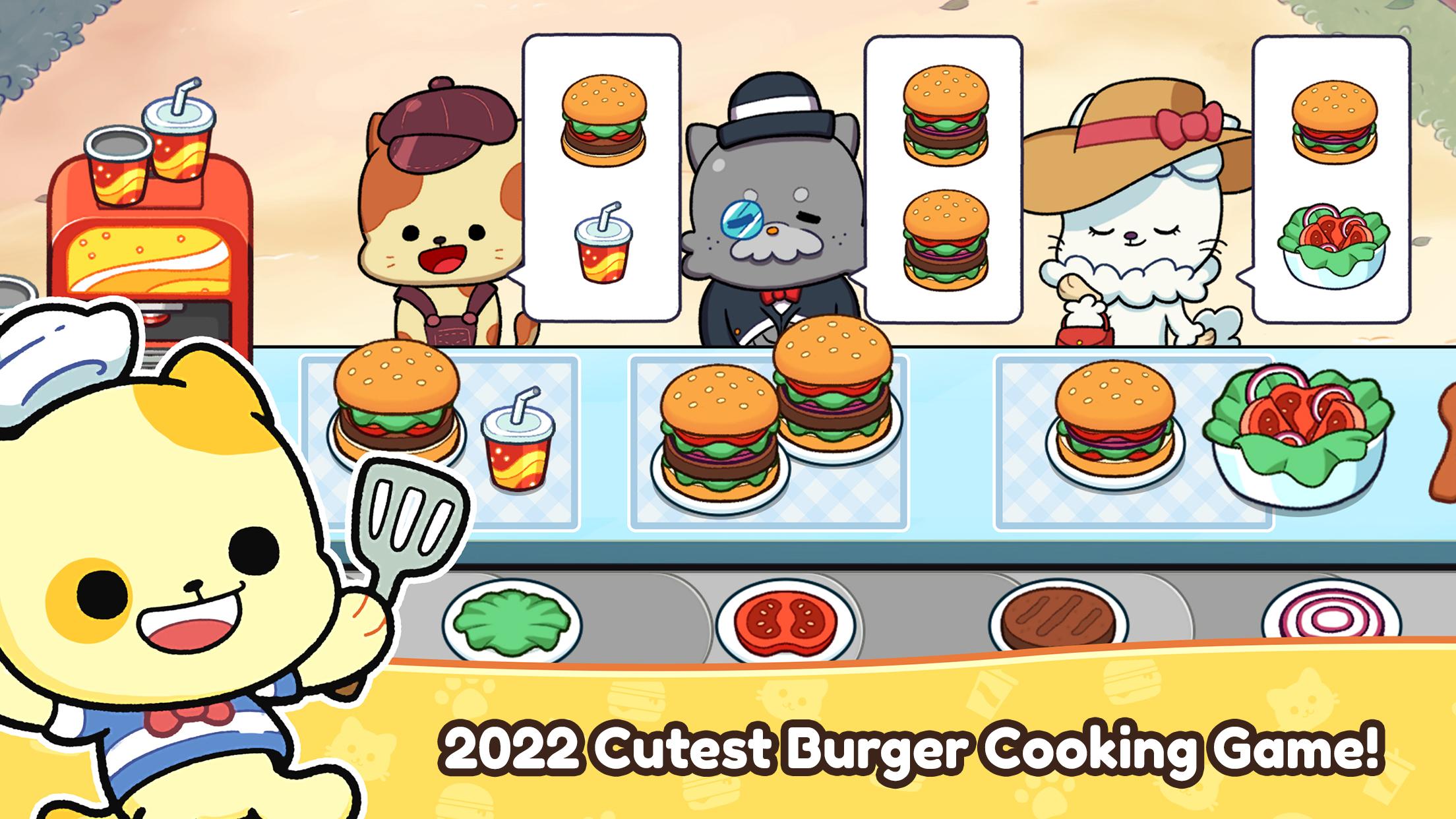
Aren’t these the most purrrfect burgers you’ve ever seen? Maybe not yet, but they WILL be under your talented chef skills!
Cats + Burgers… how could anything go wrong?
Defrost those patties and get ready to serve tasty meals for all types of hungry cat customers in your very own Burger Cats restaurant.
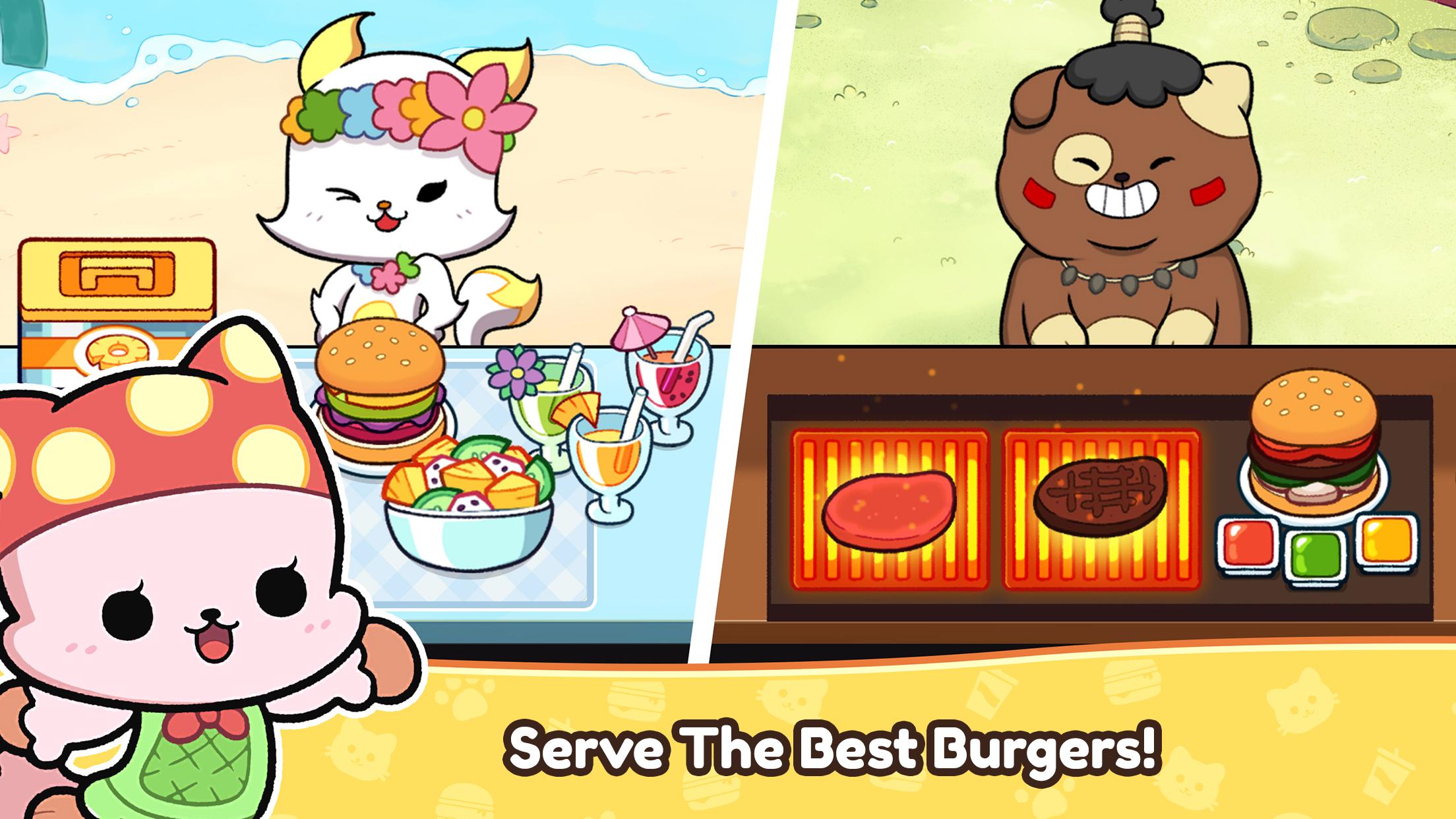
CHOOSE from a cast of intriguing cat chefs! Each of them has a unique set of skills that’ll help you become the best burger chef in the land! Be sure to experiment with your staff often!
LEVEL-UP your skills and ingredients to make your restaurant a must-stop-visit for all the cool cats and kitties looking for a tasty treat! Good tips will come your way in no time!
DECORATE your restaurant to attract adorable new characters. Send invitations to special guests to enjoy a meal at your beautifully decorated burger joint!
EXPLORE new venues and settings to expand your restaurant to meet and serve all types of customers from different places!
Get started with the culinary journey of Burger Cats! Cook, collect tips, and grow your business to become the top burger chef!
Preview
Tags
SimulationTime managementCasualSingle playerStylizedCartoonOfflineInformation
Developer
HyperBeard
Latest Version
0.6.8
Last Updated
2022-06-21
Category
Arcade
Available on
Google Play
Show More
How to play Nekomimi Cafe with GameLoop on PC
1. Download GameLoop from the official website, then run the exe file to install GameLoop
2. Open GameLoop and search for “Nekomimi Cafe” , find Nekomimi Cafe in the search results and click “Install”
3. Enjoy playing Nekomimi Cafe on GameLoop
Minimum requirements
OS
Windows 8.1 64-bit or Windows 10 64-bit
GPU
GTX 1050
CPU
i3-8300
Memory
8GB RAM
Storage
1GB available space
Recommended requirements
OS
Windows 8.1 64-bit or Windows 10 64-bit
GPU
GTX 1050
CPU
i3-9320
Memory
16GB RAM
Storage
1GB available space