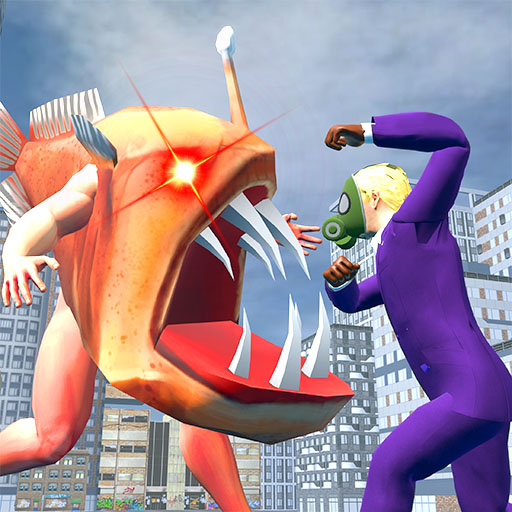
The Fish War: Shooting Battle PC
UniKong
Download The Fish War: Shooting Battle on PC With GameLoop Emulator
The Fish War: Shooting Battle on PC
The Fish War: Shooting Battle, coming from the developer UniKong, is running on Android systerm in the past.
Now, You can play The Fish War: Shooting Battle on PC with GameLoop smoothly.
Download it in the GameLoop library or search results. No more eyeing the battery or frustrating calls at the wrong time any more.
Just enjoy The Fish War: Shooting Battle PC on the large screen for free!
The Fish War: Shooting Battle Introduction
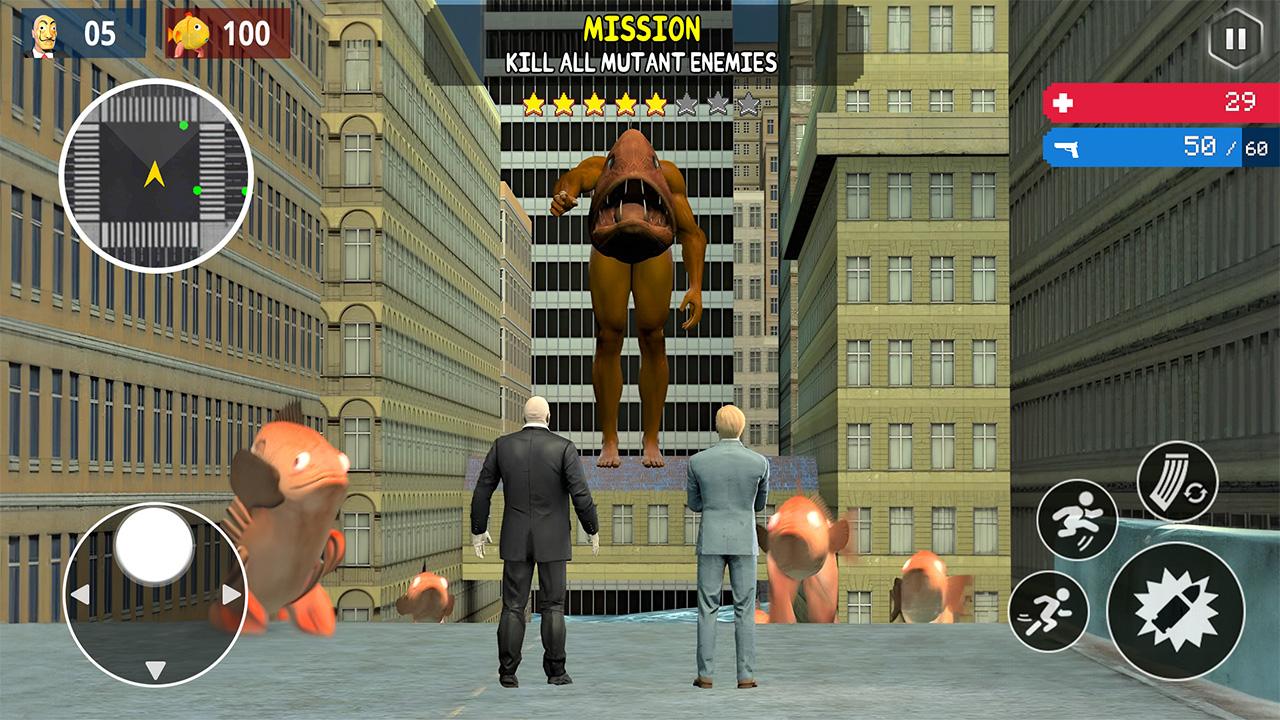
In this post-apocalyptic world, ocean animals with genetic mutations emerge from the water and attack the city. As a soldier in the Maskman Army, your mission is to defeat those fish monsters and protect innocent citizens. Are you brave enough to make it out alive? Or will you get infected and turn into one of those hideous creatures?
🔫 HOW TO PLAY 🔫
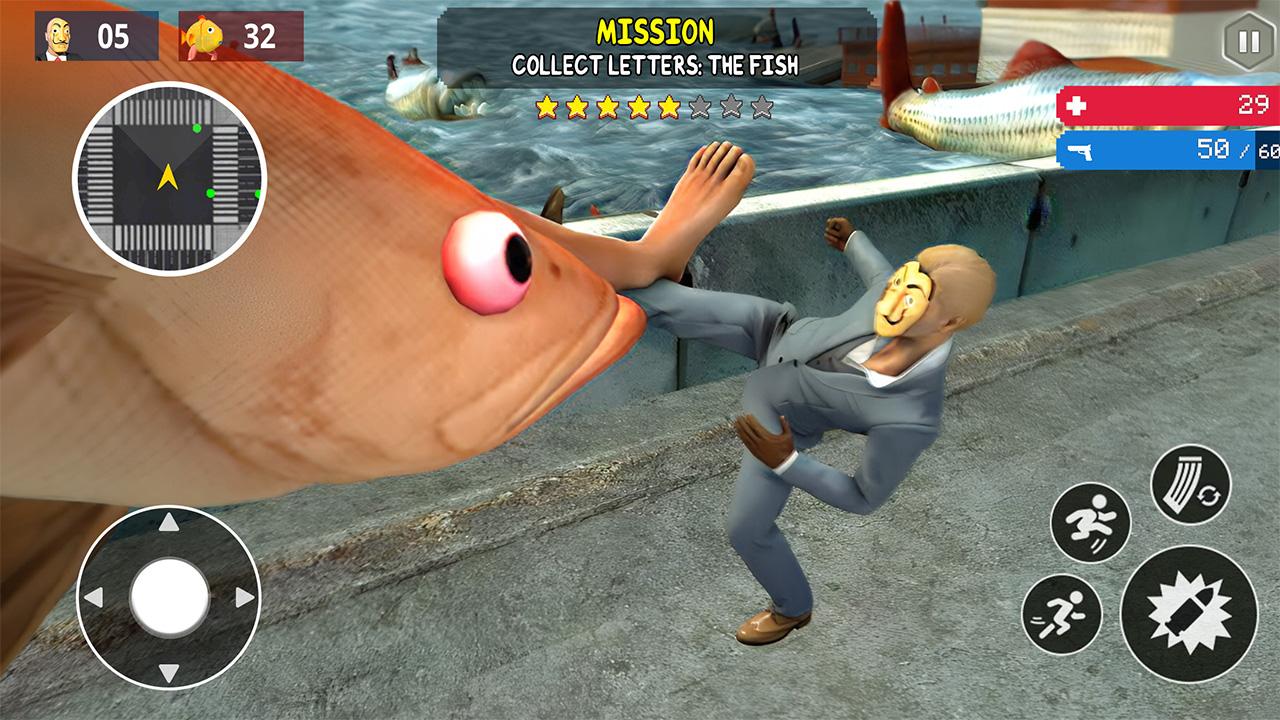
- Drag to move, aim at enemies to kill them. Make use of special boosters: Invisibility, Map Scanning, Hiding,...
- If you're a masked man, use a gun or other weapons to defeat water monsters
- If you're a fish monster, chase after humans and finish them
- Whatever role you play, you must survive until the end to win
🦈 GAME FEATURES 🦈
- Two playing modes: The Fish vs. Maskman
- Smooth and realistic 3D animation
- Full box of epic skins and weapons
- Endless levels, endless fun
- All FREE
The metropolis's future is in your hands! Download The Fish War: Shooting Battle now and embark on the most thrilling survival game ever.
Preview
Tags
ActionInformation
Developer
UniKong
Latest Version
1.0.12
Last Updated
2023-10-05
Category
Action
Available on
Google Play
Show More
How to play The Fish War: Shooting Battle with GameLoop on PC
1. Download GameLoop from the official website, then run the exe file to install GameLoop
2. Open GameLoop and search for “The Fish War: Shooting Battle” , find The Fish War: Shooting Battle in the search results and click “Install”
3. Enjoy playing The Fish War: Shooting Battle on GameLoop
Minimum requirements
OS
Windows 8.1 64-bit or Windows 10 64-bit
GPU
GTX 1050
CPU
i3-8300
Memory
8GB RAM
Storage
1GB available space
Recommended requirements
OS
Windows 8.1 64-bit or Windows 10 64-bit
GPU
GTX 1050
CPU
i3-9320
Memory
16GB RAM
Storage
1GB available space