
Spooky Fruits - roguelike PC
Super UwU
Download Spooky Fruits - roguelike on PC With GameLoop Emulator
Spooky Fruits - roguelike on PC
Spooky Fruits - roguelike, coming from the developer Super UwU, is running on Android systerm in the past.
Now, You can play Spooky Fruits - roguelike on PC with GameLoop smoothly.
Download it in the GameLoop library or search results. No more eyeing the battery or frustrating calls at the wrong time any more.
Just enjoy Spooky Fruits - roguelike PC on the large screen for free!
Spooky Fruits - roguelike Introduction
👻 Spooky Fruits 🍎 is a fun offline arcade game where you must kill ghosts with hundreds of weapons, super powers and abilities while collecting fruits to upgrade your character.
If you like roguelike games and rpg shooters then Spooky Fruits is for you.
Enjoy an action game with stylized graphics and adorable characters in different worlds full of enemies.
🪓 In Spooky Fruits you will be able to:
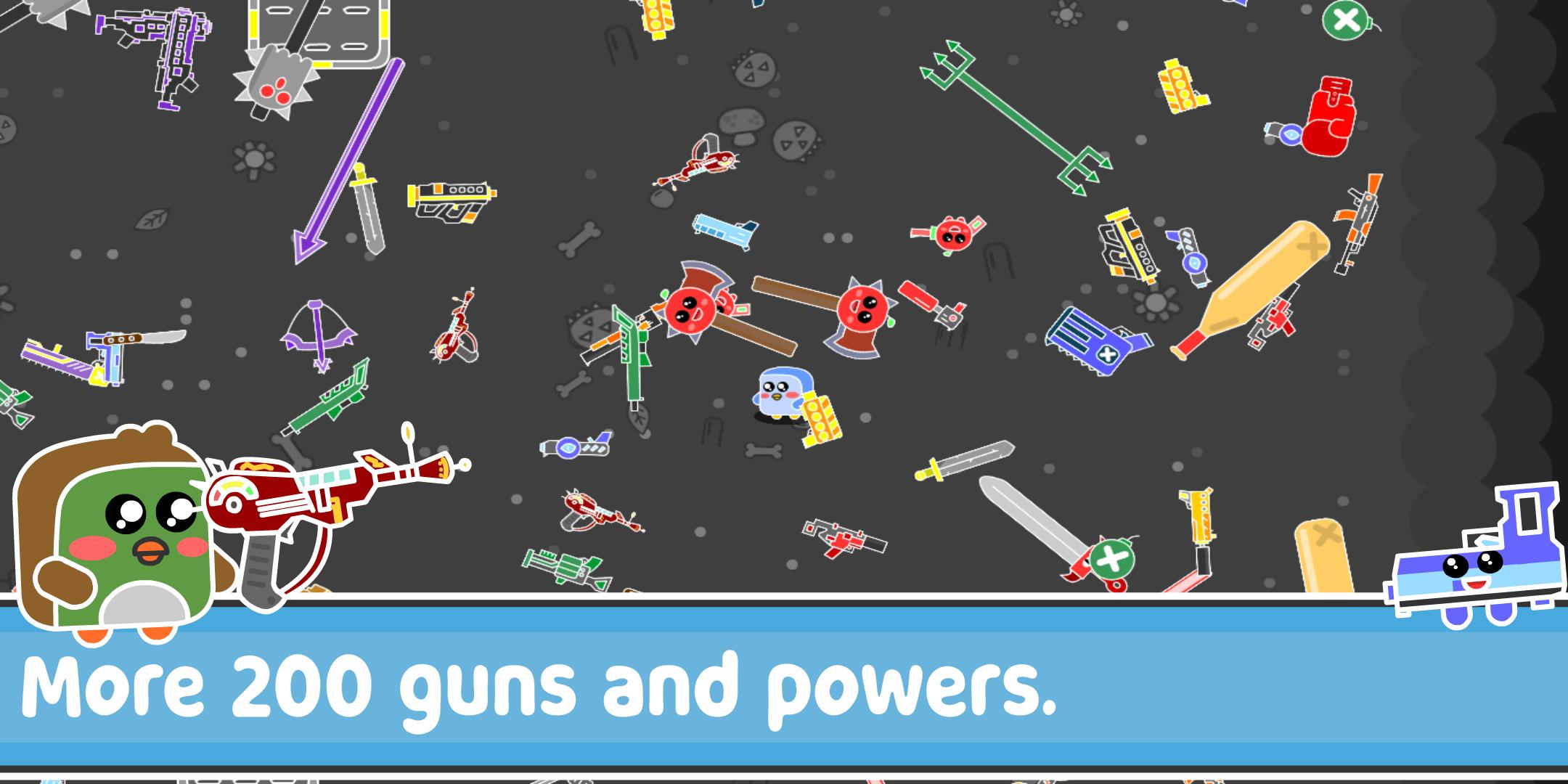
● Level up and customize your character with over 90 weapons, 25 super powers and 175 different abilities.
● Play offline without the need for internet.
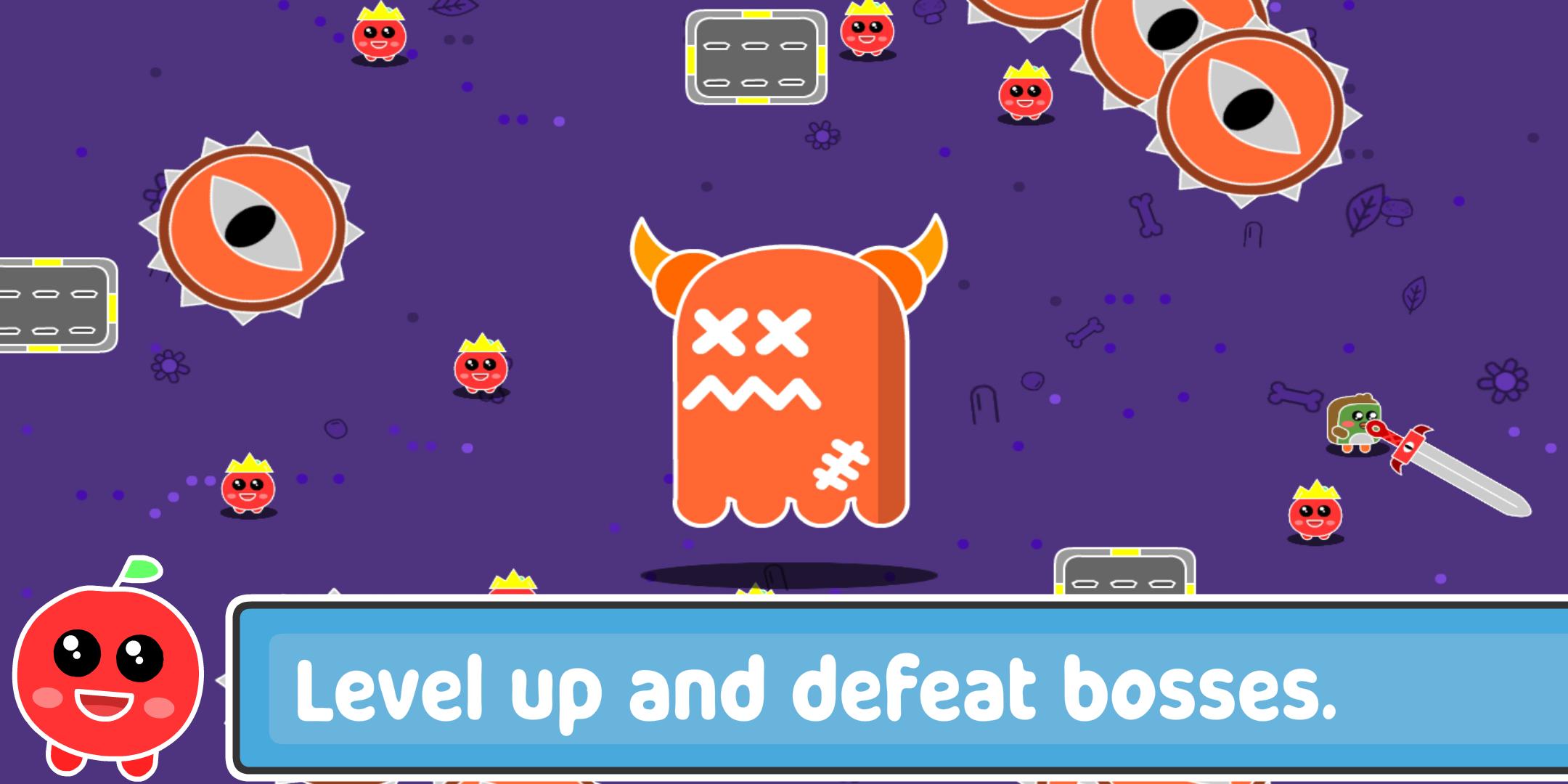
● Face challenging final bosses.
● Compete with other players on online leaderboards.
● Complete many achievements and quests
● Collect apples to create delicious desserts that will improve your stats and skills.
Spooky Fruits is free to play and without many annoying ads :D
What are you waiting for? Download Spooky Fruits right now and enjoy this amazing offline arcade game.
Preview
Tags
ActionInformation
Developer
Super UwU
Latest Version
8.0.0
Last Updated
2023-03-30
Category
Action
Available on
Google Play
Show More
How to play Spooky Fruits - roguelike with GameLoop on PC
1. Download GameLoop from the official website, then run the exe file to install GameLoop
2. Open GameLoop and search for “Spooky Fruits - roguelike” , find Spooky Fruits - roguelike in the search results and click “Install”
3. Enjoy playing Spooky Fruits - roguelike on GameLoop
Minimum requirements
OS
Windows 8.1 64-bit or Windows 10 64-bit
GPU
GTX 1050
CPU
i3-8300
Memory
8GB RAM
Storage
1GB available space
Recommended requirements
OS
Windows 8.1 64-bit or Windows 10 64-bit
GPU
GTX 1050
CPU
i3-9320
Memory
16GB RAM
Storage
1GB available space