Rogue Frog PC
Gothic Serpent
Download Rogue Frog on PC With GameLoop Emulator
Rogue Frog on PC
Rogue Frog, coming from the developer Gothic Serpent, is running on Android systerm in the past.
Now, You can play Rogue Frog on PC with GameLoop smoothly.
Download it in the GameLoop library or search results. No more eyeing the battery or frustrating calls at the wrong time any more.
Just enjoy Rogue Frog PC on the large screen for free!
Rogue Frog Introduction
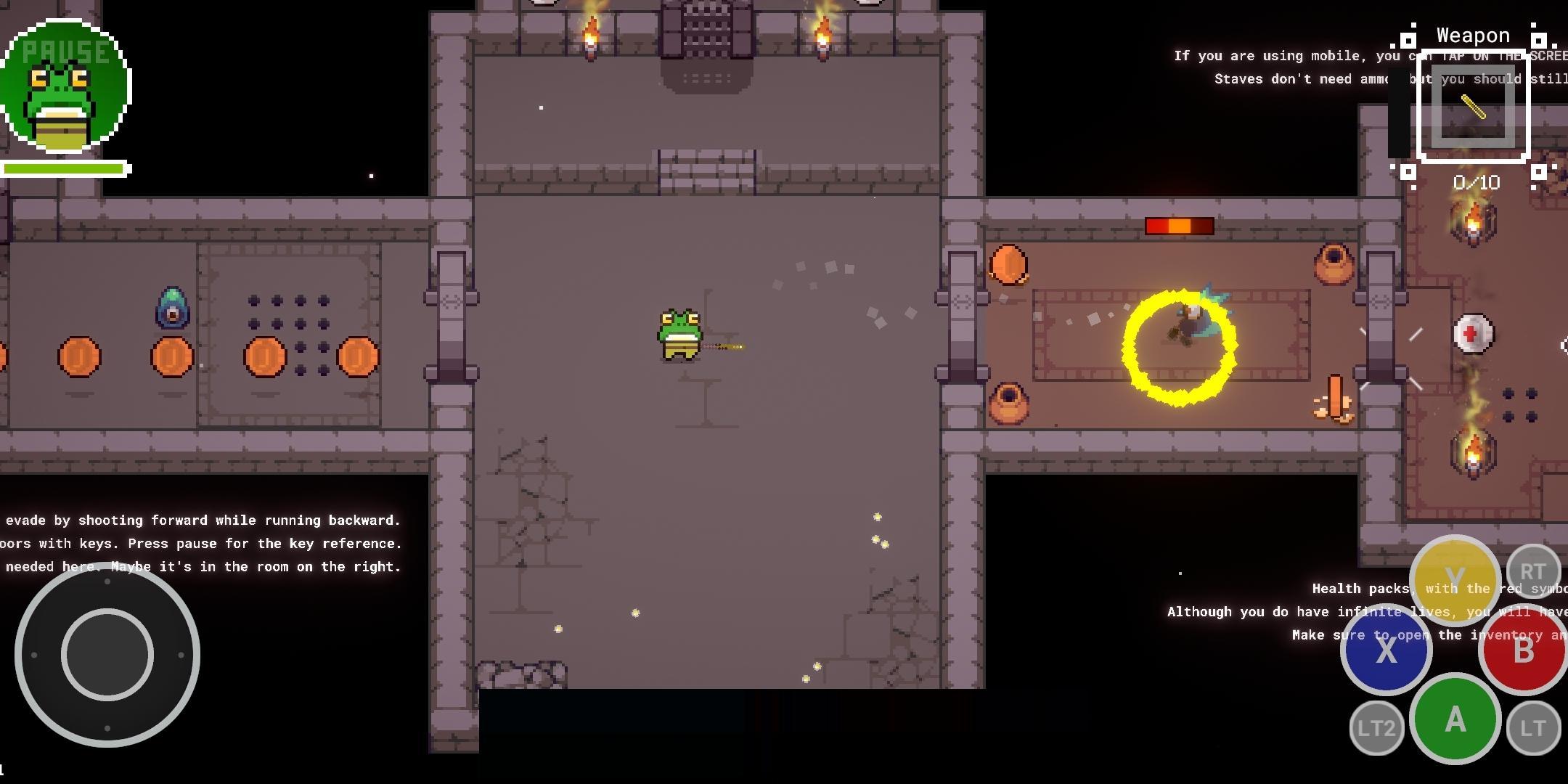
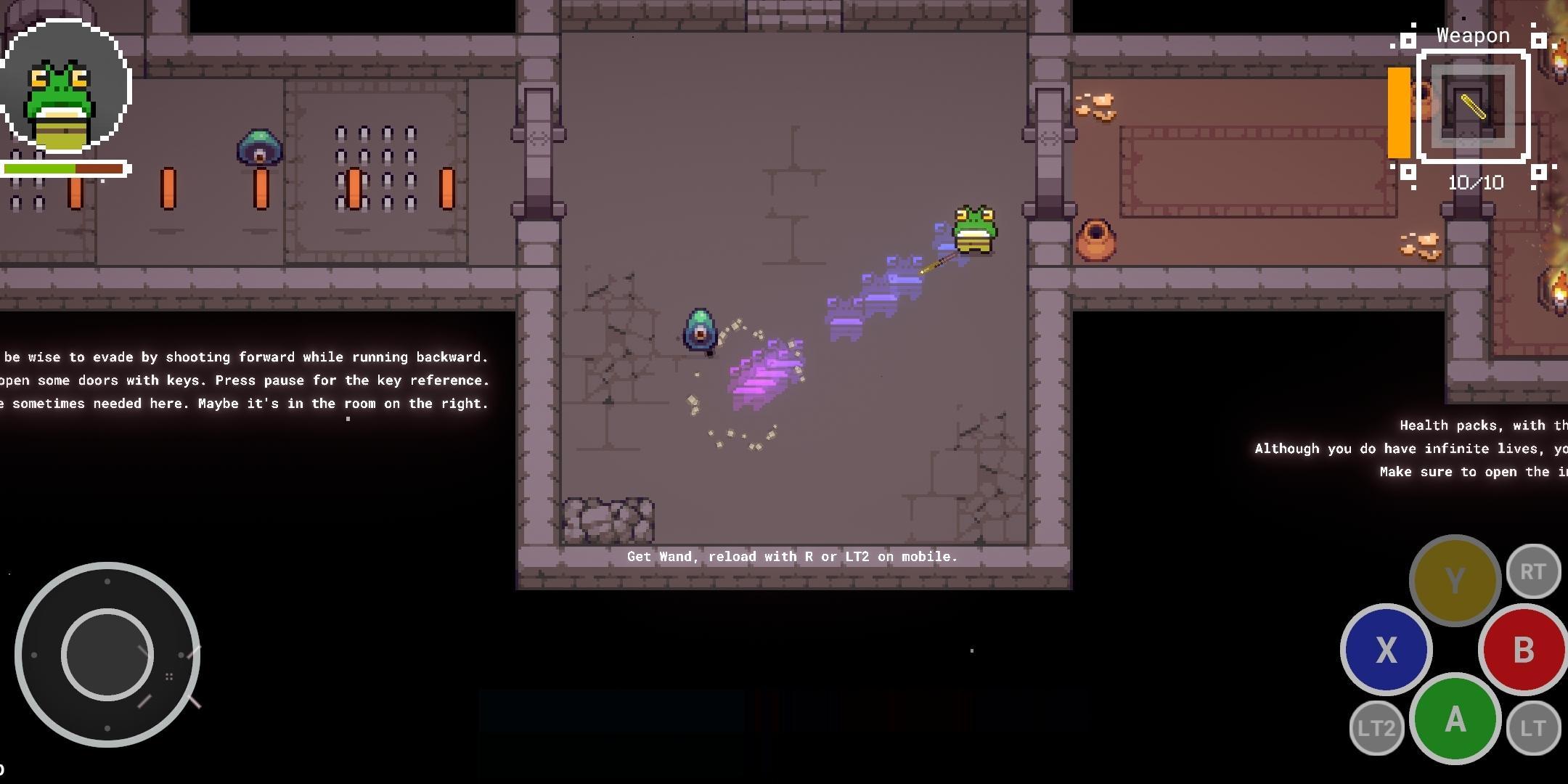
Enjoy this top down dungeon crawler rogue-like game as you like! Pixel graphics are a must.
From the first entry point until the very end, you are surrounded by enemies. You will have to find a way to fight through the enemies to get past them in this difficult but satisfying game. The game is designed to be played on mobile with very convenient shooting mechanisms so that you can aim and fire at enemies by tapping the screen, one of the hallmarks of the game and something I'm proud of adding to the development process.
The bosses become progressively more difficult as you progress through the levels.
You have several weapons at your disposal, including a sword that you can optionally get (secret) early on in the game, and then find later. Once you find a weapon, you'll always have it -- but keep in mind there's always a reload time so you can't fire it indefinitely.
I *really* hope you enjoy this game. It's my first ever published game (but I have more in the works). If you have feedback for the community behind the game, please join my discord or send me a message on twitter or youtube!
If you have any comments please be constructive and I will be happy to look into any issues and fix them as they are mentioned, since I'm at my desk all day and develop this stuff for a living.
Discord - https://discord.gg/RquMAxPyT2
YouTube - https://www.youtube.com/koshdogg
Twitter - https://twitter.com/xinroch
Gothic Serpent Company Site - https://www.gothicserpent.com
Preview
Tags
ActionInformation
Developer
Gothic Serpent
Latest Version
0.2.14
Last Updated
2022-10-10
Category
Action
Available on
Google Play
Show More
How to play Rogue Frog with GameLoop on PC
1. Download GameLoop from the official website, then run the exe file to install GameLoop
2. Open GameLoop and search for “Rogue Frog” , find Rogue Frog in the search results and click “Install”
3. Enjoy playing Rogue Frog on GameLoop
Minimum requirements
OS
Windows 8.1 64-bit or Windows 10 64-bit
GPU
GTX 1050
CPU
i3-8300
Memory
8GB RAM
Storage
1GB available space
Recommended requirements
OS
Windows 8.1 64-bit or Windows 10 64-bit
GPU
GTX 1050
CPU
i3-9320
Memory
16GB RAM
Storage
1GB available space