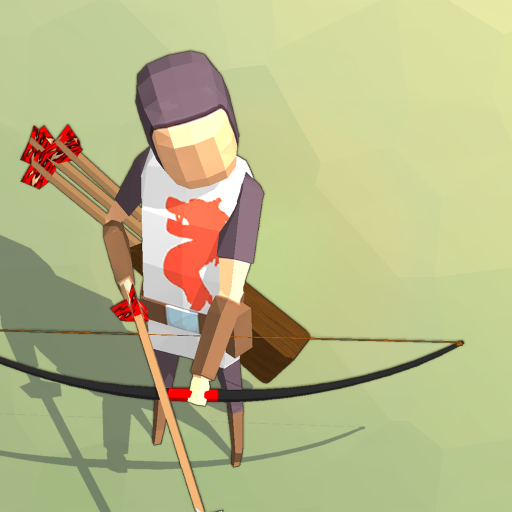
Doom Archer PC
Infinity Gunfighter
Download Doom Archer on PC With GameLoop Emulator
Doom Archer on PC
Doom Archer, coming from the developer Infinity Gunfighter, is running on Android systerm in the past.
Now, You can play Doom Archer on PC with GameLoop smoothly.
Download it in the GameLoop library or search results. No more eyeing the battery or frustrating calls at the wrong time any more.
Just enjoy Doom Archer PC on the large screen for free!
Doom Archer Introduction
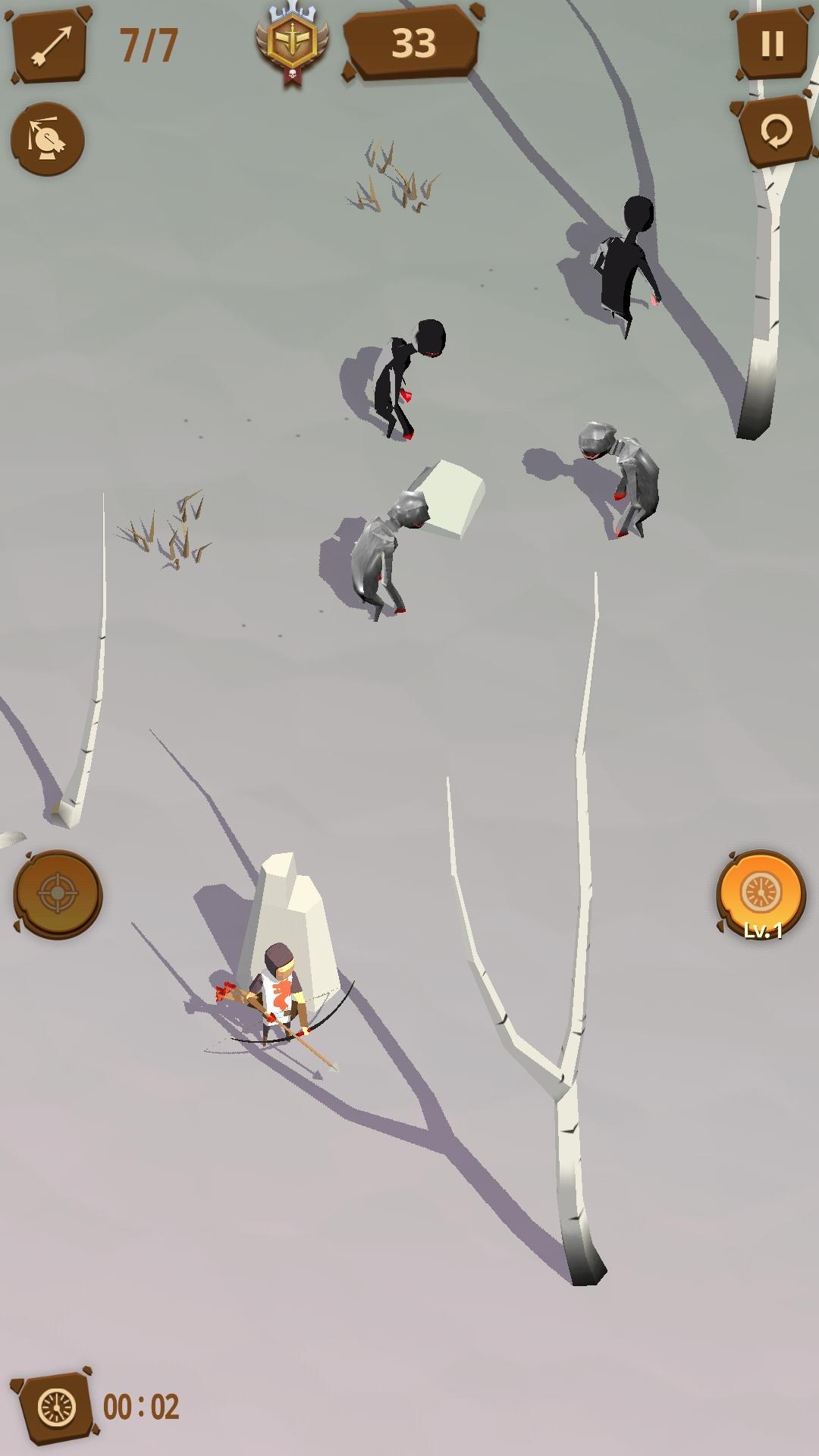
[ This game takes archery action game to a whole new level! ]
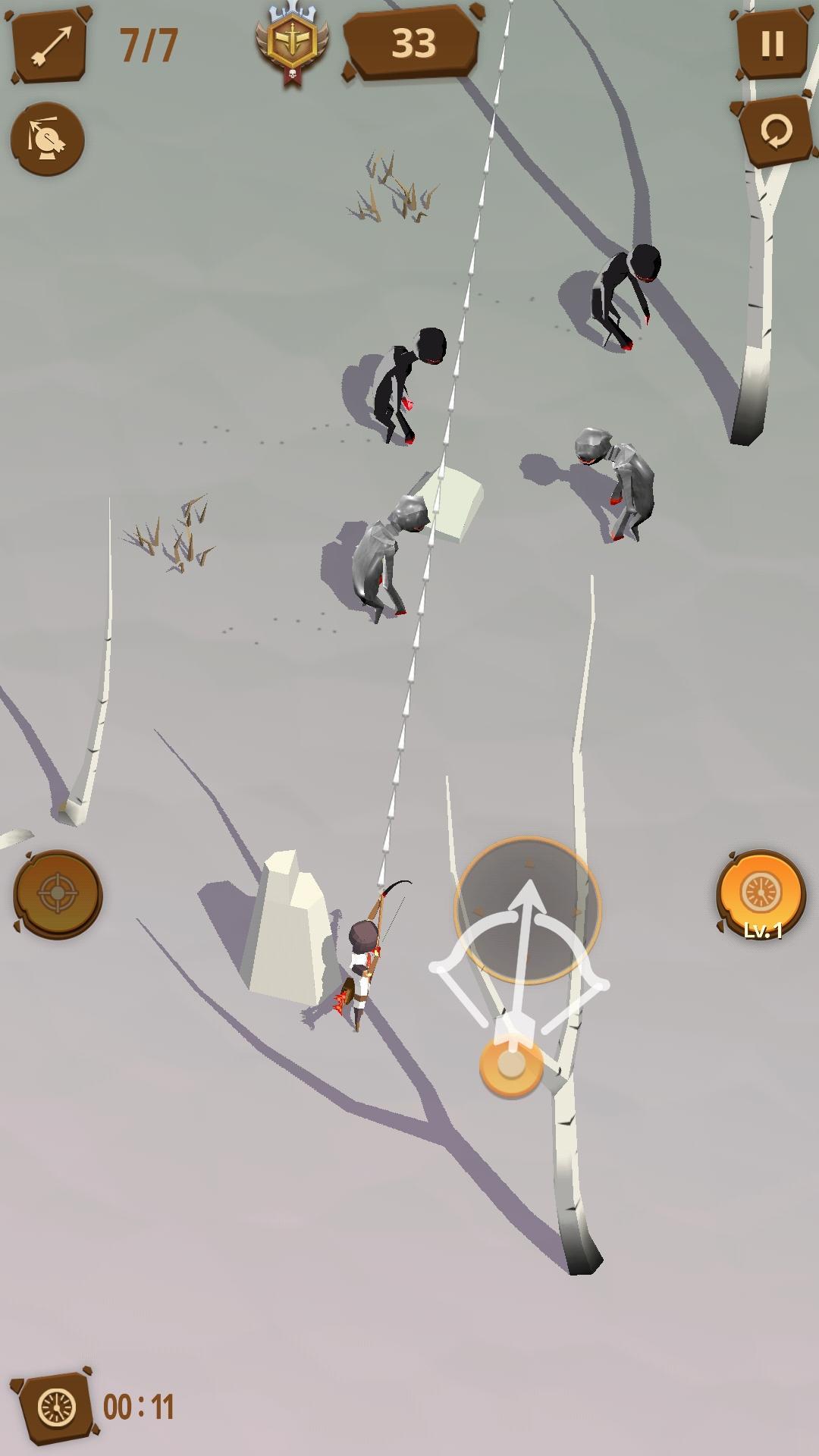
- Deploy your strategies and land deadly prediction shots to clear the Story Mode
- Shoot to survive from amassing horde of monsters in the Survival Mode
- Skills such as Penetration, Arc Shot, Multi Shots, and Focus will never make you bored!
- Made some stunning plays? Watch your stylish plays again through Replay!
[ Story ]
- Horde of monsters have suddenly launched an attack since the black meteor crash.
As a lucky survivor, you have to do whatever it takes to return to your loving family.
You have very little arrows left.
Use the leftover arrows wisely to return safely to home!
Preview
Tags
ActionInformation
Developer
Infinity Gunfighter
Latest Version
1.0.1
Last Updated
2019-08-15
Category
Action
Available on
Google Play
Show More
How to play Doom Archer with GameLoop on PC
1. Download GameLoop from the official website, then run the exe file to install GameLoop
2. Open GameLoop and search for “Doom Archer” , find Doom Archer in the search results and click “Install”
3. Enjoy playing Doom Archer on GameLoop
Minimum requirements
OS
Windows 8.1 64-bit or Windows 10 64-bit
GPU
GTX 1050
CPU
i3-8300
Memory
8GB RAM
Storage
1GB available space
Recommended requirements
OS
Windows 8.1 64-bit or Windows 10 64-bit
GPU
GTX 1050
CPU
i3-9320
Memory
16GB RAM
Storage
1GB available space