
Zombie Bloxx PC
Big Blue Bubble
Download Zombie Bloxx on PC With GameLoop Emulator
Zombie Bloxx on PC
Zombie Bloxx, coming from the developer Big Blue Bubble, is running on Android systerm in the past.
Now, You can play Zombie Bloxx on PC with GameLoop smoothly.
Download it in the GameLoop library or search results. No more eyeing the battery or frustrating calls at the wrong time any more.
Just enjoy Zombie Bloxx PC on the large screen for free!
Zombie Bloxx Introduction
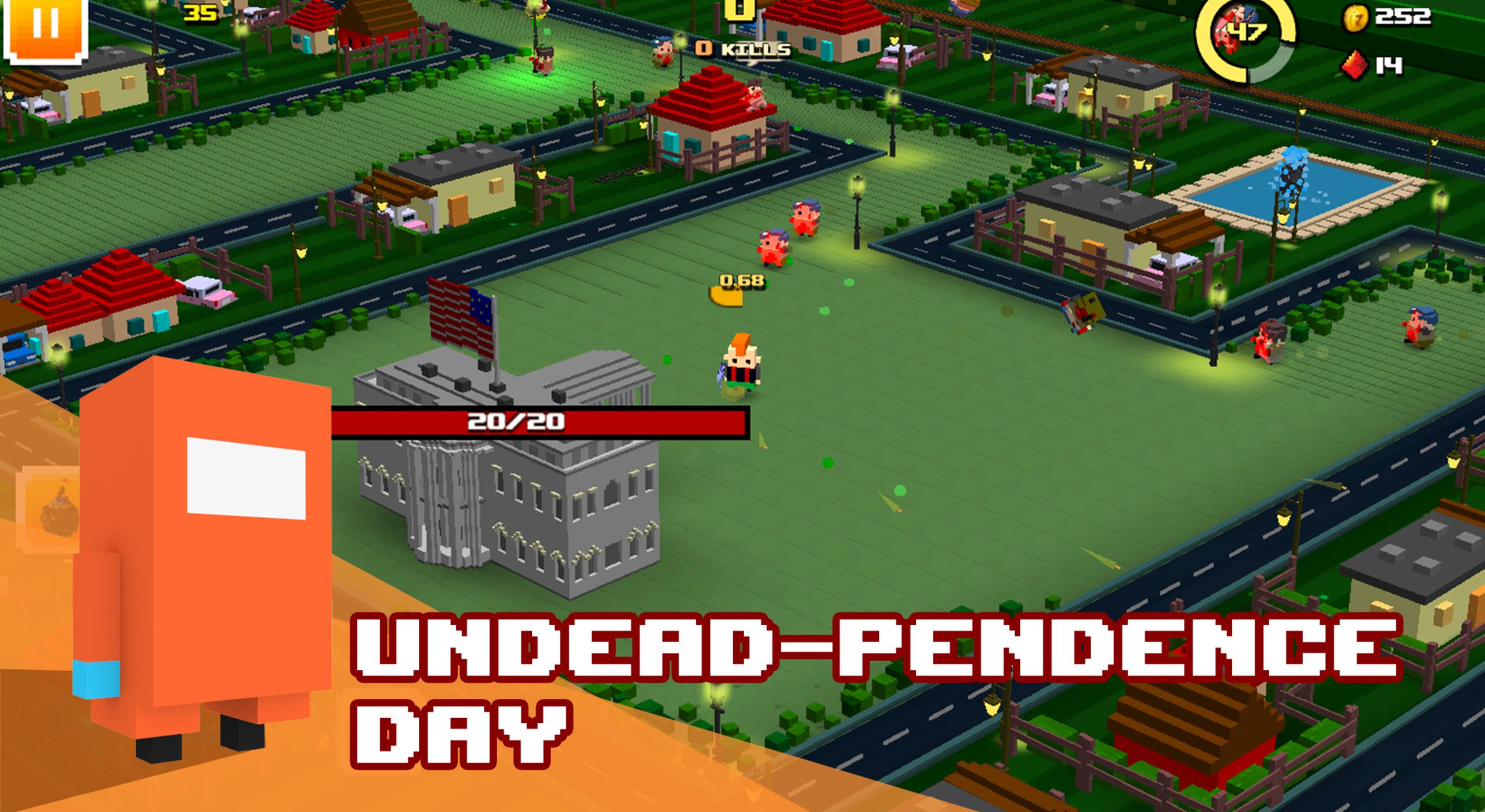
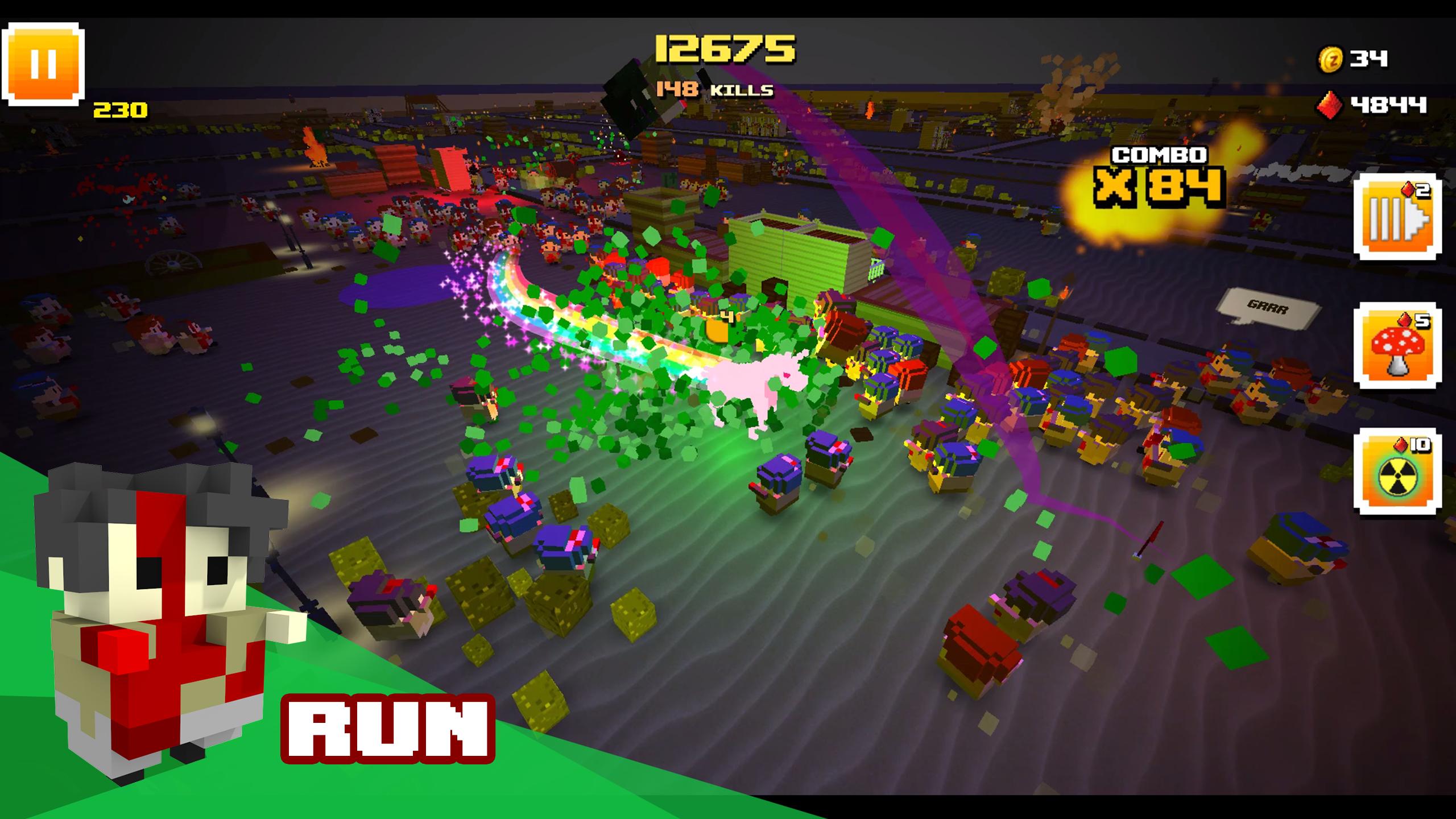
Do whatever you can to survive this zombie-filled nightmare! You’ll face an unending horde of block hungry zombies, ready to pull you apart pixel by pixel. But don’t panic yet! There’s a wide array of deadly weapons and helpful environments to take them down. From knives and clubs to tanks and brain crushing trains - you’ll have everything you’ll need to keep one step ahead of the swarm.
Features:
• A cast of over 40 unique characters with specialized weapons
• 6 merciless maps filled with bloodthirsty zombies
• Unstoppable hordes of the pixelated undead, including elite special zombies
• 3D environments drenched in pixel blood
Millions of Pixel Zombies were harmed in the making of Zombie Bloxx.
Download today and kill some more!
Facebook (Facebook.com/zombiebloxx)
Twitter (Twitter.com/zombiebloxx)
PLEASE NOTE! Zombie Bloxx is completely free to play, however some game items can also be purchased for real money. If you don't want to use this feature, please disable in-app purchases in your device's settings. Zombie Bloxx requires an internet connection to play (3G or WiFi).
HELP & SUPPORT: For support visit www.bigbluebubble.com/support.
Preview
Information
Developer
Big Blue Bubble
Latest Version
2.0.0
Last Updated
2018-06-28
Category
Action
Available on
Google Play
Show More
How to play Zombie Bloxx with GameLoop on PC
1. Download GameLoop from the official website, then run the exe file to install GameLoop
2. Open GameLoop and search for “Zombie Bloxx” , find Zombie Bloxx in the search results and click “Install”
3. Enjoy playing Zombie Bloxx on GameLoop
Minimum requirements
OS
Windows 8.1 64-bit or Windows 10 64-bit
GPU
GTX 1050
CPU
i3-8300
Memory
8GB RAM
Storage
1GB available space
Recommended requirements
OS
Windows 8.1 64-bit or Windows 10 64-bit
GPU
GTX 1050
CPU
i3-9320
Memory
16GB RAM
Storage
1GB available space