
Battle for the Queen PC
CubeCompany
Download Battle for the Queen on PC With GameLoop Emulator
Battle for the Queen on PC
Battle for the Queen, coming from the developer CubeCompany, is running on Android systerm in the past.
Now, You can play Battle for the Queen on PC with GameLoop smoothly.
Download it in the GameLoop library or search results. No more eyeing the battery or frustrating calls at the wrong time any more.
Just enjoy Battle for the Queen PC on the large screen for free!
Battle for the Queen Introduction
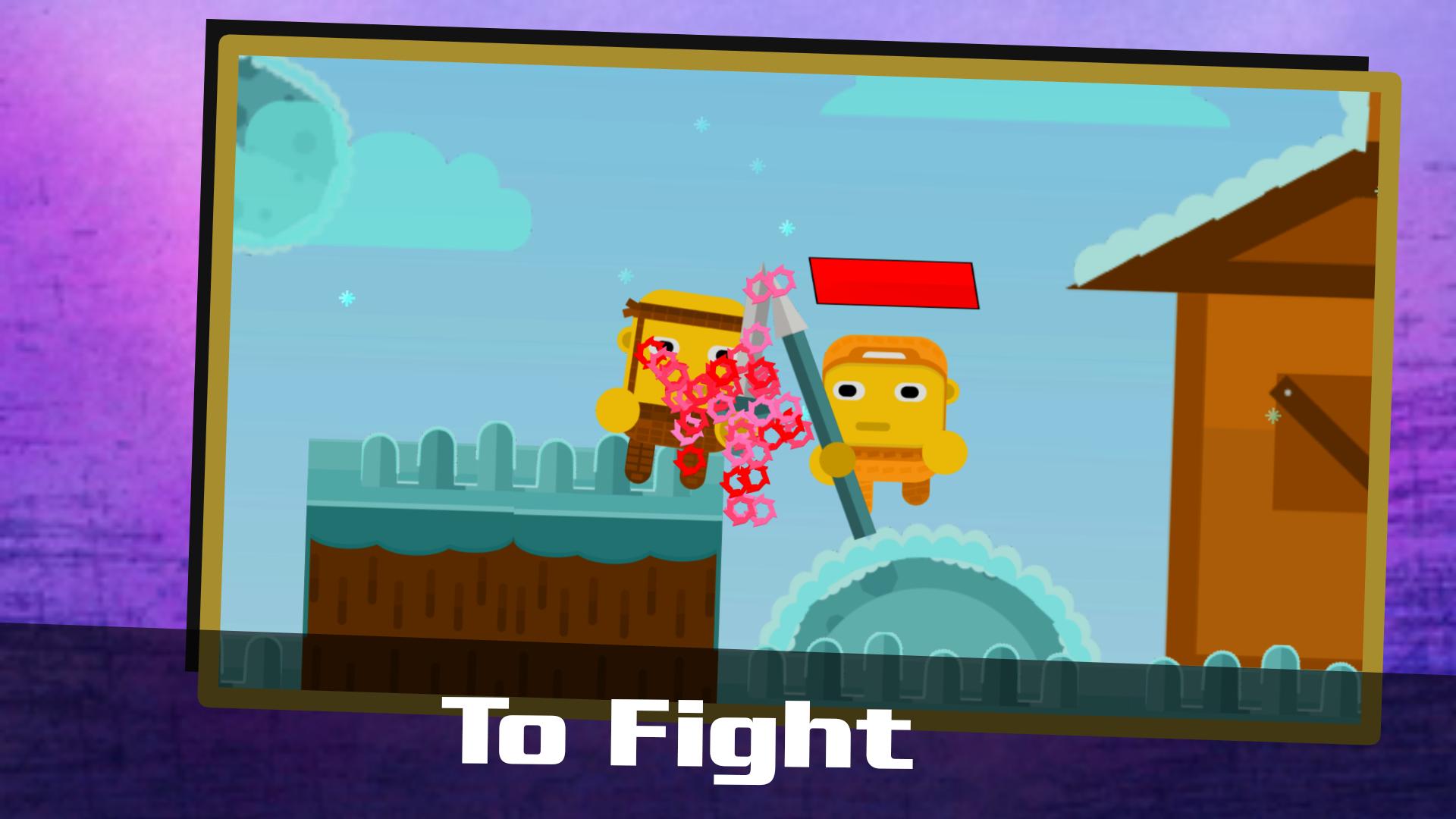
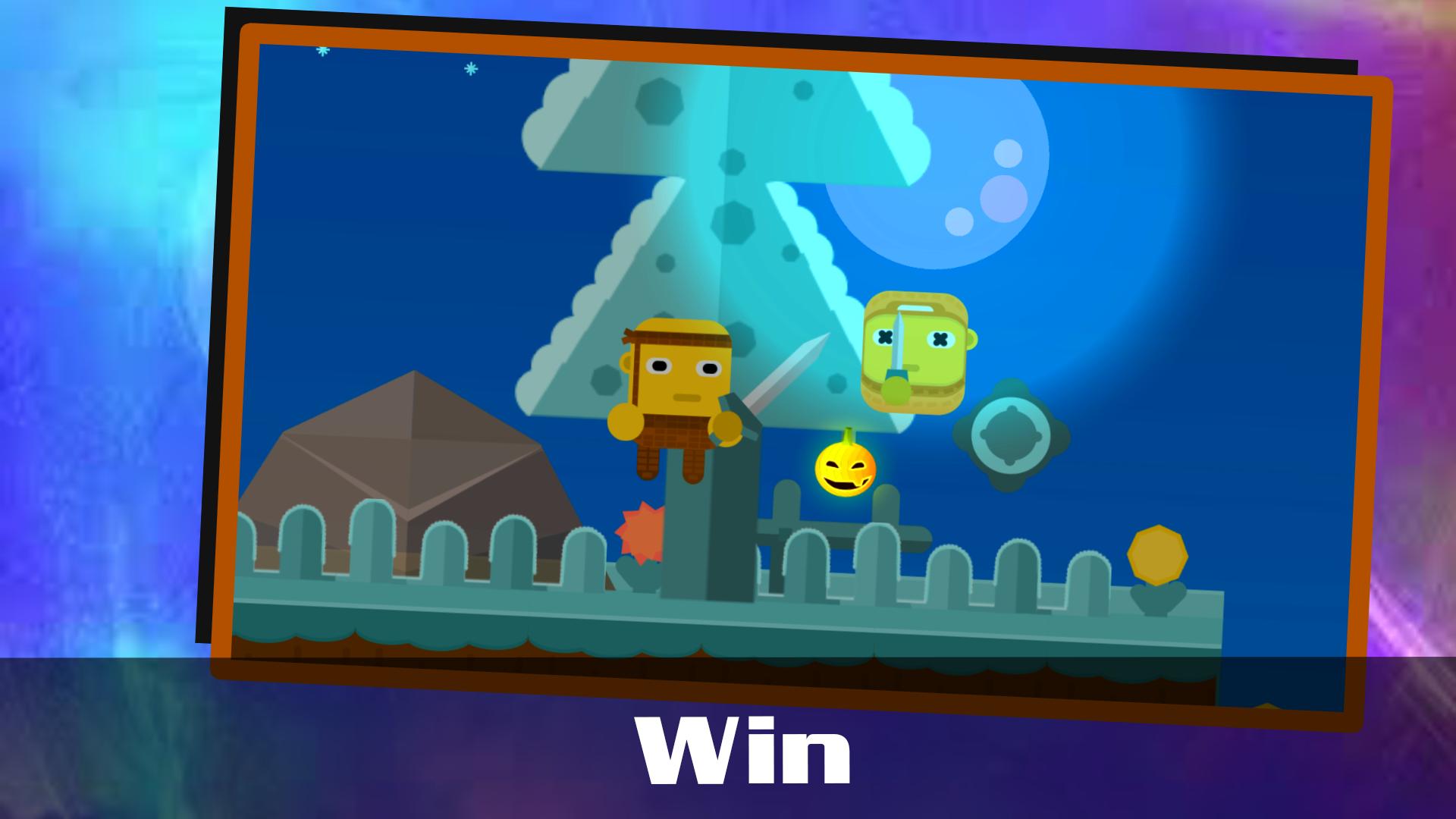
There were three actors in antiquity: a dragon who wants to steal a princess from a castle and a prince who wants to rescue a princess from a dragon. The game Butle Fort The Chueen continues this story, but in more recent events, it condemns that only hard work is the will to live in the world. The Queen acts as an element in the game, which inspires the knight to various dangerous feats, he is capable of everything, even to fight against the king. A knight is a character who portrays a player who sets himself a goal and walks toward it.
The game plot starts from the beginning. The king asks his daughter how the inheritance will be inherited, if there is no man near her, the king decides to create a tournament where the best fighters of the world will meet, eventually who will go through everything, and will be able to win the king himself will become the man of the daughter, and the father of the future king.
If you are ready for anything, it starts its fight, but knows that this adventure will not be quick and easy.
Preview
Tags
ActionInformation
Developer
CubeCompany
Latest Version
0.2.5
Last Updated
2020-02-29
Category
Action
Available on
Google Play
Show More
How to play Battle for the Queen with GameLoop on PC
1. Download GameLoop from the official website, then run the exe file to install GameLoop
2. Open GameLoop and search for “Battle for the Queen” , find Battle for the Queen in the search results and click “Install”
3. Enjoy playing Battle for the Queen on GameLoop
Minimum requirements
OS
Windows 8.1 64-bit or Windows 10 64-bit
GPU
GTX 1050
CPU
i3-8300
Memory
8GB RAM
Storage
1GB available space
Recommended requirements
OS
Windows 8.1 64-bit or Windows 10 64-bit
GPU
GTX 1050
CPU
i3-9320
Memory
16GB RAM
Storage
1GB available space