Radio Thư Giãn PC
MyIndieApp.com
Tải xuống Radio Thư Giãn trên PC với Trình giả lập GameLoop
Radio Thư Giãn trên PC
Radio Thư Giãn, đến từ nhà phát triển MyIndieApp.com, đang chạy trên hệ điều hành Android trong quá khứ.
Giờ đây, bạn có thể chơi Radio Thư Giãn trên PC với GameLoop một cách mượt mà.
Tải xuống nó trong thư viện GameLoop hoặc kết quả tìm kiếm. Không còn để ý đến pin hoặc các cuộc gọi bực bội vào sai thời điểm nữa.
Chỉ cần thưởng thức Radio Thư Giãn PC trên màn hình lớn miễn phí!
Radio Thư Giãn Giới thiệu
Radio Thư Giãn - Nghe Nhạc Radio Mỹ
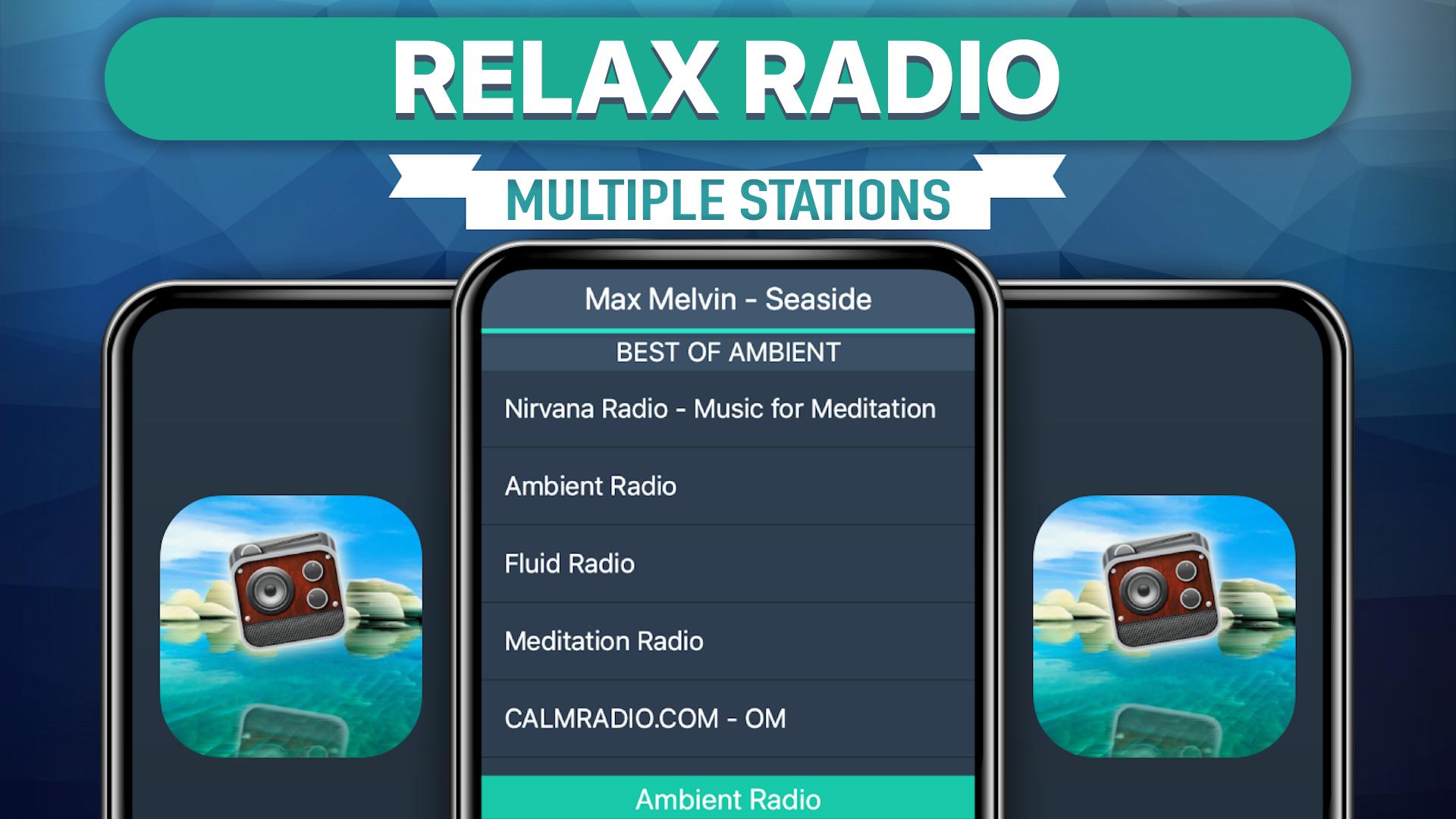
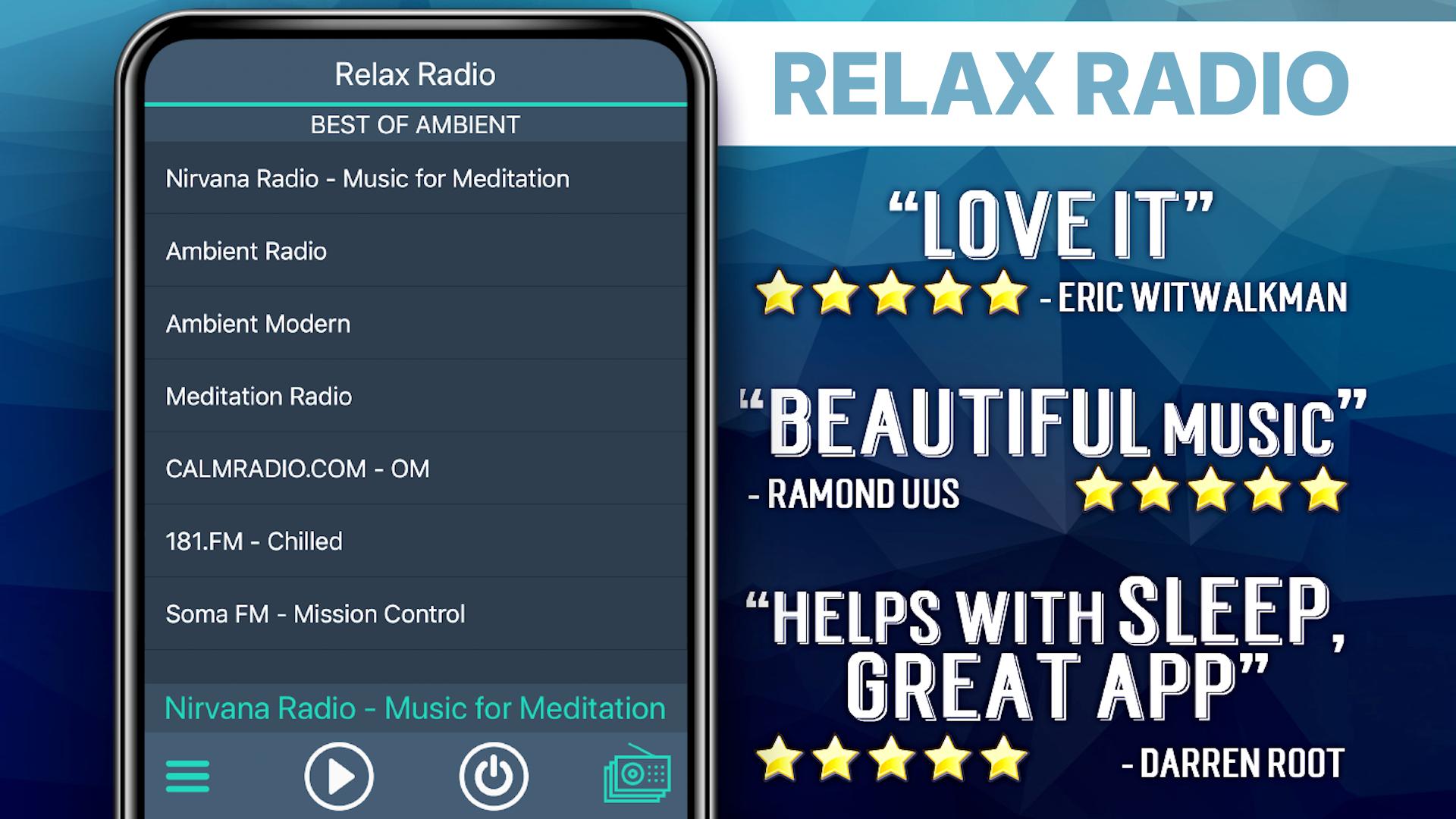
Hiện có các đài phát thanh:
***** Best of Ambient *****
CALMRADIO.com - SLEEP
Nature - SKY.FM
Dreamscapes - SKY.FM
Powermix FM - Chillout Channel
Space Dreams
Fluid Radio
CALMRADIO.COM - OM
Mission Control: Celebrating NASA
***** Most Popular *****
CALMRADIO.COM - SPA
Relaxation - SKY.FM
CHILLAXE.FM - UK
Clubberry Chill
Mountain Chill - Destination for Chill
***** Chill Radio *****
Nature - SKY.FM
Dreamscapes - SKY.FM
Relaxation - SKY.FM
CHILLAXE.FM - UK
W W W. C H I L L O U T. F M
Chilltrax - The World's Chillout
Clubberry Chill
Mountain Chill - Destination for Chill
Powermix FM - Chillout Channel
M2 CHILLOUT: ONLY LOUNGE
Space Dreams
PsyChill
SSRadio Lounge and Chill
Entranced.FM - A Chilled Mix
***** Lounge Mix *****
A B C Stars Smooth Jazz
Cafe Monet: LifeJive Radio
DELUXE LOUNGE RADIO
LoungeFM",@"Planet Lounge Radio
***** Relax Mix *****
Beach House Radio
Beach House Radio Terrazza
Fair Harbor Radio
Fluid Radio
Limbik Frequencies - Radio Elektro[u]nique
CALMRADIO.COM - HEALING
CALMRADIO.COM - OM
CALMRADIO.com - POSITIVITY
CALMRADIO.COM - SPA
Ambient - DIGITALLY IMPORTED
CALMRADIO.com - SLEEP
ch_insomnia_128.mp3
Mission Control: Celebrating NASA
Radio Ultimae: panoramic world
SanFM.ru=Relax
Skylab Radio
Space Station Soma
TOP FM AMBIENT FRANCE
The Wave
4CLUBBERS
FAQs
Q: Why does the music stop playing when the screen goes dark?
A: There are several possible explanations for why this is happening. Many devices have built-in power saving settings (ex. Doze mode) that can cause disruptions in online streaming. Additionally, wifi settings need to be set to stay on when the device falls asleep. Please follow the link to our FAQ to find detailed instructions for how to adjust your settings to ensure seamless streaming: http://myindieapp.com/faq
Q: Why is the music skipping?
A: When songs are skipping, it is often because 1) that station's server has recently been reset or 2) the internet isn't filling the audio buffer fast enough. Usually these issues are resolved with faster internet, changing the wifi settings on your device, or they resolve on their own after the server resets.
Q: Where can I find these stations online?
A: Follow the link to the MadCalfApps.blogspot.com page in the app.
Q: Why is the app not working on my device?
A: Unfortunately, the app doesn't support all devices and operating systems. This is the main reason we have decided to bring this app to you totally FREE! Try it out to see if we are coming in loud and clear, "Nothing ventured nothing gained." We are adding support for new devices all the time.
Q: Why are some stations blank at times?
A: Some of these stations are controlled by real DJs and if they aren't playing anything at the time or their site is down no music will play. Fortunately we have a variety of channels so you will always have a lot to choose from.
Radio Thư Giãn - tự do Nhạc
Chúc vui vẻ!
Xem trước
Thẻ
Music-&Thông tin
Nhà phát triển
MyIndieApp.com
Phiên bản mới nhất
7.2
Cập nhật mới nhất
2023-10-12
Loại
Music-audio
Có trên
Google Play
Cho xem nhiều hơn
Cách chơi Radio Thư Giãn với GameLoop trên PC
1. Tải xuống GameLoop từ trang web chính thức, sau đó chạy tệp exe để cài đặt GameLoop.
2. Mở GameLoop và tìm kiếm “Radio Thư Giãn”, tìm Radio Thư Giãn trong kết quả tìm kiếm và nhấp vào “Cài đặt”.
3. Thích chơi Radio Thư Giãn trên GameLoop.
Minimum requirements
OS
Windows 8.1 64-bit or Windows 10 64-bit
GPU
GTX 1050
CPU
i3-8300
Memory
8GB RAM
Storage
1GB available space
Recommended requirements
OS
Windows 8.1 64-bit or Windows 10 64-bit
GPU
GTX 1050
CPU
i3-9320
Memory
16GB RAM
Storage
1GB available space