
Voice Recorder - High Quality Smart Recorder PC
Muhammed Göksu
Tải xuống Voice Recorder - High Quality Smart Recorder trên PC với Trình giả lập GameLoop
Voice Recorder - High Quality Smart Recorder trên PC
Voice Recorder - High Quality Smart Recorder, đến từ nhà phát triển Muhammed Göksu, đang chạy trên hệ điều hành Android trong quá khứ.
Giờ đây, bạn có thể chơi Voice Recorder - High Quality Smart Recorder trên PC với GameLoop một cách mượt mà.
Tải xuống nó trong thư viện GameLoop hoặc kết quả tìm kiếm. Không còn để ý đến pin hoặc các cuộc gọi bực bội vào sai thời điểm nữa.
Chỉ cần thưởng thức Voice Recorder - High Quality Smart Recorder PC trên màn hình lớn miễn phí!
Voice Recorder - High Quality Smart Recorder Giới thiệu
Regarding phone calls: 📲
This app is not designed explicitly for recording phone calls. Some manufacturers block the ability to record the other party of a phone call for privacy or legal reasons. For the same purpose, the app will even pause the recording during phone calls, but it can be turned off in the settings. Check your local laws and make sure it works on your handset first.
More features:
• Live audio spectrum analyzer
• Wave/PCM encoding with adjustable sample rate (8-44 kHz)
• Recording in the background (even when a display is off)
• Save/pause/resume/cancel recording process control
• Efficient and easy on battery
• Recording time limited only by available space on your storage (and tech. limit 2GB per file)
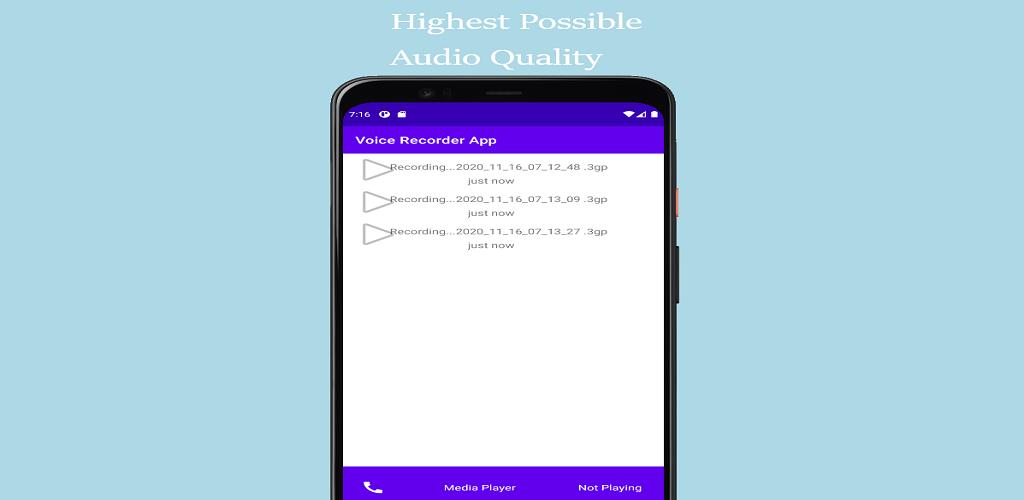
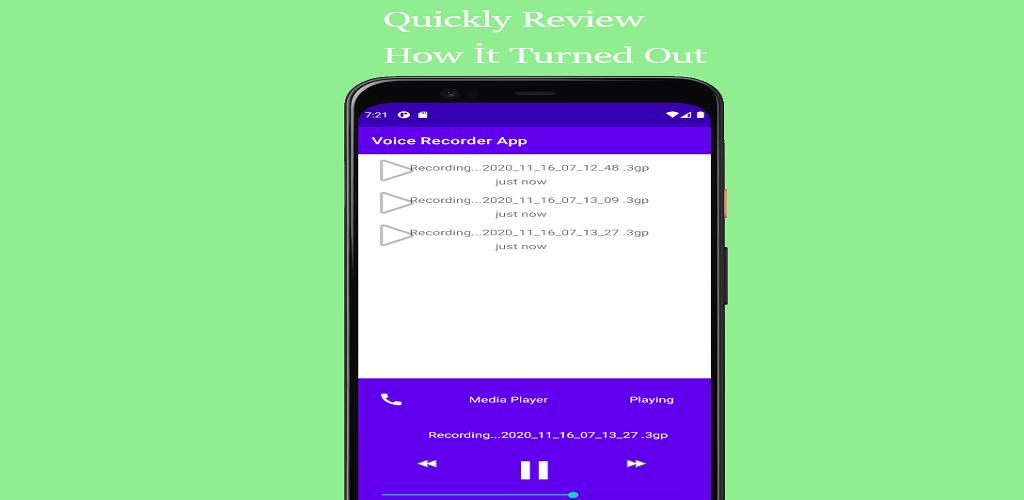
• Straightforward recordings list and many sharing options
• Launcher shortcut to start recording in one tap
• Microphone gain calibration tool.
Xem trước
Thẻ
Music-&Thông tin
Nhà phát triển
Muhammed Göksu
Phiên bản mới nhất
3
Cập nhật mới nhất
2020-11-17
Loại
Music-audio
Có trên
Google Play
Cho xem nhiều hơn
Cách chơi Voice Recorder - High Quality Smart Recorder với GameLoop trên PC
1. Tải xuống GameLoop từ trang web chính thức, sau đó chạy tệp exe để cài đặt GameLoop.
2. Mở GameLoop và tìm kiếm “Voice Recorder - High Quality Smart Recorder”, tìm Voice Recorder - High Quality Smart Recorder trong kết quả tìm kiếm và nhấp vào “Cài đặt”.
3. Thích chơi Voice Recorder - High Quality Smart Recorder trên GameLoop.
Minimum requirements
OS
Windows 8.1 64-bit or Windows 10 64-bit
GPU
GTX 1050
CPU
i3-8300
Memory
8GB RAM
Storage
1GB available space
Recommended requirements
OS
Windows 8.1 64-bit or Windows 10 64-bit
GPU
GTX 1050
CPU
i3-9320
Memory
16GB RAM
Storage
1GB available space