Sensor Box PC
RZTech
Download Sensor Box on PC With GameLoop Emulator
Sensor Box sa PC
Ang Sensor Box, na nagmumula sa developer na RZTech, ay tumatakbo sa Android systerm sa nakaraan.
Ngayon, maaari mong laruin ang Sensor Box sa PC gamit ang GameLoop nang maayos.
I-download ito sa GameLoop library o mga resulta ng paghahanap. Hindi na tumitingin sa baterya o nakakadismaya na mga tawag sa maling oras.
I-enjoy lang ang Sensor Box PC sa malaking screen nang libre!
Sensor Box Panimula
Sensor Box: The ultimate all-in-one diagnostic tool for your Android phone.
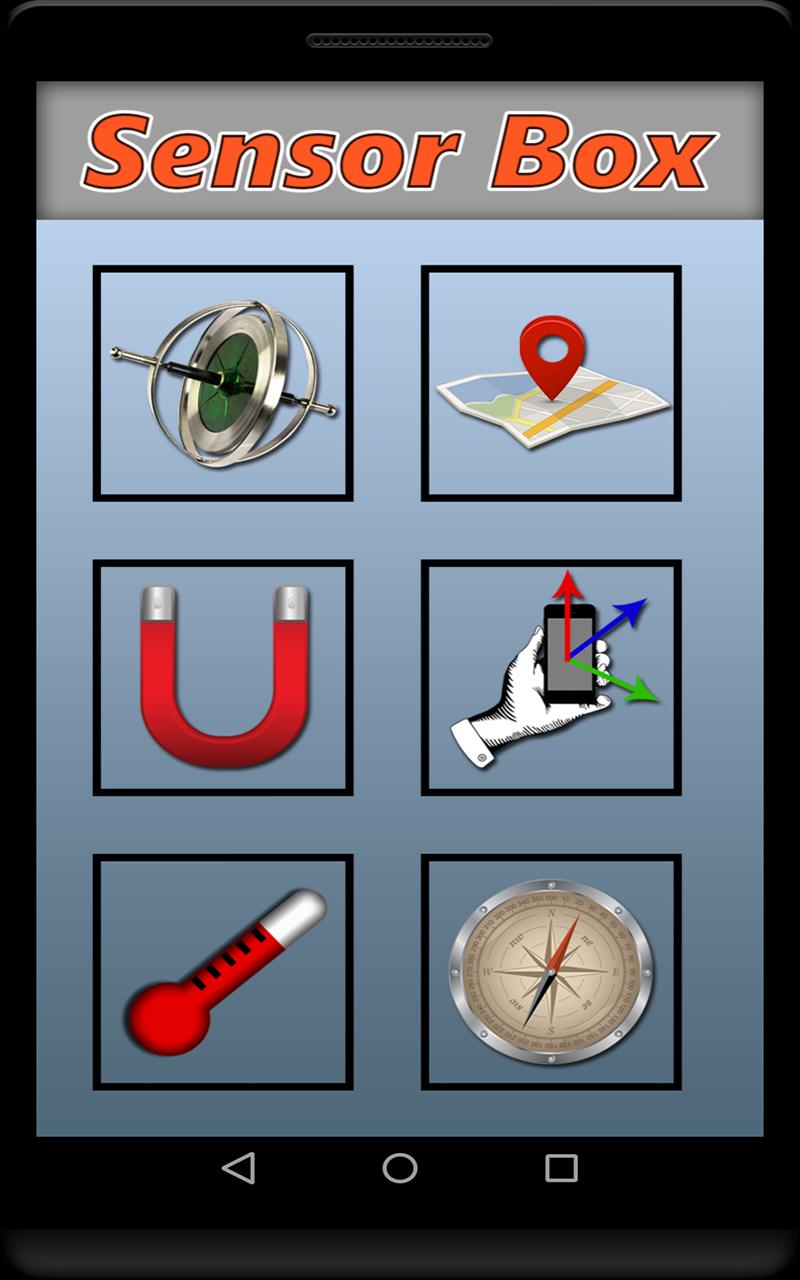
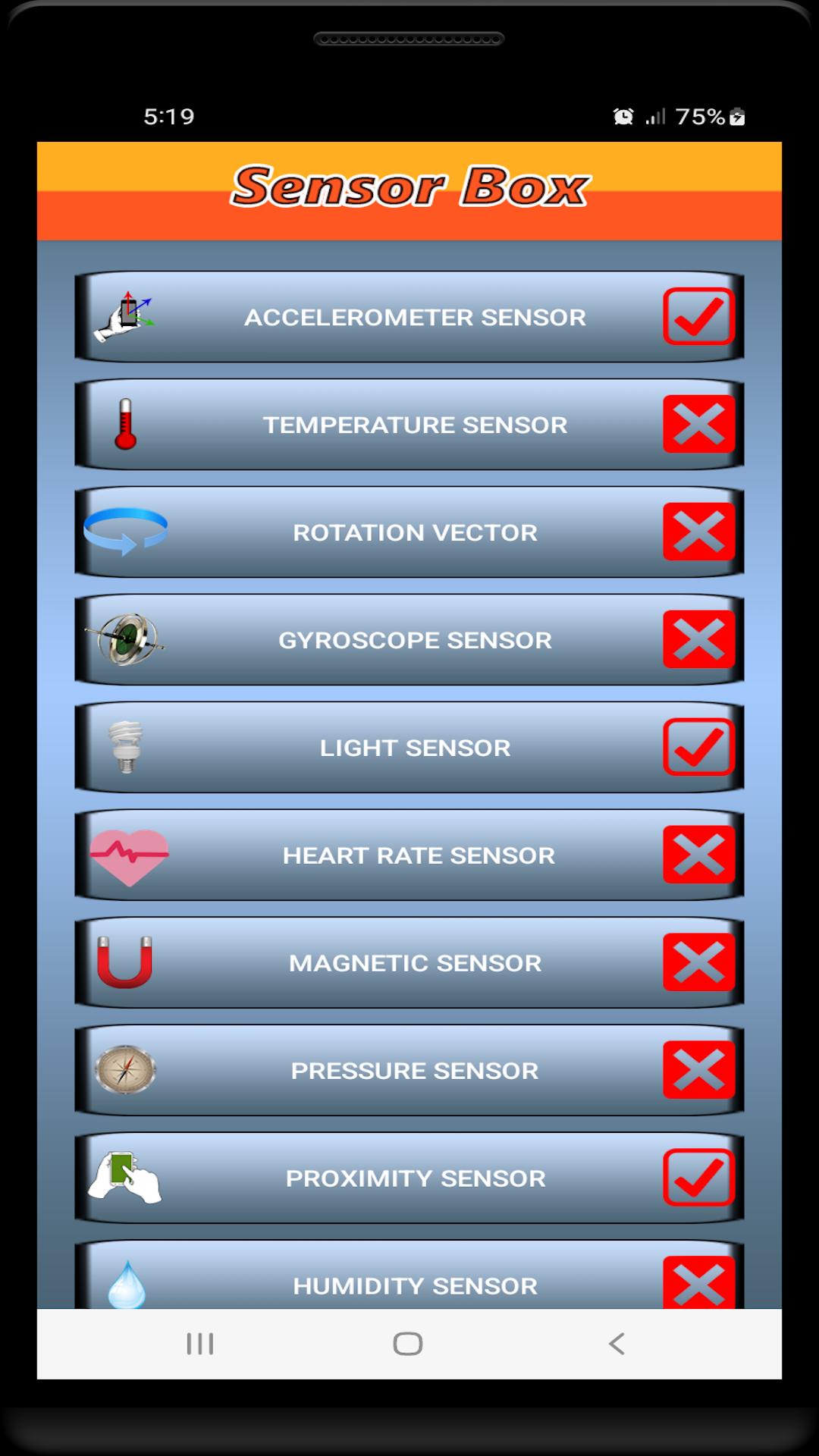
It detects all available sensors on your device and provides you with real-time data and visualizations. You can use Sensor Box to:
• Test your sensors: Make sure your sensors are working properly by running simple tests.
• Monitor your sensors: View real-time data from all of your sensors in a single place.
• Learn about your sensors: Get detailed information about each sensor, i.e. type, manufacturer and model.
• Use your sensors in new ways: Sensor Box provides a variety of tools that allow you to use your sensors in creative and innovative ways. For example, you can use the accelerometer to track your movement, the gyroscope to control games, and the magnetometer to navigate.
Sensor Box is perfect for everyone, from tech enthusiasts to casual users. It's a great way to learn more about your device and its capabilities, and it can be used for a variety of purposes, such as troubleshooting, monitoring, and experimenting.
FEATURES
• Test your sensors
• Monitor your sensors in real time
• Learn about your sensors
• Use your sensors in new ways
Download Sensor Box today and discover what your device can do!
DISCLAIMER
In order to keep the application 100% free, ads may appear on its screens. If you have any questions or complaints, please feel free to contact us directly instead of leaving a bad rating.
Thank you choosing our application. We hope you have great experience with it.
Preview
Tags
ToolsInformation
Developer
RZTech
Latest Version
3.1
Last Updated
2023-09-13
Category
Tools
Available on
Google Play
Show More
How to play Sensor Box with GameLoop on PC
1. Download GameLoop from the official website, then run the exe file to install GameLoop
2. Open GameLoop and search for “Sensor Box” , find Sensor Box in the search results and click “Install”
3. Enjoy playing Sensor Box on GameLoop
Minimum requirements
OS
Windows 8.1 64-bit or Windows 10 64-bit
GPU
GTX 1050
CPU
i3-8300
Memory
8GB RAM
Storage
1GB available space
Recommended requirements
OS
Windows 8.1 64-bit or Windows 10 64-bit
GPU
GTX 1050
CPU
i3-9320
Memory
16GB RAM
Storage
1GB available space