
Metal Detector PC
RZTech
Download Metal Detector on PC With GameLoop Emulator
Metal Detector sa PC
Ang Metal Detector, na nagmumula sa developer na RZTech, ay tumatakbo sa Android systerm sa nakaraan.
Ngayon, maaari mong laruin ang Metal Detector sa PC gamit ang GameLoop nang maayos.
I-download ito sa GameLoop library o mga resulta ng paghahanap. Hindi na tumitingin sa baterya o nakakadismaya na mga tawag sa maling oras.
I-enjoy lang ang Metal Detector PC sa malaking screen nang libre!
Metal Detector Panimula
Metal Detector: Magnetic Field Sensor - Your Handy Metal Detection!
Introducing Metal Detector: Magnetic Field Sensor is the most accurate and easy way for anyone to detect metals. This lightweight app will help you recognize metals anywhere at home or elsewhere. With the help of its advanced magnetic field detection technology, it will immediately notify you whenever there is any metal presence in your surroundings so that you can rest assured and remain relaxed.
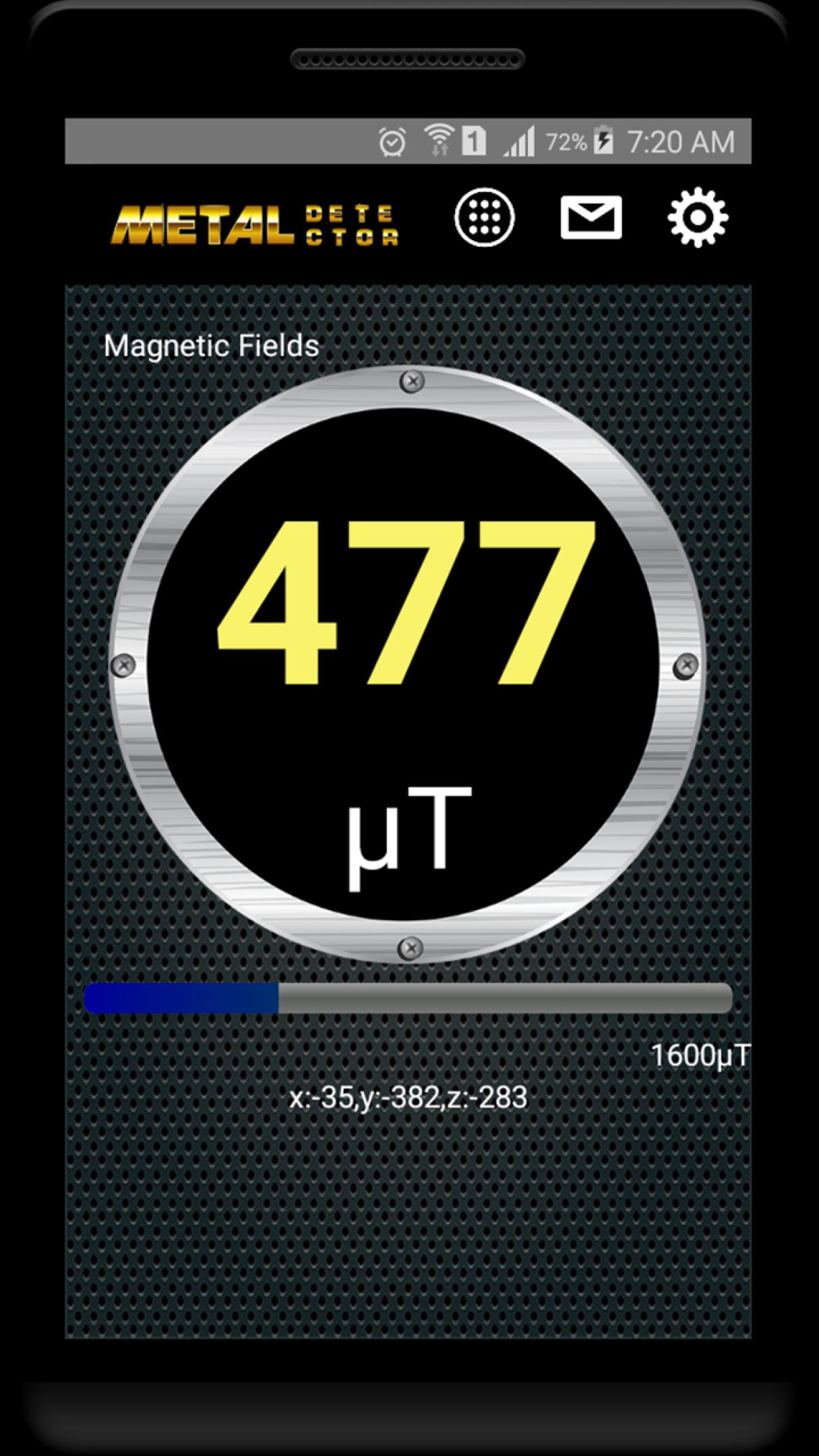
The Metal Detector: Magnetic Field Sensor detects the magnetic fields around your phone. The higher the strength of the magnetic field detected, the greater the likelihood there is metal. This app warns you with an alarm and phone vibration if the magnetic field value taps over a set threshold. Save the monitoring alarm settings, type of beep sound, and vibration by yourself on how you want to set up your proper level.
📄 Key Features of Metal Detector: Magnetic Field Sensor: 📄
🔍 Detects using the magnetic field around your phone;
🔍 Alerts with an alarm and vibration when the magnetic field crosses a limit;
🔍 Customizable settings for alarm limit, beep sound, and vibration;
🔍 Multilingual support, including English, Arabic, Chinese, Dutch, French, German, Italian, Portuguese, Russian, Spanish, and Turkish.
Wall Stud Finder: Magnetic Sensor - Precision and Ease Combined
Introducing the Wall Stud Finder: Magnetic Sensor, an essential tool for your DIY projects. This application turns your phone into a reliable wall stud detector, using magnetic sensor technology to locate studs within your walls. Activate the app and glide your phone along the wall; the Metal Detector: Magnetic Field Sensor will alert you when it detects a stud.
Accurate Stud Detection with Wall Stud Finder: Magnetic Sensor!
The Wall Stud Finder: Magnetic Sensor leverages your phone’s magnetic sensor to find studs. Customize the beep sound, vibration, and sensitivity to fit your needs. This app can be used in different fields and is supported in various languages (such as English and French...) so that anyone worldwide can enjoy it.
Metal Stud Finder: Metal Sensor - Find Hidden Studs with Ease!
Meet the Metal Stud Finder: Metal Sensor, your go-to app for locating metal studs behind walls. This Metal Stud Finder: Metal Sensor app utilizes your phone's metal sensor to identify the presence of studs quickly and accurately. Activate the Metal Stud Finder: Metal Sensor app, move your phone along the wall, and notify you when it detects a stud.
Get Your Ultimate Metal Detection Tools Today!
Experience the convenience and reliability of Metal Detector: Magnetic Field Sensor, Wall Stud Finder: Magnetic Sensor, and Metal Stud Finder: Metal Sensor. Perfect for everyday use, these apps ensure you can detect metals and studs with precision and ease. Download now and make your metal detection tasks more straightforward and more efficient!
Preview
Tags
ToolsInformation
Developer
RZTech
Latest Version
3.1.0
Last Updated
2024-07-19
Category
Tools
Available on
Google Play
Show More
How to play Metal Detector with GameLoop on PC
1. Download GameLoop from the official website, then run the exe file to install GameLoop
2. Open GameLoop and search for “Metal Detector” , find Metal Detector in the search results and click “Install”
3. Enjoy playing Metal Detector on GameLoop
Minimum requirements
OS
Windows 8.1 64-bit or Windows 10 64-bit
GPU
GTX 1050
CPU
i3-8300
Memory
8GB RAM
Storage
1GB available space
Recommended requirements
OS
Windows 8.1 64-bit or Windows 10 64-bit
GPU
GTX 1050
CPU
i3-9320
Memory
16GB RAM
Storage
1GB available space