Caller Name Announcer PC
RZTech
Download Caller Name Announcer on PC With GameLoop Emulator
Caller Name Announcer sa PC
Ang Caller Name Announcer, na nagmumula sa developer na RZTech, ay tumatakbo sa Android systerm sa nakaraan.
Ngayon, maaari mong laruin ang Caller Name Announcer sa PC gamit ang GameLoop nang maayos.
I-download ito sa GameLoop library o mga resulta ng paghahanap. Hindi na tumitingin sa baterya o nakakadismaya na mga tawag sa maling oras.
I-enjoy lang ang Caller Name Announcer PC sa malaking screen nang libre!
Caller Name Announcer Panimula
Fantastic Tool For Your Mobile Device - Caller Name Announcer! 📱📢
🤩 Welcome to the app that will transform how you interact with your Android phone! Say goodbye to the mystery of unknown callers and messages and say hello to a seamless, hands-free experience. 📵
Start Using Caller ID Announcer!
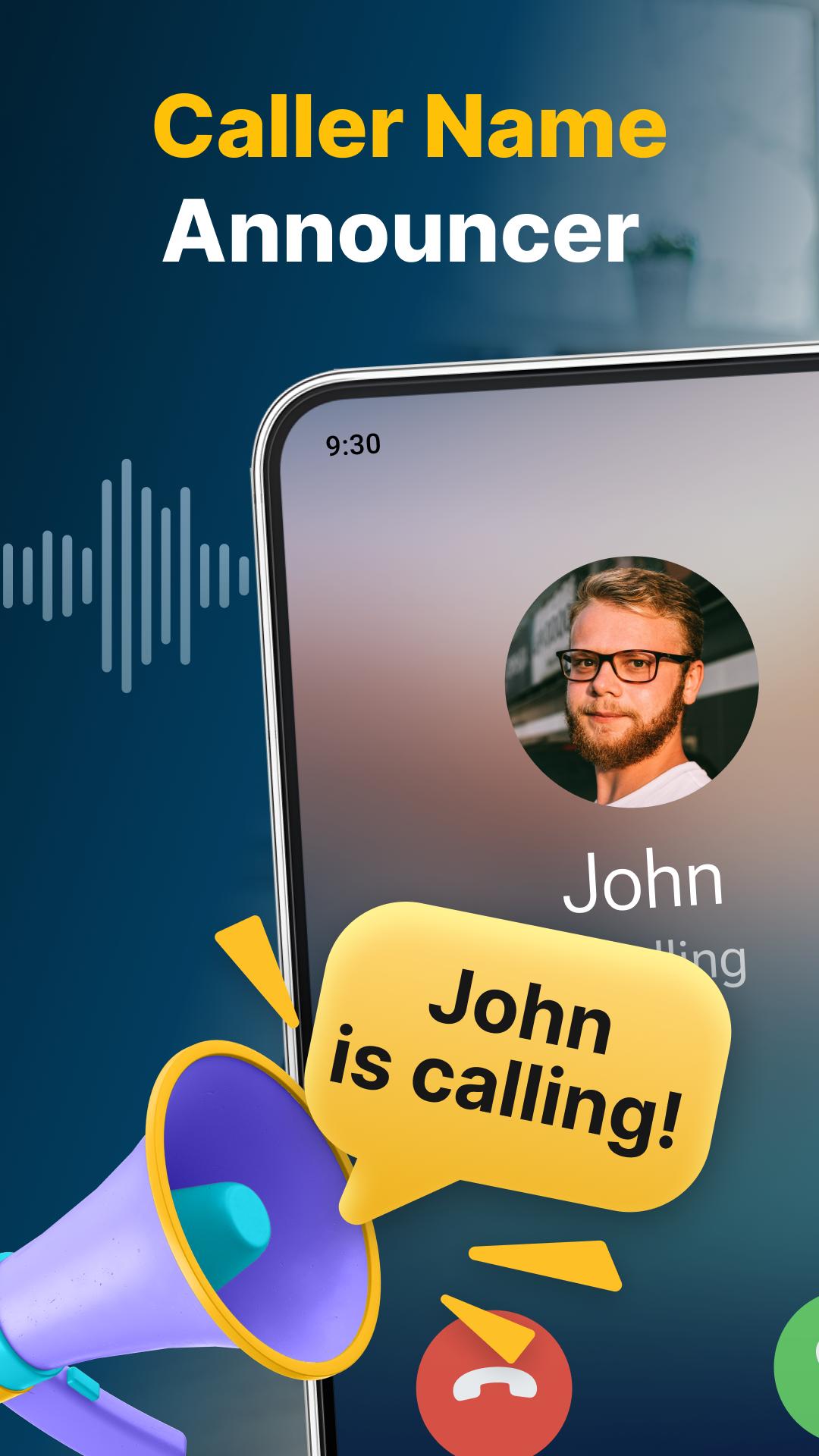
🔥 Imagine this: Your phone rings or vibrates, and even before you touch it, Caller Name Announcer springs into action. It whispers, "You've got a call from Sarah" or "A message from Dad." No more guessing games, just instant clarity! 🗣️
💬 But wait, there's more! Not only does it tell you who's calling or texting, but it also reads your messages aloud if you want it to. Just sit back and let your phone do the talking. It's like having your very own personal assistant. 📢
🌐 Speaking of personalization, we've got you covered. With easy-to-access settings, you can customize this app's work to suit your preferences. Whether you want to hear from known contacts only or don't mind the mystery of unknown numbers, we give you the power to choose. 🎛️
No need to look at the device's screen!
🌍 And the best part? Caller Name Announcer speaks your language! With support for over 40 languages, you'll feel right at home no matter where you are. It's a global sensation waiting to be your go-to app! 🌏
🔊 Please note that for this magic to happen, you must grant permission for the app to install your phone's language voice data. Don't worry; we'll handle the heavy lifting; you just need to say "yes." ✅
🚀 Here's a glimpse of what Caller Name Announcer has in store for you:
📞 Caller ID: Know who's calling without lifting a finger!
📱 Message Announcer: Stay in the loop, even while on the move!
⚙️ Customization: Tailor the app to your liking because one size doesn't fit all!
🗣️ Message Reading: Let your phone be your storyteller!
🙌 You might see some ads along the way. But hey, if you ever face any issues, please don't hesitate to contact us. We're here to help, not to annoy! 🤝
👏 Thank you for choosing Caller Name Announcer! We're excited to have you on board and can't wait for you to experience the convenience and joy it brings to your life. Download now and let the magic begin! ✨📢
Fantastic Incoming Call and SMS Announcer.
Preview
Tags
ToolsInformation
Developer
RZTech
Latest Version
3.5.1
Last Updated
2023-10-26
Category
Tools
Available on
Google Play
Show More
How to play Caller Name Announcer with GameLoop on PC
1. Download GameLoop from the official website, then run the exe file to install GameLoop
2. Open GameLoop and search for “Caller Name Announcer” , find Caller Name Announcer in the search results and click “Install”
3. Enjoy playing Caller Name Announcer on GameLoop
Minimum requirements
OS
Windows 8.1 64-bit or Windows 10 64-bit
GPU
GTX 1050
CPU
i3-8300
Memory
8GB RAM
Storage
1GB available space
Recommended requirements
OS
Windows 8.1 64-bit or Windows 10 64-bit
GPU
GTX 1050
CPU
i3-9320
Memory
16GB RAM
Storage
1GB available space