
instax mini Evo PC
FUJIFILM Corporation
Download instax mini Evo on PC With GameLoop Emulator
instax mini Evo sa PC
Ang instax mini Evo, na nagmumula sa developer na FUJIFILM Corporation, ay tumatakbo sa Android systerm sa nakaraan.
Ngayon, maaari mong laruin ang instax mini Evo sa PC gamit ang GameLoop nang maayos.
I-download ito sa GameLoop library o mga resulta ng paghahanap. Hindi na tumitingin sa baterya o nakakadismaya na mga tawag sa maling oras.
I-enjoy lang ang instax mini Evo PC sa malaking screen nang libre!
instax mini Evo Panimula
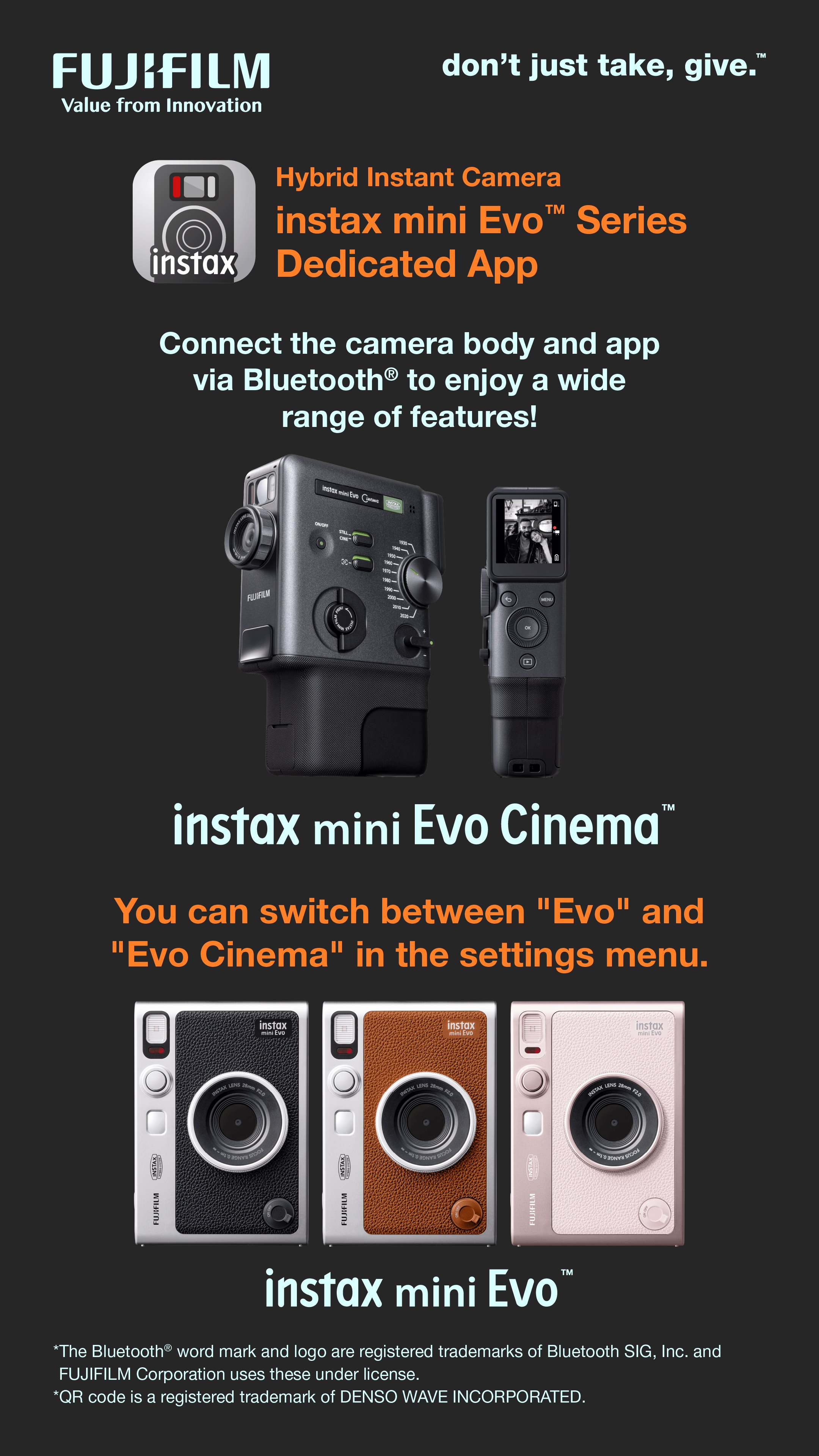
This app is exclusive to the Fujifilm instax mini Evo™ and instax mini Evo Cinema™ cameras.
By connecting your camera to this app via Bluetooth, you can enjoy the following features:
<mini Evo Cinema Features>
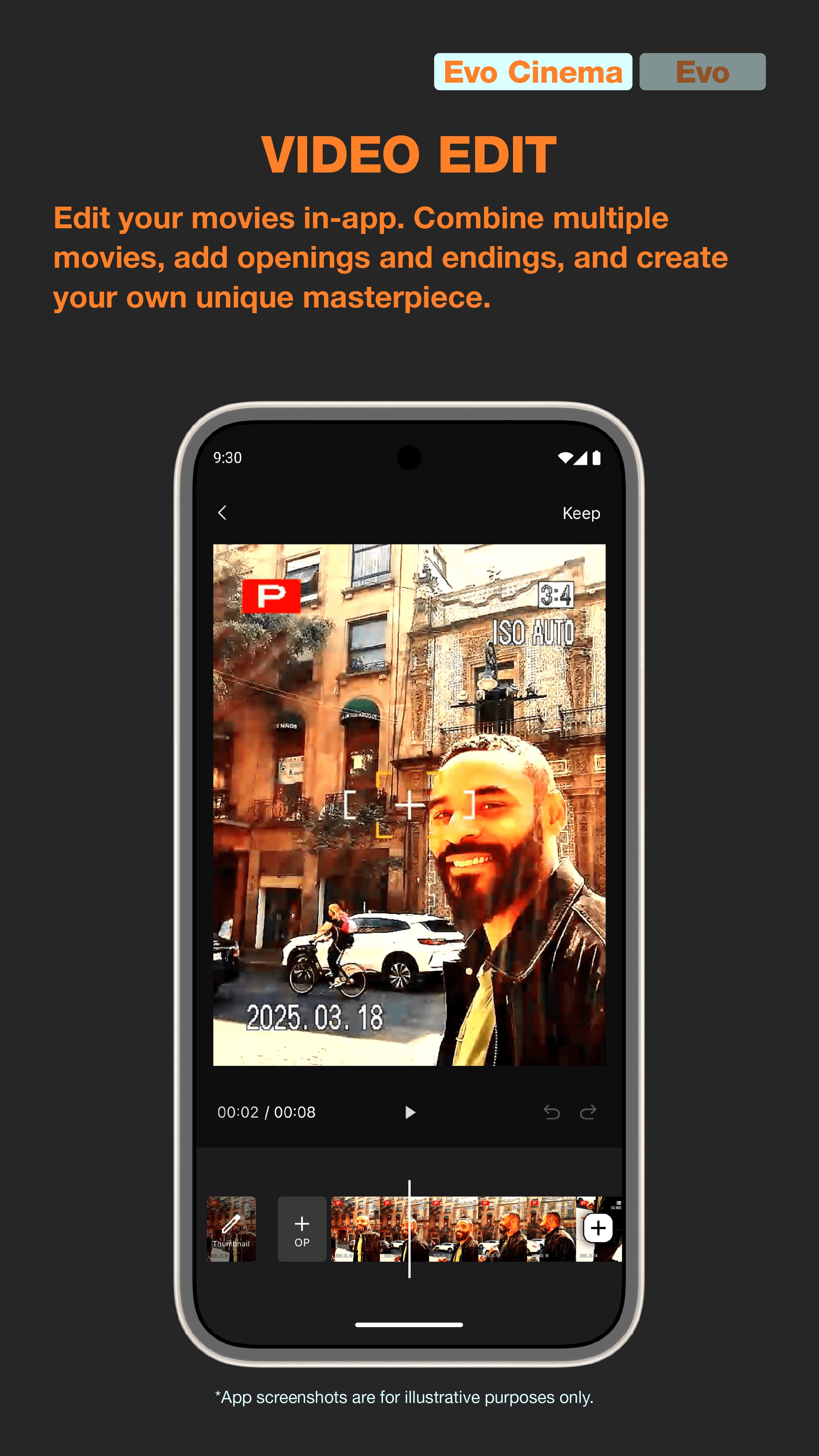
1. VIDEO EDIT
Edit videos in-app.
Combine clips, add opening and ending sequences to create your own unique movie moments.
2. DATA TRANSFER
Transfer data shot with the camera to the app via Bluetooth. Enjoy them in the in-app gallery.
Faster data transfer and selective transfers are available when connected via Wi-Fi.
3. POSTER TEMPLATE
Give your video creations a movie poster vibe with QR supported poster templates printed onto instax™ mini film.
<Common Features>
4. DIRECT PRINT
Send images from your smartphone to the camera and print as instax™ photos.
Before sending, you can move, rotate, zoom, and add filters to the image.
5. REMOTE SHOOTING
Control the camera via your smartphone and take pictures remotely.
6. SAVE PRINTED IMAGES
Save printed data to your smartphone.
Share your favorite shots on SNS.
【Recommended OS】Android 11.0 or later
Preview
Tags
PhotographyInformation
Developer
FUJIFILM Corporation
Latest Version
2.0.3
Last Updated
2026-04-07
Category
Photography
Available on
Google Play
Show More
How to play instax mini Evo with GameLoop on PC
1. Download GameLoop from the official website, then run the exe file to install GameLoop
2. Open GameLoop and search for “instax mini Evo” , find instax mini Evo in the search results and click “Install”
3. Enjoy playing instax mini Evo on GameLoop
Minimum requirements
OS
Windows 8.1 64-bit or Windows 10 64-bit
GPU
GTX 1050
CPU
i3-8300
Memory
8GB RAM
Storage
1GB available space
Recommended requirements
OS
Windows 8.1 64-bit or Windows 10 64-bit
GPU
GTX 1050
CPU
i3-9320
Memory
16GB RAM
Storage
1GB available space