
Snapseed PC
Google LLC
Download Snapseed on PC With GameLoop Emulator
Snapseed sa PC
Ang Snapseed, na nagmumula sa developer na Google LLC, ay tumatakbo sa Android systerm sa nakaraan.
Ngayon, maaari mong laruin ang Snapseed sa PC gamit ang GameLoop nang maayos.
I-download ito sa GameLoop library o mga resulta ng paghahanap. Hindi na tumitingin sa baterya o nakakadismaya na mga tawag sa maling oras.
I-enjoy lang ang Snapseed PC sa malaking screen nang libre!
Snapseed Panimula
Snapseed is a complete and professional photo editor developed by Google. Pro-level tools, authentic film simulations, smart masking and more — all with no strings attached.
== KEY FEATURES ==
• No Strings Attached: Get 30+ pro tools and filters - no subscriptions, purchases, ads, or watermarks
• Vintage Styles: realistic film filters, plus Halation, Bloom, and Grain tools
• Smart Masking: Instantly and intelligently isolate subjects or backgrounds with a single tap for fast, targeted edits
• Batch Editing: Quickly apply your favorite looks and edits to multiple photos
• Snapseed Camera: Capture using custom styles or film looks. Save time with real-time effects that can be edited or reset later
• Non-destructive Editing: Easily undo changes or revert to your original photo at any time
• RAW Support: Open and edit JPG and RAW files with precise control
== PRO TOOLS & FILTERS ==
• Snapseed Camera – shoot directly in your favorite film simulations or custom looks to capture your unique style in real-time and skip the editing step
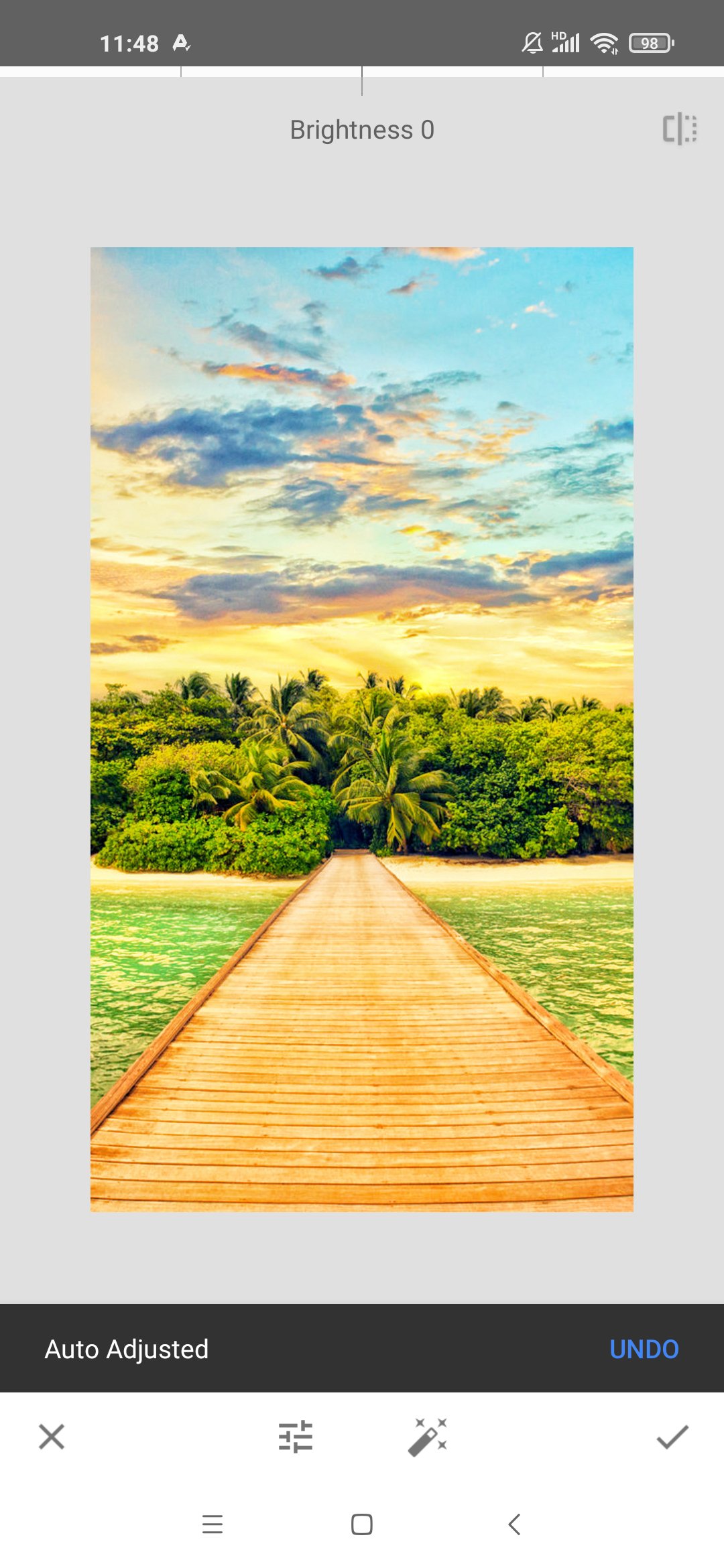
• Adjust – adjust exposure and color automatically or manually with fine, precise control
• One-Touch Masking – instantly select subjects or backgrounds with smart precision for seamless targeted edits
• Selective – precisely adjust brightness, contrast, or saturation in specific areas without affecting the rest of your photo
• Healing – remove the uninvited neighbor from a group picture
• Film – get beautiful looks with our completely updated, realistic film simulations of historic film stocks
• Batch Edit – apply your custom looks and edits to an entire batch of photos instantly
• Halation – add an authentic highlight glow to replicate classic analog lens effects
• Bloom – create a soft, dreamy optical diffusion to light sources for a cinematic finish
• RAW Develop – open and tweak some RAW file types
• Double Exposure - combine two photos using blend modes inspired by film and digital processing
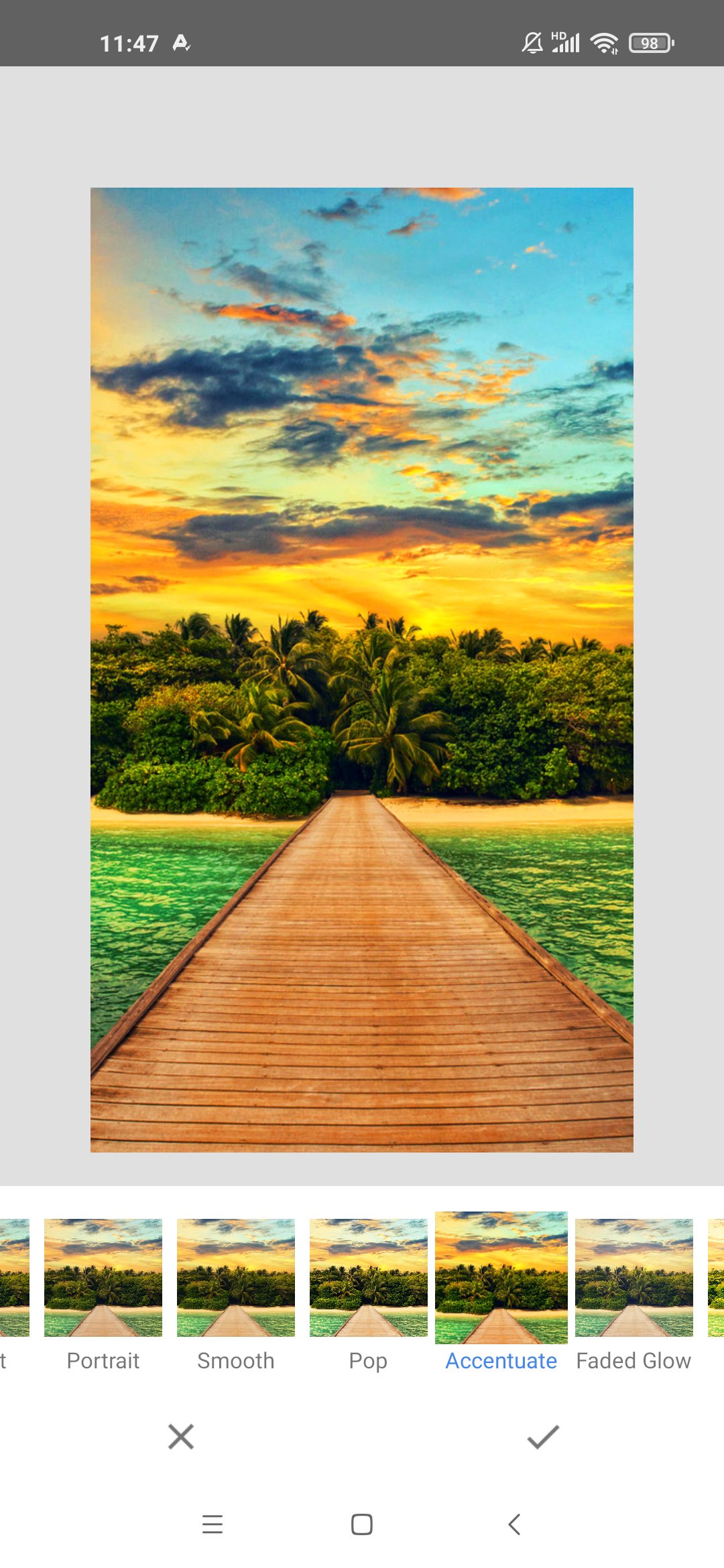
• Portrait – modern tools to quickly enhance lighting, adjust poses, and refine facial features
• Details – magically brings out surface structures in images
• Crop and rotate – crop to standard sizes, rotate by 90°, or straighten a skewed horizon
• Perspective – fix skewed lines and perfect the geometry of horizons or buildings
• White Balance – adjust the colors so that the image looks more natural
• Brush – selectively retouch exposure, saturation, brightness or warmth
• Vignette – darken image corners for a classic photographic effect
• Curves - have precise control over the brightness levels in your photos
• Color HSL – precisely adjust hue, saturation, and luminance of any color
• Dehaze – instantly clear haze, fog, or glare for better contrast and detail
• Expand - increase the size of your canvas
• Lens Blur – add a beautiful Bokeh to images (background softening)
• Glamour Glow – add a fine glow to images, great for fashion or portraits
• Tonal Contrast – boost details selectively in the shadows, midtones and highlights
• Black & White – classic Black and White look straight out of the darkroom
• and more!
Preview
Tags
PhotographyInformation
Developer
Google LLC
Latest Version
4.1.9.986960696
Last Updated
2026-09-23
Category
Photography
Available on
Google Play
Show More
How to play Snapseed with GameLoop on PC
1. Download GameLoop from the official website, then run the exe file to install GameLoop
2. Open GameLoop and search for “Snapseed” , find Snapseed in the search results and click “Install”
3. Enjoy playing Snapseed on GameLoop
Minimum requirements
OS
Windows 8.1 64-bit or Windows 10 64-bit
GPU
GTX 1050
CPU
i3-8300
Memory
8GB RAM
Storage
1GB available space
Recommended requirements
OS
Windows 8.1 64-bit or Windows 10 64-bit
GPU
GTX 1050
CPU
i3-9320
Memory
16GB RAM
Storage
1GB available space