
instax mini Link PC
FUJIFILM Corporation
Download instax mini Link on PC With GameLoop Emulator
instax mini Link sa PC
Ang instax mini Link, na nagmumula sa developer na FUJIFILM Corporation, ay tumatakbo sa Android systerm sa nakaraan.
Ngayon, maaari mong laruin ang instax mini Link sa PC gamit ang GameLoop nang maayos.
I-download ito sa GameLoop library o mga resulta ng paghahanap. Hindi na tumitingin sa baterya o nakakadismaya na mga tawag sa maling oras.
I-enjoy lang ang instax mini Link PC sa malaking screen nang libre!
instax mini Link Panimula
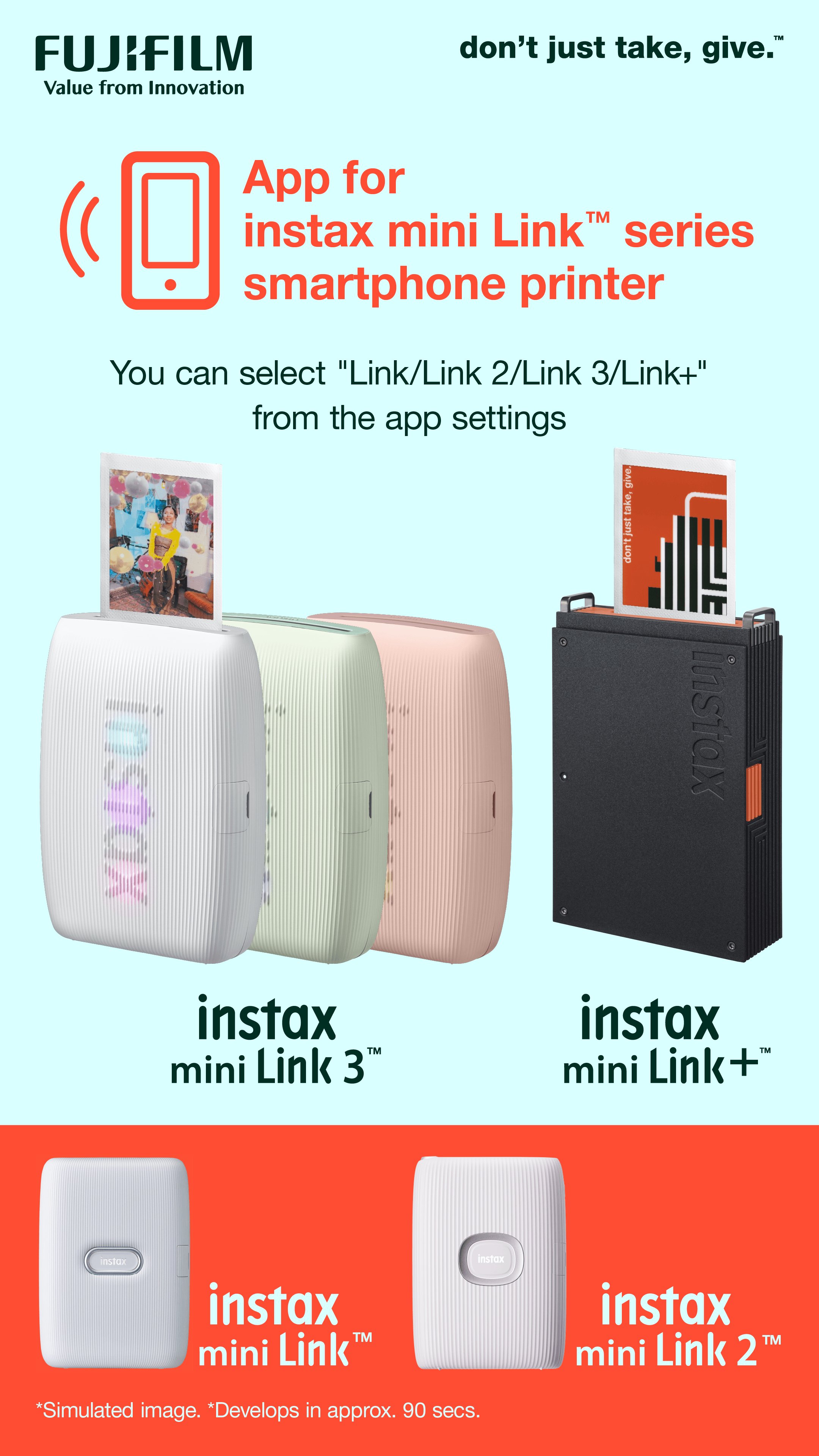
This app is exclusively for use with the FUJIFILM instax mini Link™ printer series.
Access the following features by connecting your instax mini Link™ printer to this app via Bluetooth.
<Features for all instax mini Link™ printers>
(1) Simple Print*
Easily print images with your smartphone!
*You can also print from videos.
(2) Frame Print / Collage Print
Add fun, creative frames to your images, or share your latest adventure as a collage, combining your snaps into one instax™ photo!
(3) instax Camera™
Take photos with your smartphone, remotely, using the printer's power button as a shutter release!
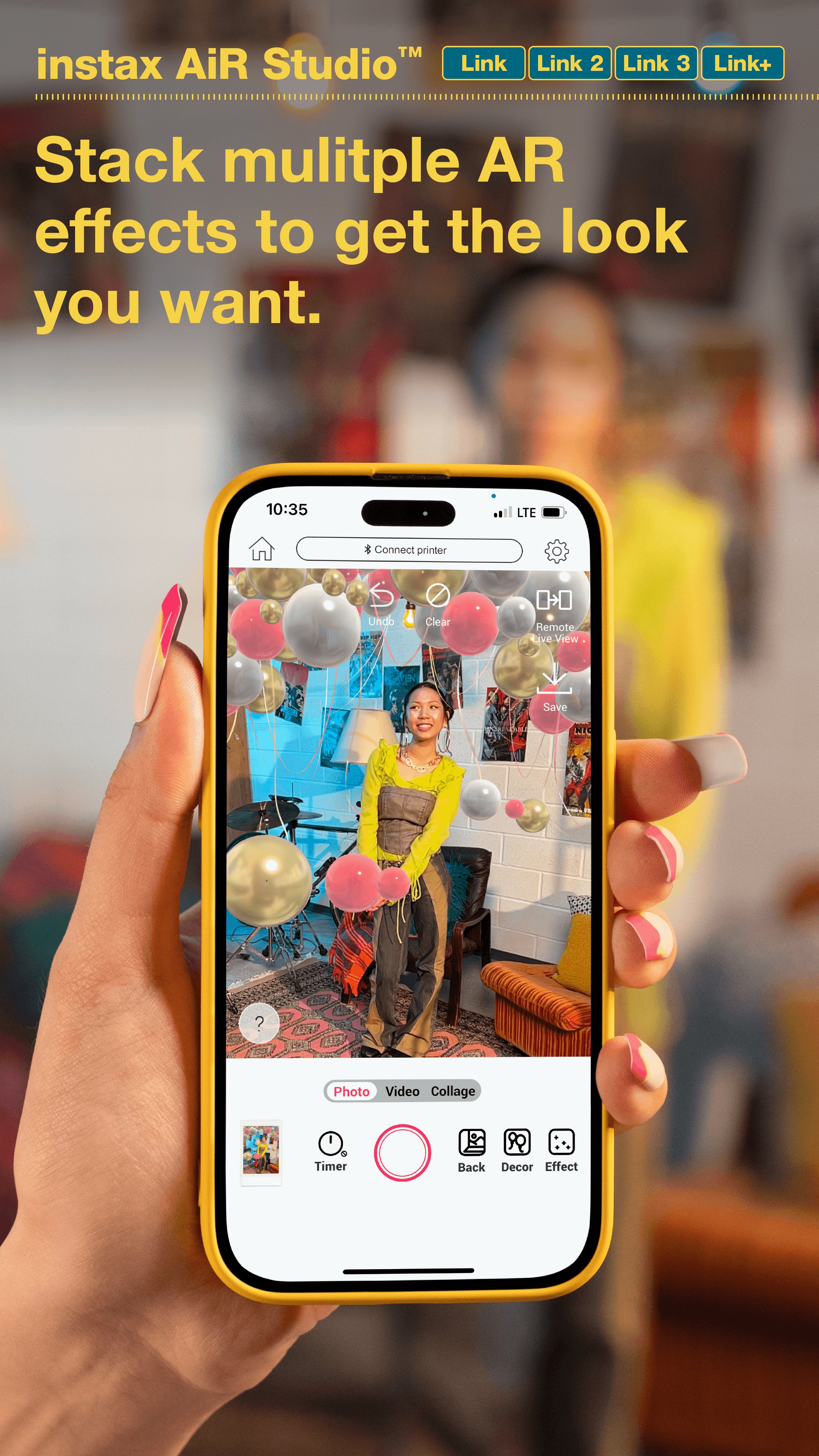
(4) instax AiR Studio™
Decorate the space with your favorite AR contents! Capturing photos with decorated AR contents anytime, anywhere!
(5) Click to Collage
Enjoy the photobooth experience with Click to Collage! Take a series of six images at three second intervals.
3, 2, 1... Smile!
(6) Match Test
Will you find your perfect match? Take the Match Test to find out!
(7) Content Printing Mode
Import your favorite images and content saved in the Pinterest® app or your smartphone's photo app directly into the app, simulate how you'll use them after printing, and then print!
<Exclusive Function for instax mini Link 2™>
(8) instaxAiR™
Show off your creativity! Simply press & hold the feature button, then draw in the air with the printer!
[Supported OS]
Android 11 or later
Preview
Tags
PhotographyBoardInformation
Developer
FUJIFILM Corporation
Latest Version
7.0.6
Last Updated
2026-06-26
Category
Photography
Available on
Google Play
Show More
How to play instax mini Link with GameLoop on PC
1. Download GameLoop from the official website, then run the exe file to install GameLoop
2. Open GameLoop and search for “instax mini Link” , find instax mini Link in the search results and click “Install”
3. Enjoy playing instax mini Link on GameLoop
Minimum requirements
OS
Windows 8.1 64-bit or Windows 10 64-bit
GPU
GTX 1050
CPU
i3-8300
Memory
8GB RAM
Storage
1GB available space
Recommended requirements
OS
Windows 8.1 64-bit or Windows 10 64-bit
GPU
GTX 1050
CPU
i3-9320
Memory
16GB RAM
Storage
1GB available space