
Miko - Play, Learn, & Connect PC
Emotix
Download Miko - Play, Learn, & Connect on PC With GameLoop Emulator
Miko - Play, Learn, & Connect sa PC
Ang Miko - Play, Learn, & Connect, na nagmumula sa developer na Emotix, ay tumatakbo sa Android systerm sa nakaraan.
Ngayon, maaari mong laruin ang Miko - Play, Learn, & Connect sa PC gamit ang GameLoop nang maayos.
I-download ito sa GameLoop library o mga resulta ng paghahanap. Hindi na tumitingin sa baterya o nakakadismaya na mga tawag sa maling oras.
I-enjoy lang ang Miko - Play, Learn, & Connect PC sa malaking screen nang libre!
Miko - Play, Learn, & Connect Panimula
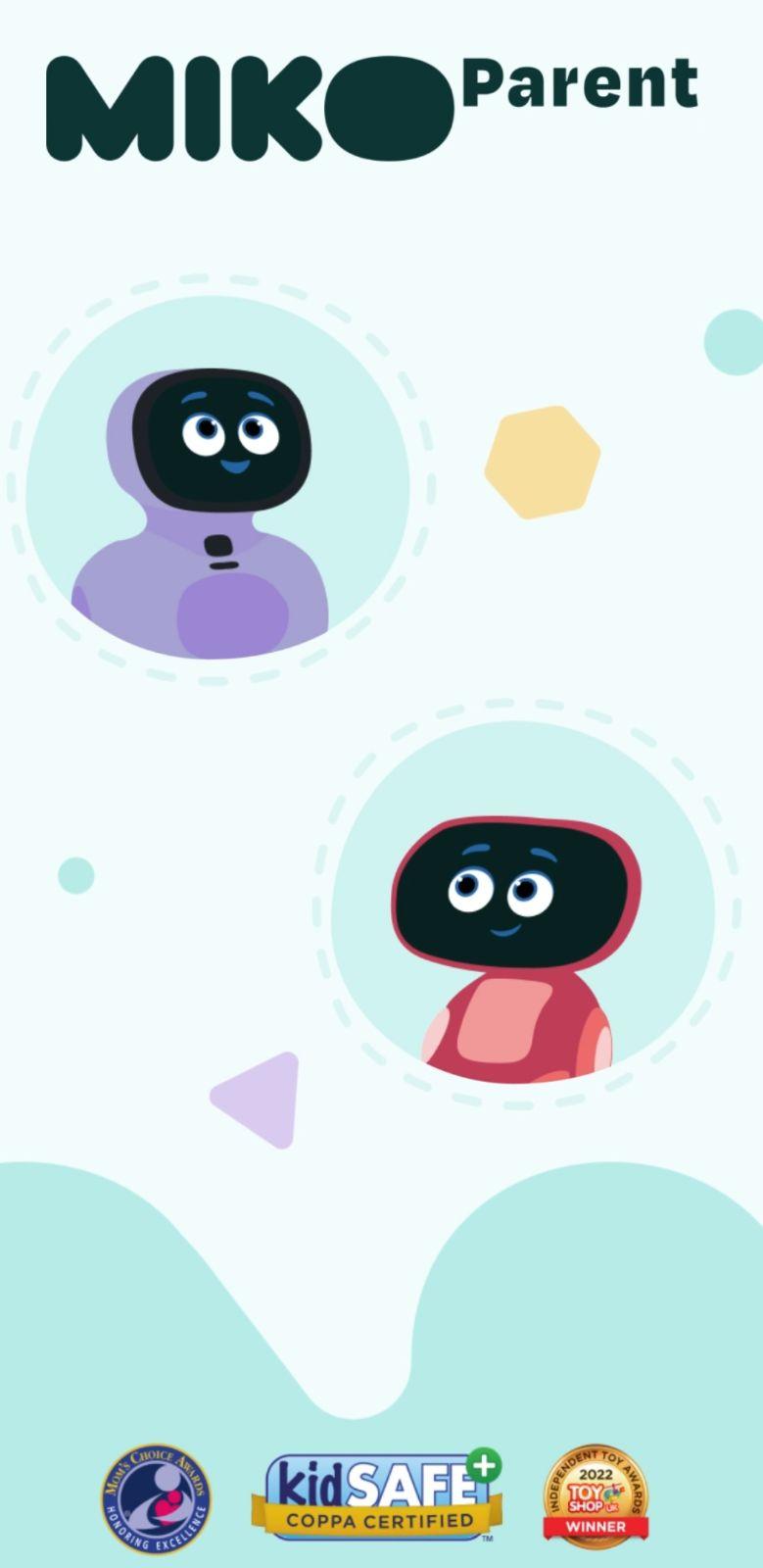
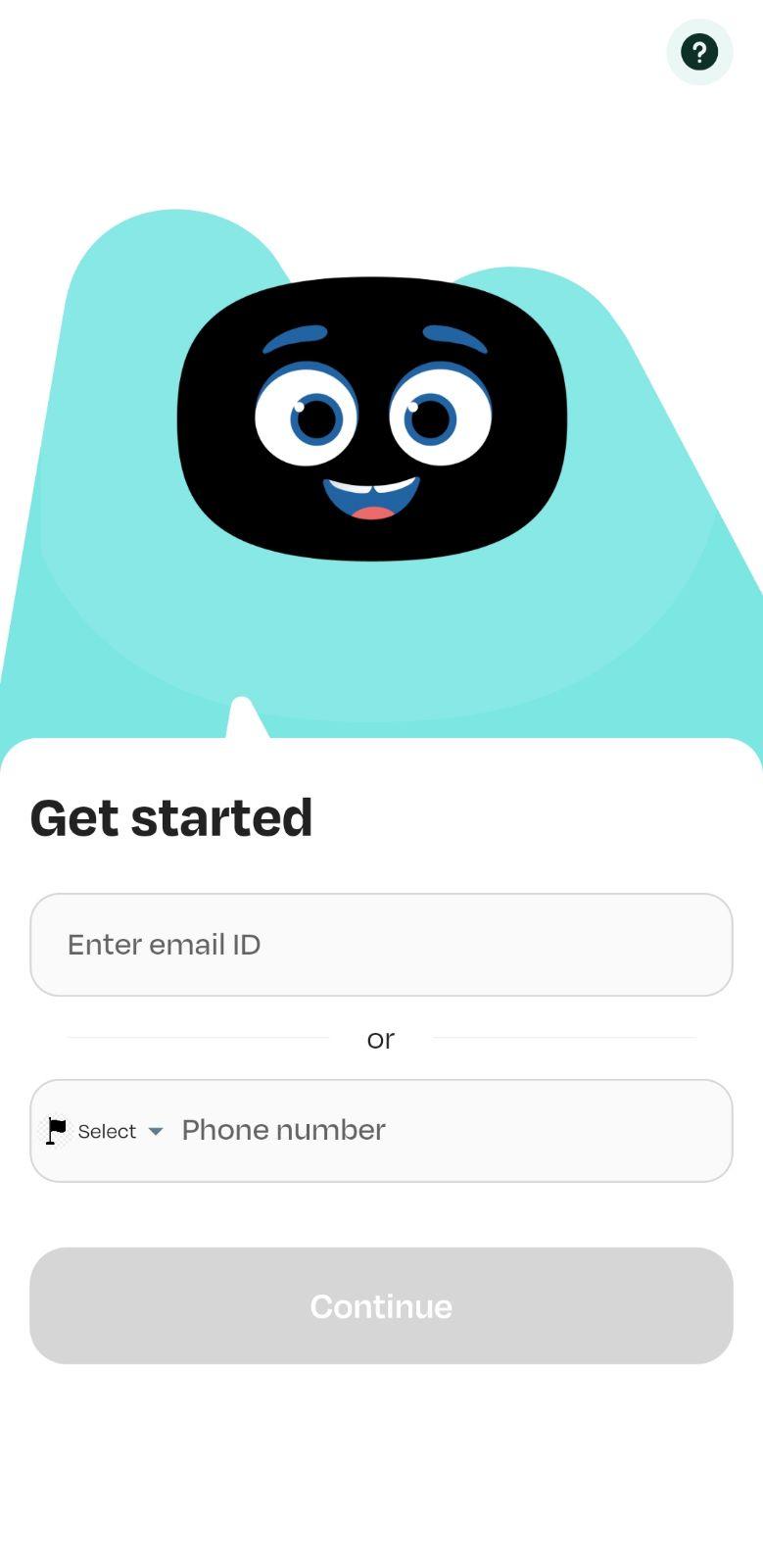
The Miko App allows you to connect with the Miko 3 and Miko Mini robots, opening the door to endless fun, learning, and entertainment. Powered by advanced AI and GPT, Miko isn’t just a robot—it’s a friend that helps kids learn and grow through interactive play.
From gamified educational activities to lively dance sessions and heartfelt conversations, Miko is here to entertain, educate, and be your child's ultimate social companion.
Features of Miko 3 and Miko Mini:
Talk to Miko: Ignite kids’ curiosity. Encourage them to ask Miko about science, animals, space, architecture or plants and watch Miko respond in its signature witty and playful style.
Apps: Kids can explore a world of puzzles, games, stories, dance, and music curated by educators and child development experts. Miko 3 and Mini have a different set of apps.
Open-ended Conversations: This is an advanced AI feature that allows your kid to have fun, educational, and age-appropriate conversations with Miko 3 on topics such as Space, Wildlife, History, and Geography, as well as jokes, Dinosaurs, and riddles.
Video Call: Unlimited video calls from the Miko app to Miko 3 and Miko Mini.
Miko Max: A one-stop destination for premium content from award-winning, beloved children’s brands. Your kid gets to explore 1000+ stories, games, shows and music.
Profile Settings: Modify the timezone and language, voice sensitivity for your Miko 3 and Mini
Parental Controls: Set a bedtime, limit screen time and lock apps to guide your kid’s usage.
Blogs: Read about Miko’s talents, latest features, and troubleshooting.
Customer Support: Contact Team Miko over chat if you want help or face any issues.
Miko has a world of learning disguised as activities, STEM shows and games, the ability to have the most fun conversations and a knack for engaging children with varied interests. Get to know Miko, your child’s new companion.
Preview
Tags
ParentingEntertainmentInformation
Developer
Emotix
Latest Version
4.1.7
Last Updated
2025-11-12
Category
Parenting
Available on
Google Play
Show More
How to play Miko - Play, Learn, & Connect with GameLoop on PC
1. Download GameLoop from the official website, then run the exe file to install GameLoop
2. Open GameLoop and search for “Miko - Play, Learn, & Connect” , find Miko - Play, Learn, & Connect in the search results and click “Install”
3. Enjoy playing Miko - Play, Learn, & Connect on GameLoop
Minimum requirements
OS
Windows 8.1 64-bit or Windows 10 64-bit
GPU
GTX 1050
CPU
i3-8300
Memory
8GB RAM
Storage
1GB available space
Recommended requirements
OS
Windows 8.1 64-bit or Windows 10 64-bit
GPU
GTX 1050
CPU
i3-9320
Memory
16GB RAM
Storage
1GB available space