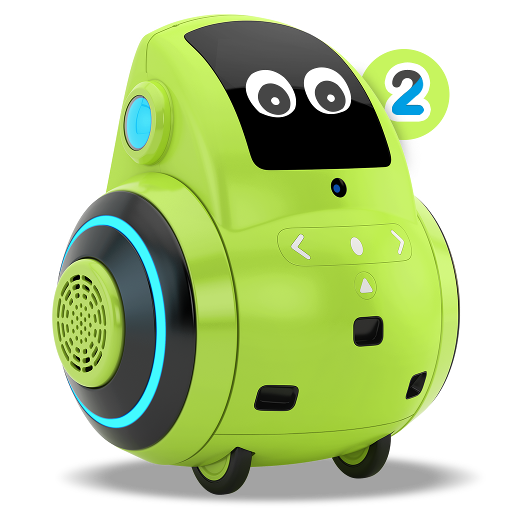
Miko 2 PC
Emotix
Download Miko 2 on PC With GameLoop Emulator
Miko 2 sa PC
Ang Miko 2, na nagmumula sa developer na Emotix, ay tumatakbo sa Android systerm sa nakaraan.
Ngayon, maaari mong laruin ang Miko 2 sa PC gamit ang GameLoop nang maayos.
I-download ito sa GameLoop library o mga resulta ng paghahanap. Hindi na tumitingin sa baterya o nakakadismaya na mga tawag sa maling oras.
I-enjoy lang ang Miko 2 PC sa malaking screen nang libre!
Miko 2 Panimula
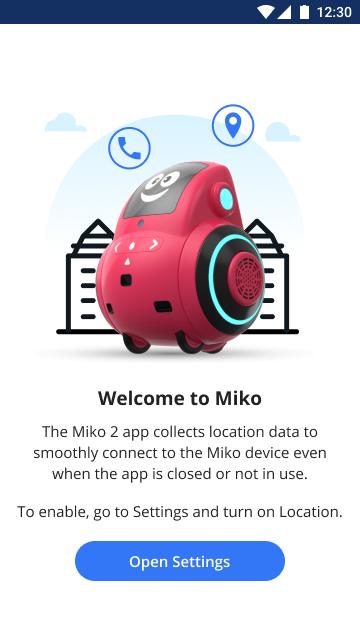
Miko 2 is the latest offering from Miko, an advanced consumer robotics innovation lab, passionate about bringing the best of technology to young learners everywhere. Miko 2 is the most advanced personal robot for kids powered with super smarts to Engage, Educate and Entertain children. This Miko 2 application is for the parents and caregivers to set up their Miko 2 and unlock the amazing possibilities that the adorable little bot holds.
Here's a sneak peek into the Miko 2 app:
•Connecting Miko 2: This app helps you connect Miko 2 to your Bluetooth and Wi-Fi.
•Talent House: This contains the list of fun games and story apps that are available for your child on the Miko 2 device.
•Teleconnect: This feature lets you video-call your child through Miko 2 and be present from wherever you want, whenever you want!
•Things to try: Get suggestions about how to explore Miko 2's potential.
Download now and uncover more interesting features to ensure deep learning and development in your child. Miko 2 opens up your child's world to millions of possibilities.
Preview

Tags
EducationInformation
Developer
Emotix
Latest Version
2.4.1
Last Updated
2021-11-17
Category
Education
Available on
Google Play
Show More
How to play Miko 2 with GameLoop on PC
1. Download GameLoop from the official website, then run the exe file to install GameLoop
2. Open GameLoop and search for “Miko 2” , find Miko 2 in the search results and click “Install”
3. Enjoy playing Miko 2 on GameLoop
Minimum requirements
OS
Windows 8.1 64-bit or Windows 10 64-bit
GPU
GTX 1050
CPU
i3-8300
Memory
8GB RAM
Storage
1GB available space
Recommended requirements
OS
Windows 8.1 64-bit or Windows 10 64-bit
GPU
GTX 1050
CPU
i3-9320
Memory
16GB RAM
Storage
1GB available space