
Lullabies: Baby Sleep Music PC
Dream_Studio
Download Lullabies: Baby Sleep Music on PC With GameLoop Emulator
Lullabies: Baby Sleep Music sa PC
Ang Lullabies: Baby Sleep Music, na nagmumula sa developer na Dream_Studio, ay tumatakbo sa Android systerm sa nakaraan.
Ngayon, maaari mong laruin ang Lullabies: Baby Sleep Music sa PC gamit ang GameLoop nang maayos.
I-download ito sa GameLoop library o mga resulta ng paghahanap. Hindi na tumitingin sa baterya o nakakadismaya na mga tawag sa maling oras.
I-enjoy lang ang Lullabies: Baby Sleep Music PC sa malaking screen nang libre!
Lullabies: Baby Sleep Music Panimula
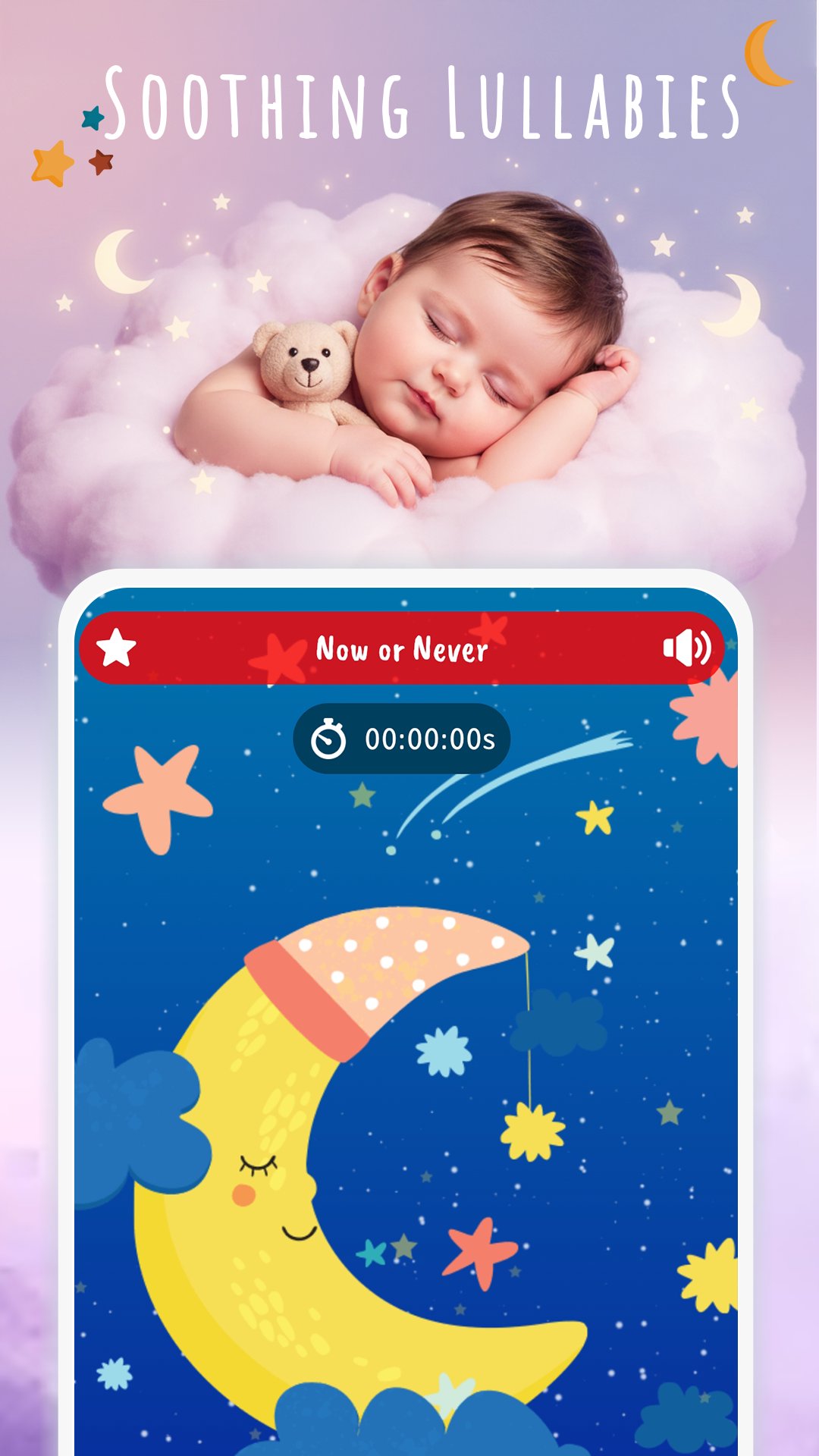
Lullabies for Babies 🌙 is a gentle baby sleep app made with love for parents and little ones. It offers soothing songs and relaxing baby music that help your child feel safe, unwind, and fall asleep peacefully. For parents, it means calmer nights, less stress, and precious moments of rest to recharge.
Over 40 Beautiful Melodies
Enjoy a wide variety of bedtime songs, calming tunes, and soothing sounds for children. From soft lullabies for toddlers to relaxing melodies for newborns, each track is designed to bring peace, reduce fussiness, and support healthy sleep.
Baby Music Made Simple
This bedtime music app makes nights easier whether you’re at home or traveling. The music creates a safe, familiar environment that helps babies relax and drift off to sleep more easily, turning bedtime into a positive moment for the whole family.
Key Features for a Better Bedtime:
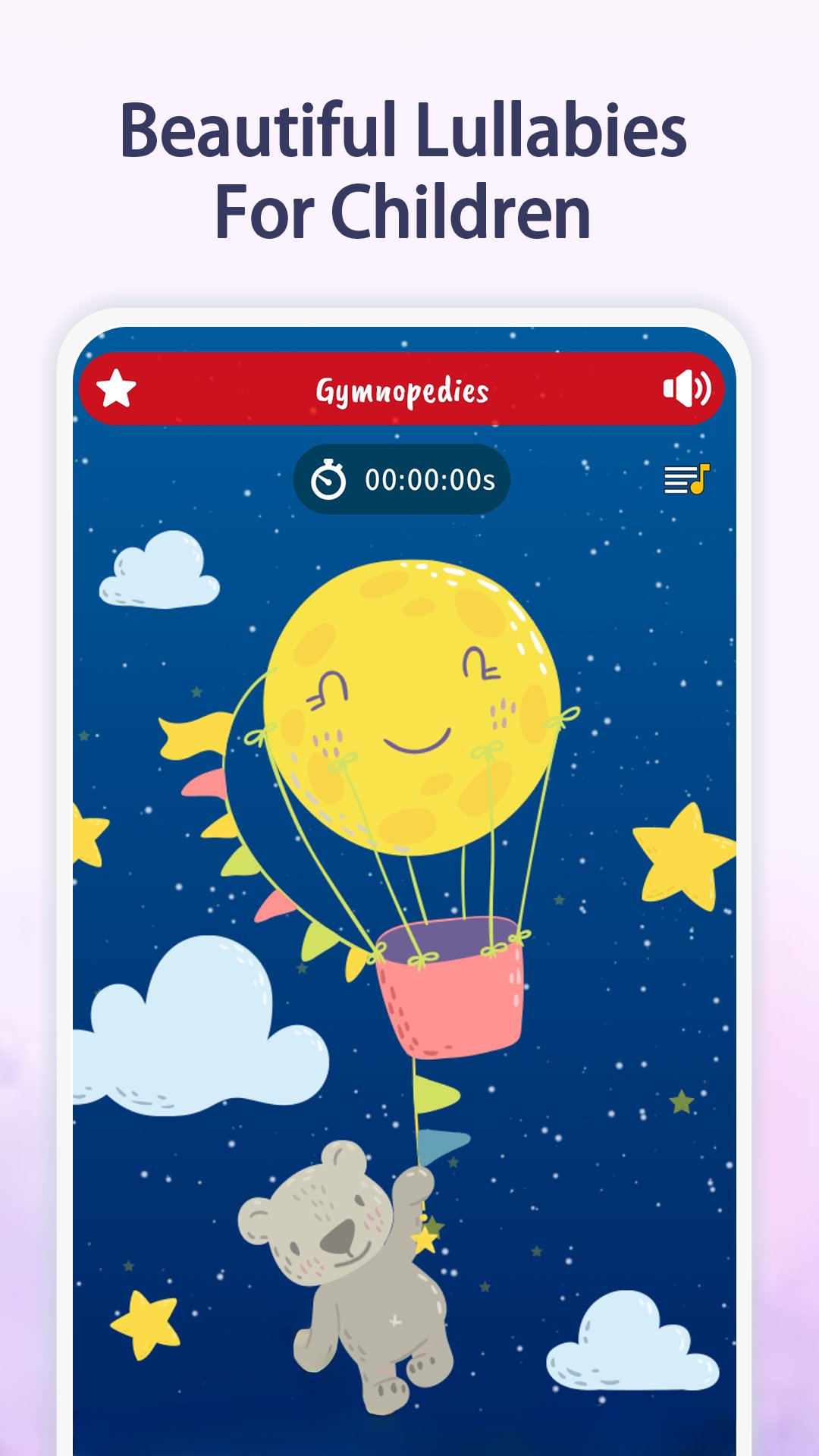
- Over 40 Soothing Melodies: Lullabies, bedtime songs, and relaxing music to comfort your child.
- Offline Access: Play your favorite songs anywhere – perfect for naps, trips, or car rides.
- Customizable Sleep Timer: Music turns off automatically once your child is asleep.
- Background Play: Keep the music going while using other apps or with the screen off.
- Daily Sleep Reminder: Gentle notifications help you establish a regular bedtime routine.
- Favorites Playlist: Save the songs that work best for your baby for quick access.
- User-Friendly Interface: Colorful and intuitive design, created with parents and kids in mind.
Why Parents Love This App
This isn’t just a playlist – it’s a trusted tool for creating a positive bedtime ritual. With soft, calming music, babies feel safe, cry less, and fall asleep more easily. Parents often describe it as a helpful sleep aid that turns stressful nights into quiet, comforting moments.
The Power of Lullabies
Gentle songs have always been used to soothe children. They help calm newborns, reduce restlessness, and build a sense of security. A consistent bedtime routine with relaxing sounds makes evenings easier for the whole family and supports better sleep for both baby and parents.
🌙 Download Lullabies for Babies today and bring peaceful nights to your family. 👨👩👧👦 Discover relaxing bedtime songs and soothing lullabies that make sleep simple, calm, and full of comfort.
Preview
Tags
ParentingInformation
Developer
Dream_Studio
Latest Version
13.6
Last Updated
2026-08-10
Category
Parenting
Available on
Google Play
Show More
How to play Lullabies: Baby Sleep Music with GameLoop on PC
1. Download GameLoop from the official website, then run the exe file to install GameLoop
2. Open GameLoop and search for “Lullabies: Baby Sleep Music” , find Lullabies: Baby Sleep Music in the search results and click “Install”
3. Enjoy playing Lullabies: Baby Sleep Music on GameLoop
Minimum requirements
OS
Windows 8.1 64-bit or Windows 10 64-bit
GPU
GTX 1050
CPU
i3-8300
Memory
8GB RAM
Storage
1GB available space
Recommended requirements
OS
Windows 8.1 64-bit or Windows 10 64-bit
GPU
GTX 1050
CPU
i3-9320
Memory
16GB RAM
Storage
1GB available space