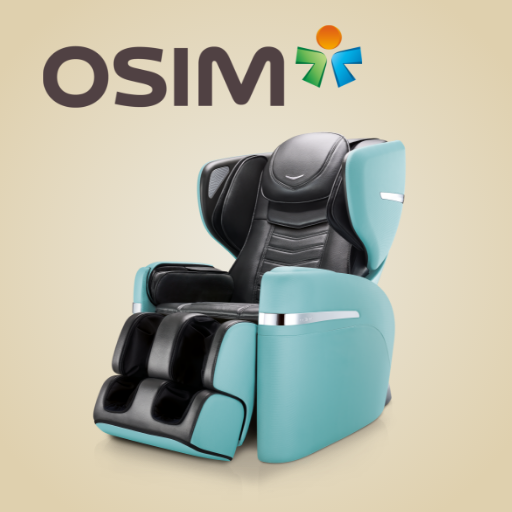
OSIM uDivine V PC
OSIM International Pte. Ltd.
Download OSIM uDivine V on PC With GameLoop Emulator
OSIM uDivine V sa PC
Ang OSIM uDivine V, na nagmumula sa developer na OSIM International Pte. Ltd., ay tumatakbo sa Android systerm sa nakaraan.
Ngayon, maaari mong laruin ang OSIM uDivine V sa PC gamit ang GameLoop nang maayos.
I-download ito sa GameLoop library o mga resulta ng paghahanap. Hindi na tumitingin sa baterya o nakakadismaya na mga tawag sa maling oras.
I-enjoy lang ang OSIM uDivine V PC sa malaking screen nang libre!
OSIM uDivine V Panimula
Leveraging the power of smart devices and mobile app technology, OSIM, the global leader in branded healthy lifestyle products and well-being, has the innovative uDivine V App, specially designed for uDivine V massage chair.
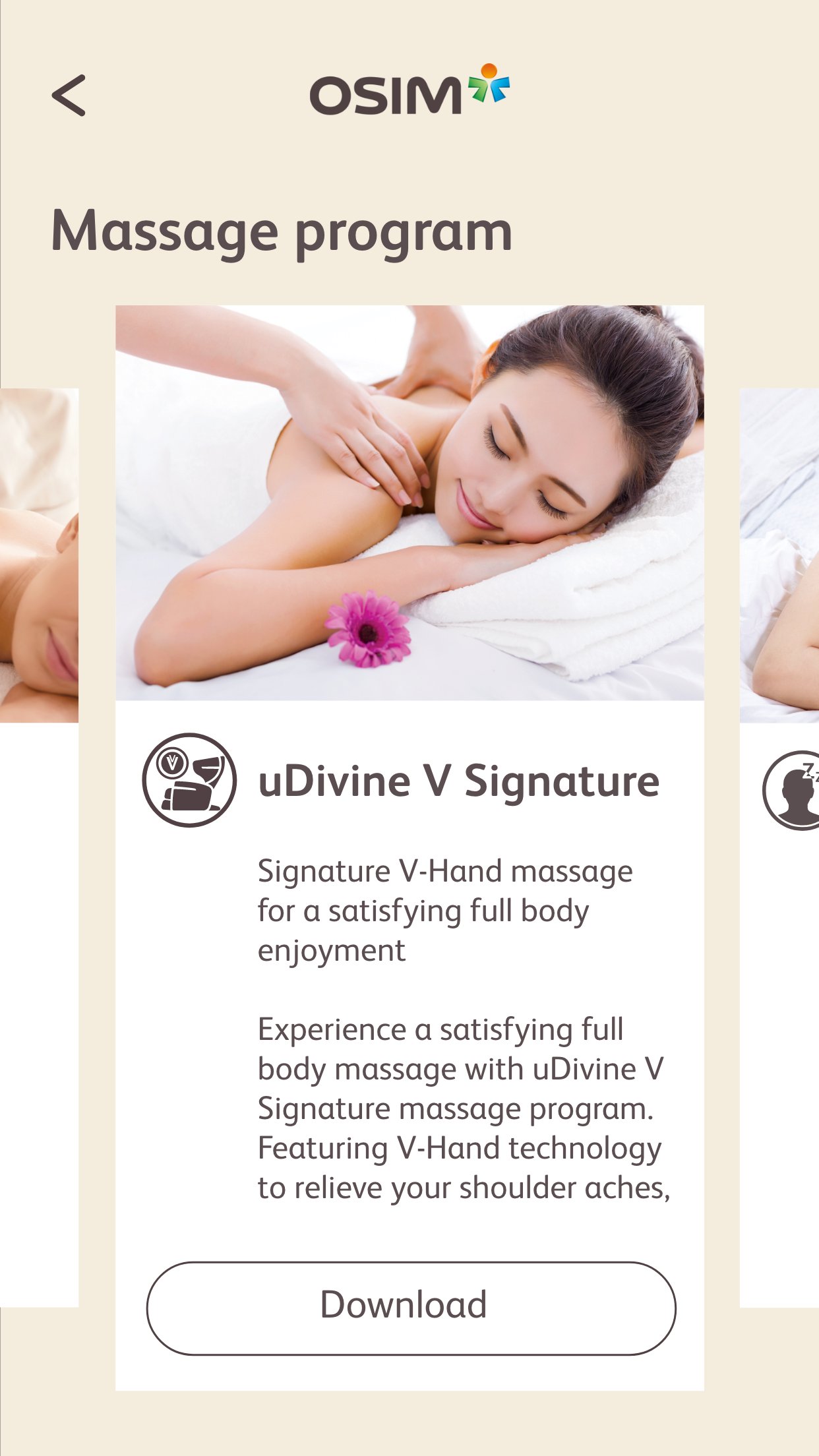
OSIM uDivine V App allows you to download the latest new massage programs into uDivine V massage chair.
Besides downloading massage programs into your uDivine V massage chair, you can also download and listen to OSIM’s relaxing music while you enjoy your massage.
Through this suite of ever-expanding lifestyle massage programs and music, OSIM uDivine V fulfils the diverse needs of everyone in the family with endless massage pleasures.
For more information on OSIM uDivine V, visit www.OSIM.com/
Preview

Tags
Health-&Information
Developer
OSIM International Pte. Ltd.
Latest Version
1.2.0
Last Updated
2026-04-13
Category
Health-fitness
Available on
Google Play
Show More
How to play OSIM uDivine V with GameLoop on PC
1. Download GameLoop from the official website, then run the exe file to install GameLoop
2. Open GameLoop and search for “OSIM uDivine V” , find OSIM uDivine V in the search results and click “Install”
3. Enjoy playing OSIM uDivine V on GameLoop
Minimum requirements
OS
Windows 8.1 64-bit or Windows 10 64-bit
GPU
GTX 1050
CPU
i3-8300
Memory
8GB RAM
Storage
1GB available space
Recommended requirements
OS
Windows 8.1 64-bit or Windows 10 64-bit
GPU
GTX 1050
CPU
i3-9320
Memory
16GB RAM
Storage
1GB available space