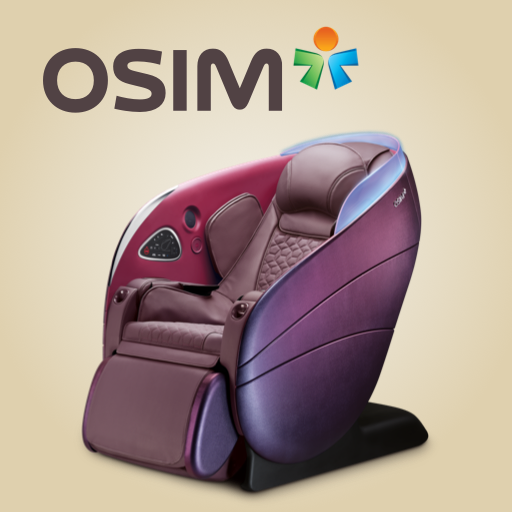
OSIM uDream PC
OSIM International Pte. Ltd.
Download OSIM uDream on PC With GameLoop Emulator
OSIM uDream sa PC
Ang OSIM uDream, na nagmumula sa developer na OSIM International Pte. Ltd., ay tumatakbo sa Android systerm sa nakaraan.
Ngayon, maaari mong laruin ang OSIM uDream sa PC gamit ang GameLoop nang maayos.
I-download ito sa GameLoop library o mga resulta ng paghahanap. Hindi na tumitingin sa baterya o nakakadismaya na mga tawag sa maling oras.
I-enjoy lang ang OSIM uDream PC sa malaking screen nang libre!
OSIM uDream Panimula
Kick-start a healthier lifestyle with OSIM, the global leader in branded healthy lifestyle products and well-being.
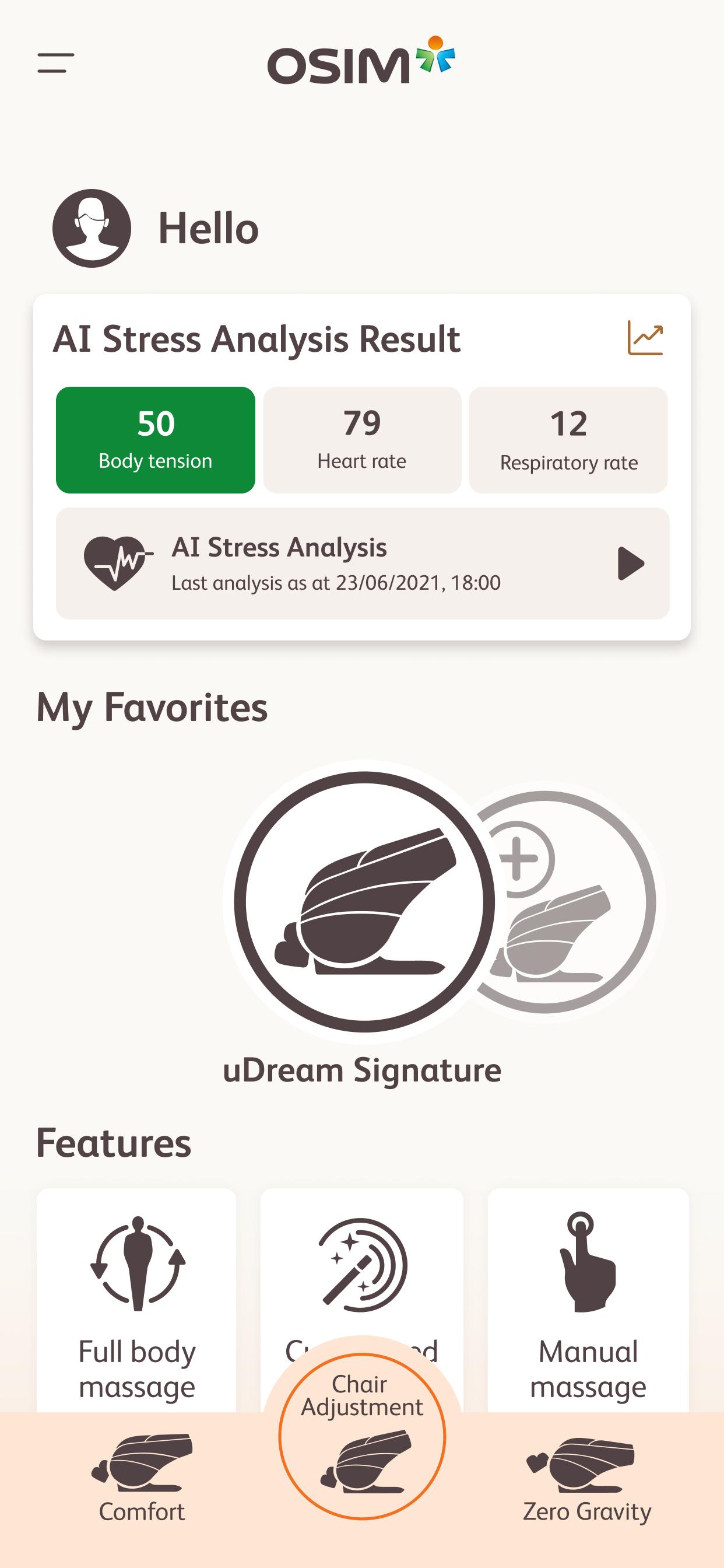
By leveraging the advancement of smart devices and mobile app technology, the uDream Pro app pairs seamlessly with OSIM uDream Pro Well-Being Chair, offering full chair control for a personalized 5-Senses well-being experience.
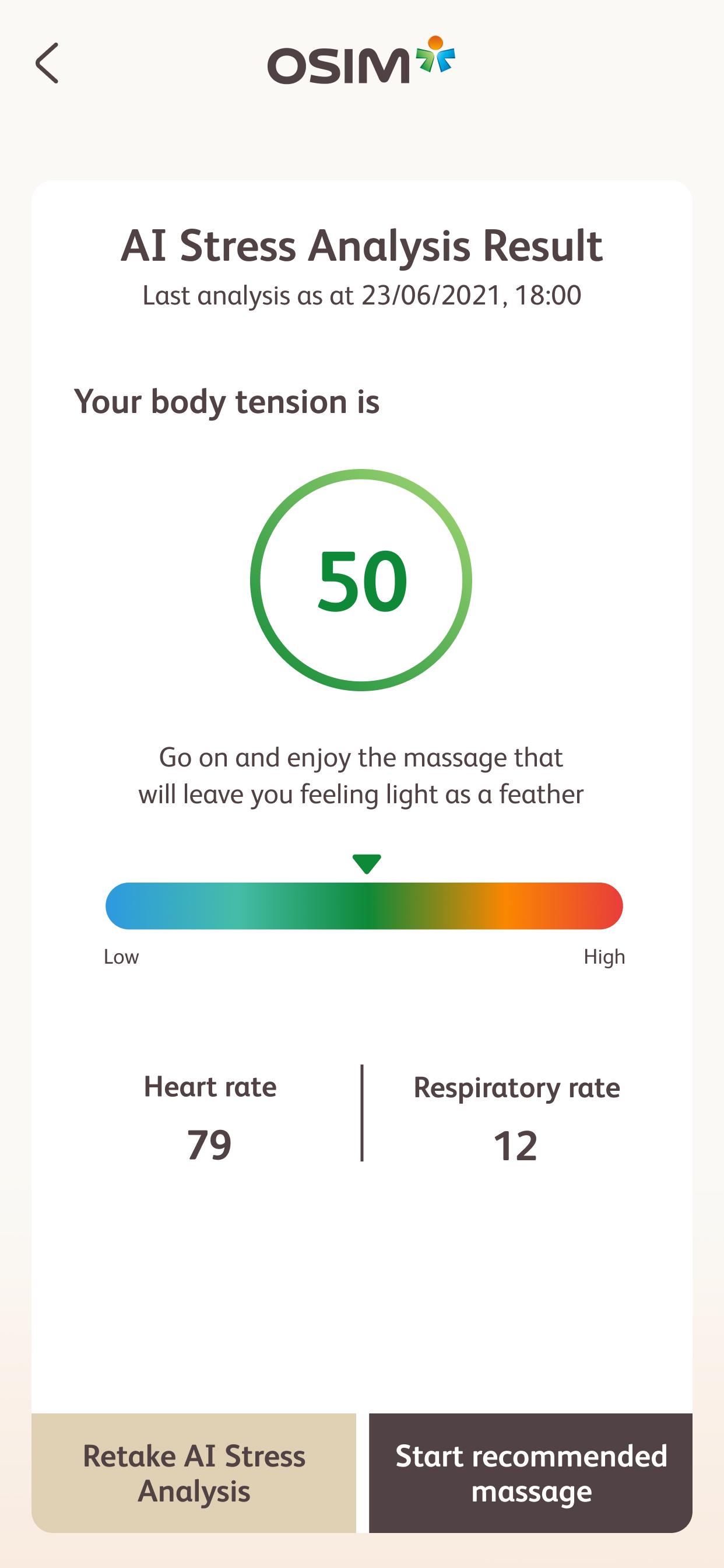
The new uDream Pro AI Stress Analysis with AI BioSensors allows you to track and measure your body tension, heart age index and respiratory rate over a period of time. With frequent measurements, you are empowered to make changes to your lifestyle and take mindful steps to reduce stress levels.
Featuring the cutting edge 4-Hand Pro, V-HandTM Pro, Power-Hips and Leg-Reflex massage technologies, OSIM uDream Pro elevates the standards of massage to the highest level, allowing you to immerse in the deepest relaxation.
Through scent controls, mood light adjustments, original music downloads and a suite of ever-expanding lifestyle massage programs derived from AI learning, OSIM uDream Pro Well-Being Chair fulfils the diverse needs of everyone in the family with endless well-being pleasures.
For more information on OSIM uDream Pro, visit www.OSIM.com/
Preview
Tags
Health-&Information
Developer
OSIM International Pte. Ltd.
Latest Version
1.5.6
Last Updated
2024-10-03
Category
Health-fitness
Available on
Google Play
Show More
How to play OSIM uDream with GameLoop on PC
1. Download GameLoop from the official website, then run the exe file to install GameLoop
2. Open GameLoop and search for “OSIM uDream” , find OSIM uDream in the search results and click “Install”
3. Enjoy playing OSIM uDream on GameLoop
Minimum requirements
OS
Windows 8.1 64-bit or Windows 10 64-bit
GPU
GTX 1050
CPU
i3-8300
Memory
8GB RAM
Storage
1GB available space
Recommended requirements
OS
Windows 8.1 64-bit or Windows 10 64-bit
GPU
GTX 1050
CPU
i3-9320
Memory
16GB RAM
Storage
1GB available space