Face Editor, Retouch - FixPlus PC
InShot Inc.
Download Face Editor, Retouch - FixPlus on PC With GameLoop Emulator
Face Editor, Retouch - FixPlus sa PC
Ang Face Editor, Retouch - FixPlus, na nagmumula sa developer na InShot Inc., ay tumatakbo sa Android systerm sa nakaraan.
Ngayon, maaari mong laruin ang Face Editor, Retouch - FixPlus sa PC gamit ang GameLoop nang maayos.
I-download ito sa GameLoop library o mga resulta ng paghahanap. Hindi na tumitingin sa baterya o nakakadismaya na mga tawag sa maling oras.
I-enjoy lang ang Face Editor, Retouch - FixPlus PC sa malaking screen nang libre!
Face Editor, Retouch - FixPlus Panimula
🌟 Get your Instagram-ready look for every moment — from Coachella vibes to everyday OOTDs
Not happy with your selfies, body shape, or skin?
FixPlus is an AI-powered photo editor and selfie retoucher that helps you enhance, reshape, and perfect your photos in just one tap.
Smooth skin, refine facial features, and get a slimmer, taller look with our body editor — all in seconds.
See instant before & after results — all with natural, realistic edits.
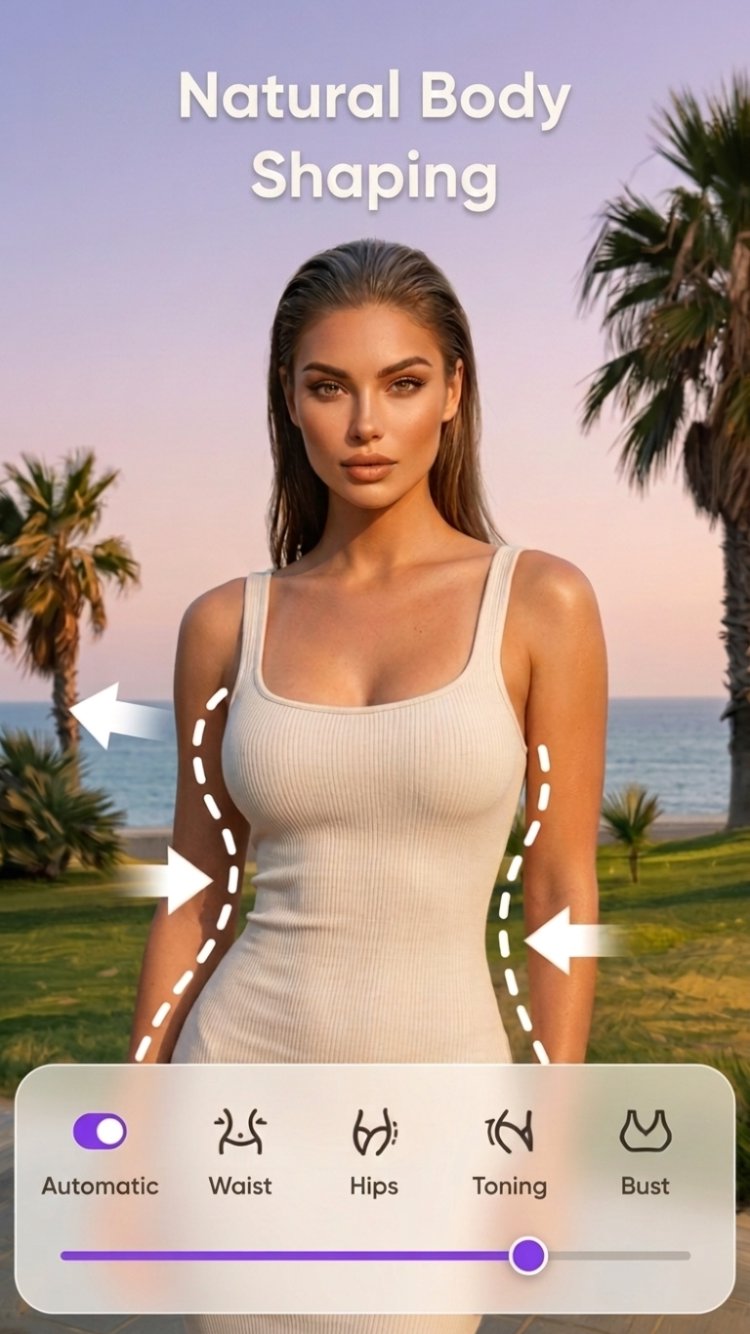
💪【Reshape & Tune Your Body Instantly】
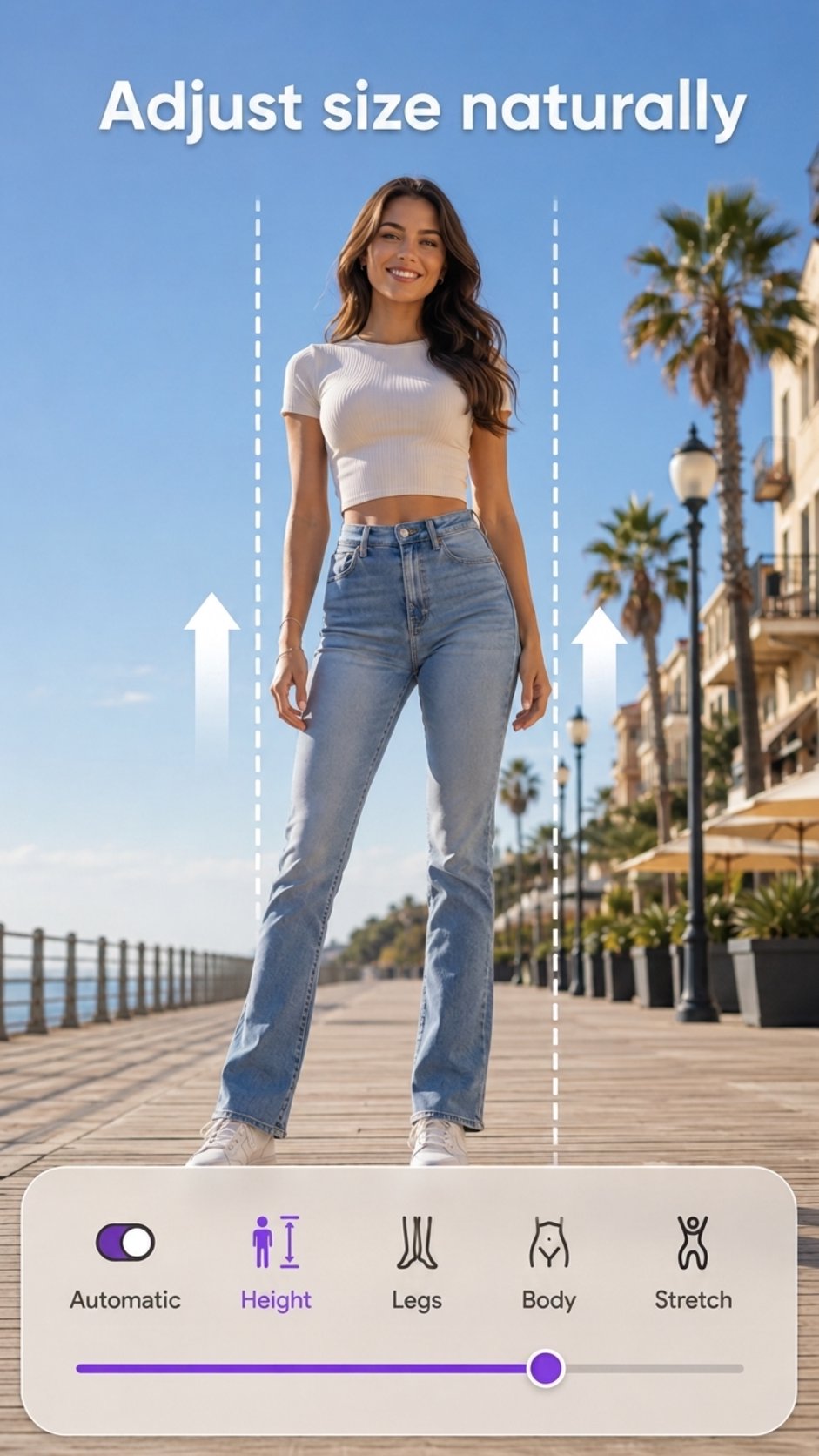
◇ Slim waist, increase height, and adjust curves for a naturally sculpted look.
◇ Enhance your figure with a natural breast & hip enlarger.
◇ Get a toned look without the gym using our muscle editor for abs, chest, and legs.
◇ One-tap body tuner to refine your silhouette in an instant!
💅【AI-Powered Face Editor & Beauty Enhancer】
◇ Smoothen skin, remove acne, blemishes, and wrinkles for radiant, smooth skin.
◇ Teeth whitening tool to brighten your teeth and make your smile shine.
◇ Enhance eyes, define eyebrows, and make your face glow instantly.
◇ Adjust cheekbones, nose, lips, and jawline for perfectly sculpted features.
◇ Fix closed eyes, adjust your smile, and capture your best facial expression every time.
◇ Edit up to 20 faces in a single group selfie for flawless results.
💇【AI Hairstyle Makeover & Color Lab】
◇ Want bangs, curls, or layers? Try them all with our AI hairstyle changer – 60+ styles ready in one tap!
◇ Play with vibrant hair colors to match your mood – from natural browns to bold fantasy shades.
◇ Experiment with shine, texture, and even fringe styles to find your perfect look.
🧑🎨【AI Photo Enhancer & Background Remover】
◇ Unblur photos, fix pixelated images, and restore old photos.
◇ Erase unwanted objects & swap backgrounds effortlessly.
◇ AI-powered filters to add stunning artistic effects.
🧩【Create Stunning Collages & Photo Montages】
◇ 100+ layouts to mix and match your favorite photos.
◇ Stickers, filters, and text to make eye-catching photo collages.
🎉 Why Choose FixPlus?
◇ One-tap body transformation – slim, shape, and sculpt effortlessly.
◇ Advanced AI face retouching – remove acne, smooth skin, and brighten eyes.
◇ Muscle booster & tattoo stickers – get a toned body instantly.
◇ Background changer & object remover – edit photos like a pro.
◇ Photo enhancer & HD upscaler – restore, sharpen, and improve resolution.
◇ AI-powered makeup & hairstyle changer – refresh your look instantly.
◇ Collage maker – combine multiple photos with artistic layouts.
Download FixPlus today and transform your photos effortlessly! Whether you want to reshape your body, edit selfies, or create stunning AI portraits, this is your must-have beauty & photo editing app! 📲
Preview
Tags
Health-&Information
Developer
InShot Inc.
Latest Version
1.58.154
Last Updated
2026-06-09
Category
Health-fitness
Available on
Google Play
Show More
How to play Face Editor, Retouch - FixPlus with GameLoop on PC
1. Download GameLoop from the official website, then run the exe file to install GameLoop
2. Open GameLoop and search for “Face Editor, Retouch - FixPlus” , find Face Editor, Retouch - FixPlus in the search results and click “Install”
3. Enjoy playing Face Editor, Retouch - FixPlus on GameLoop
Minimum requirements
OS
Windows 8.1 64-bit or Windows 10 64-bit
GPU
GTX 1050
CPU
i3-8300
Memory
8GB RAM
Storage
1GB available space
Recommended requirements
OS
Windows 8.1 64-bit or Windows 10 64-bit
GPU
GTX 1050
CPU
i3-9320
Memory
16GB RAM
Storage
1GB available space