30 Day Fitness Challenge Worko PC
NTStudio
Download 30 Day Fitness Challenge Worko on PC With GameLoop Emulator
30 Day Fitness Challenge Worko sa PC
Ang 30 Day Fitness Challenge Worko, na nagmumula sa developer na NTStudio, ay tumatakbo sa Android systerm sa nakaraan.
Ngayon, maaari mong laruin ang 30 Day Fitness Challenge Worko sa PC gamit ang GameLoop nang maayos.
I-download ito sa GameLoop library o mga resulta ng paghahanap. Hindi na tumitingin sa baterya o nakakadismaya na mga tawag sa maling oras.
I-enjoy lang ang 30 Day Fitness Challenge Worko PC sa malaking screen nang libre!
30 Day Fitness Challenge Worko Panimula
Make your fat cells melt away just like an ice cube through 30 Day Fitness Challenge app. Within 30 days, see measurable difference in your weight loss following this precisely carved workout challenge.
By fully considering workouts rules, 30 Day Fitness Challenge Workout increases exercise intensity step by step, so you can easily stick daily workouts. Don't need to go to gym, just use your bodyweight and take a few minutes a day, 30 Day Fitness Challenge Workout will greatly help you keep fitness and lose weight effectively.Try it now!
What will 30 Day Fitness Challenge app offer you?
Features
- Reminds you to workout every day
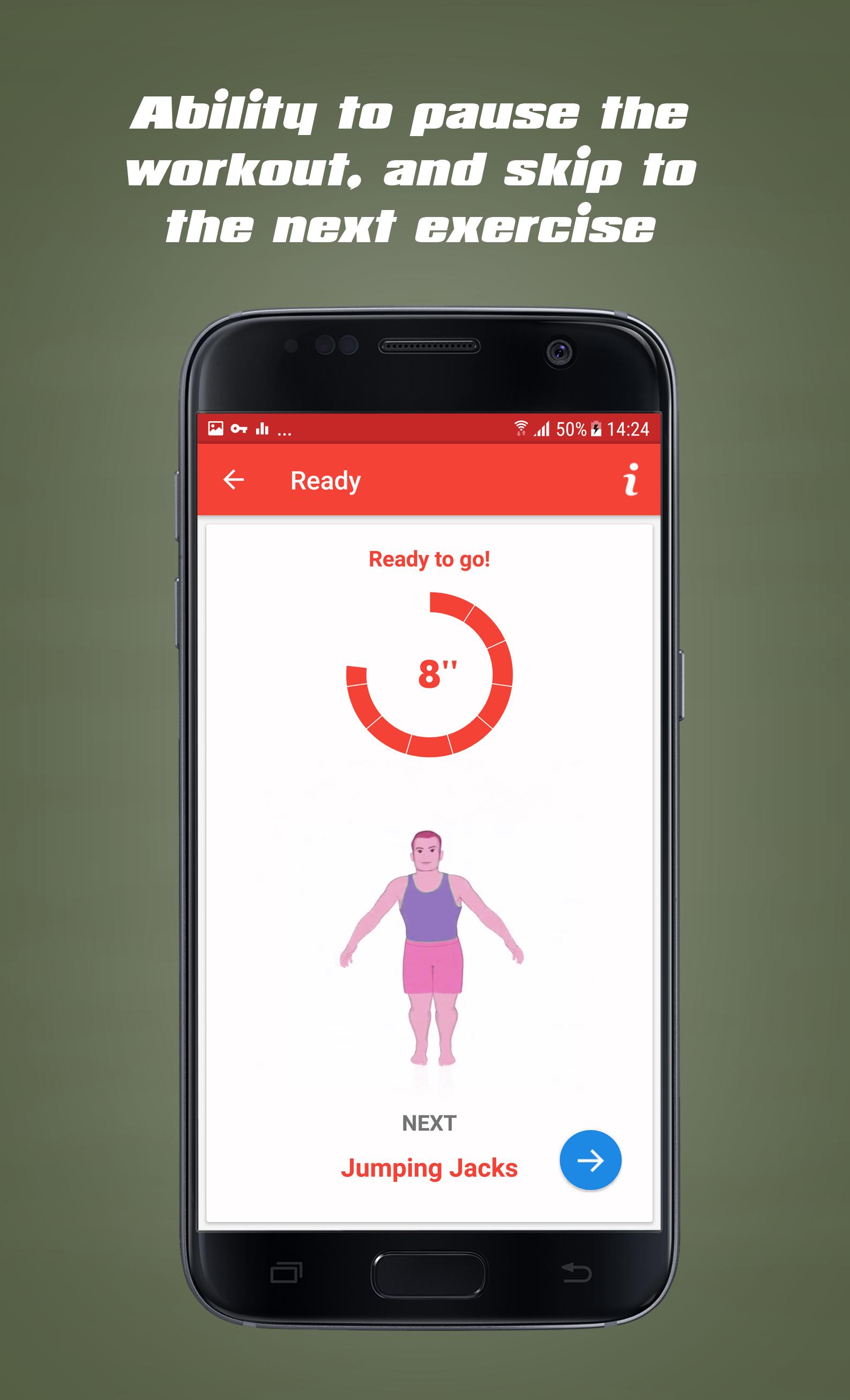
- Detailed video guides
- Increases exercise intensity step by step
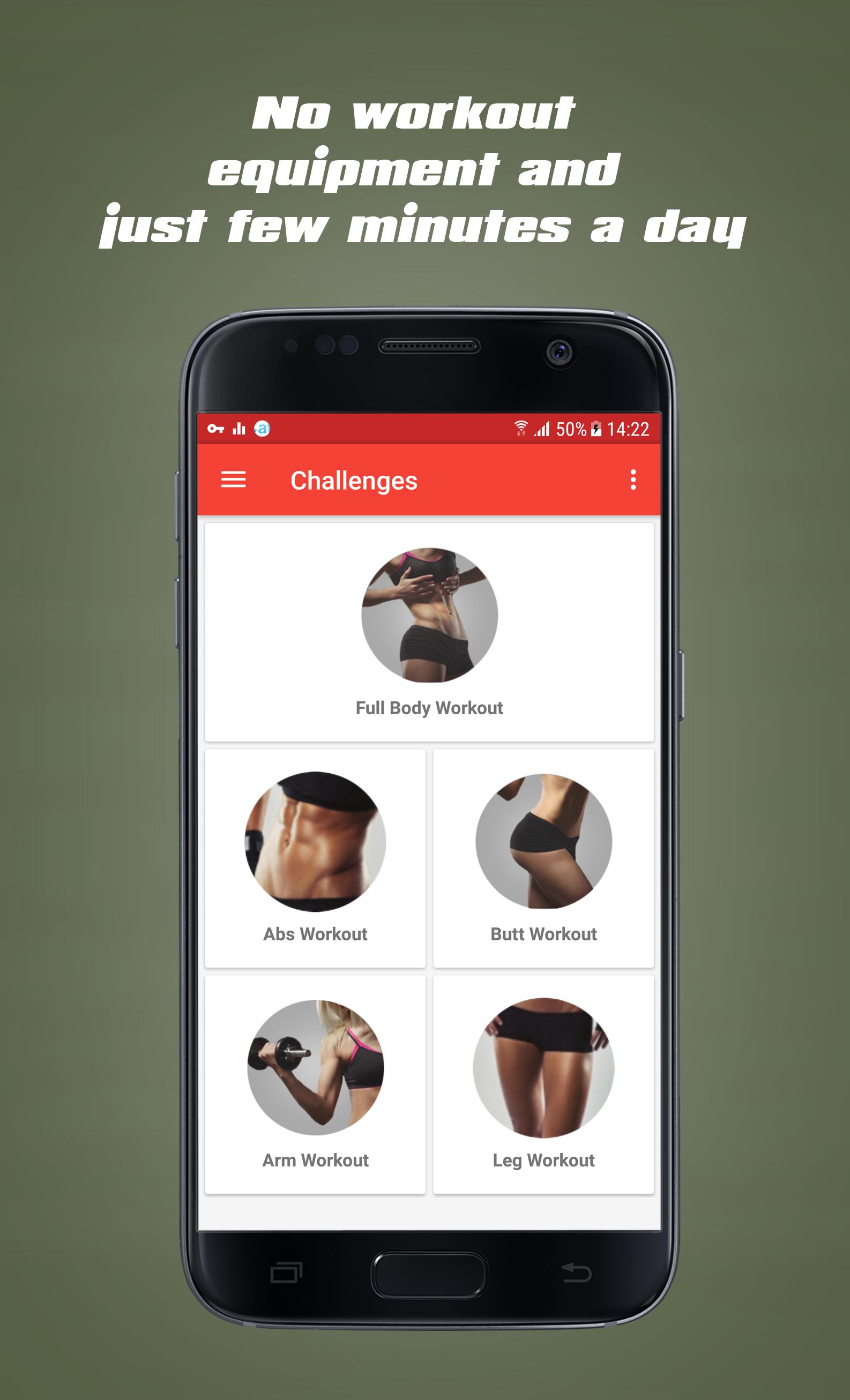
- 30 day abs challenge
- 30 day full body challenge
- 30 day arm challenge
- 30 day butt challenge
- 30 day leg challenge
Once you feel that you have stop losing weight, don’t worry! It happens due to your body getting used to the daily exercise. What you need to do is - switch to other exciting activities. 30 Day Fitness Challenge encourages you for fitness activities like boxing, meditation, yoga and more to try it. After each session, take 10-15 mins time for relaxation and observe your the changes in your body. The blood circulation, heart rhythm, vein pumps, breathing pace and many more.
Preview
Information
Developer
NTStudio
Latest Version
6.0.4
Last Updated
2019-09-13
Category
Health-fitness
Available on
Google Play
Show More
How to play 30 Day Fitness Challenge Worko with GameLoop on PC
1. Download GameLoop from the official website, then run the exe file to install GameLoop
2. Open GameLoop and search for “30 Day Fitness Challenge Worko” , find 30 Day Fitness Challenge Worko in the search results and click “Install”
3. Enjoy playing 30 Day Fitness Challenge Worko on GameLoop
Minimum requirements
OS
Windows 8.1 64-bit or Windows 10 64-bit
GPU
GTX 1050
CPU
i3-8300
Memory
8GB RAM
Storage
1GB available space
Recommended requirements
OS
Windows 8.1 64-bit or Windows 10 64-bit
GPU
GTX 1050
CPU
i3-9320
Memory
16GB RAM
Storage
1GB available space