
Assistive Touch - Easy Touch - PC
NTStudio
Download Assistive Touch - Easy Touch - on PC With GameLoop Emulator
Assistive Touch - Easy Touch - sa PC
Ang Assistive Touch - Easy Touch -, na nagmumula sa developer na NTStudio, ay tumatakbo sa Android systerm sa nakaraan.
Ngayon, maaari mong laruin ang Assistive Touch - Easy Touch - sa PC gamit ang GameLoop nang maayos.
I-download ito sa GameLoop library o mga resulta ng paghahanap. Hindi na tumitingin sa baterya o nakakadismaya na mga tawag sa maling oras.
I-enjoy lang ang Assistive Touch - Easy Touch - PC sa malaking screen nang libre!
Assistive Touch - Easy Touch - Panimula
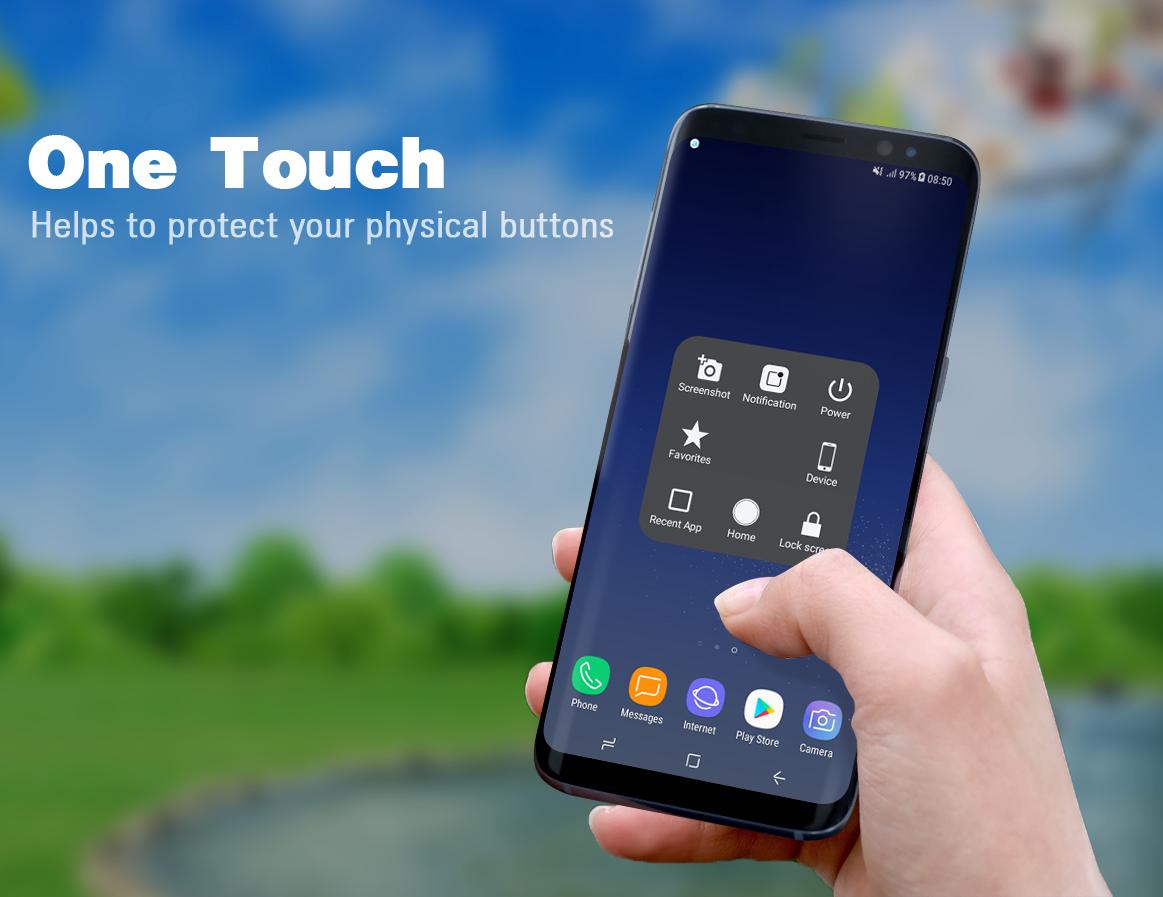
Assistive Touch is an app which creates a virtual home button right on the Android screen with display and usage as same as the Assistive Touch on Iphone, Ipad. Assistive Touch is fast, smooth and totally free.
You can adjust easily the Android mobile phones just with the floating panel display on the screen. All of your manipulation will be done just with a light touch or keep with one finger.
In addition, you can quickly access apps, games which you love, adjust settings, changes and see the notifications easily.
Easy Touch for Android
- Virtual Home button, easy touch to lock screen and open recent task
- Virtual Volume button, quick touch to change volume and change sound mode
- Virtual Back button
- Clean ram, boost speed, one tap ram booster.
- Easy touch to open your favorite application
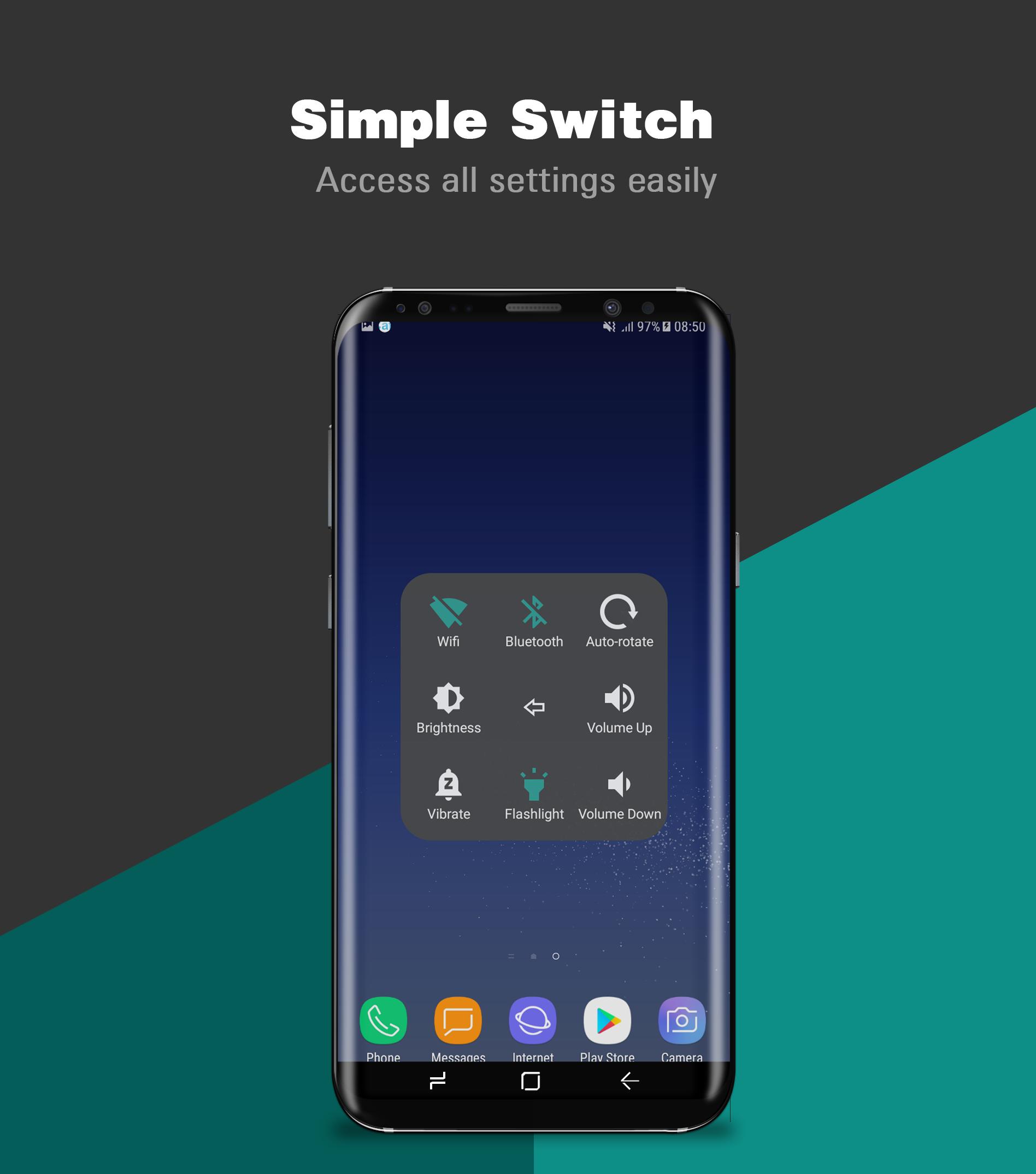
- Go to all setting very quick with a touch
★ Quick touch setting include:
- SCREEN RECORDER
- Capture Screenshot
- Home button
- Easy touch to lock screen
- Open recent task
- Virtual volume key button, quick touch to change volume key and change sound mode
- Go to all settings very quick with a touch
- Clear ram, boost speed, one touch boost
- Wi-Fi
- Bluetooth
- Brightness
- Ringer mode (normal, vibrate, silent)
- Screen rotation
- Airplane mode
- Open Notification
- Power popup
- Volume up & down
- Location (GPS)
- Flashlight bright
- Back key
- Launch all applications or games on your device
★ Ram Booster - Clean Memory
Boost your phone, free up memory (RAM), speed up your device and save battery. Our 1 Tap Boost make it easy to optimize directly from your home screen. This is a fast and use full booster feature to clear unnecessary apps running background, smart clean ram memory. Clean your phone when plug in with power, may help your phone charging faster.
★ Advance
- You can change color of background with your favorite color
- You can change icon of Assistive Touch easy with many pretty icon, totally free
★ Gesture
Three gestures're available to make your smart phone smarter! This gesture function is also how we stand out in the app market
Feedback
- If you like Assistive Touch please review and give us 5 start
- If you have any problem with this app please give us feedback for your problem, we will fix it quickly
- Please email for us if you want send request new icon, color or function
This app uses the Device Administrator permission.
- RECORD_AUDIO to support screen recorder function
- CAMERA to turn on Flashlight, not take a photo.
- BIND_DEVICE_ADMIN only use for lock the screen function. App does not use the permission for any other purpose.
- “This app uses Accessibility services.”
- We never publicly disclose any personal or sensitive user data related to financial or payment activities or any government identification numbers, photos and contacts, etc.
How to uninstall this app?
- If you use lock screen function, it require turn on Device Administration so If you want to uninstall this Assistive Touch, please open app and go to setting, click on uninstall button.
Preview
Tags
ToolsInformation
Developer
NTStudio
Latest Version
2.0.0
Last Updated
2021-03-12
Category
Tools
Available on
Google Play
Show More
How to play Assistive Touch - Easy Touch - with GameLoop on PC
1. Download GameLoop from the official website, then run the exe file to install GameLoop
2. Open GameLoop and search for “Assistive Touch - Easy Touch -” , find Assistive Touch - Easy Touch - in the search results and click “Install”
3. Enjoy playing Assistive Touch - Easy Touch - on GameLoop
Minimum requirements
OS
Windows 8.1 64-bit or Windows 10 64-bit
GPU
GTX 1050
CPU
i3-8300
Memory
8GB RAM
Storage
1GB available space
Recommended requirements
OS
Windows 8.1 64-bit or Windows 10 64-bit
GPU
GTX 1050
CPU
i3-9320
Memory
16GB RAM
Storage
1GB available space