
Zello PTT Custom Button - Fast PC
www.SmartWalkie.com
Download Zello PTT Custom Button - Fast on PC With GameLoop Emulator
Zello PTT Custom Button - Fast sa PC
Ang Zello PTT Custom Button - Fast, na nagmumula sa developer na www.SmartWalkie.com, ay tumatakbo sa Android systerm sa nakaraan.
Ngayon, maaari mong laruin ang Zello PTT Custom Button - Fast sa PC gamit ang GameLoop nang maayos.
I-download ito sa GameLoop library o mga resulta ng paghahanap. Hindi na tumitingin sa baterya o nakakadismaya na mga tawag sa maling oras.
I-enjoy lang ang Zello PTT Custom Button - Fast PC sa malaking screen nang libre!
Zello PTT Custom Button - Fast Panimula
Use Volume Down or any custom button to start PTT (Push to Talk) for Walkie Talkie Apps like Zello and VoicePing.
This app uses accessibility permission to detect a button press. You can select a volume button or a custom button to start a Push-To-Talk.
Features
- Compatible with Zello and VoicePing.
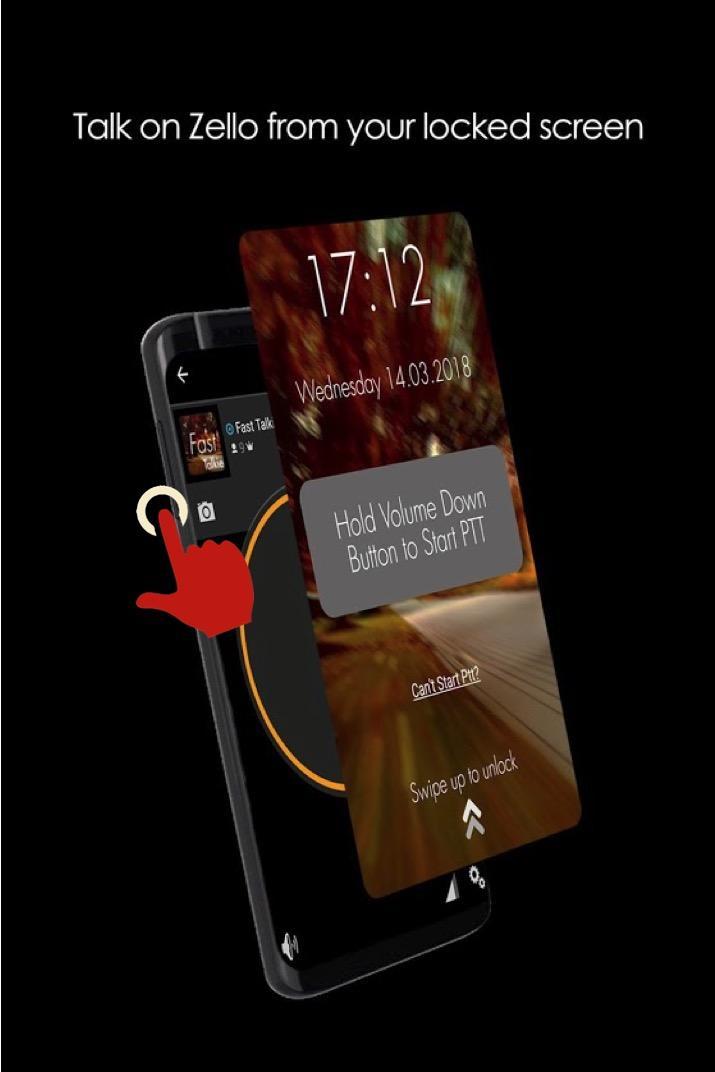
- Push to Talk without unlocking your phone.
- Accessibility Mode: Allow PTT as long as screen is switched on. Depending on your smartphone, this could even allow PTT even if screen is switched off
PRO Features
- Use a Custom Button (i.e SOS/Programmable/Camera buttons) for PTT
- Use any supported PTT App (Normally only Zello and VoicePing)
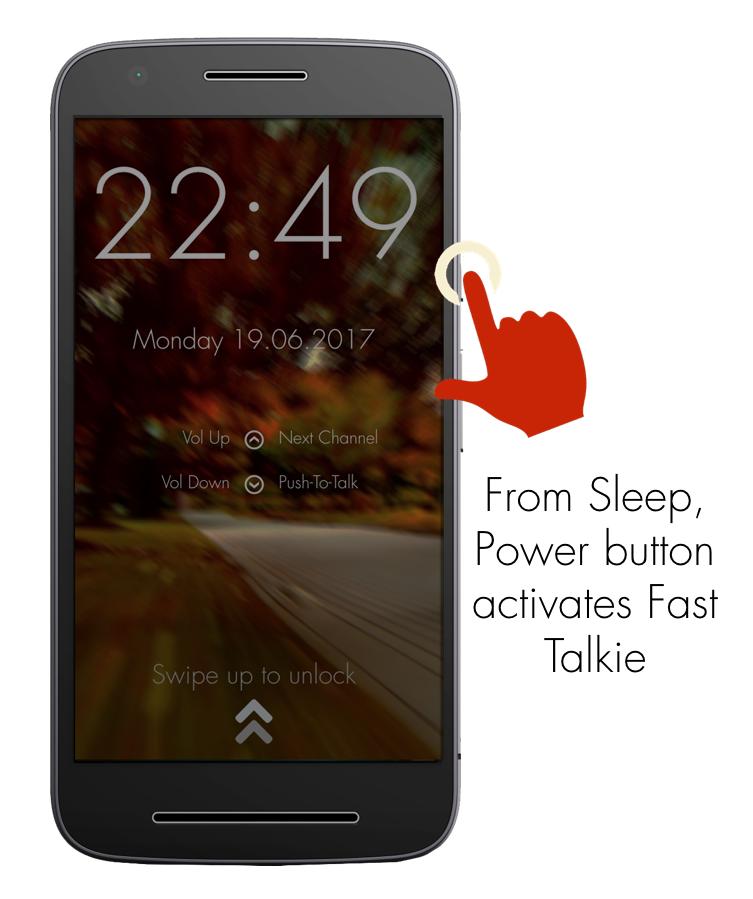
- Next Channel Button for apps that support changing channels
- PTT Only when screen is ON: Useful if your PTT button is too sensitive
How It Works
The fastest way to start or reply to PTT
1: Press Power button to wake up phone
2: Hold Volume Down/Custom button to PTT in the previously selected Zello/VoicePing Channel
Required Setup
1: Install Fast Talkie
2: Enable Accessibility Permission
3: Choose a Zello Contact or Channel
4: Hold your selected PTT button
Verified Phone models that work with custom button even when screen off
- Samsung Xcover Pro, Samsung Xcover 5
- Blackview Series
PTT Intent generated by Fast Talkie
- android.intent.action.PTT.down
- android.intent.action.PTT.up
Reach out to us via our website: https://www.fasttalkie.com/
Preview
Tags
CommunicationsInformation
Developer
www.SmartWalkie.com
Latest Version
3.0.2
Last Updated
2022-08-24
Category
Communications
Available on
Google Play
Show More
How to play Zello PTT Custom Button - Fast with GameLoop on PC
1. Download GameLoop from the official website, then run the exe file to install GameLoop
2. Open GameLoop and search for “Zello PTT Custom Button - Fast” , find Zello PTT Custom Button - Fast in the search results and click “Install”
3. Enjoy playing Zello PTT Custom Button - Fast on GameLoop
Minimum requirements
OS
Windows 8.1 64-bit or Windows 10 64-bit
GPU
GTX 1050
CPU
i3-8300
Memory
8GB RAM
Storage
1GB available space
Recommended requirements
OS
Windows 8.1 64-bit or Windows 10 64-bit
GPU
GTX 1050
CPU
i3-9320
Memory
16GB RAM
Storage
1GB available space