
NokoPrint - Print from Phone para PC
Albafate
Descarga NokoPrint - Print from Phone en PC con GameLoop Emulator
NokoPrint - Print from Phone en PC
NokoPrint - Print from Phone, proveniente del desarrollador Albafate, se ejecuta en el sistema Android en el pasado.
Ahora, puedes jugar NokoPrint - Print from Phone en PC con GameLoop sin problemas.
Descárgalo en la biblioteca de GameLoop o en los resultados de búsqueda. No más mirar la batería o llamadas frustrantes en el momento equivocado nunca más.
Simplemente disfrute de NokoPrint - Print from Phone PC en la pantalla grande de forma gratuita!
NokoPrint - Print from Phone Introducción
Print photos and share your favorite moments with family and friends. Print documents for work, school, or everyday needs. Easily print PDF files, invoices, receipts, boarding passes, and more at home, in the office, or on the go!
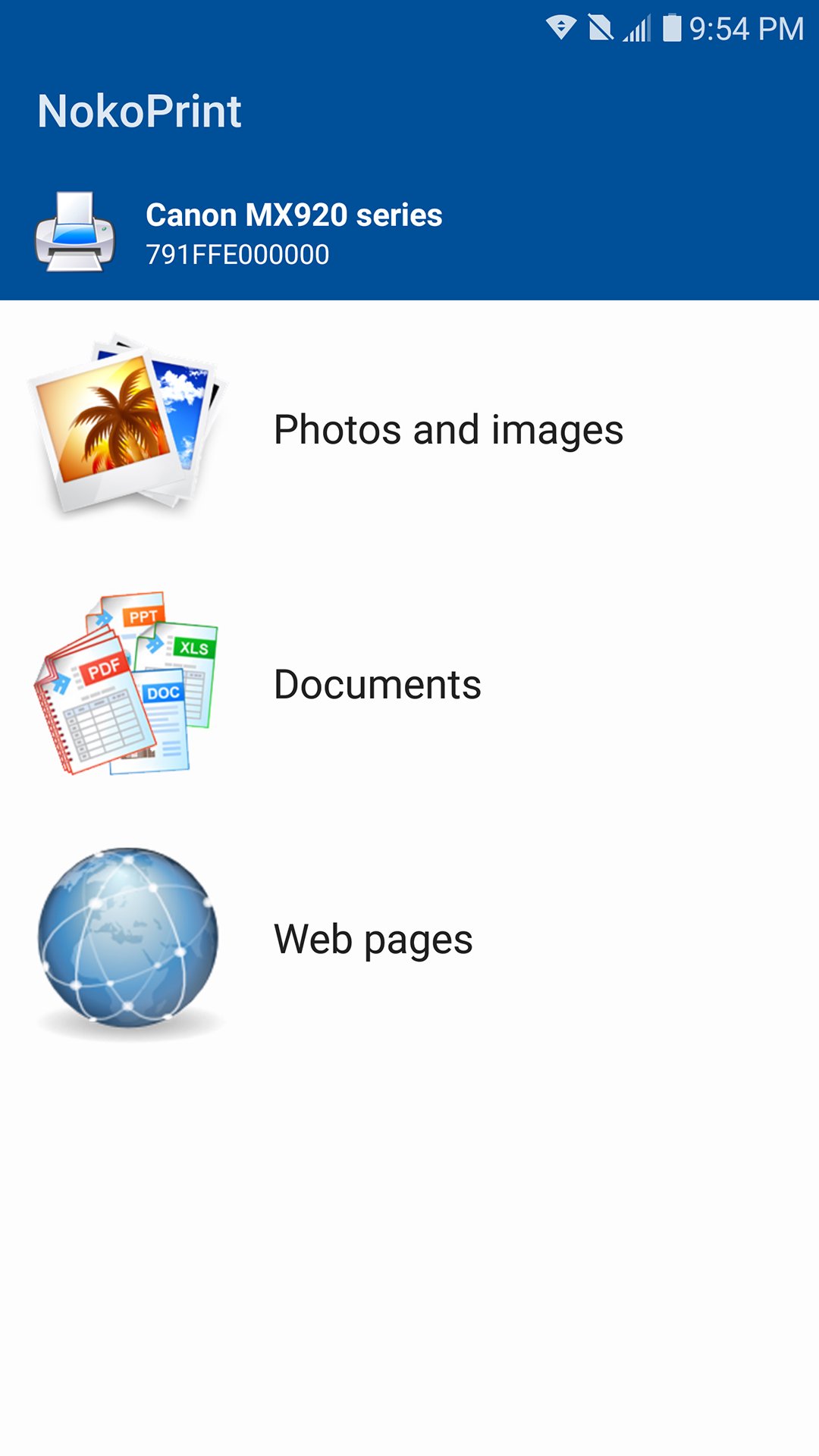
With this universal printer app, you can print photos, images, web pages, PDF files, and documents directly from your phone or tablet. No additional apps or printing tools are required. Print anytime, anywhere, on almost any compatible WiFi, Bluetooth, or USB printer.
The app is supported by ads, so you can print for free. For unlimited ad-free printing, purchase a Premium License or choose a Premium Subscription (cancel anytime).
KEY FEATURES
• Print directly from your phone or tablet to almost any inkjet, laser, or thermal printer
• Print photos and images (JPG, PNG, GIF, WEBP)
• Print PDF files and documents (Microsoft Word, Excel, PowerPoint, and Hanword)
• Print stored files, email attachments (PDF, DOC, DOCX, XLS, XLSX, PPT, PPTX, HWP, TXT), and files from cloud storage services
• Print websites and HTML pages using the built-in web browser
• Print wirelessly via WiFi or Bluetooth, or connect printers using USB-OTG
• Print multiple photos or images on a single sheet of paper
• Easily print from other apps using the Print and Share menus
ADVANCED FEATURES
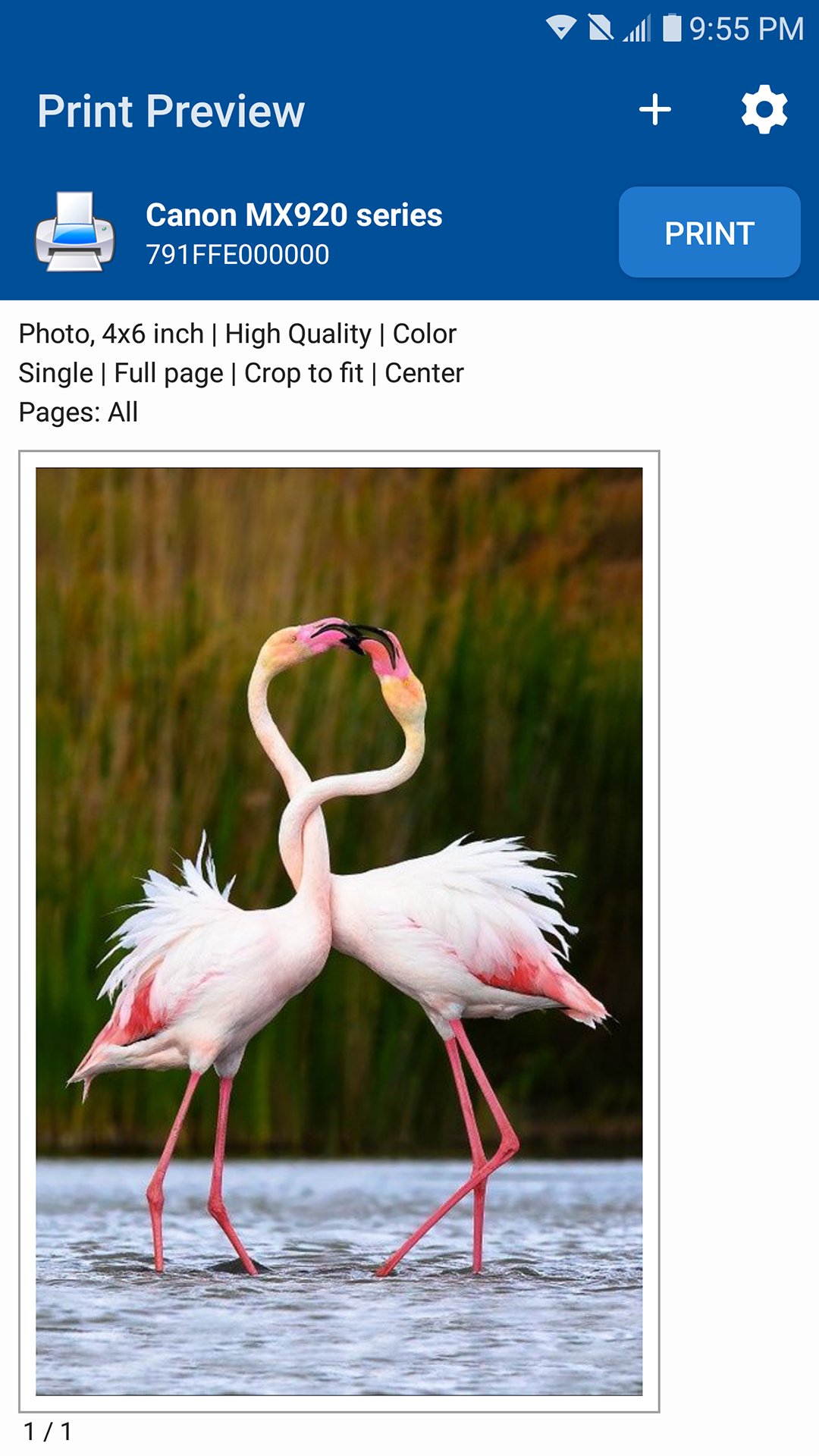
• Customize print settings, including the number of copies, collating, page range, paper size, paper type, paper tray, print quality, and more
• Preview pages before printing
• Print borderless photos on matte or glossy photo paper
• Choose between color and monochrome (black and white) printing
• Print on one or both sides of the paper (duplex printing)
• Print to shared printers connected to desktop computers or routers
• Support for AirPrint-enabled printers
• Support for Mopria-compatible printers
• Print using mobile thermal printers
AUTO-RENEWAL TERMS OF SERVICE
• Upon confirmation of the purchase, the first payment will be charged to your account and the subscription will be activated.
• Once enabled, your subscription will automatically renew at the end of each billing period, and the next payment will be deducted from your account.
• You can cancel your subscription at any time. To avoid being charged for the next period, turn off auto-renewal at least 24 hours before the end of the billing period.
• To cancel your subscription, tap the info icon (i) in the top-right corner of the app, then tap the Manage Subscription button.
SUPPORTED PRINTERS
The app supports virtually any make and model of compatible inkjet, laser, or thermal printer, including popular brands such as HP, Canon, Epson, Brother, Samsung, Xerox, Dell, Lexmark, Ricoh, Kyocera, Konica Minolta, Sharp, Toshiba, OKI, Kodak, Zebra, and many others.
Download now and start printing directly from your phone today!
Avance
Etiquetas
EmpresaProductividadJuegos de mesaInformación
Desarrollador
Albafate
La última versión
5.30.2
Última actualización
2026-11-17
Categoría
Empresa
Disponible en
Google Play
Mostrar más
Cómo jugar NokoPrint - Print from Phone con GameLoop en PC
1. Descargue GameLoop desde el sitio web oficial, luego ejecute el archivo exe para instalar GameLoop.
2. Abra GameLoop y busque "NokoPrint - Print from Phone", busque NokoPrint - Print from Phone en los resultados de búsqueda y haga clic en "Instalar".
3. Disfruta jugando NokoPrint - Print from Phone en GameLoop.
Minimum requirements
OS
Windows 8.1 64-bit or Windows 10 64-bit
GPU
GTX 1050
CPU
i3-8300
Memory
8GB RAM
Storage
1GB available space
Recommended requirements
OS
Windows 8.1 64-bit or Windows 10 64-bit
GPU
GTX 1050
CPU
i3-9320
Memory
16GB RAM
Storage
1GB available space