
PDF Scanner app - TapScanner para PC
Tap-Mobile
Descarga PDF Scanner app - TapScanner en PC con GameLoop Emulator
PDF Scanner app - TapScanner en PC
PDF Scanner app - TapScanner, proveniente del desarrollador Tap-Mobile, se ejecuta en el sistema Android en el pasado.
Ahora, puedes jugar PDF Scanner app - TapScanner en PC con GameLoop sin problemas.
Descárgalo en la biblioteca de GameLoop o en los resultados de búsqueda. No más mirar la batería o llamadas frustrantes en el momento equivocado nunca más.
Simplemente disfrute de PDF Scanner app - TapScanner PC en la pantalla grande de forma gratuita!
PDF Scanner app - TapScanner Introducción
TapScanner: Scan, Edit & Manage PDFs with Ease
Turn your device into a high‑quality document scanner and PDF toolkit trusted by millions worldwide. TapScanner lets you capture, organize, and share paperwork quickly, securely, and professionally.
Why Choose TapScanner?
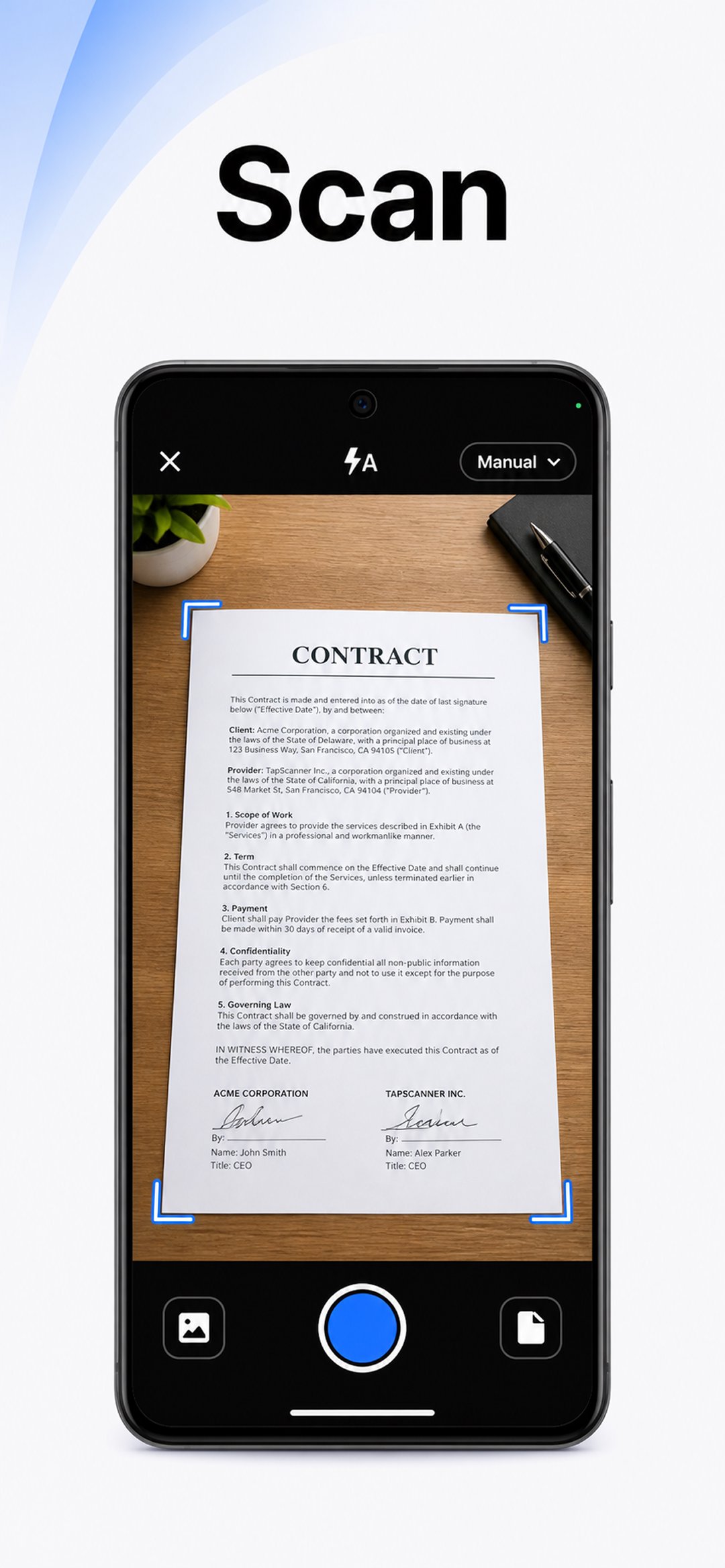
High‑Quality Scans
Automatic edge detection and smart image correction create clear, professional scans of receipts, business cards, contracts, and multi‑page documents.
Complete PDF Workspace
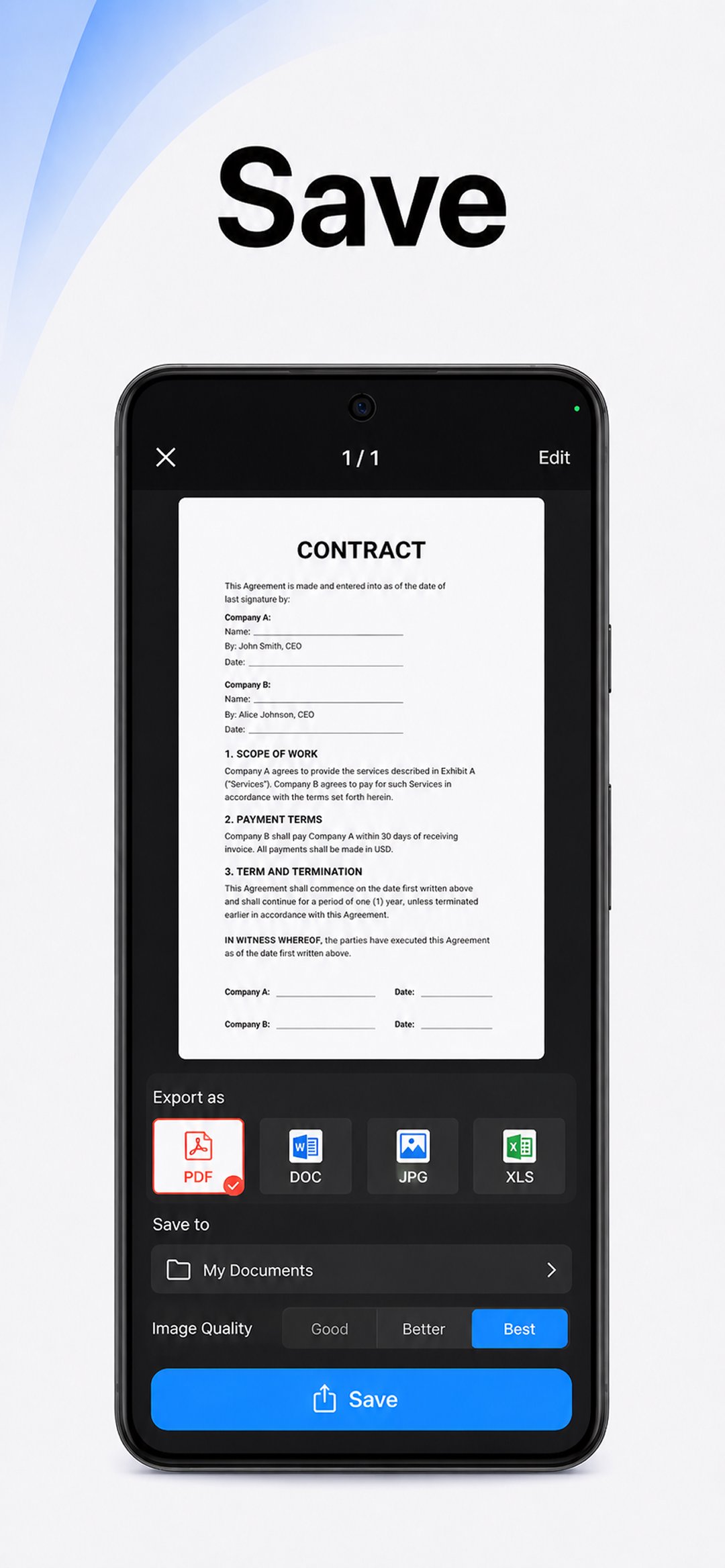
Merge, split, reorder, sign, and annotate PDFs directly in the app. Export to standard PDF formats with no quality loss.
OCR Text Recognition
Convert images into searchable, editable text in over 110 languages.
Productivity Boosters
Save time with batch scanning, one‑tap renaming, and automated file organization.
Secure Cloud Backup
Sync scans to Google Drive, Dropbox, OneDrive, and more. Add password protection for sensitive documents.
Multi‑Page Support
Scan dozens of pages and compile them into a single, neatly ordered PDF.
Image Enhancements
Adjust brightness and contrast, remove shadows, and apply filters for optimal results.
Instant Sharing & Printing
Send scans via email, messaging apps, or print directly to any Wi‑Fi printer.
User‑Friendly Interface
Clean design makes advanced tools easy for professionals, students, and everyday users alike.
Download TapScanner and streamline your paperwork today!
Free Trial & Subscription Details
After the free trial period, if the user does not cancel, the subscription will automatically convert to the paid version and be billed at the selected package price.
You can cancel the subscription at any time via the Google Play app by tapping the profile icon > Payments & subscriptions > Subscriptions.
Privacy Policy - https://tap.pm/privacy-policy-v5/
Service Terms - https://tap.pm/terms-of-service/
Avance
Etiquetas
EmpresaProductividadInformación
Desarrollador
Tap-Mobile
La última versión
3.1.26
Última actualización
2026-11-17
Categoría
Empresa
Disponible en
Google Play
Mostrar más
Cómo jugar PDF Scanner app - TapScanner con GameLoop en PC
1. Descargue GameLoop desde el sitio web oficial, luego ejecute el archivo exe para instalar GameLoop.
2. Abra GameLoop y busque "PDF Scanner app - TapScanner", busque PDF Scanner app - TapScanner en los resultados de búsqueda y haga clic en "Instalar".
3. Disfruta jugando PDF Scanner app - TapScanner en GameLoop.
Minimum requirements
OS
Windows 8.1 64-bit or Windows 10 64-bit
GPU
GTX 1050
CPU
i3-8300
Memory
8GB RAM
Storage
1GB available space
Recommended requirements
OS
Windows 8.1 64-bit or Windows 10 64-bit
GPU
GTX 1050
CPU
i3-9320
Memory
16GB RAM
Storage
1GB available space