
Megger Link para PC
Megger UK
Descarga Megger Link en PC con GameLoop Emulator
Megger Link en PC
Megger Link, proveniente del desarrollador Megger UK, se ejecuta en el sistema Android en el pasado.
Ahora, puedes jugar Megger Link en PC con GameLoop sin problemas.
Descárgalo en la biblioteca de GameLoop o en los resultados de búsqueda. No más mirar la batería o llamadas frustrantes en el momento equivocado nunca más.
Simplemente disfrute de Megger Link PC en la pantalla grande de forma gratuita!
Megger Link Introducción
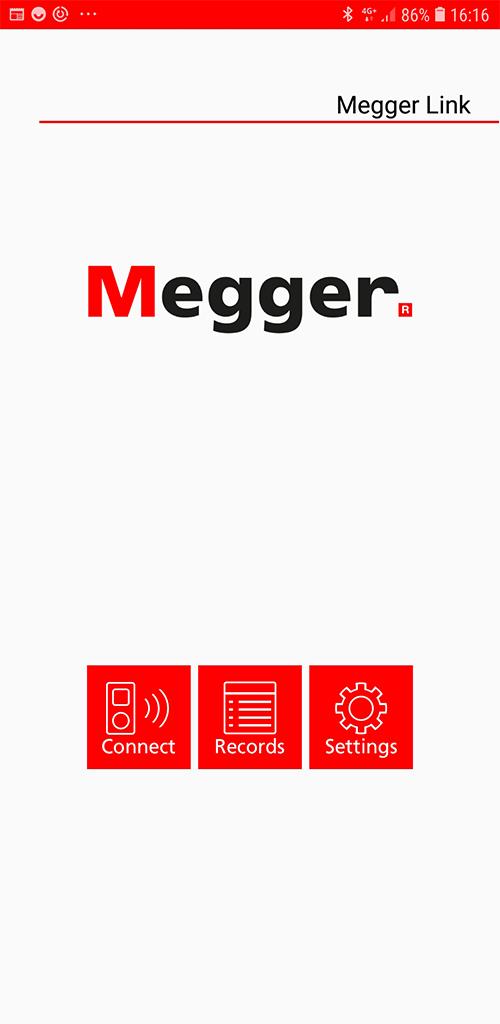
Transfer real-time data to the free Megger Link app. The DPM1000 and DCM1500S meters use low-power Bluetooth v4.0 wireless technology to communicate with your mobile device up to a maximum communication range of approximately 10 m.
Please note, the feature is unavailable when measuring Inrush Current or Phase Rotation.
Instructions:
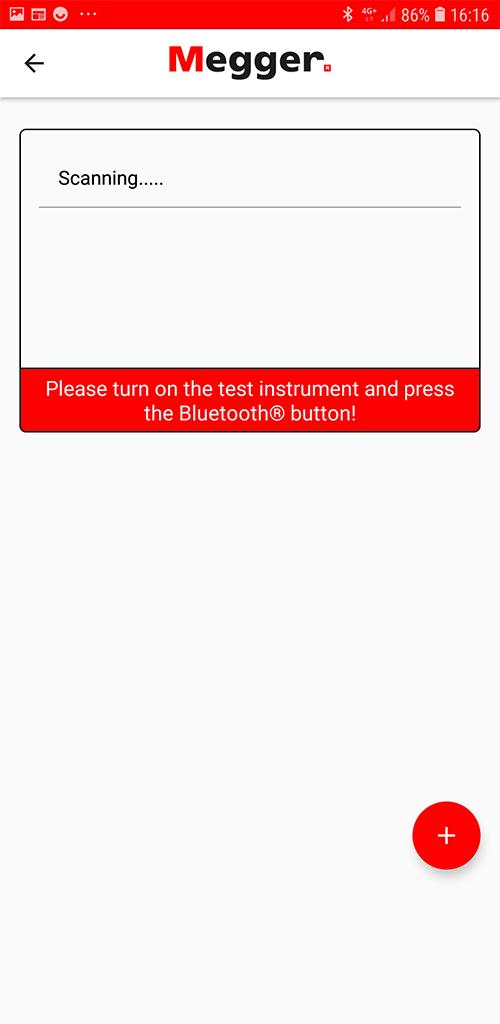
Download the “Megger Link” App. Turn on the Bluetooth function of the meter by pressing the Bluetooth button and open the Megger Link App to connect the DCM.
The Bluetooth icon of the meter will flash whilst connecting and freeze on the LCD after the connection is established.
Avance
Etiquetas
EmpresaInformación
Desarrollador
Megger UK
La última versión
1.2.3
Última actualización
2023-12-04
Categoría
Empresa
Disponible en
Google Play
Mostrar más
Cómo jugar Megger Link con GameLoop en PC
1. Descargue GameLoop desde el sitio web oficial, luego ejecute el archivo exe para instalar GameLoop.
2. Abra GameLoop y busque "Megger Link", busque Megger Link en los resultados de búsqueda y haga clic en "Instalar".
3. Disfruta jugando Megger Link en GameLoop.
Minimum requirements
OS
Windows 8.1 64-bit or Windows 10 64-bit
GPU
GTX 1050
CPU
i3-8300
Memory
8GB RAM
Storage
1GB available space
Recommended requirements
OS
Windows 8.1 64-bit or Windows 10 64-bit
GPU
GTX 1050
CPU
i3-9320
Memory
16GB RAM
Storage
1GB available space