Navigation Bar : Customize Nav para PC
Crazy Photo Studio
Descarga Navigation Bar : Customize Nav en PC con GameLoop Emulator
Navigation Bar : Customize Nav en PC
Navigation Bar : Customize Nav, proveniente del desarrollador Crazy Photo Studio, se ejecuta en el sistema Android en el pasado.
Ahora, puedes jugar Navigation Bar : Customize Nav en PC con GameLoop sin problemas.
Descárgalo en la biblioteca de GameLoop o en los resultados de búsqueda. No más mirar la batería o llamadas frustrantes en el momento equivocado nunca más.
Simplemente disfrute de Navigation Bar : Customize Nav PC en la pantalla grande de forma gratuita!
Navigation Bar : Customize Nav Introducción
Navigation Bar : Customize Navbar
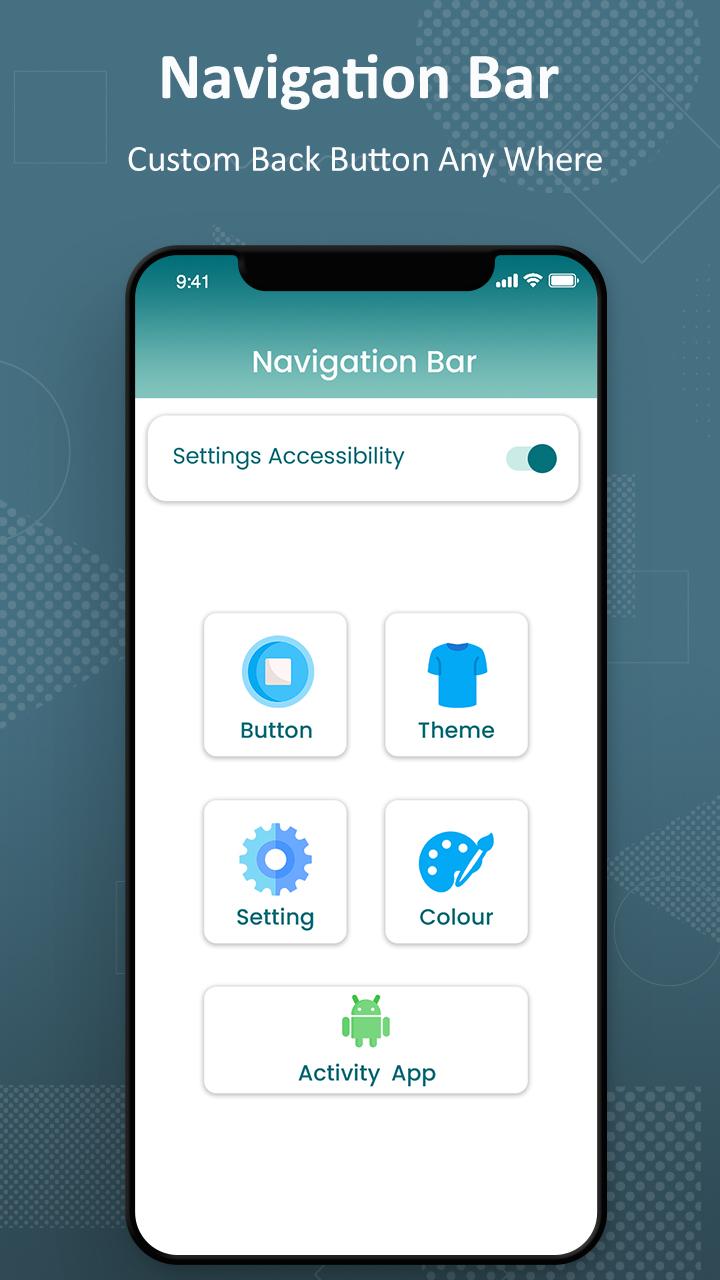
Navigation Bar users who have trouble using buttons. It Replace a failed and broken buttons or navigation panel. This responsive navigation bar app provides several features and colors to make awesome navigation bar.
This custom navigation bar is soft key of this application. We can also change the arrow keys of bottom bar. This is all the controls of a navigation bar app. The custom navigation bar is use to disable soft key of quick navigation.
Key Features of Navigation Bar - Back, Home, Recent Button :
- Ability to move navigation bar to anywhere on screen.
- Easy to swipe up/down to show/hide navigation bar.
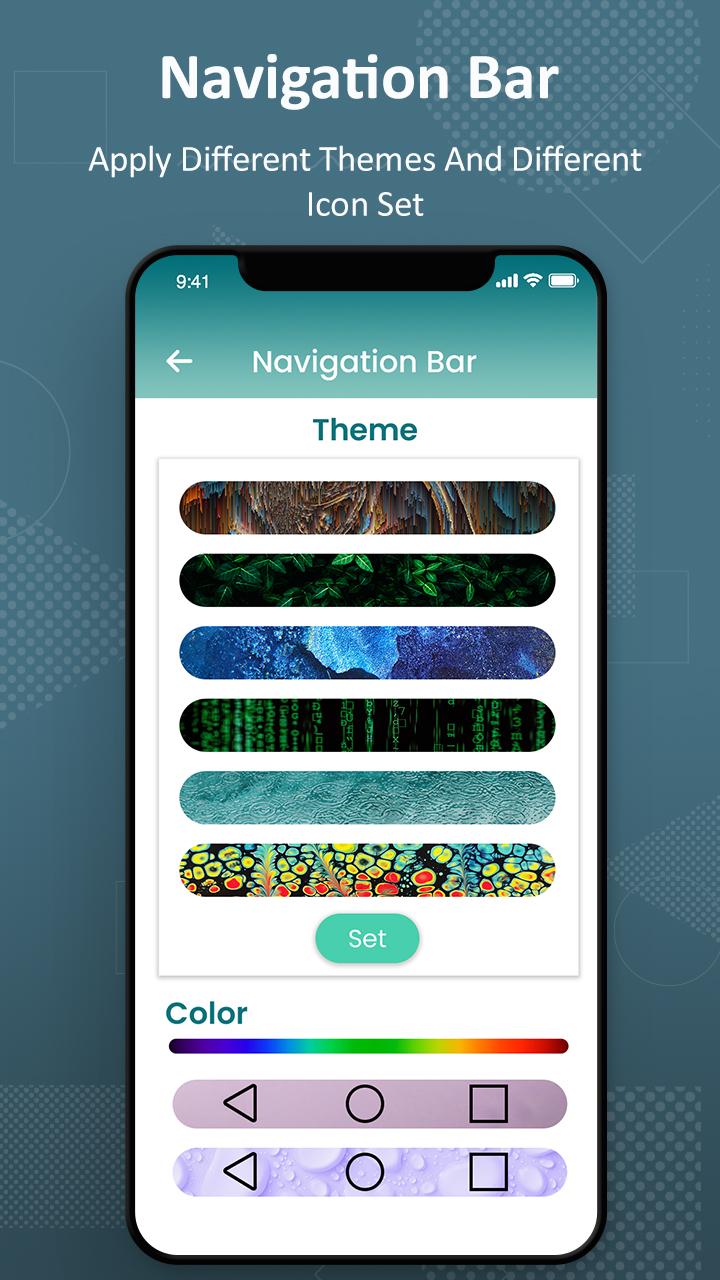
- Ability to change navigation bar with background and button color.
- Customizable navbar layout.
- Set button width, height and position.
- Options to adjust "Swipe up sensitivity".
- Set vibrate on touch.
- Options to lock navigation bar.
- 50+ Themes Available.
- Add rounded corners to navigation bar.
- Simple and nice way to use.
If you wish to use only the feature buttons (power button, volume button and flash light), you can disable the navigation bar feature from the Quick Buttons App’s settings.
NOTE: This app uses accessibility service for the sole purpose of providing navigation bar, power button ,volume button and flash light features.
NOTE: For devices running in Android versions Oreo or below, an additional Device Admin permission may be required for the power button feature. However this permission is not mandatory if you do not wish to use the power button feature.
Avance
Etiquetas
HerramientasInformación
Desarrollador
Crazy Photo Studio
La última versión
1.3
Última actualización
2023-04-23
Categoría
Herramientas
Disponible en
Google Play
Mostrar más
Cómo jugar Navigation Bar : Customize Nav con GameLoop en PC
1. Descargue GameLoop desde el sitio web oficial, luego ejecute el archivo exe para instalar GameLoop.
2. Abra GameLoop y busque "Navigation Bar : Customize Nav", busque Navigation Bar : Customize Nav en los resultados de búsqueda y haga clic en "Instalar".
3. Disfruta jugando Navigation Bar : Customize Nav en GameLoop.
Minimum requirements
OS
Windows 8.1 64-bit or Windows 10 64-bit
GPU
GTX 1050
CPU
i3-8300
Memory
8GB RAM
Storage
1GB available space
Recommended requirements
OS
Windows 8.1 64-bit or Windows 10 64-bit
GPU
GTX 1050
CPU
i3-9320
Memory
16GB RAM
Storage
1GB available space