Timestamp Camera -Date,Time, L para PC
Crazy Photo Studio
Descarga Timestamp Camera -Date,Time, L en PC con GameLoop Emulator
Timestamp Camera -Date,Time, L en PC
Timestamp Camera -Date,Time, L, proveniente del desarrollador Crazy Photo Studio, se ejecuta en el sistema Android en el pasado.
Ahora, puedes jugar Timestamp Camera -Date,Time, L en PC con GameLoop sin problemas.
Descárgalo en la biblioteca de GameLoop o en los resultados de búsqueda. No más mirar la batería o llamadas frustrantes en el momento equivocado nunca más.
Simplemente disfrute de Timestamp Camera -Date,Time, L PC en la pantalla grande de forma gratuita!
Timestamp Camera -Date,Time, L Introducción
Timestamp Camera -Date,Time, Location Stamp Camera
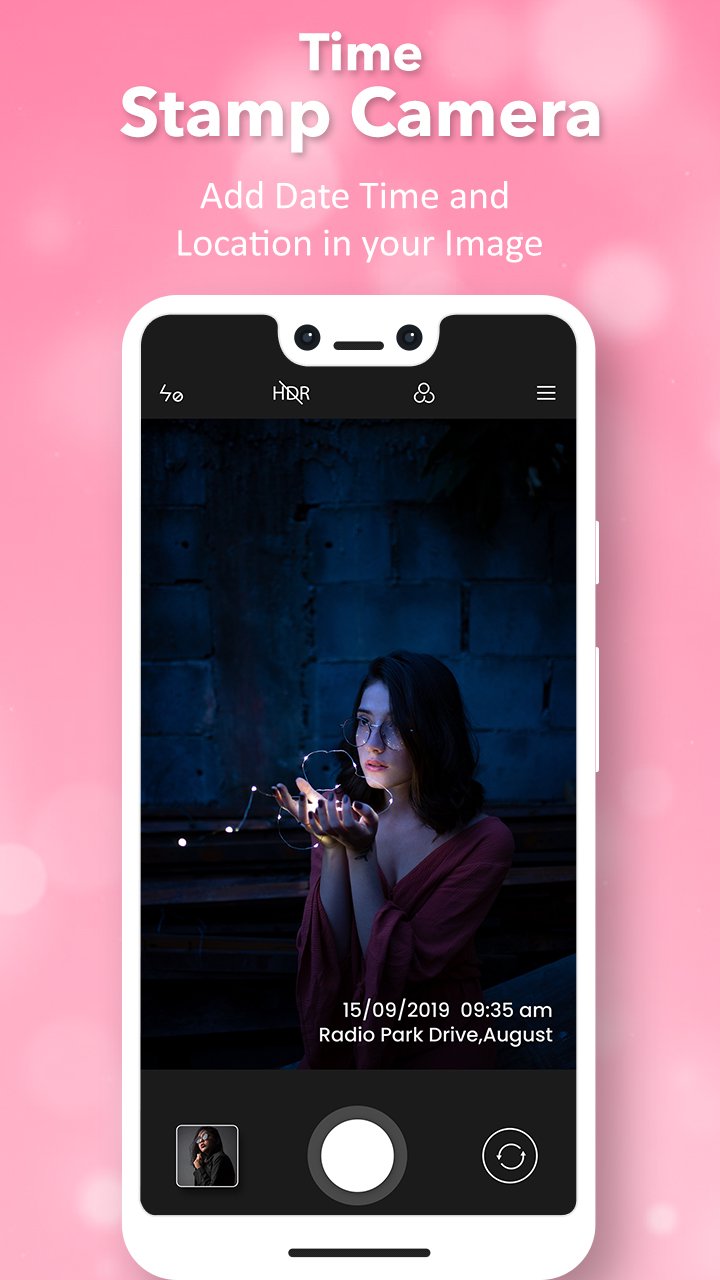
Auto Timestamp Camera can add timestamp watermark on camera in real time. Easy to take photos and videos.
Timestamp Camera is the best app to add timestamps to new videos. You can add date and location text watermark to photo and video and share to Instagram or other social media, so your friends will know when and where it exactly happened.
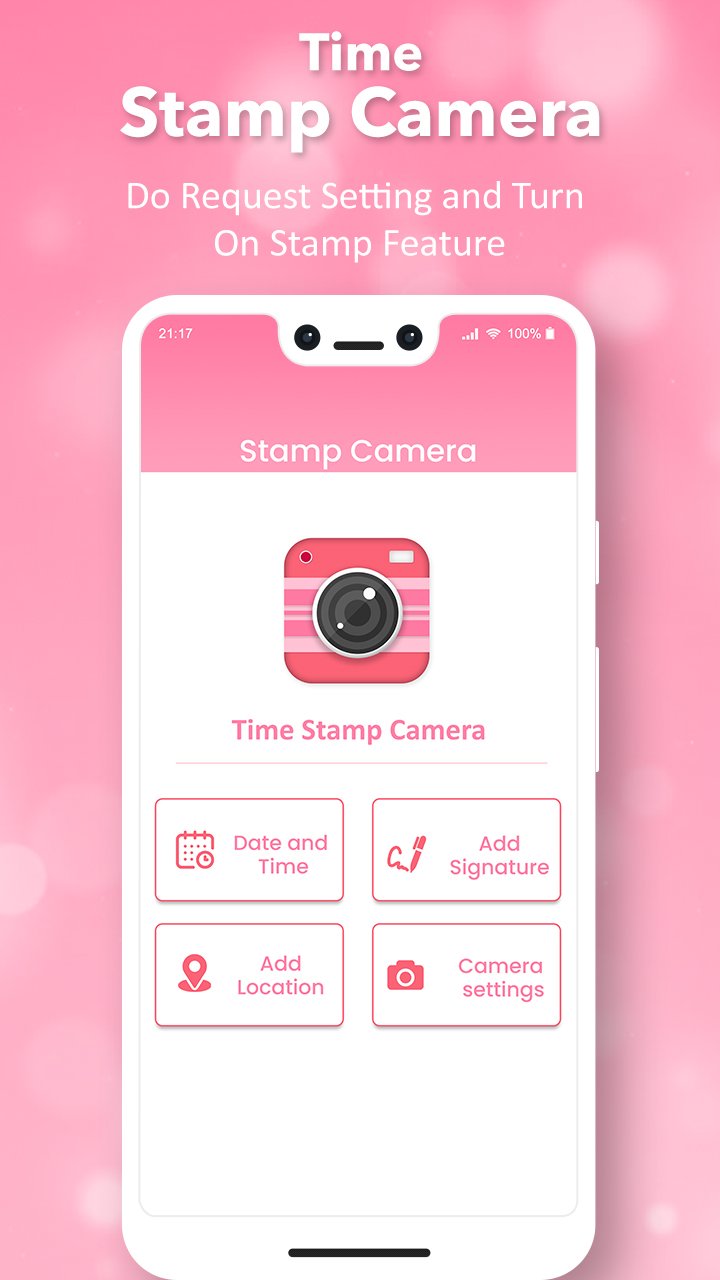
Make your own Sign to photos! Include your name as a mark at the base, left, top, right of the photograph.
Auto Time, Date & Location Stamp Camera Photos with quickly add a Date and Time Stamp tag and Logo Watermark to your “SAVED GALLERY PHOTOS” and embellish those precious memories forever.
Key Features of Auto Timestamp Camera App :
- Create daily beautiful memories to adding timestamp on your photo.
- Support 30+ timestamp formats.
- Click your memory with Time stamp.
- Change date and time format.
- Set time stamp position on photos.
- Change font, font color, font size.
- Amazing filters effects as well as beautify photos.
- Adjust brightness, contrast, saturation.
- Support portrait and landscape mode.
- Auto add location address and GPS.
- Save Photo on SD Card or Phone Gallery.
- Share Picture with your friend and family on social media like Instagram, Facebook, Whatsapp etc.
- Easy to Use and Nice user interface.
Get the all new PhotoStamp or Auto DateTime Stamp app today for FREE!!
If you like this app then rate it and review it and share this with your love one.
Thanks.!!
Avance
Etiquetas
FotografíaInformación
Desarrollador
Crazy Photo Studio
La última versión
1.5
Última actualización
2025-10-29
Categoría
Fotografía
Disponible en
Google Play
Mostrar más
Cómo jugar Timestamp Camera -Date,Time, L con GameLoop en PC
1. Descargue GameLoop desde el sitio web oficial, luego ejecute el archivo exe para instalar GameLoop.
2. Abra GameLoop y busque "Timestamp Camera -Date,Time, L", busque Timestamp Camera -Date,Time, L en los resultados de búsqueda y haga clic en "Instalar".
3. Disfruta jugando Timestamp Camera -Date,Time, L en GameLoop.
Minimum requirements
OS
Windows 8.1 64-bit or Windows 10 64-bit
GPU
GTX 1050
CPU
i3-8300
Memory
8GB RAM
Storage
1GB available space
Recommended requirements
OS
Windows 8.1 64-bit or Windows 10 64-bit
GPU
GTX 1050
CPU
i3-9320
Memory
16GB RAM
Storage
1GB available space