File and Folder Lock para PC
Crazy Photo Studio
Descarga File and Folder Lock en PC con GameLoop Emulator
File and Folder Lock en PC
File and Folder Lock, proveniente del desarrollador Crazy Photo Studio, se ejecuta en el sistema Android en el pasado.
Ahora, puedes jugar File and Folder Lock en PC con GameLoop sin problemas.
Descárgalo en la biblioteca de GameLoop o en los resultados de búsqueda. No más mirar la batería o llamadas frustrantes en el momento equivocado nunca más.
Simplemente disfrute de File and Folder Lock PC en la pantalla grande de forma gratuita!
File and Folder Lock Introducción
File and Folder Lock
Folder Lock is an Android application that works to satisfy the needs of the security conscious users. File and Folder Lock provides much-needed features like password protection of photos and videos, secured wallets, data recovery, decoy mode, stealth mode, hack attempt monitoring and more!
File lock : Folder Locker app is your personal Locker where you can keep your most memorable files and ensure that friends who use your phone don’t see your personal files, if they browse through your gallery or file manager. This also works as Video locker, Image locker.
File Lock : Folder Password Lock app lets you password-protect your personal files (ex: photos, videos, documents, wallet cards, contacts, notes and audio recordings, etc…) in your Android Phones.
FolderVault (Gallery Locker) for Android is a file hide expert to keep safe your phone from annoying snoopers and prying eyes. With Folder Vault app your privacy is well protected.
Keep your all files Secure and private with File locker. File Locker is the easiest way to create a secure location on your device to store and protect your important and private files which can be accessed only by you.
Key Features of Best Folder Lock :
- Works with your device’s memory / SD card to import and export any Files.
- Protect private photos.
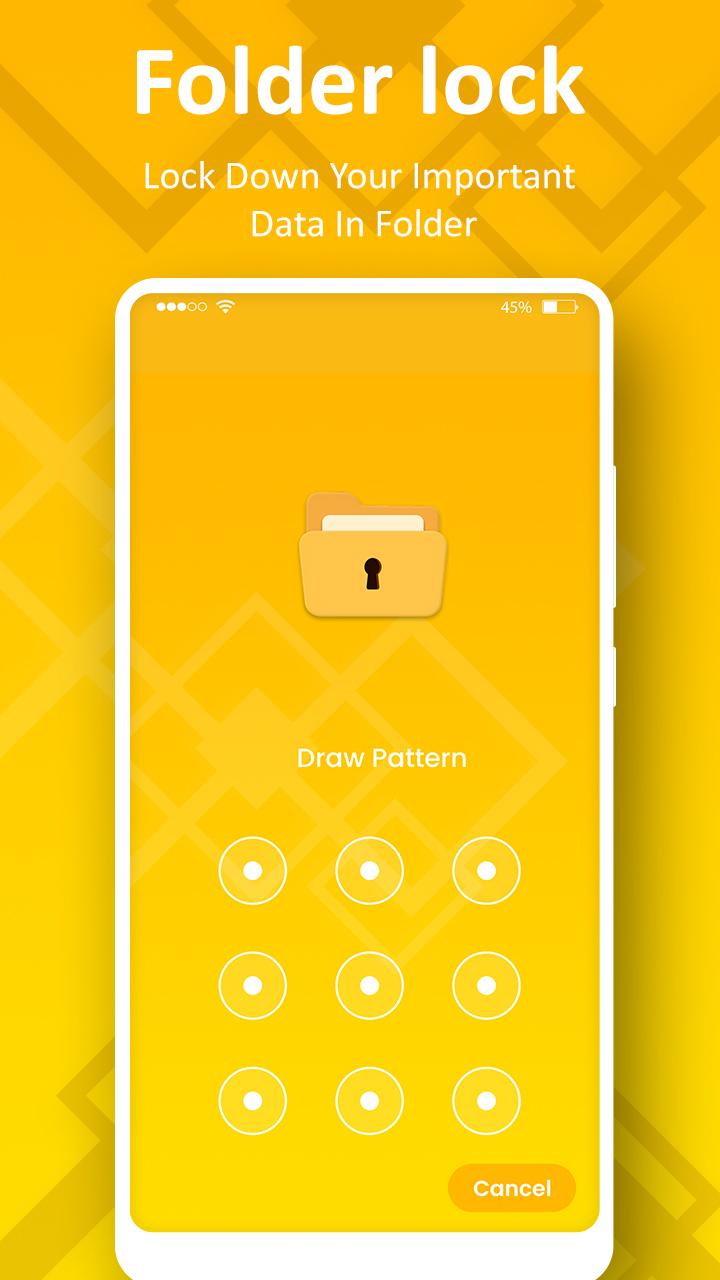
- Password protected app access with a PIN / Pattern.
- No storage limitations, You can lock unlimited files.
- Write secure notes.
- Album View to manage your photos/videos faster.
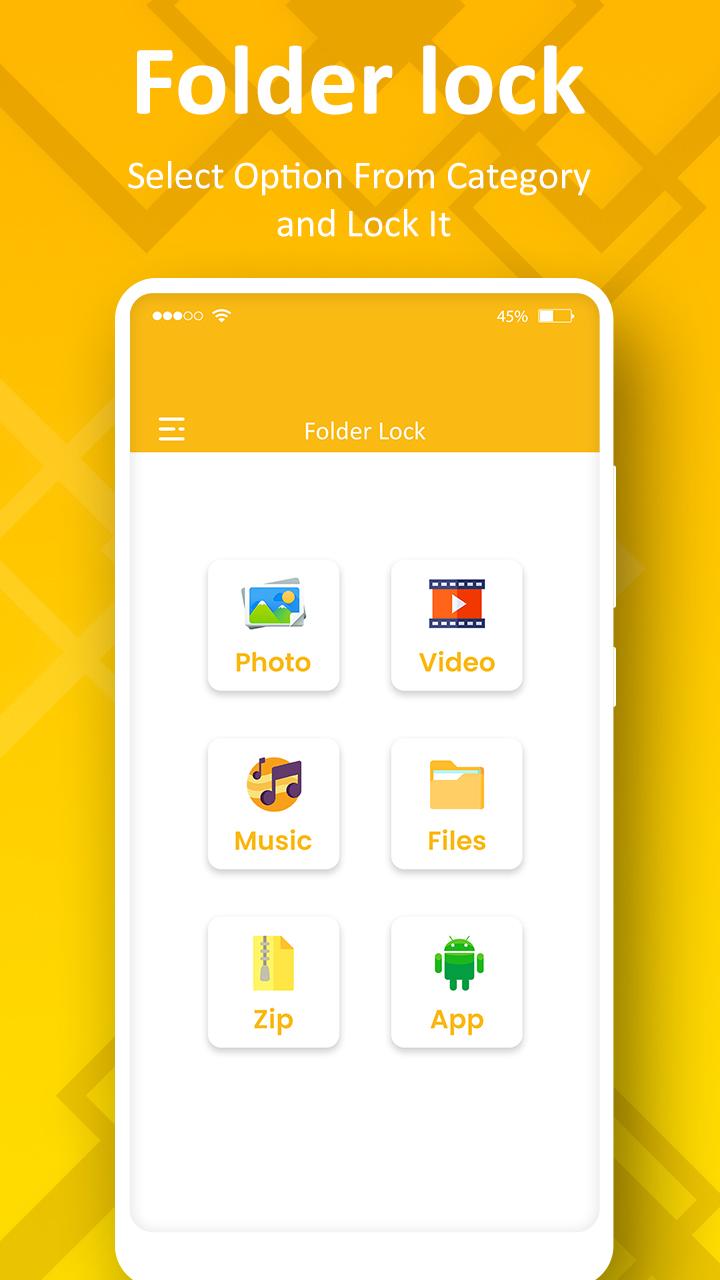
- Lock down important documents.
- Easy unlock with just a tap.
- Fastest lock process with multi-select feature to import hundreds of files quickly.
- Easy restore hidden files and folder.
- Lock multiple or single files.
- Move files between folder vault album.
- Does not show in ‘recent apps’ list.
- Delete & Restore Files or Folders Instantly.
- Share locked photos/videos/audio/documents/files directly on any social media.
- Clean, smooth and intuitive UI to help you easily hide files and folders.
Password protected GalleryVault & Photo Vault: Folder Lock & App Lock app used as secure private folder and album locker. Get image vault, picture safe vault and file protection. Photo vault app have a hidden folders to safe folder. Folder lock is available in this Gallery lock app.
We value your feedback and suggestions, please do not hesitate to send us your thoughts on how we can improve of future versions. Contact us at - milspansuriya99@gmail.com for feedback and issues.
Thanks.!!
This app uses the Device Administrator permission.
Disclosure: To prevent safe folder being uninstalled, safe folder need Device Administrator Permission and it never use any other Device Administrator permission except uninstall prevention
IMPORTANT: Do not uninstall this app before unhiding your personal files otherwise it will be lost forever.
Activate Uninstall Protection to prevent this app from being uninstalled by others especially kids
Avance
Etiquetas
HerramientasInformación
Desarrollador
Crazy Photo Studio
La última versión
2.1
Última actualización
2023-09-21
Categoría
Herramientas
Disponible en
Google Play
Mostrar más
Cómo jugar File and Folder Lock con GameLoop en PC
1. Descargue GameLoop desde el sitio web oficial, luego ejecute el archivo exe para instalar GameLoop.
2. Abra GameLoop y busque "File and Folder Lock", busque File and Folder Lock en los resultados de búsqueda y haga clic en "Instalar".
3. Disfruta jugando File and Folder Lock en GameLoop.
Minimum requirements
OS
Windows 8.1 64-bit or Windows 10 64-bit
GPU
GTX 1050
CPU
i3-8300
Memory
8GB RAM
Storage
1GB available space
Recommended requirements
OS
Windows 8.1 64-bit or Windows 10 64-bit
GPU
GTX 1050
CPU
i3-9320
Memory
16GB RAM
Storage
1GB available space