Roku Remote (Official) para PC
Roku Inc.
Descarga Roku Remote (Official) en PC con GameLoop Emulator
Roku Remote (Official) en PC
Roku Remote (Official), proveniente del desarrollador Roku Inc., se ejecuta en el sistema Android en el pasado.
Ahora, puedes jugar Roku Remote (Official) en PC con GameLoop sin problemas.
Descárgalo en la biblioteca de GameLoop o en los resultados de búsqueda. No más mirar la batería o llamadas frustrantes en el momento equivocado nunca más.
Simplemente disfrute de Roku Remote (Official) PC en la pantalla grande de forma gratuita!
Roku Remote (Official) Introducción
The official remote app for your Roku® device.
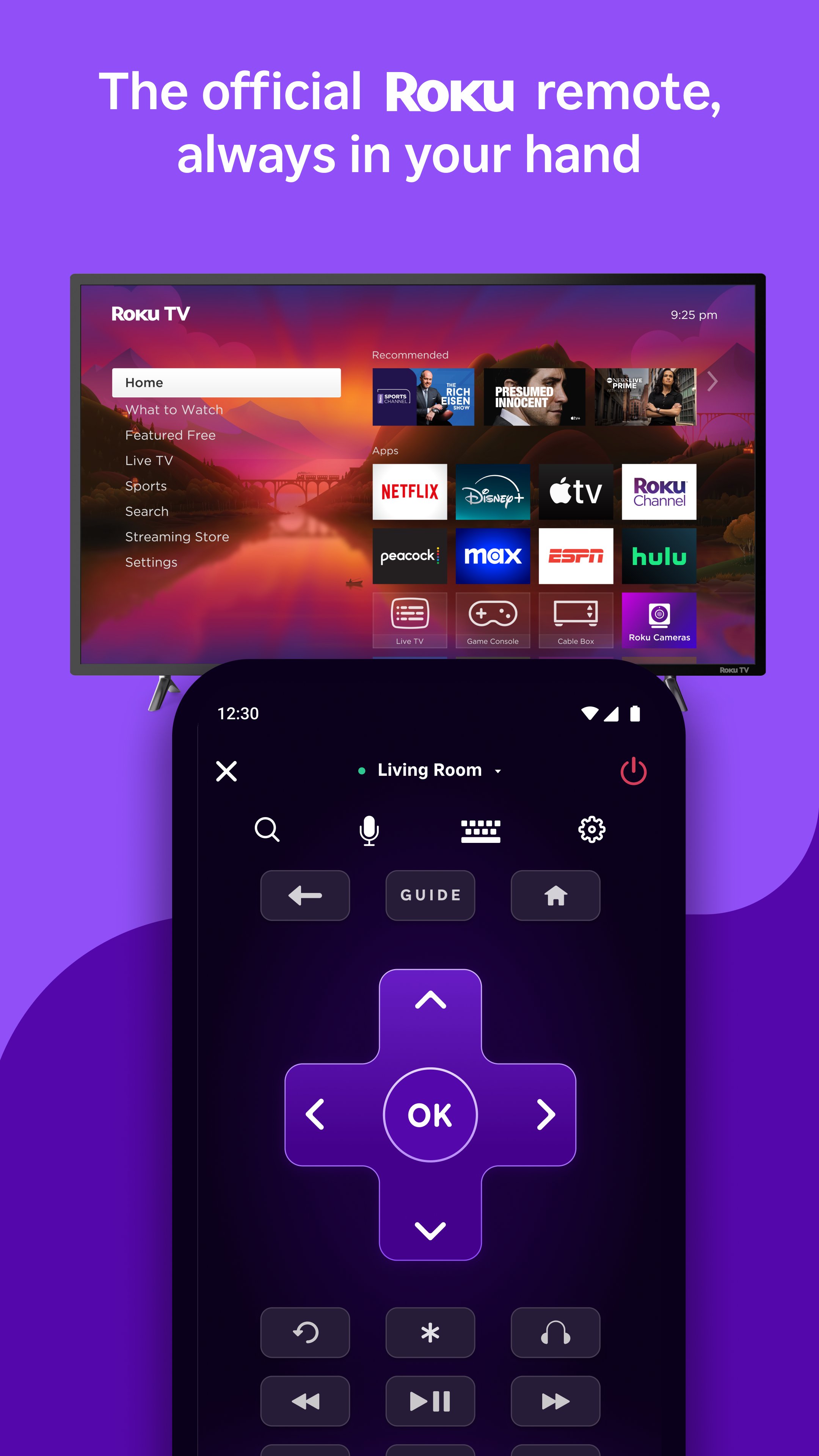
Roku Remote (Official) turns your phone into a feature-packed remote control for Roku players and Roku TVs. Enjoy convenient, easy control of your Roku devices, quickly launch your favorite apps and channels, search with your voice, type with your phone’s keyboard, and listen privately with headphones — all from the device already in your pocket.
The free Roku Remote app features:
* Remote control — a full-featured Roku remote on your phone, with the same buttons as the one you lost in the couch
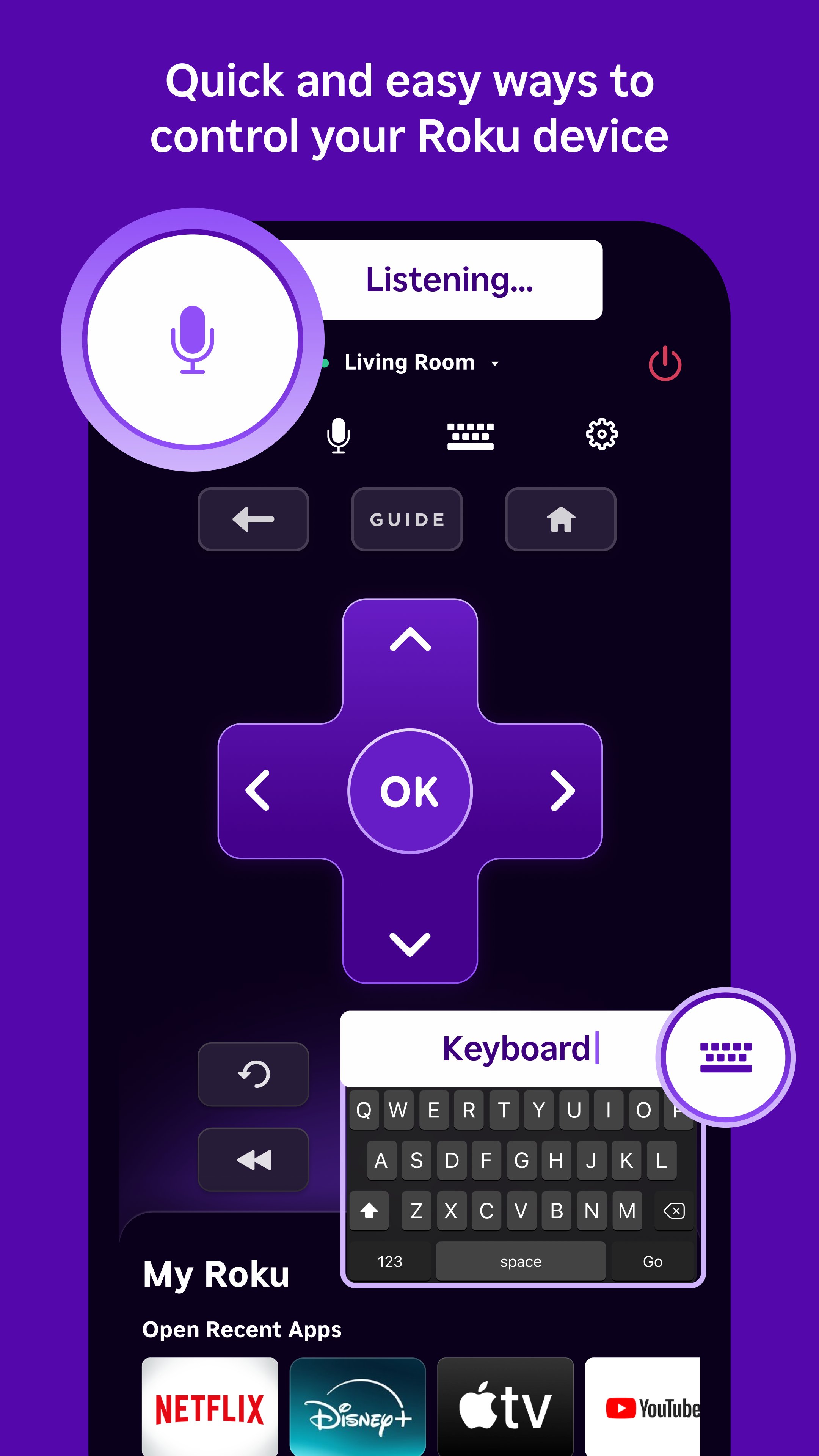
* Keyboard — type search terms, passwords, and Wi-Fi info with your mobile keyboard instead of the on-screen grid
* Voice search — say what you want and get to it faster
* Private listening — plug headphones into your phone so you can stream without waking the house
* Cast photos and video — share what's on your phone to the big screen
* Control your apps — easily add new apps to your Roku device, or quickly launch your favorites
* Free TV - stream a huge selection of free movies, live TV, and more right from your phone.
Works with Roku TV™ models and Roku streaming players.
To use certain features, connect your phone or tablet to the same wireless network as your Roku device. Some features require a compatible Roku device and may require signing into your Roku account.
Feature availability:
* Voice search is available in English in the US, UK, and Canada, and in Spanish in Mexico and the US.
* The Roku Channel can be viewed in the mobile app in the US and Mexico only.
* Some channels require payment, can change, and vary by country.
For more information, go to http://support.roku.com
Privacy Policy: go.roku.com/privacypolicy
CA Privacy Notice: https://docs.roku.com/published/userprivacypolicy/en/us#userprivacypolicy-en_us-CCPA
Avance
Etiquetas
EntretenimientoInformación
Desarrollador
Roku Inc.
La última versión
14.2.1.11950194
Última actualización
2026-11-12
Categoría
Entretenimiento
Disponible en
Google Play
Mostrar más
Cómo jugar Roku Remote (Official) con GameLoop en PC
1. Descargue GameLoop desde el sitio web oficial, luego ejecute el archivo exe para instalar GameLoop.
2. Abra GameLoop y busque "Roku Remote (Official)", busque Roku Remote (Official) en los resultados de búsqueda y haga clic en "Instalar".
3. Disfruta jugando Roku Remote (Official) en GameLoop.
Minimum requirements
OS
Windows 8.1 64-bit or Windows 10 64-bit
GPU
GTX 1050
CPU
i3-8300
Memory
8GB RAM
Storage
1GB available space
Recommended requirements
OS
Windows 8.1 64-bit or Windows 10 64-bit
GPU
GTX 1050
CPU
i3-9320
Memory
16GB RAM
Storage
1GB available space