Word Quest Game PC
LittleBigPlay - Word, Educational & Puzzle Games
Download Word Quest Game on PC With GameLoop Emulator
Word Quest Game on PC
Word Quest Game, coming from the developer LittleBigPlay - Word, Educational & Puzzle Games, is running on Android systerm in the past.
Now, You can play Word Quest Game on PC with GameLoop smoothly.
Download it in the GameLoop library or search results. No more eyeing the battery or frustrating calls at the wrong time any more.
Just enjoy Word Quest Game PC on the large screen for free!
Word Quest Game Introduction
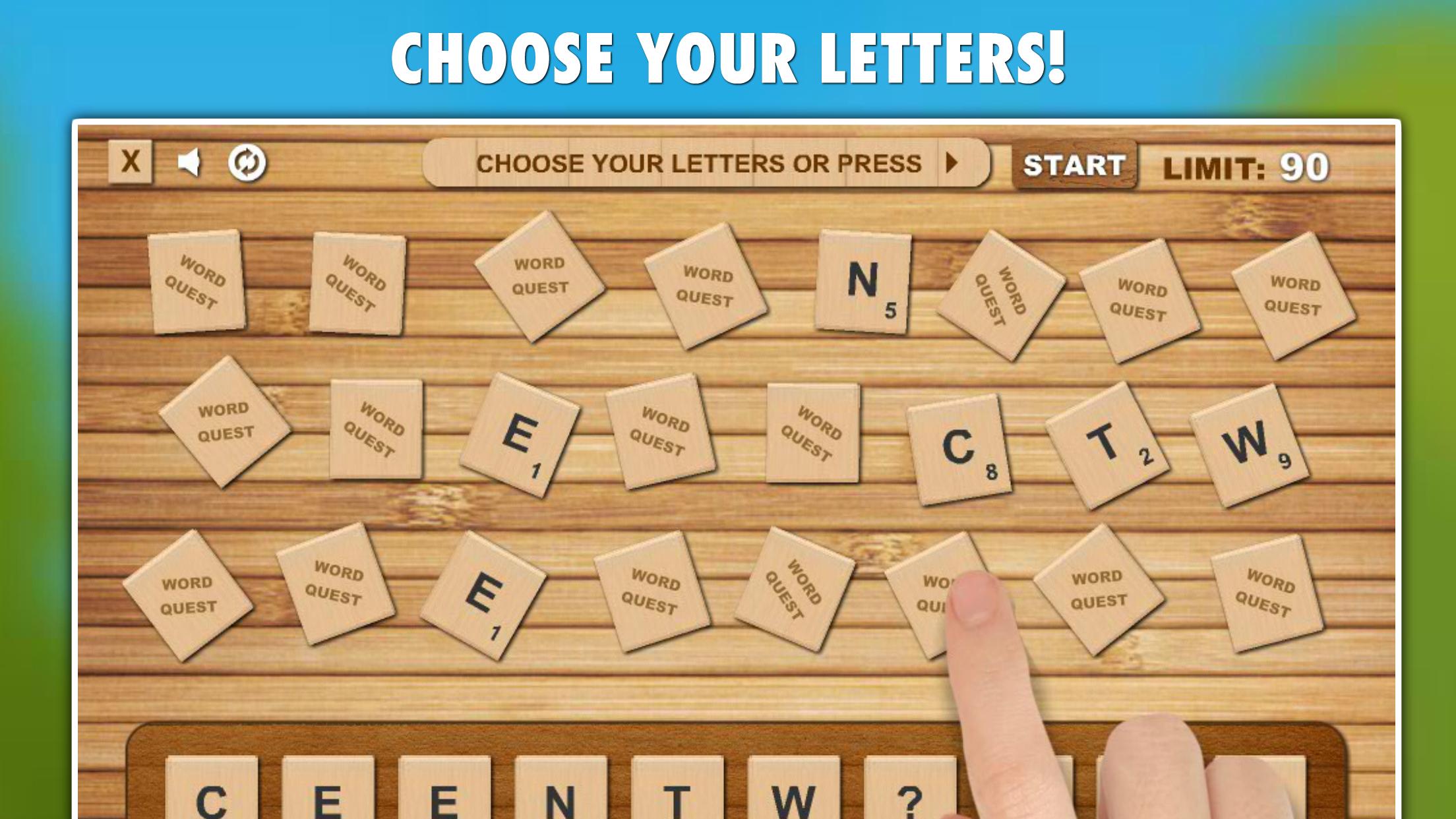
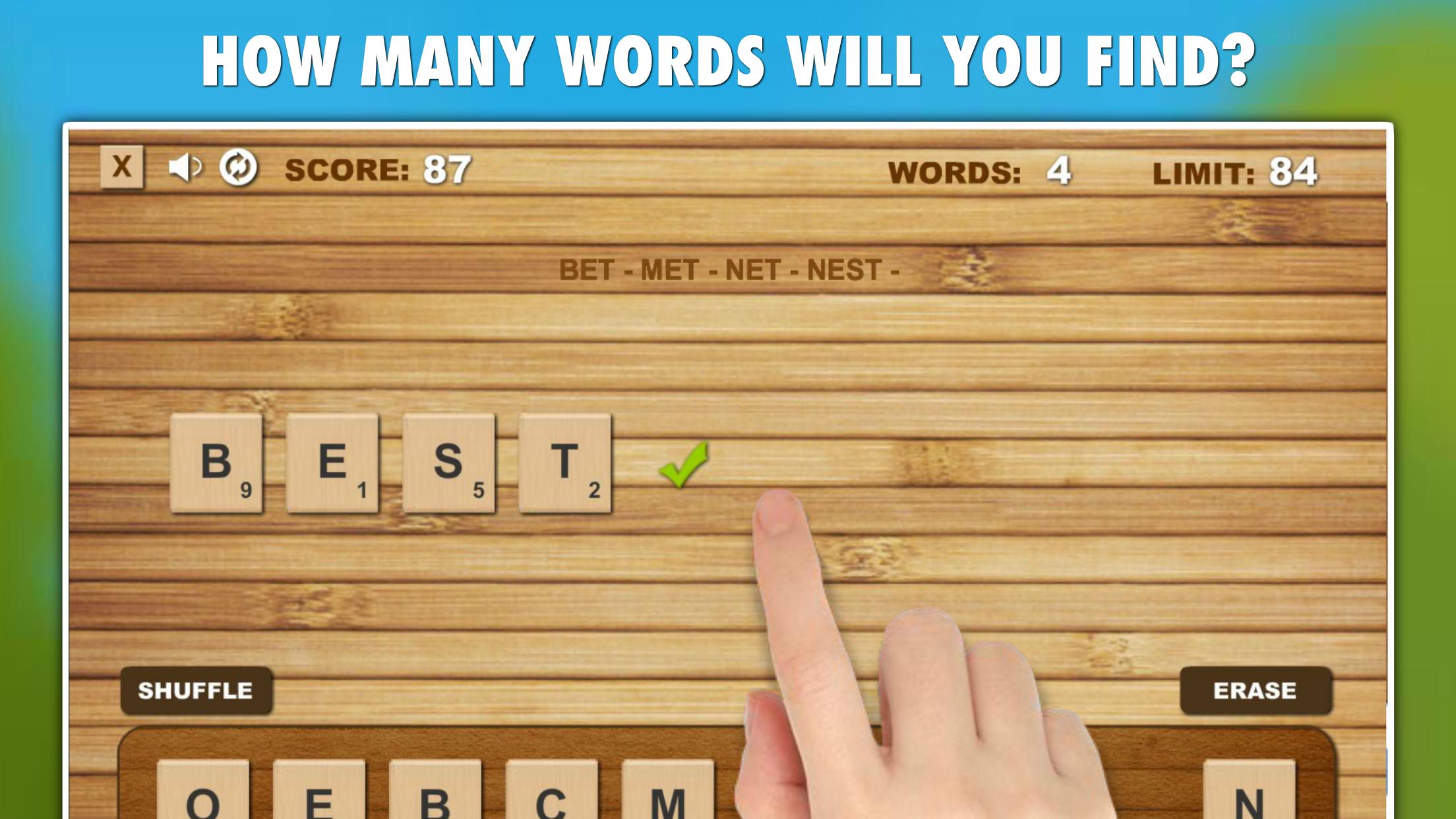
Word Quest: Your quick word search adventure! Choose your letters or let fate decide, then create words against the clock or in relaxed mode. Compete globally, improve your typing and spelling skills, and enjoy offline play.
Key Features:
• Two engaging game modes: Challenge and Relax, catering to different play styles and preferences.
• Global TOP20 leaderboards for competitive scoring and comparison.
• Skill-enhancing gameplay that improves English spelling and typing proficiency.
• Each game presents a unique and varied challenge, ensuring endless replayability.
• A comprehensive English vocabulary database encompassing over 500,000 words.
• Social sharing options, allowing you to share your scores and achievements with friends and family.
• Offline accessibility, enabling play without internet or Wi-Fi.
Game Modes:
• Challenge: A time-limited mode where each created word extends the time limit, rewarding longer words with more time.
• Relax: An untimed mode that allows for leisurely word finding without any pressure.
Discover the thrill of word creation with Word Quest!
Preview
Tags
WordInformation
Developer
LittleBigPlay - Word, Educational & Puzzle Games
Latest Version
8.1
Last Updated
2025-01-14
Category
Word
Available on
Google Play
Show More
How to play Word Quest Game with GameLoop on PC
1. Download GameLoop from the official website, then run the exe file to install GameLoop
2. Open GameLoop and search for “Word Quest Game” , find Word Quest Game in the search results and click “Install”
3. Enjoy playing Word Quest Game on GameLoop
Minimum requirements
OS
Windows 8.1 64-bit or Windows 10 64-bit
GPU
GTX 1050
CPU
i3-8300
Memory
8GB RAM
Storage
1GB available space
Recommended requirements
OS
Windows 8.1 64-bit or Windows 10 64-bit
GPU
GTX 1050
CPU
i3-9320
Memory
16GB RAM
Storage
1GB available space