Word Maze - Word Search PC
Crossman
Download Word Maze - Word Search on PC With GameLoop Emulator
Word Maze - Word Search on PC
Word Maze - Word Search, coming from the developer Crossman, is running on Android systerm in the past.
Now, You can play Word Maze - Word Search on PC with GameLoop smoothly.
Download it in the GameLoop library or search results. No more eyeing the battery or frustrating calls at the wrong time any more.
Just enjoy Word Maze - Word Search PC on the large screen for free!
Word Maze - Word Search Introduction
"Word Maze - Word Search" is a beautiful word puzzle game. The levels are easy at first, but they get challenging fast. Is your mind ready to get pushed to the next level with word puzzles?
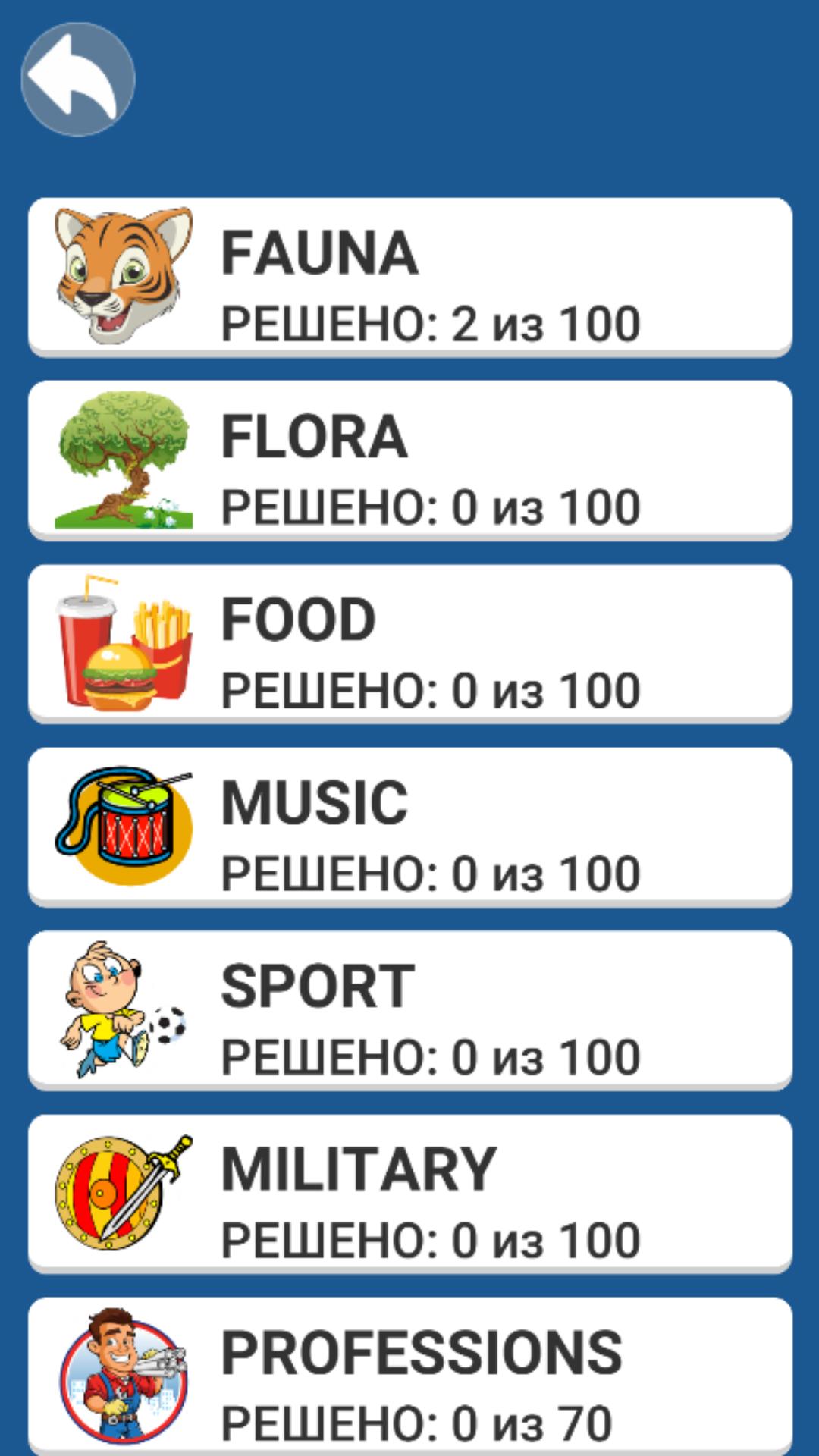
Solve puzzles in different languages and replenish your vocabulary. Choose a theme to your liking or find words from a certain number of letters. Try to solve more than 1000 levels.
RULES OF THE GAME.
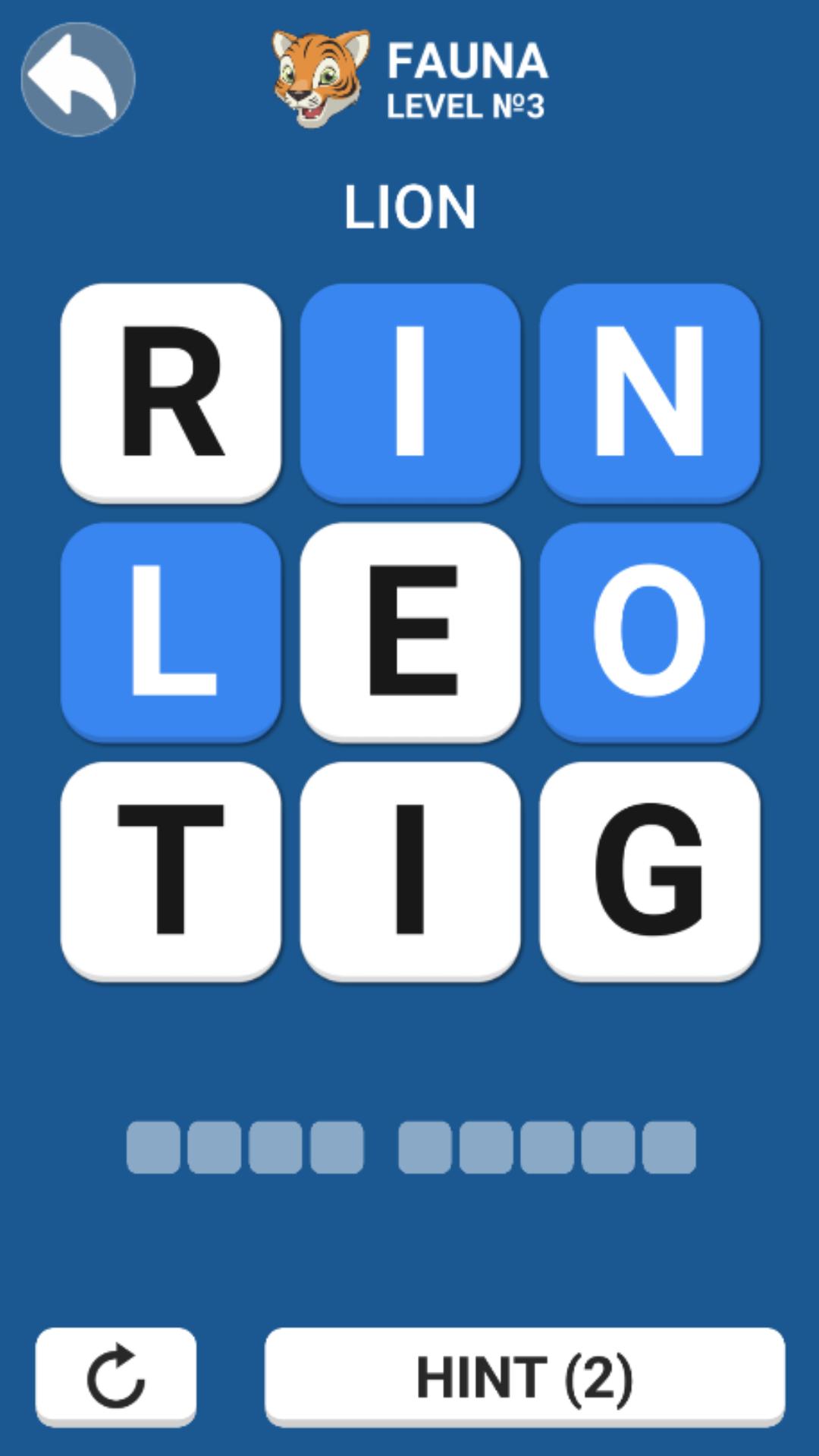
The goal of the game is to search for words on the selected theme. Without taking your finger off the screen, connect the letters in the correct sequence to collect the desired word. It is allowed to move to any adjacent letter: right-left, up-down and diagonally. If you connect the letters incorrectly, then it will be impossible to solve the puzzle. Press the reset button (the round arrow at the bottom of the screen) and try to find the right way.
Hints will help you cope even with hard word search.
FEATURES.
English and Russian languages.
Lots of themes.
1000+ levels.
Unlimited hints.
Difficulty ranges from simple to hard.
Do you like Word search, to solve crosswords, Fill the words, Guess the words? This game is an exciting activity during leisure hours or on the way to work.
Preview
Tags
WordInformation
Developer
Crossman
Latest Version
1.0.4
Last Updated
2022-11-27
Category
Word
Available on
Google Play
Show More
How to play Word Maze - Word Search with GameLoop on PC
1. Download GameLoop from the official website, then run the exe file to install GameLoop
2. Open GameLoop and search for “Word Maze - Word Search” , find Word Maze - Word Search in the search results and click “Install”
3. Enjoy playing Word Maze - Word Search on GameLoop
Minimum requirements
OS
Windows 8.1 64-bit or Windows 10 64-bit
GPU
GTX 1050
CPU
i3-8300
Memory
8GB RAM
Storage
1GB available space
Recommended requirements
OS
Windows 8.1 64-bit or Windows 10 64-bit
GPU
GTX 1050
CPU
i3-9320
Memory
16GB RAM
Storage
1GB available space