
Word Club: Word Puzzle Game PC
CASUAL AZUR GAMES
Download Word Club: Word Puzzle Game on PC With GameLoop Emulator
Word Club: Word Puzzle Game on PC
Word Club: Word Puzzle Game, coming from the developer CASUAL AZUR GAMES, is running on Android systerm in the past.
Now, You can play Word Club: Word Puzzle Game on PC with GameLoop smoothly.
Download it in the GameLoop library or search results. No more eyeing the battery or frustrating calls at the wrong time any more.
Just enjoy Word Club: Word Puzzle Game PC on the large screen for free!
Word Club: Word Puzzle Game Introduction
WORD CLUB — a new type of multiplayer online free word game with addictive gameplay!
Play with friends or other word nerds from all over the world! Whomp your opponents by getting the longest words and the top score! Have fun while you train your brain!
It’s easy to play but takes time to master because of the multitude of bonuses and win strategies.
Try out best word game for some good instant fun as a word search. Whether you’re a beginner at word games or a word scramble master, it’s a smart and exciting experience!
HOW TO PLAY
• Choose the city (arena) you want to play in. Each city has its own entry fee and rules
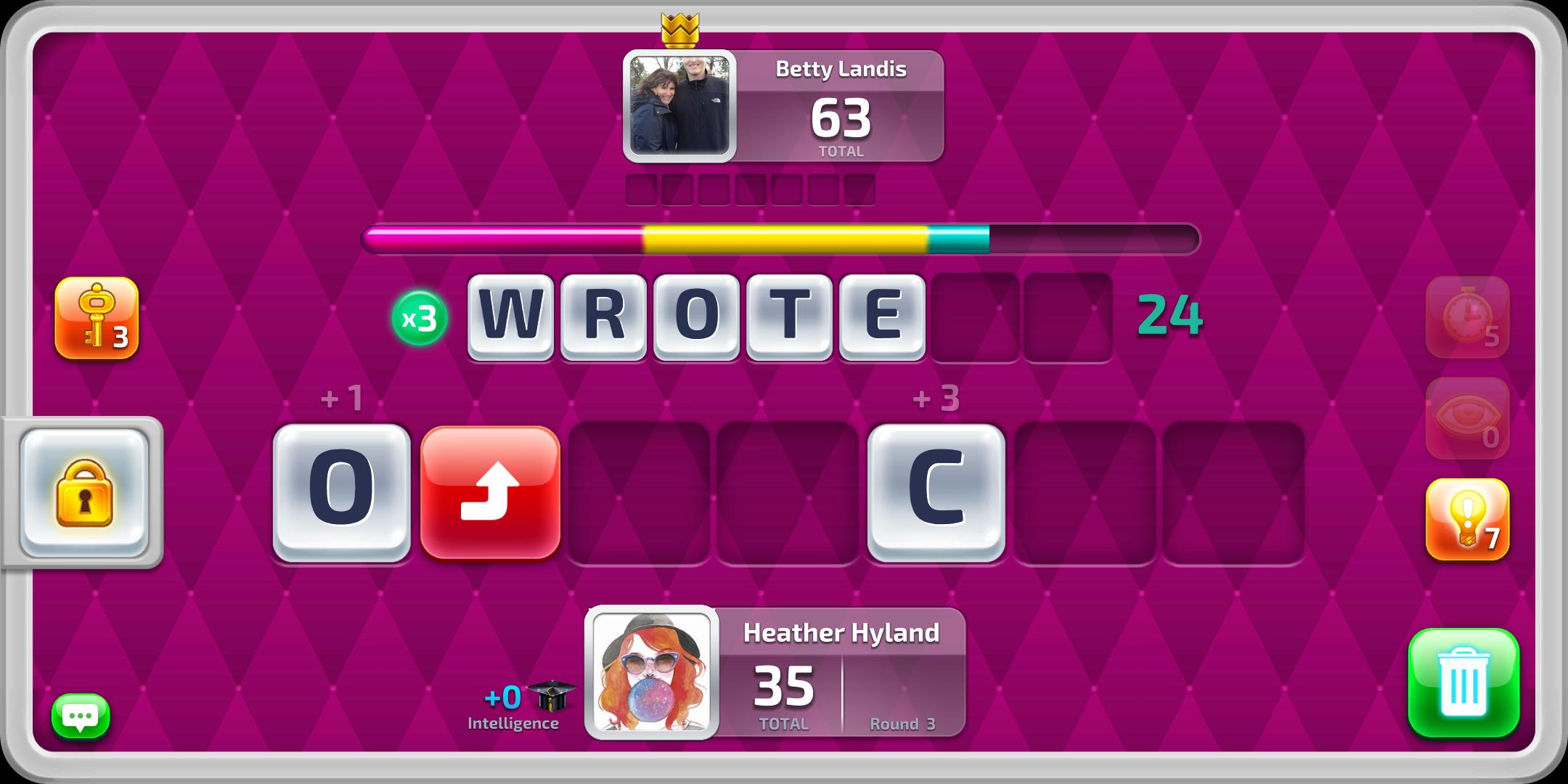
• Each round starts with 7 letters in random order
• Race to make the longest word possible
• You have up to a 1-minute countdown (depending on the arena) to search for the longest word and beat your rivals to it!
• Each letter is rated differently. Different letters used = different final score.
• Try to find the word that consists of all letters on the game table
• The overall time limit is divided into rounds. Earn extra points for the fastest finds!
• There’s a whole host of bonuses to spice up the game!
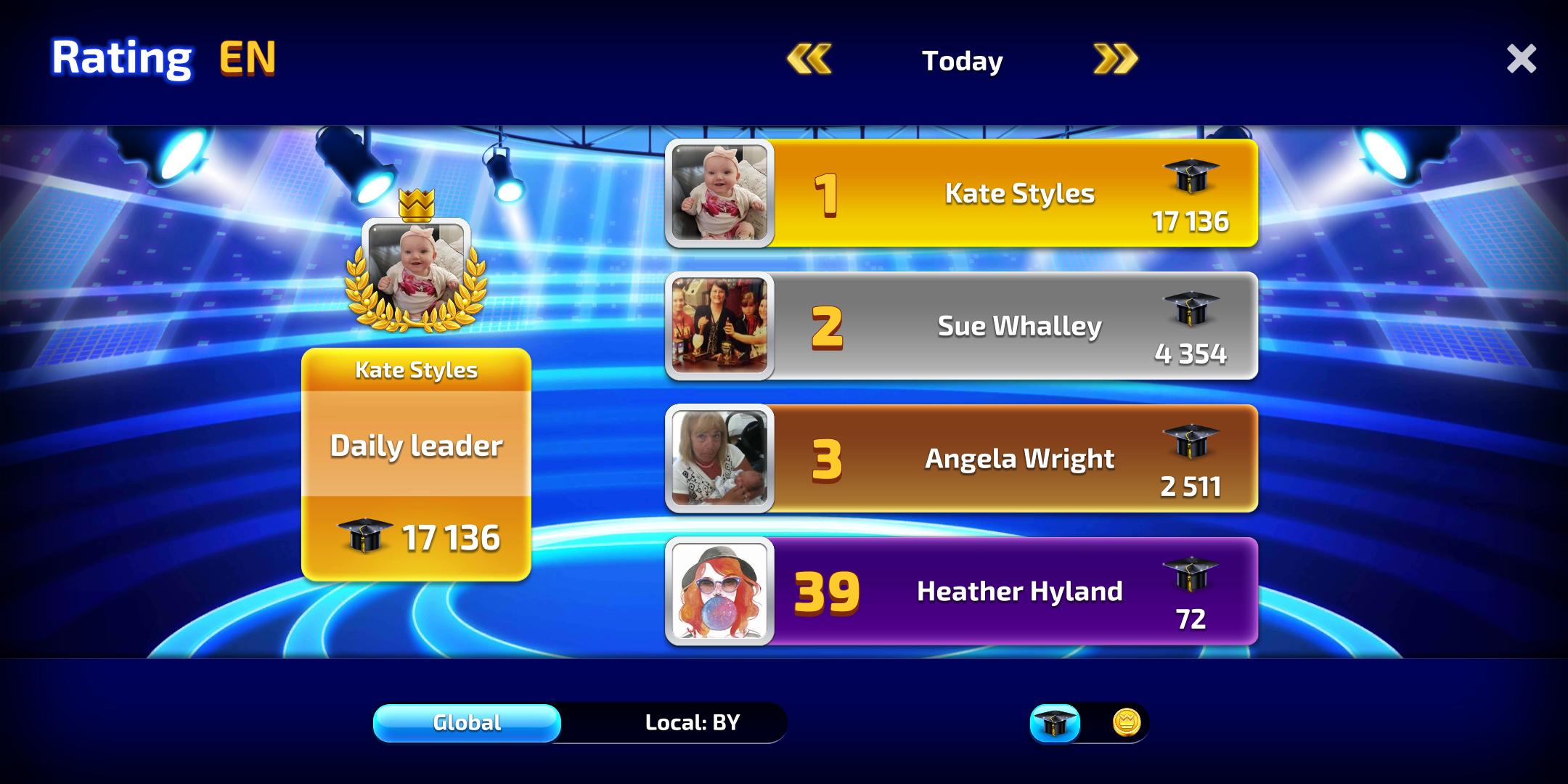
• Find words and learn to get more intelligence score to reach the first place on the leaderboard and win tournaments.
Create your own strategy to win!
Do you like to play words with friends? Enjoy “Play with friends” mode! Games with friends always give a lot of fun and pleasure!
FEATURES
• ENJOY playing anytime, anywhere
• CHALLENGE your friends online
• RACE to find all the hidden words quickest
• FIND the longest word in every round
• PLAY with up to 3 worthy opponents simultaneously
• GAIN ranks and show off your skills
• Adorable graphics
• Daily bonus rewards
• Easy to play
• ACCESS your games on your phone and tablet
• Play with friends
COLLECT exclusive tiles!
Discover and unlock exclusive tiles and add them to your collection! Decorate your word game with personal touches and style!
Word Club is also an educational game that will help you tone, train and challenge your brain.
EXTRA BENEFITS FOR YOU
• Brain training
• Improve concentration, attention and spelling skills
• Expand your ENGLISH vocabulary and learn new words. Also, learn new words with friends.
Are you looking for a free word games? You are on the right page!
If you like searching for and finding words from letters or your mind just loves good word puzzles with fun features, this word game is definitely worth a look!
NOTE
• Totally free word search game for download
• Phone and tablet friendly
• Contains rewarded video ads
• Absolutely free to play, however in-app purchase are available for additional content and premium currency
• Internet connection required to play online with real rivals
• In the game, we use classic words vocabulary.
We are constantly working to make Word Club one of the best word games!
See you for some wordy warfare!
Like us on Facebook page at https://www.facebook.com/wordclubgame
Preview
Information
Developer
CASUAL AZUR GAMES
Latest Version
1.0.7
Last Updated
2019-02-12
Category
Word
Available on
Google Play
Show More
How to play Word Club: Word Puzzle Game with GameLoop on PC
1. Download GameLoop from the official website, then run the exe file to install GameLoop
2. Open GameLoop and search for “Word Club: Word Puzzle Game” , find Word Club: Word Puzzle Game in the search results and click “Install”
3. Enjoy playing Word Club: Word Puzzle Game on GameLoop
Minimum requirements
OS
Windows 8.1 64-bit or Windows 10 64-bit
GPU
GTX 1050
CPU
i3-8300
Memory
8GB RAM
Storage
1GB available space
Recommended requirements
OS
Windows 8.1 64-bit or Windows 10 64-bit
GPU
GTX 1050
CPU
i3-9320
Memory
16GB RAM
Storage
1GB available space