
Word Chest: Word Puzzle Game PC
Lunapp
Download Word Chest: Word Puzzle Game on PC With GameLoop Emulator
Word Chest: Word Puzzle Game on PC
Word Chest: Word Puzzle Game, coming from the developer Lunapp, is running on Android systerm in the past.
Now, You can play Word Chest: Word Puzzle Game on PC with GameLoop smoothly.
Download it in the GameLoop library or search results. No more eyeing the battery or frustrating calls at the wrong time any more.
Just enjoy Word Chest: Word Puzzle Game PC on the large screen for free!
Word Chest: Word Puzzle Game Introduction
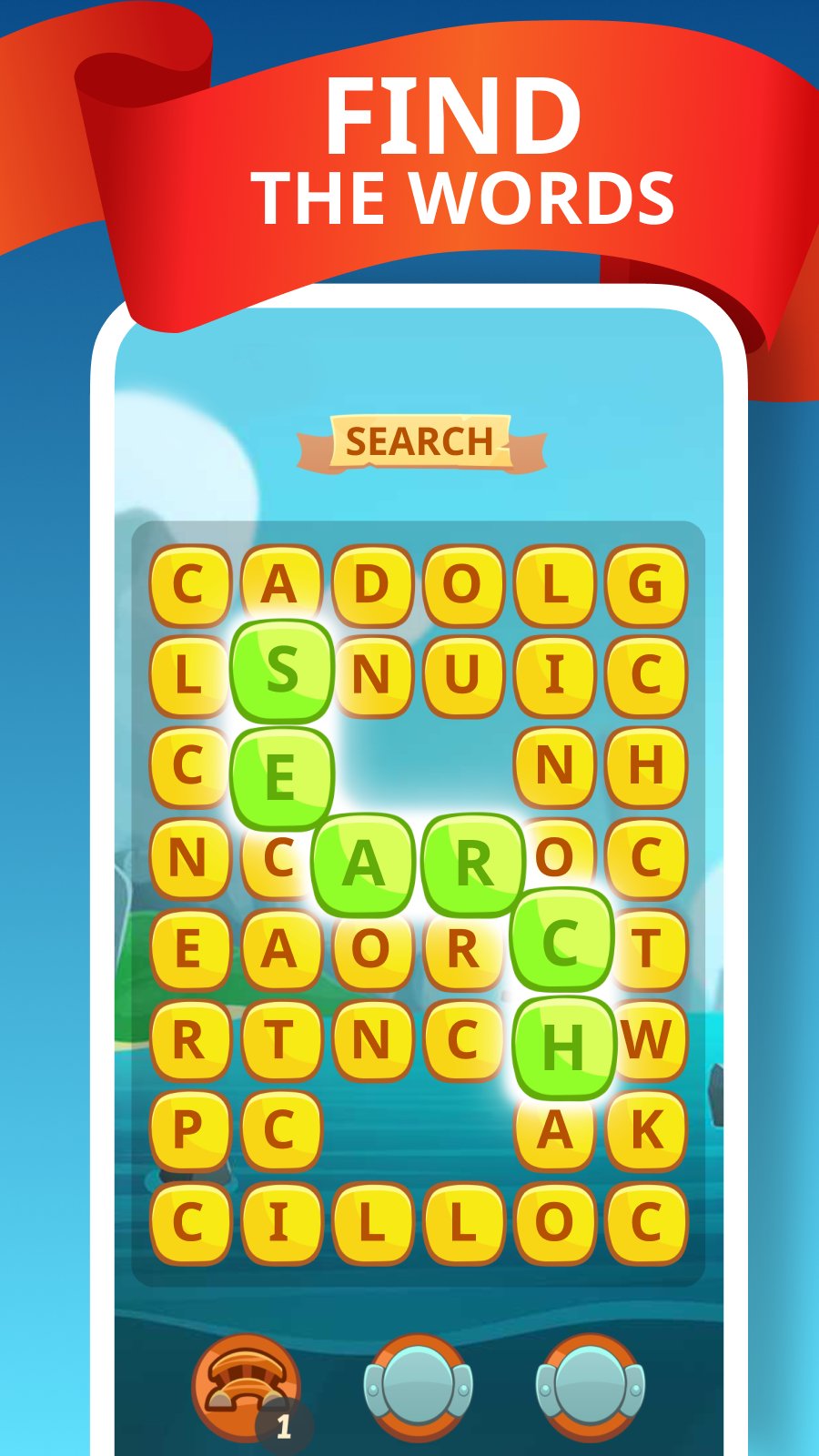
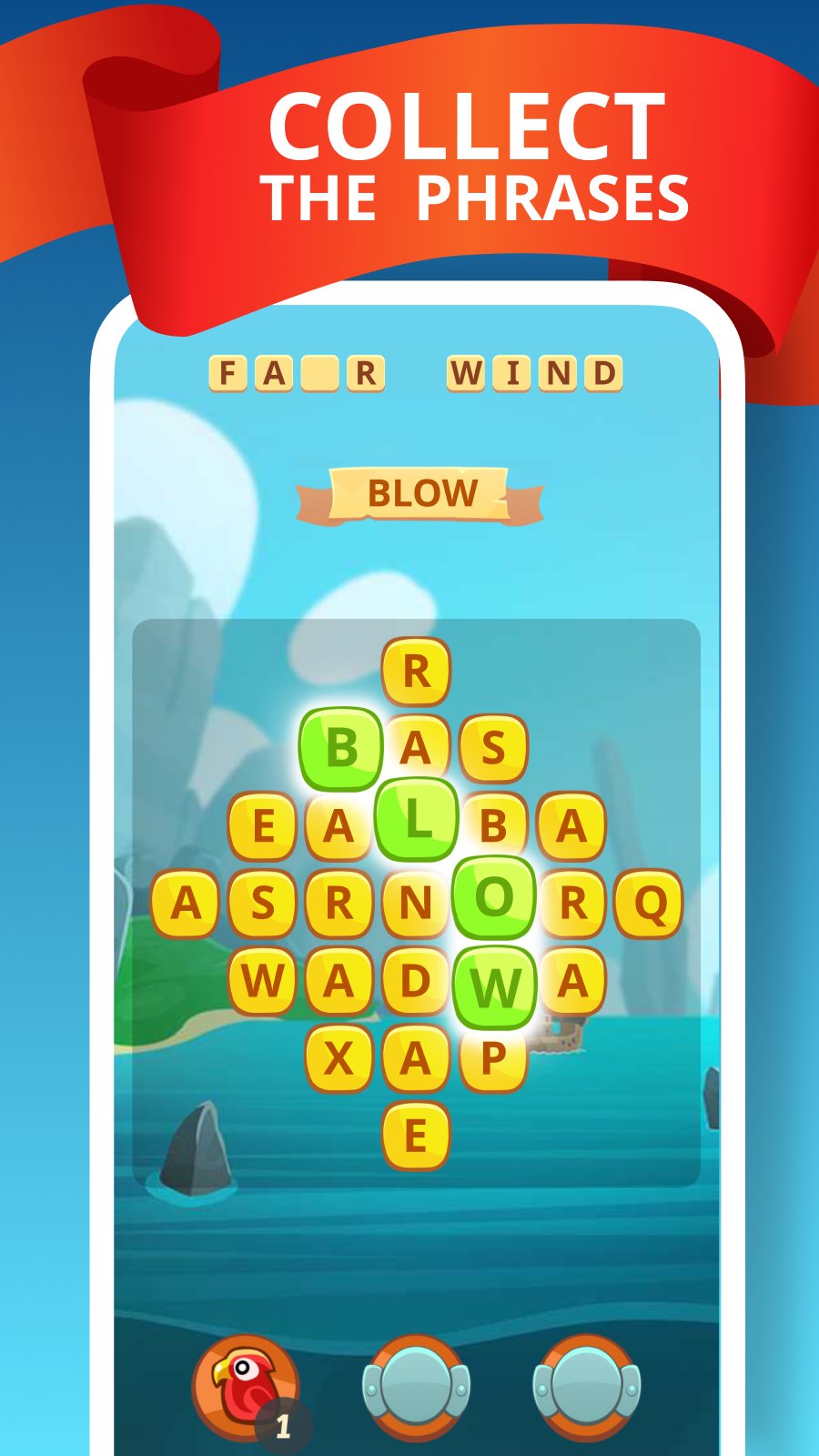
Word Chest is a word puzzle game with a living board of letters. Connect adjacent letters to make words, and the board instantly rebuilds: used letters disappear and new ones drop in from the top. It is not a static crossword, but a dynamic word game where you almost never get stuck.
Find words on the board and clear dozens of levels with different goals: collect specific letters, break obstacles, or finish a special level task. The action is always the same, you make words from letters, but the goals and the setting keep changing, so the game never gets boring.
What is inside:
- make words from letters on a dynamic board
- connect letters and spell words tile by tile
- word puzzles with different level goals
- special cells and obstacles that change your tactics
- hundreds of levels and an easy progress map
- hints, leaderboards and achievements
- dictionary packs for several languages
Word Chest is for everyone who loves word games and word puzzles and wants more variety than classic make a word from letters games. Here the board is alive, and every level is its own little challenge.
If you enjoy word games, word connect puzzles, anagrams and making words from letters, open Word Chest, connect letters and clear level after level. Play for free!
Preview
Tags
SearchCasualSingle playerOfflineInformation
Developer
Lunapp
Latest Version
1.20
Last Updated
2026-08-17
Category
Word
Available on
Google Play
Show More
How to play Word Chest: Word Puzzle Game with GameLoop on PC
1. Download GameLoop from the official website, then run the exe file to install GameLoop
2. Open GameLoop and search for “Word Chest: Word Puzzle Game” , find Word Chest: Word Puzzle Game in the search results and click “Install”
3. Enjoy playing Word Chest: Word Puzzle Game on GameLoop
Minimum requirements
OS
Windows 8.1 64-bit or Windows 10 64-bit
GPU
GTX 1050
CPU
i3-8300
Memory
8GB RAM
Storage
1GB available space
Recommended requirements
OS
Windows 8.1 64-bit or Windows 10 64-bit
GPU
GTX 1050
CPU
i3-9320
Memory
16GB RAM
Storage
1GB available space