
Imposter Game: Word Wolf PC
Qdan
Download Imposter Game: Word Wolf on PC With GameLoop Emulator
Imposter Game: Word Wolf on PC
Imposter Game: Word Wolf, coming from the developer Qdan, is running on Android systerm in the past.
Now, You can play Imposter Game: Word Wolf on PC with GameLoop smoothly.
Download it in the GameLoop library or search results. No more eyeing the battery or frustrating calls at the wrong time any more.
Just enjoy Imposter Game: Word Wolf PC on the large screen for free!
Imposter Game: Word Wolf Introduction
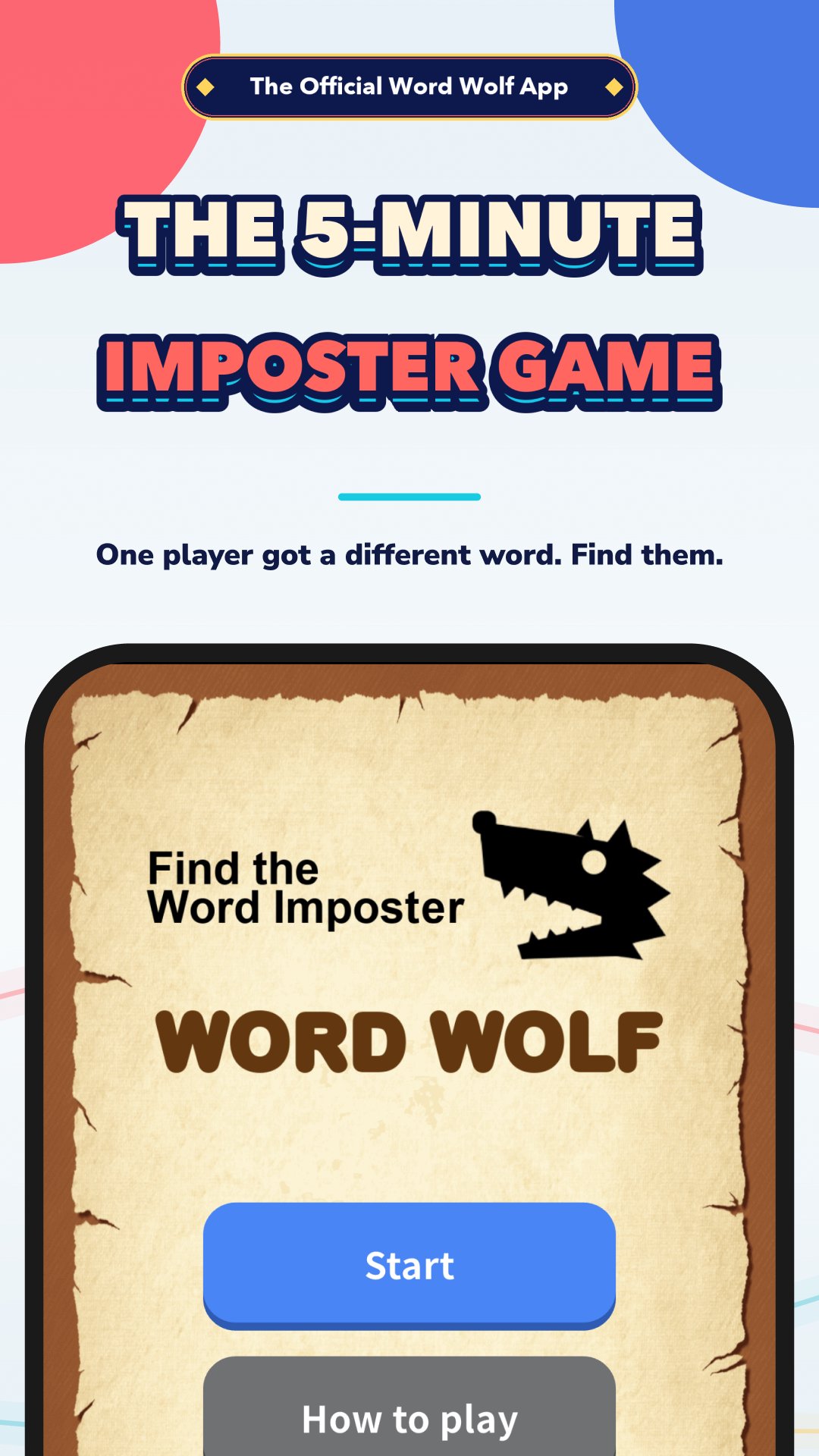
One player gets a slightly different word. Find the imposter through conversation alone.
The official Word Wolf app, endorsed by the game's creator. 10 million downloads and 190,000 reviews.
HOW TO PLAY
No manual, no cards, no setup.
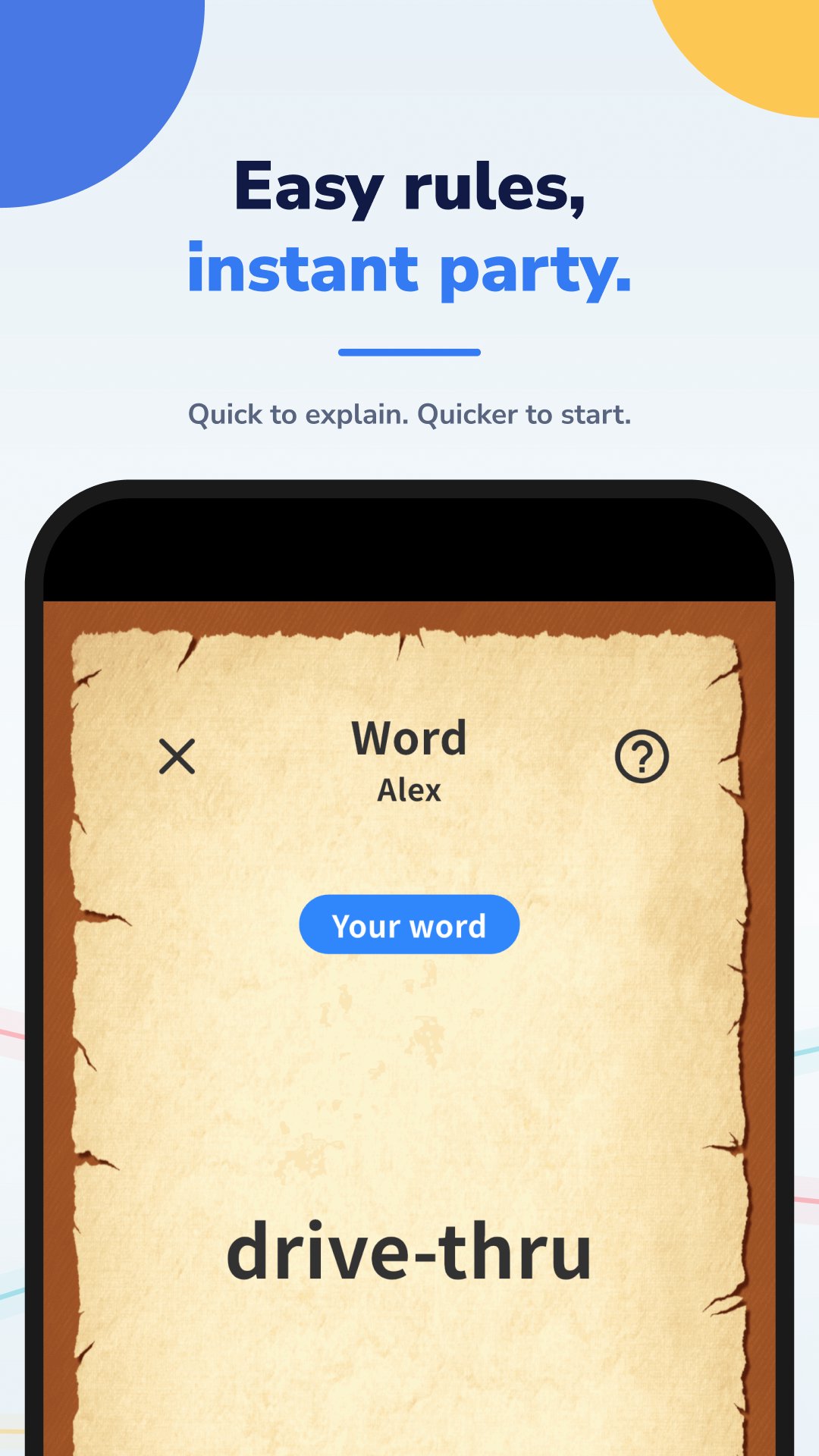
1. Pick your group and pass the phone — works with 3 to 50 people. Pass one phone around and check your own word in secret.
2. Talk about it for five minutes — everyone assumes they share the same word. One player, the wolf, was given a slightly different one.
3. Point and vote — vote out whoever seems off. Catch the wolf and the citizens win; survive the vote and the wolf takes it.
WHY THIS ONE
- No rulebook needed. The rules live inside the app. One person reads them out and you are playing three minutes after opening it, even with first-timers in the group.
- Topic buttons keep the talk alive. In this game staying quiet is actually the safer play. Topic buttons hand you a fresh thing to talk about, turning every awkward silence back into the fun part.
- Every word pair rebuilt in 4.0. 600 brand-new pairs plus 1,800 conversation prompts. Roughly 100 hours of material, from classics like "noodles" vs "pasta" to "heartbreak" vs "a crush". Six categories: food & drink, everyday life, fun & entertainment, love & relationships, school life and kids.
- Now in 17 languages, so you can play in the language your group actually speaks.
GOOD FOR
Drinks and parties / Waiting around / Icebreakers / Family gatherings / School and training / Nights away on a trip
Nine years since launch in 2017. The word list is refreshed every year, so nothing you play ever feels dated.
Free to play. One phone is all you need — nobody else has to install anything.
This is the official app of Word Wolf, endorsed by its creator Kawasaki Factory (Susumu Kawasaki).
Works offline — no wifi needed, and only one person has to install the app.
If you like mafia, werewolf, spy or social deduction games, this one plays in five minutes with no cards and no setup. Good for drinking games, road trips, icebreakers and family game night.
FAQ
Q. How many people can play?
A. Three to fifty. The bigger the group, the harder the conversation is to read — and the better it gets.
Q. Does everyone need the app?
A. No. One phone is passed around; you play with the people in front of you.
Q. Is it free?
A. Yes, free to play.
Preview
Tags
CasualMultiplayerCompetitive multiplayerOfflineBoardPartyInformation
Developer
Qdan
Latest Version
4.0.14
Last Updated
2026-09-18
Category
Word
Available on
Google Play
Show More
How to play Imposter Game: Word Wolf with GameLoop on PC
1. Download GameLoop from the official website, then run the exe file to install GameLoop
2. Open GameLoop and search for “Imposter Game: Word Wolf” , find Imposter Game: Word Wolf in the search results and click “Install”
3. Enjoy playing Imposter Game: Word Wolf on GameLoop
Minimum requirements
OS
Windows 8.1 64-bit or Windows 10 64-bit
GPU
GTX 1050
CPU
i3-8300
Memory
8GB RAM
Storage
1GB available space
Recommended requirements
OS
Windows 8.1 64-bit or Windows 10 64-bit
GPU
GTX 1050
CPU
i3-9320
Memory
16GB RAM
Storage
1GB available space